Managing several wedding album projects at the same time can put pressure on any photography studio. Designers often spend hours arranging photographs, adjusting backgrounds, adding decorative elements, and creating balanced page layouts. When clients are waiting, building every page from scratch becomes difficult.
A ready-to-edit Wedding Album PSD can make this work easier. With a 12×36-inch layout, designers get a practical format for creating wide wedding album spreads. It gives you a starting point for arranging couple portraits, family photographs, and important ceremony moments without repeating the same design work.
At Freepsd360.com, you can explore free Photoshop album templates created for photographers and graphic designers. These editable resources help you prepare wedding albums for Indian clients while keeping your design workflow organized.
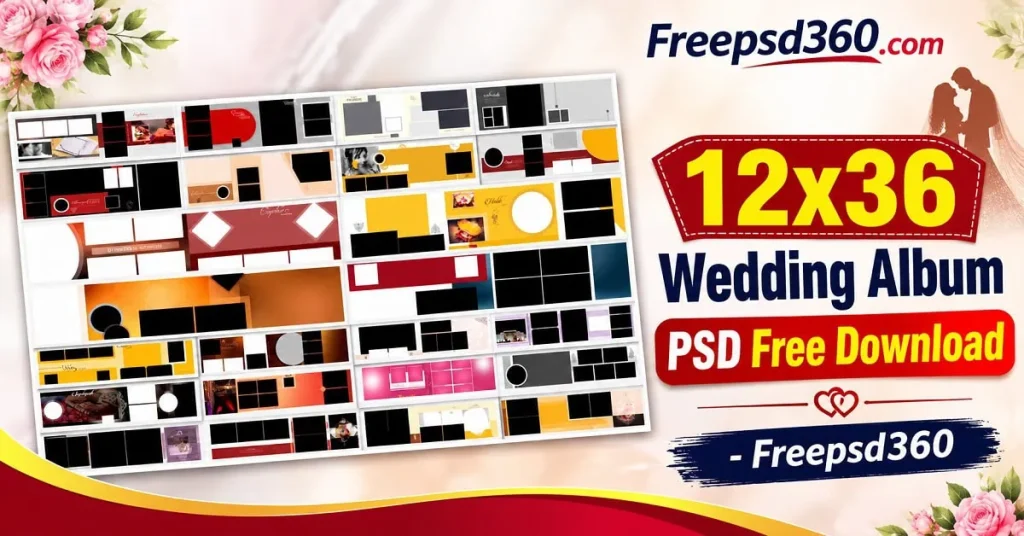
Wedding Album PSD — Format, Editing and Practical Uses
A Wedding Album PSD is an editable Photoshop document used to arrange wedding photographs, backgrounds, text, and decorative elements. Unlike a flat image, a layered PSD allows designers to modify individual parts of the composition.
The 12×36-inch format is commonly used for panoramic wedding album spreads. It provides a wide canvas for combining photographs from Mehendi, Sangeet, Baraat, wedding ceremonies, and reception celebrations.
Designers can use these files as a starting point for professional album projects. Depending on the supplied template, they can replace photographs, change colors, edit text, and adjust decorative elements before preparing the final design for printing.
#01

File Size: 1MB
#02
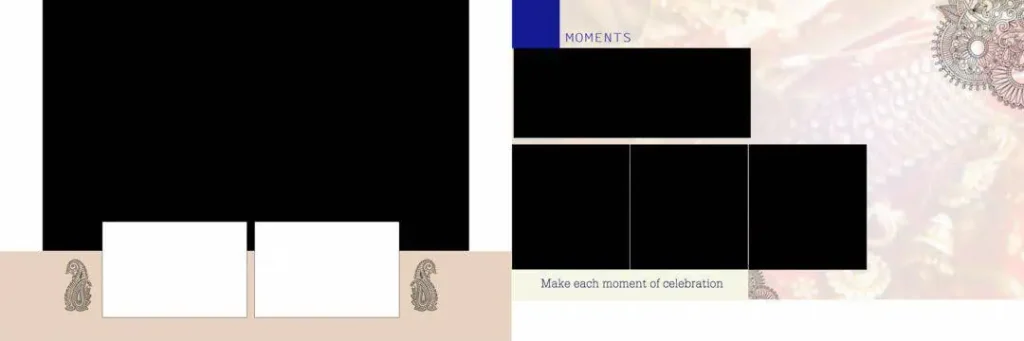
File Size: 36.3MB
#03

File Size: 28.3MB
#04
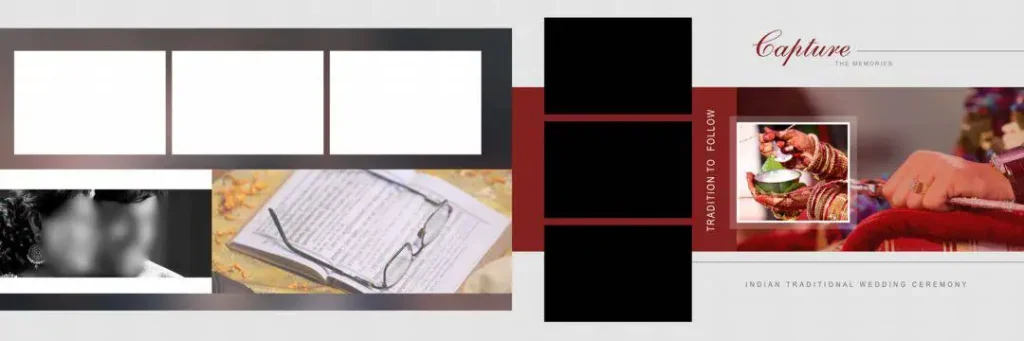
File Size: 21.9MB
#05
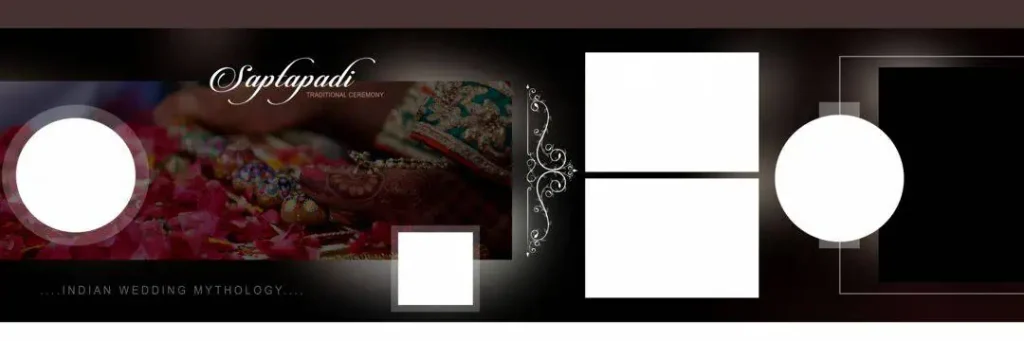
File Size: 58MB
Get More: 30 New Wedding Album Kerala Design Free Download – Freepsd360.
#06

File Size: 50MB
#07
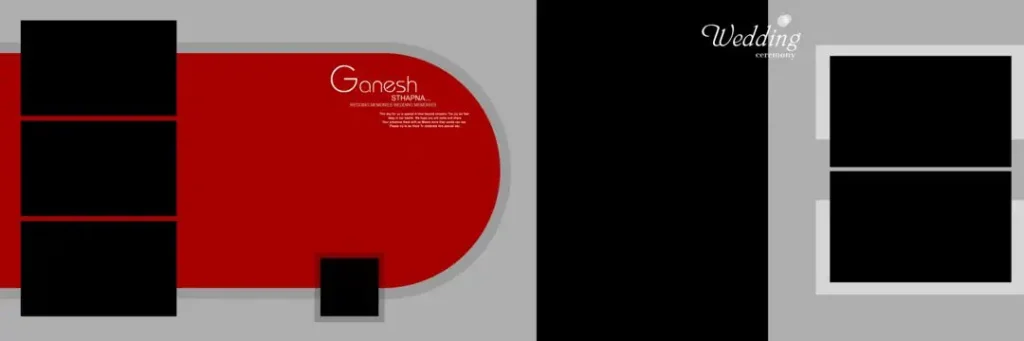
File Size: 2.48MB
#08
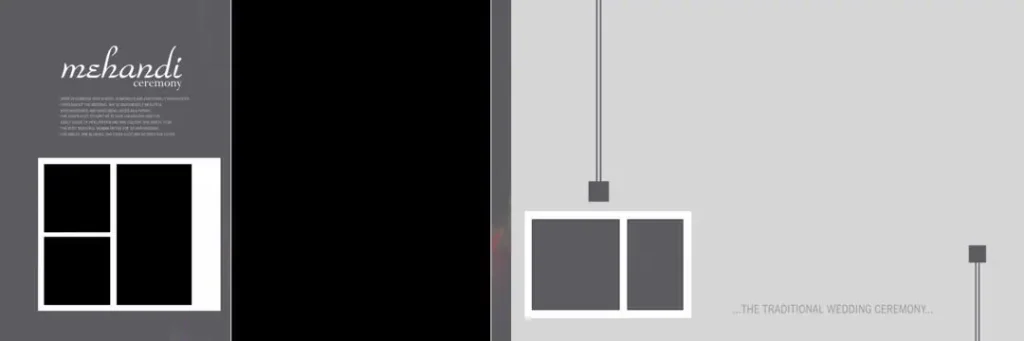
File Size: 30.7MB
#09
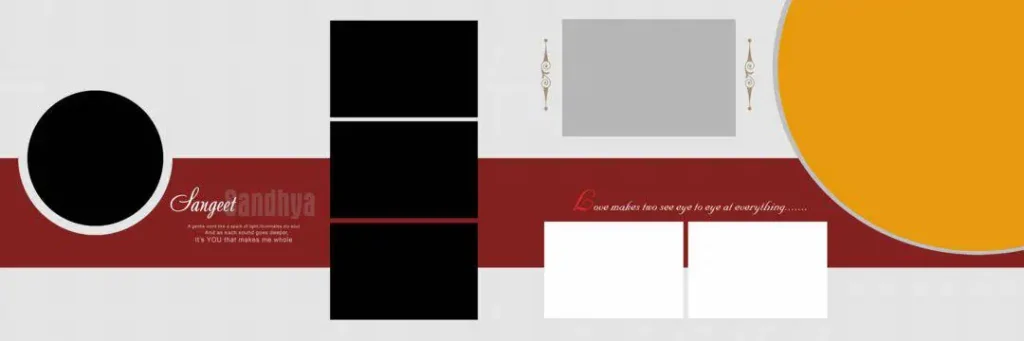
File Size: 22.3MB
#10
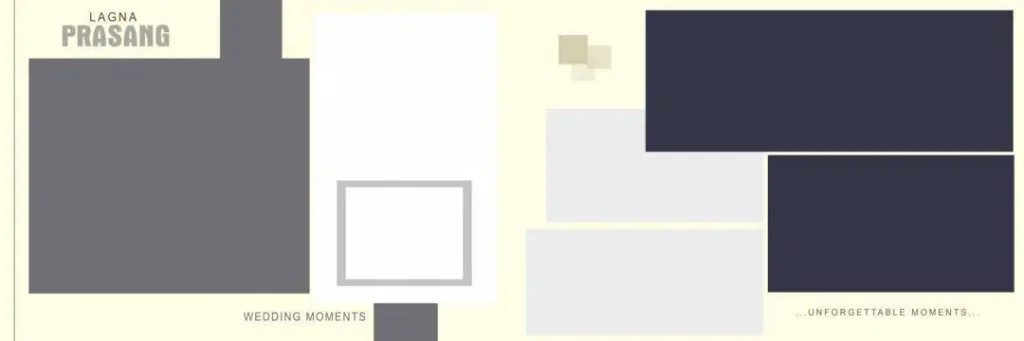
File Size: 17MB
Get More: 12×36 Wedding Album Template PSD Free Download – Freepsd360.
#11
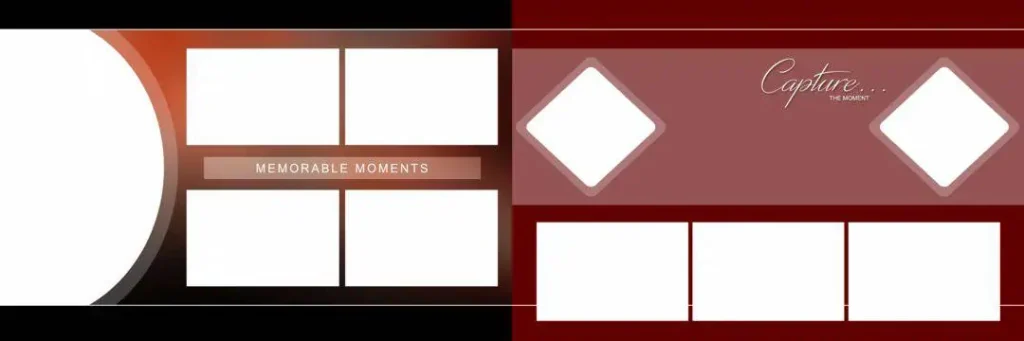
File Size: 32.2MB
#12
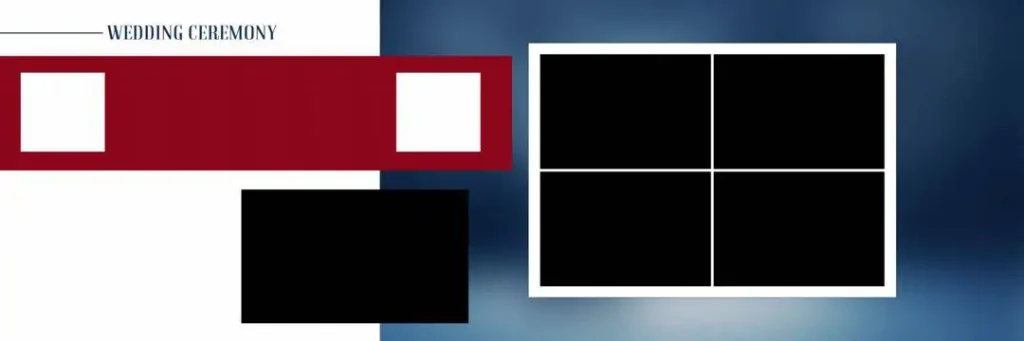
File Size: 22.2MB
#13
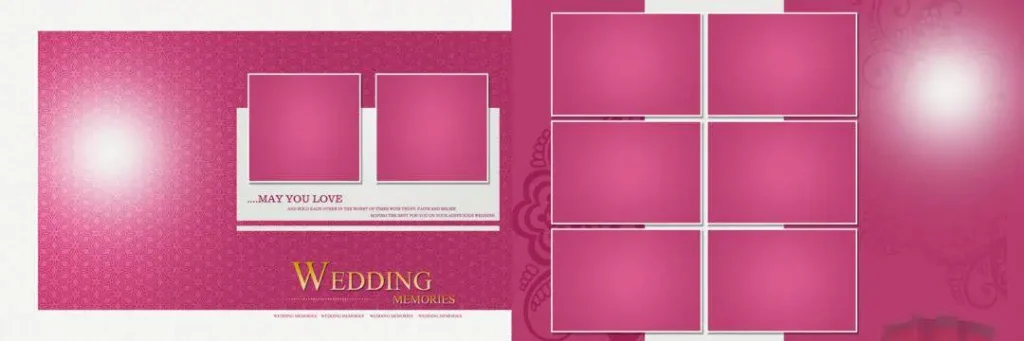
File Size: 16.3MB
#14
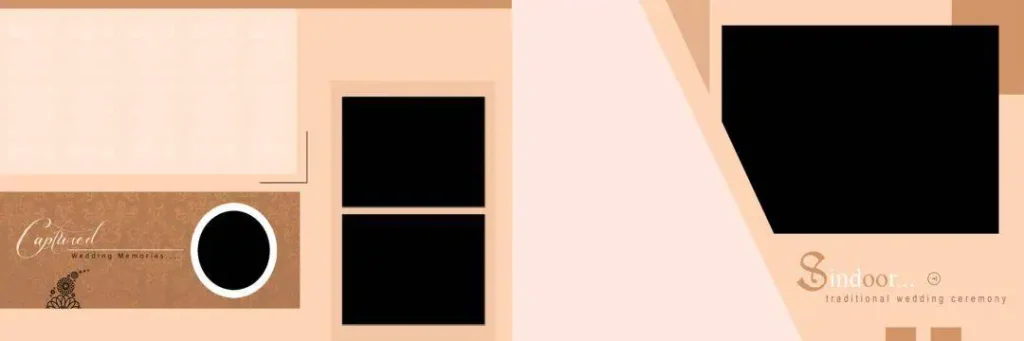
File Size: 30.7MB
#15
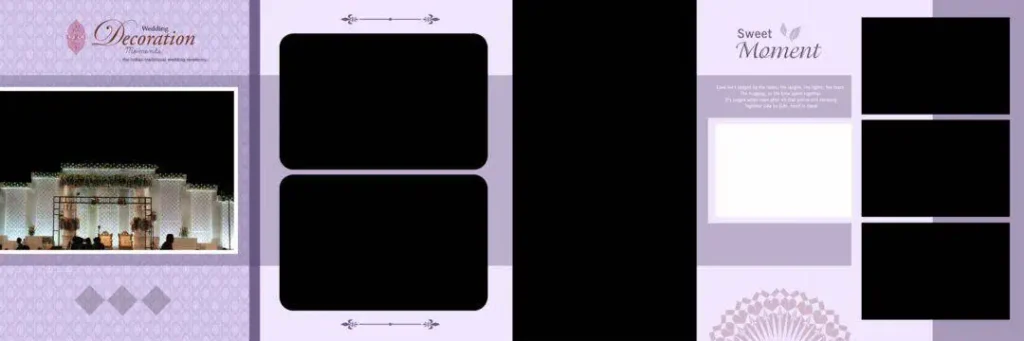
File Size: 38MB
Get More: 20 New Karizma Album Design 12×36 PSD Free Download – Freepsd360.
#16
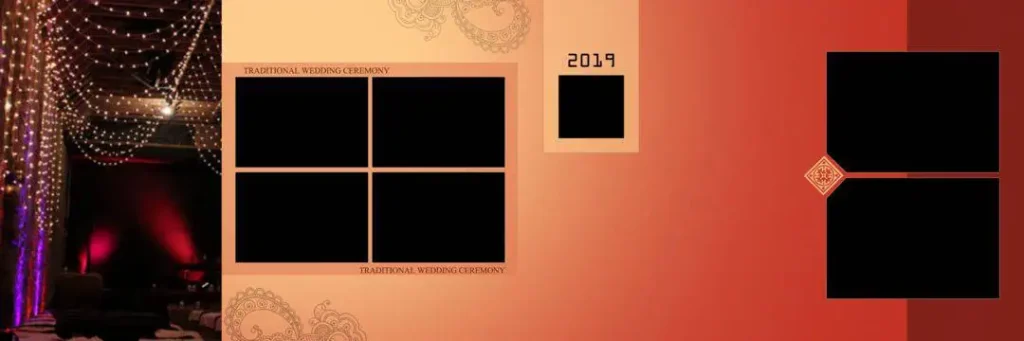
File Size: 25.6MB
#17
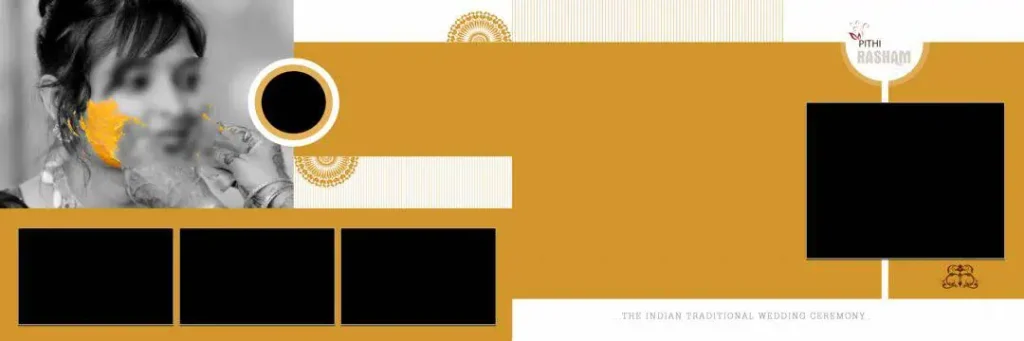
File Size: 38MB
#18
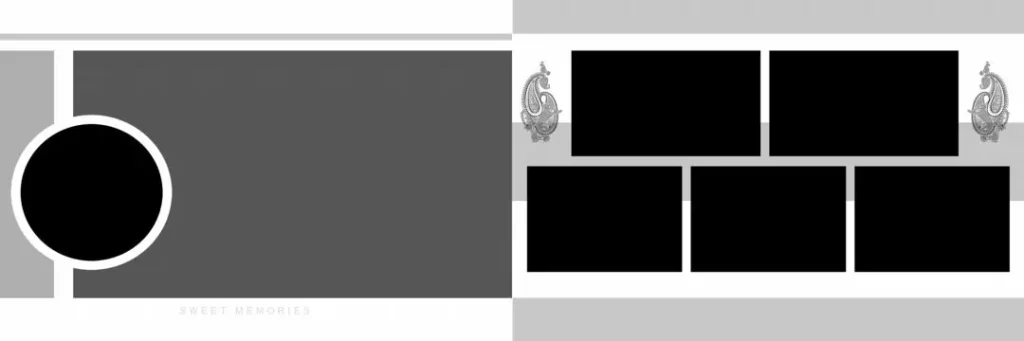
File Size: 20.6MB
#19
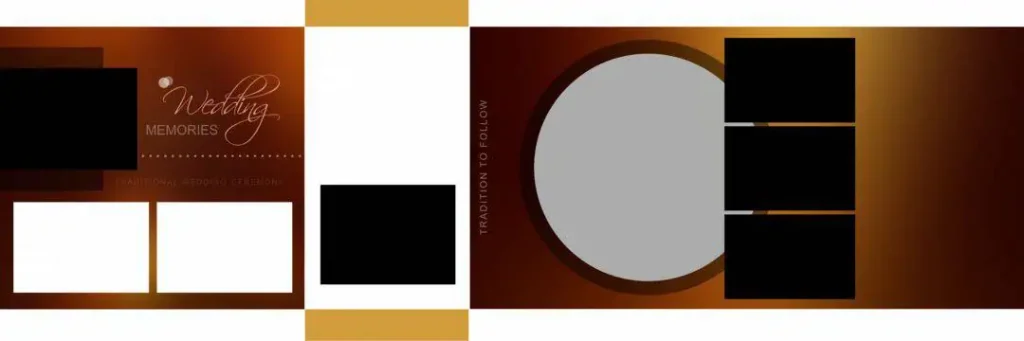
File Size: 1MB
#20
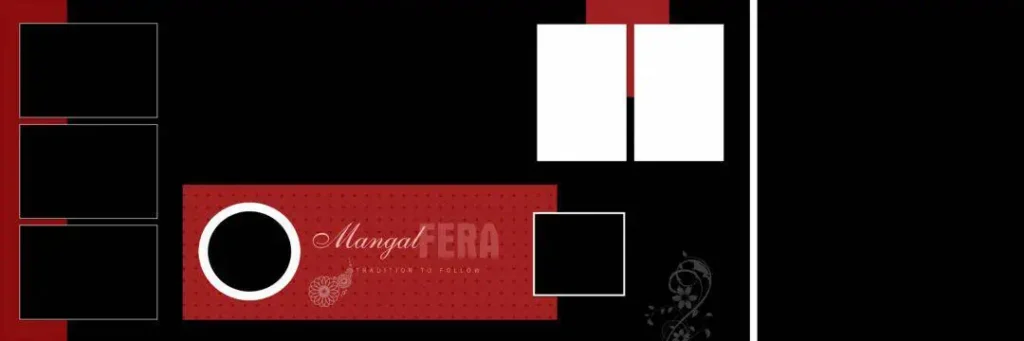
File Size: 4.89MB
Ready-to-Edit 12×36 Designs Available on Freepsd360.com
Freepsd360.com provides free Wedding Album PSD resources for designers who want practical starting points for their photography projects. The collection focuses on editable Photoshop layouts that can be customized according to different wedding themes and client requirements.
The templates are supplied in ZIP format for convenient downloading and extraction. Look for layered PSD files, suitable 12×36 dimensions, and 300 DPI settings when selecting a design for print work. The collection is regularly updated with fresh resources to help designers expand their album design library.
How to Use These Wedding Album PSD Templates Step by Step
Follow these steps to customize your downloaded Photoshop template and prepare it for your client’s wedding album.
Step 1: Download the ZIP File. Visit Freepsd360.com and find the wedding album design you want. Download the available ZIP file to your computer.
Step 2: Extract the Files. Right-click the downloaded ZIP folder and select Extract Here or Extract All. Locate the PSD file inside the extracted folder.
Step 3: Open the PSD in Photoshop. Launch Adobe Photoshop and open the extracted PSD document. Check the canvas dimensions, resolution, and available layers before editing.
Step 4: Replace the Wedding Photographs. Use Smart Objects if they are included in the template. Double-click the Smart Object thumbnail, place your client’s photographs, save the changes, and return to the main document.
Step 5: Customize Text and Colors. Change names, wedding dates, backgrounds, and decorative elements to match the client’s preferences. Keep the photo layout balanced and make sure important details remain visible.
Step 6: Export for Printing. Review the complete design and check its resolution and color settings. Save an editable PSD backup and export the final pages in the format requested by your album printing lab.
Managing Wedding Season Deadlines with Ready-Made PSD Files
Wedding season can become extremely busy for Indian photography studios. A single studio may handle several albums from different events, with each client expecting a unique design and timely delivery. Recreating every layout manually can slow down the entire production process.
Having a collection of wedding album PSD 12×36 free resources helps reduce repetitive design work. Instead of starting with an empty canvas, designers can select a suitable Photoshop template and focus on arranging photographs, improving visual balance, and personalizing the album.
Organizing downloaded PSD files by wedding style, size, and project also makes future work easier. This approach helps designers manage multiple client projects while maintaining consistent quality throughout the album production process.
Tips for the Best Print Results
- Use 300 DPI resolution. Always check the document resolution before exporting. High-resolution photographs and graphics help maintain clear details in printed wedding albums.
- Choose CMYK color mode. Ask your printing lab for its preferred color profile. Converting RGB artwork to CMYK before final delivery can help you prepare files for the printing process.
- Keep proper bleed margins. Maintain approximately 3–5 mm of bleed where required by your printer. Avoid placing important text or faces too close to the trimming area.
- Save a layered PSD backup. Keep the original editable Photoshop document separately from the final print file. This makes future corrections and client revisions easier.
Frequently Asked Questions
Are these wedding album PSD templates really free?
Yes, the resources featured on Freepsd360.com are provided as free downloads. Check the individual download page for any specific usage conditions.
What software is needed to edit these PSD files?
Adobe Photoshop is recommended. You need software that supports layered PSD documents and Smart Objects to edit the available template features properly.
Can I use wedding album PSD designs for paid client projects?
You can use templates for client work only when their individual license permits commercial usage. Always review the usage terms before delivering a paid project.
What is the advantage of a 12×36 wedding album PSD?
The 12×36 format provides a wide panoramic layout for wedding photographs. It is useful for creating two-page spreads with couple portraits, family pictures, and ceremony highlights.
Can I change the photographs and background in these templates?
Yes, editable layers allow you to customize photographs, backgrounds, text, and decorative elements. The exact editing options depend on how each PSD file is structured.
Conclusion
Creating professional wedding albums takes time, especially when a studio is handling several projects during the wedding season. A ready-made wedding album PSD gives designers a useful starting point for building attractive layouts, organizing photographs, and preparing print-ready album pages. The 12×36 format is particularly useful for wide panoramic wedding spreads.
Visit Freepsd360.com to explore the latest collection and choose a design that matches your project. Download your preferred wedding album PSD free download resources, customize them in Photoshop, and prepare beautiful wedding albums for your clients. Build your design library with Freepsd360.com and make your next album project easier to manage.
You might also enjoy these free resources on Freepsd360.com: