A client has selected their favourite wedding photographs and is waiting for the final album. The ceremony pictures look beautiful, but arranging them into balanced spreads takes time. This is where a Wedding Album PSD 12×36 Design can help you start with a ready-made layout instead of building every page from scratch.
For photographers and graphic designers, a useful Photoshop template makes photo placement, background editing, and text customization easier. It gives you a structure to work with while leaving room for your own creative decisions.
On Freepsd360.com, you can explore wedding album design resources for your projects. Whether you are preparing a traditional Indian wedding album or a modern photo story, choose layouts that match your images, album size, and client’s preferences.
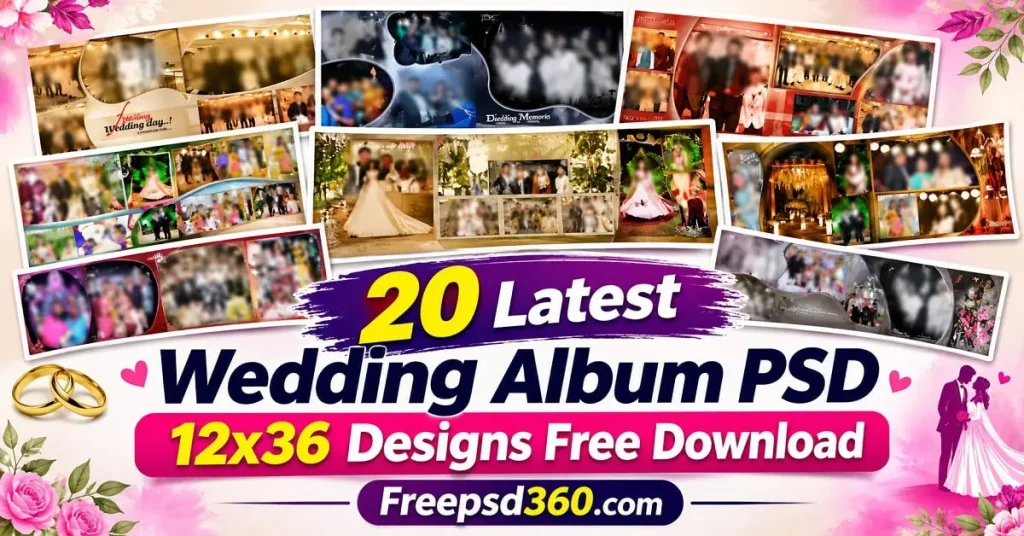
Wedding Album PSD 12×36 — Format, Dimensions and Design Basics
A Wedding Album PSD 12×36 is a Photoshop design resource intended for wide wedding album layouts. PSD files can contain editable layers, photo placeholders, backgrounds, text, and decorative elements, depending on how the template was built. Designers use them to arrange wedding photographs into album spreads.
The 12×36 measurement often refers to a wide album spread, but always confirm the actual canvas dimensions and whether the measurement represents the open spread or finished page. A suitable Wedding Album PSD 12×36 file should match your album printer’s specifications.
The PSD format allows you to adjust the photo layout, colors, typography, and decorative details. Some files include Smart Objects for easier image replacement, while others use ordinary layers or clipping masks. Check the file before beginning your design work.
#01

File Size: 132MB
#02

File Size: 99MB
#03

File Size: 167MB
#04

File Size: 108MB
#05
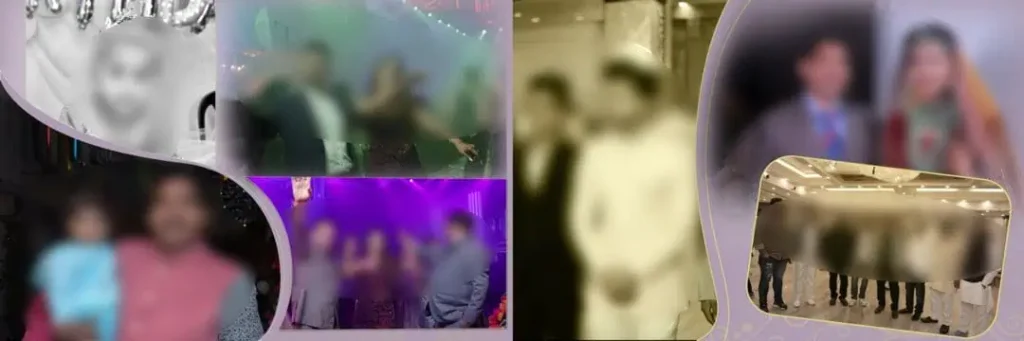
File Size: 152MB
#06
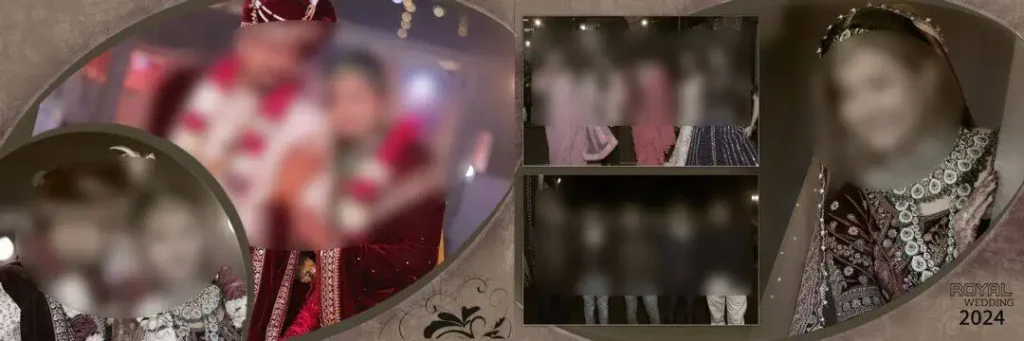
File Size: 150MB
#07
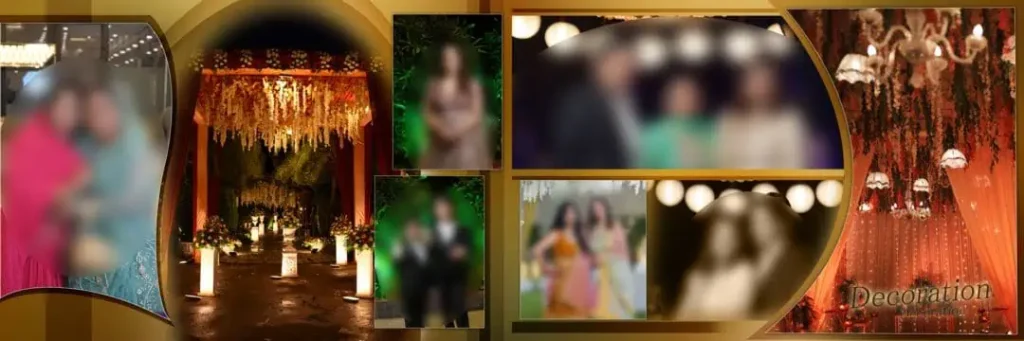
File Size: 94.1MB
#08

File Size: 146MB
#09
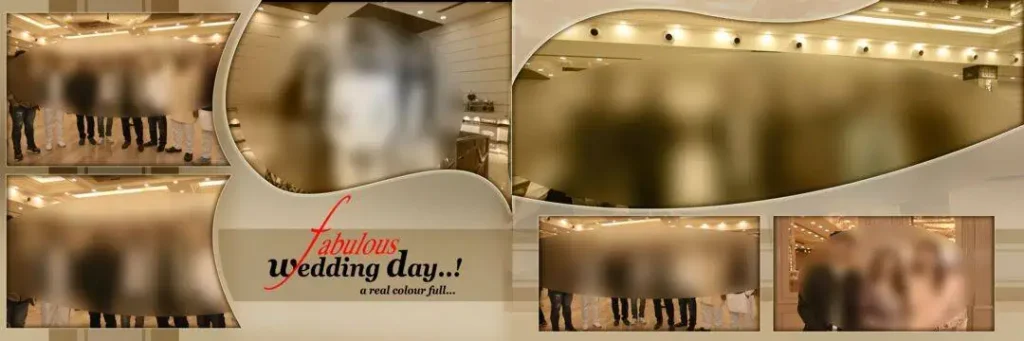
File Size: 150MB
#10

File Size: 168MB
Get More: 12×36 Wedding Album Template PSD Free Download – Freepsd360.
#11
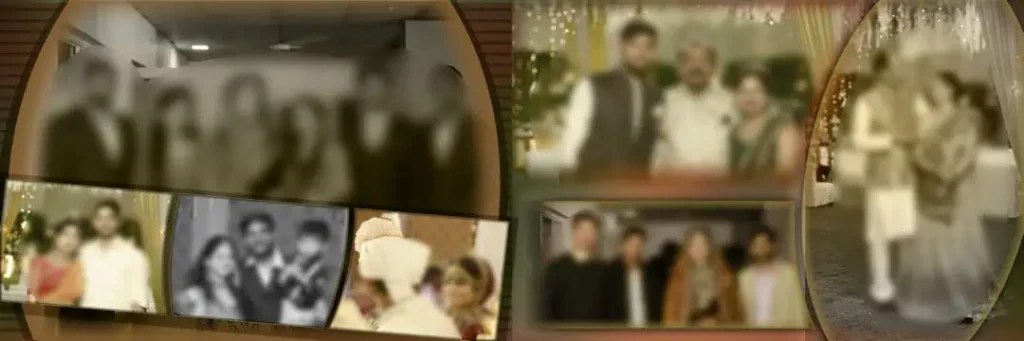
File Size: 107MB
#12

File Size: 193MB
#13
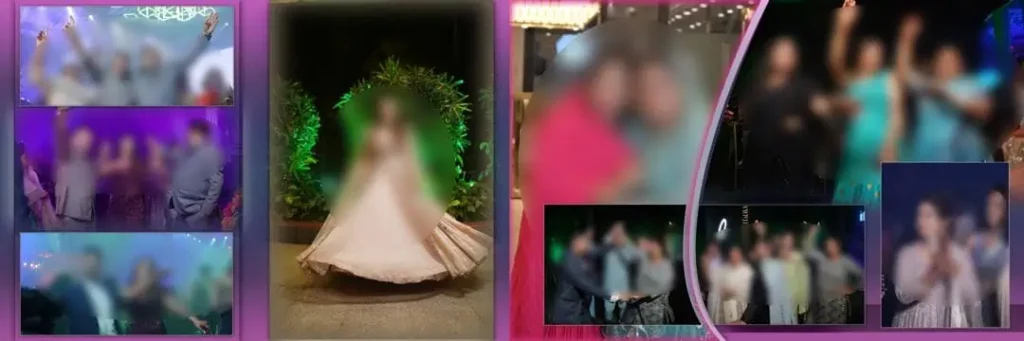
File Size: 180MB
#14
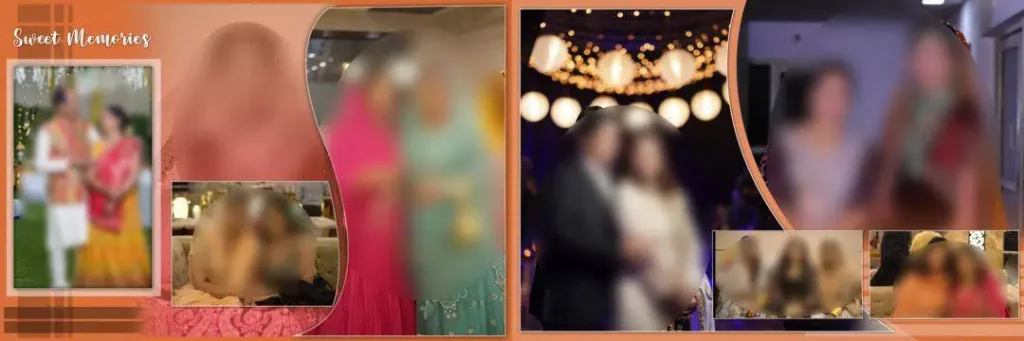
File Size: 158MB
#15
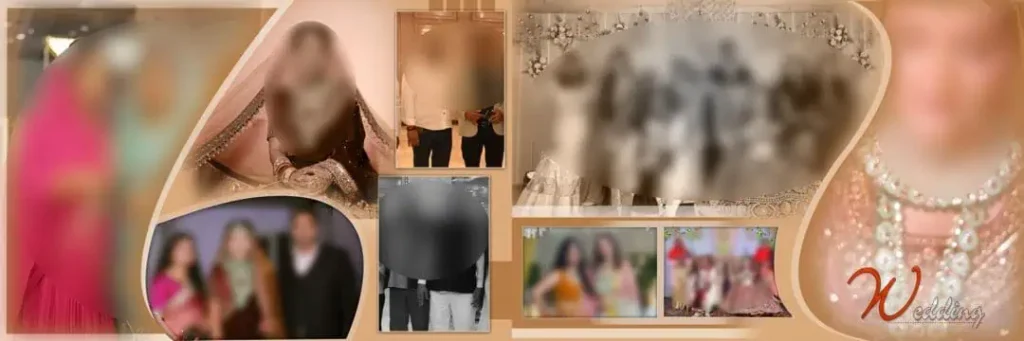
File Size: 121MB
#16

File Size: 93.7MB
#17

File Size: 131MB
#18
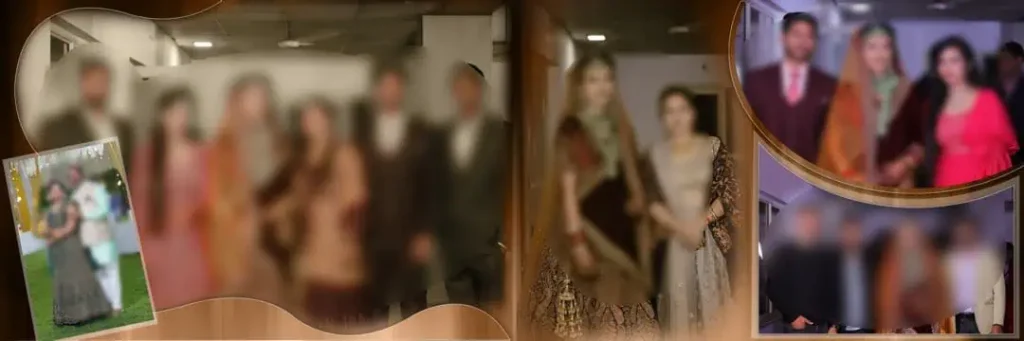
File Size: 144MB
#19
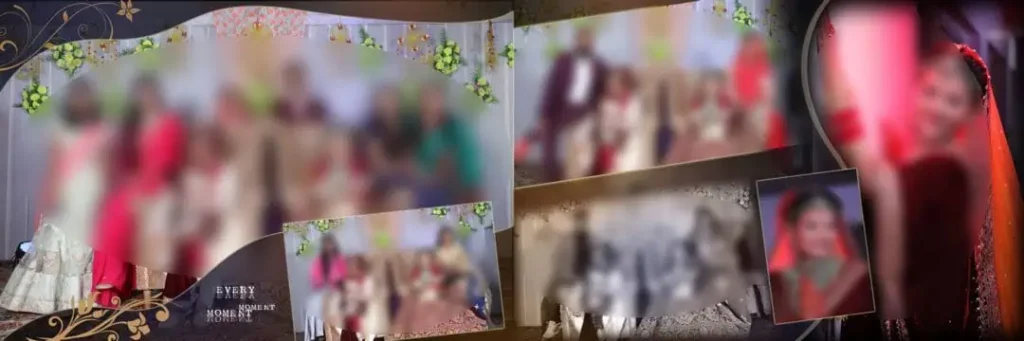
File Size: 102MB
#20

File Size: 140MB
Explore Wedding Album Designs for Your Next Photography Project
Freepsd360.com is a resource for designers and photographers looking for PSD materials for album creation. Browse the available collection and check the previews to find a layout that suits your wedding photographs and design style.
Before downloading, review the file information. Confirm whether the resource is free, supplied as a ZIP archive, and includes an editable layered PSD. Also check the actual canvas size, resolution, color mode, and license. A 300 DPI file may be suitable for a print workflow, but resolution alone does not guarantee print quality. Download details and update status should be verified on the individual resource page.
How to Use These Wedding Album PSD 12×36 Designs
Step 1: Download the PSD resource. Visit Freepsd360.com, choose the appropriate design, and download the available file. Review its format and usage conditions first.
Step 2: Extract the ZIP archive. If the download comes as a ZIP file, extract it into a project folder. Keep a backup of the original files.
Step 3: Open the design in Photoshop. Open the PSD and inspect the canvas size, layers, guides, and resolution. Confirm that the layout matches your album project.
Step 4: Replace the photographs. Replace Smart Object images if supported, or place your own photos into the frames. Adjust cropping and positioning so important faces remain visible.
Step 5: Customize the design. Edit names, dates, text, and colors. Keep fonts readable and maintain consistent spacing across the album spreads.
Step 6: Prepare the final file. Check print specifications and export at the required settings, using 300 DPI when appropriate for the final output size. Save your editable PSD separately.
Print Quality Starts With the Right Photo Layout
A wedding album is meant to be viewed in print, not just on a computer screen. A layout that looks attractive on a monitor may feel crowded when printed or opened across a binding. Pay attention to how photographs sit near the center fold.
For wedding photography, image selection matters as much as decoration. Give important portraits and emotional ceremony moments enough space. Smaller supporting images can show details such as Mehendi patterns, wedding jewellery, floral decorations, and family celebrations.
Color consistency also deserves attention. Skin tones should look natural, and photographs from different lighting conditions may need individual adjustments. A decorative background should support the photographs instead of competing with them. Review a proof at the intended viewing size before approving album printing.
Tips for the Best Print Results
- Use the correct 300 DPI resolution. Check the effective resolution of placed photographs at their final size. Avoid stretching low-resolution images across large frames.
- Confirm the CMYK color mode. Ask your print lab for its preferred color profile and conversion settings. Check reds, maroons, and skin tones carefully after conversion.
- Allow proper bleed margins. Use the printer’s requested bleed, often 3–5 mm where applicable. Keep faces, captions, and important design details away from trim lines and binding areas.
- Keep a layered PSD backup. Save the editable file with organized layers and linked assets where necessary. Export a separate production copy for printing.
Frequently Asked Questions
Are these wedding album PSD designs really free?
Check the individual Freepsd360.com download page for current pricing and conditions. If the resource is marked free, follow its stated download instructions and license terms.
What software is needed to edit these PSD designs?
Adobe Photoshop or compatible software that supports the PSD features is needed. Some effects, fonts, and Smart Objects may not work identically in every application.
Can I use wedding album PSD files for paid client work?
Review the license for commercial usage permission. Check whether client albums, modifications, and redistribution are covered before using the resource professionally.
Does wedding album PSD 12×36 mean a 12-by-36-inch open spread?
Not always. Confirm the canvas dimensions and measurement convention on the file details. Check whether the size refers to the complete spread or another finished format.
How can I prevent photographs from being cut near the album binding?
Keep faces and important details away from the center fold and binding allowance. Request the print lab’s safe-area guidelines and review a full-size proof before approval.
Conclusion
A Wedding Album PSD 12×36 resource gives designers a practical foundation for arranging wedding photographs, creating consistent spreads, and preparing personalized albums. The right layout can support ceremony highlights, couple portraits, family photographs, and reception memories without limiting your creative choices.
Visit Freepsd360.com to explore the available Wedding Album PSD Free Download resources. Choose a suitable design, confirm its dimensions and license, and customize the layout in Photoshop for your project. Check the final print requirements before delivering the completed album to your client.
You might also enjoy these free resources on Freepsd360.com: