A 12×36 Wedding Album Template is designed for wide album spreads, where multiple wedding photographs need to fit into one balanced layout. Unlike a single-photo design or a standard social media canvas, this format gives designers more room to arrange ceremony moments, portraits, and family photographs across a spread.
For photographers and graphic designers, the right Wedding Album Template can reduce repetitive layout work. A ready-made Photoshop design provides a starting point for photo placement, typography, decorative elements, and background styling. This is especially useful when several wedding albums are waiting for editing.
Indian weddings often include Mehendi, Sangeet, Baraat, the wedding ceremony, and reception. Each event creates different photo stories. A flexible album layout helps organize these moments without making every page look the same.
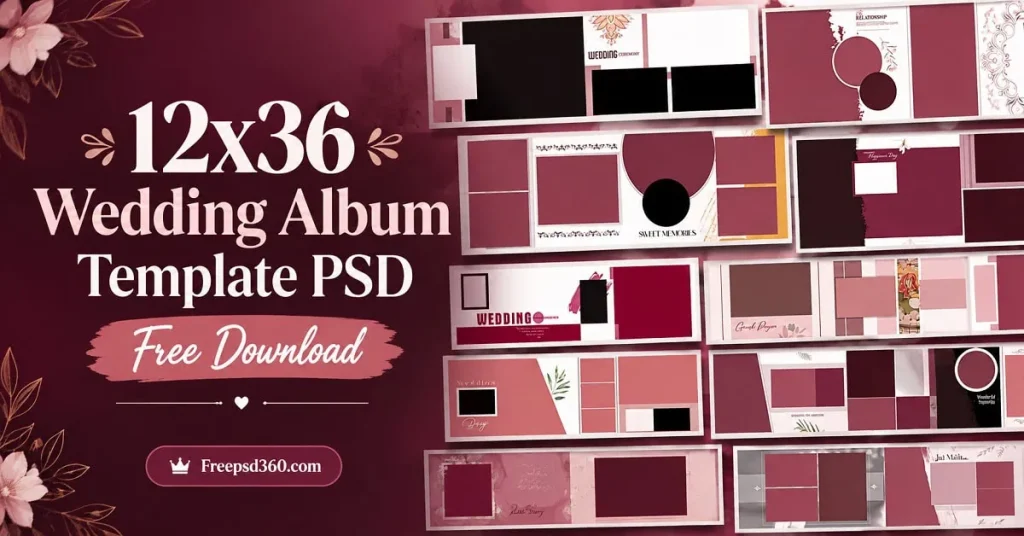
Wedding Album Template — Format, Layout and Practical Use
A Wedding Album Template is a pre-designed layout used to arrange wedding photographs into attractive album pages. A Photoshop PSD template can contain editable layers, text, backgrounds, decorative graphics, and photo placeholders, depending on how the file was created.
The 12×36 format is commonly used for wide wedding album spreads. However, confirm whether the dimensions refer to the complete open spread or another measurement before sending the design for printing.
A layered PSD gives designers more control over the final album. You can replace photographs, adjust colors, edit text, and change the photo layout according to the client’s preferences. Resolution, color mode, and print suitability must be checked before production.
#01
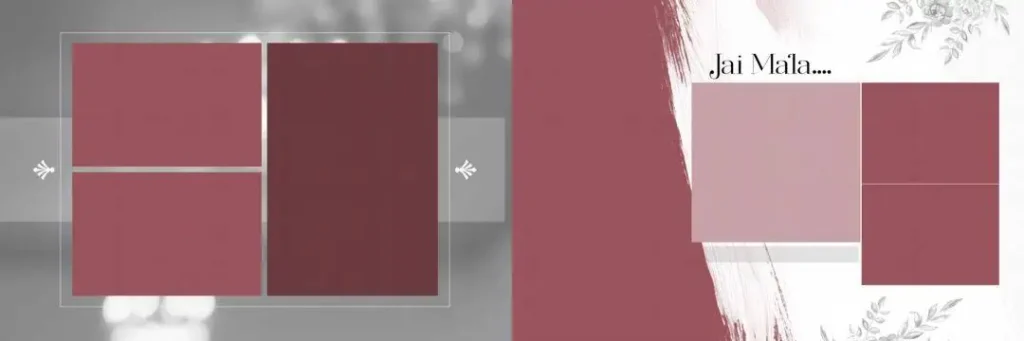
File Size: 30.8MB
#02
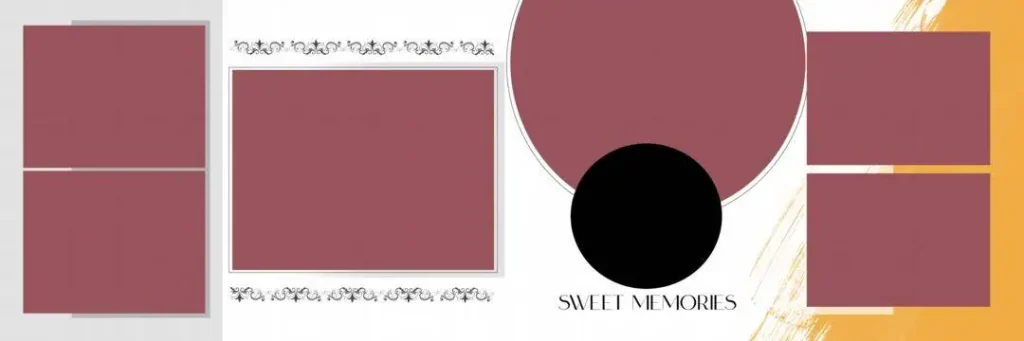
File Size: 9.38MB
#03
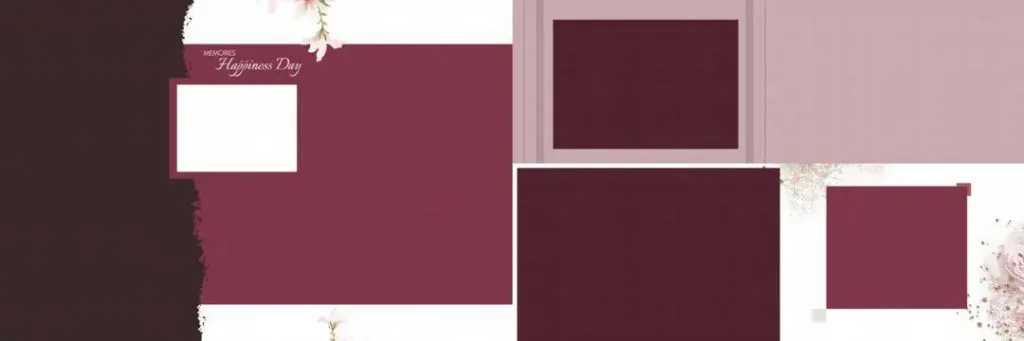
File Size: 13.8MB
#04
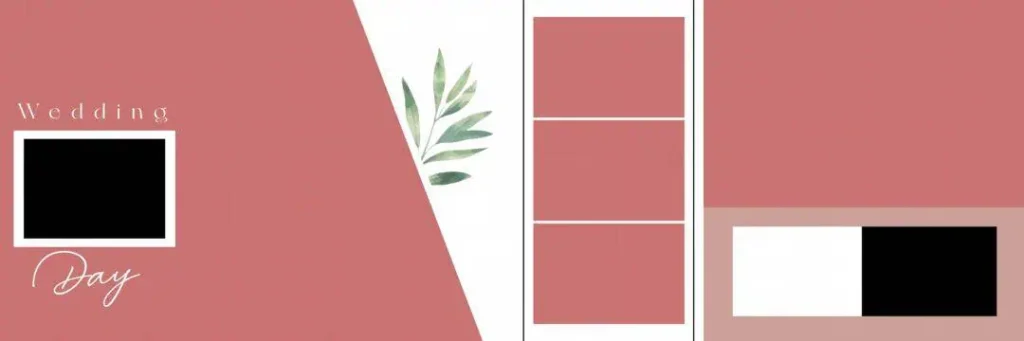
File Size: 3.79MB
#05
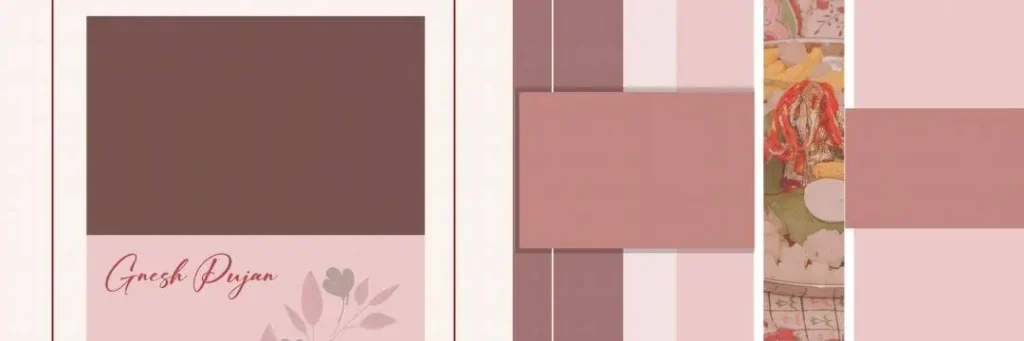
File Size: 11.5MB
Get More: 20 Best Tamil Wedding Album Design PSD Templates Free Download.
#06
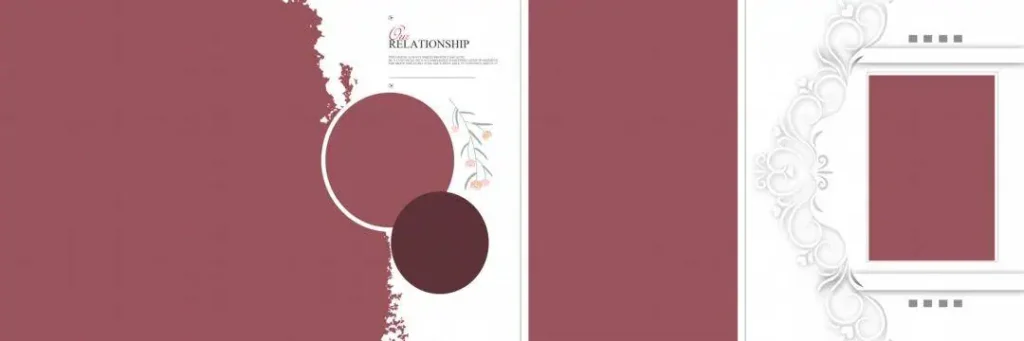
File Size: 3.68MB
#07
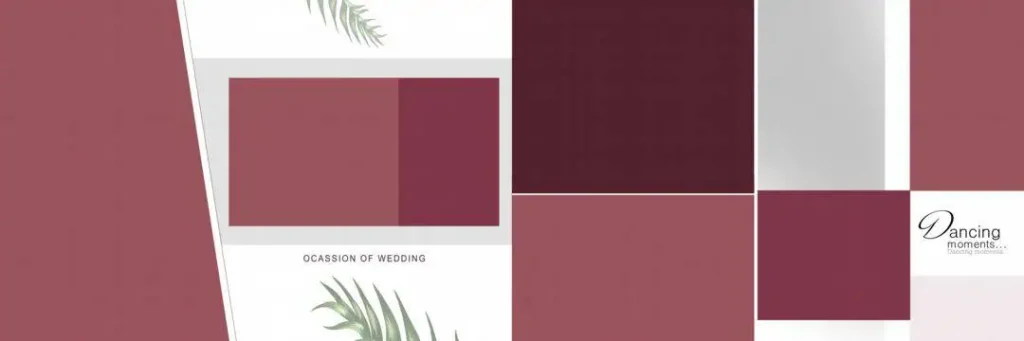
File Size: 5.30MB
#08
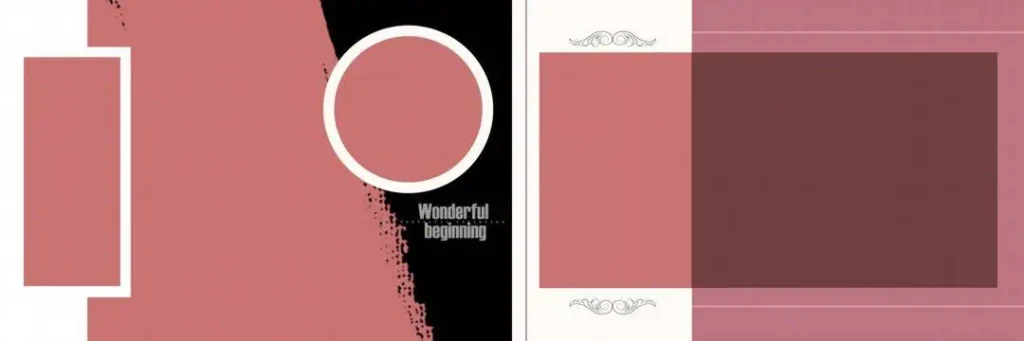
File Size: 1.37MB
#09

File Size: 4.08MB
#10
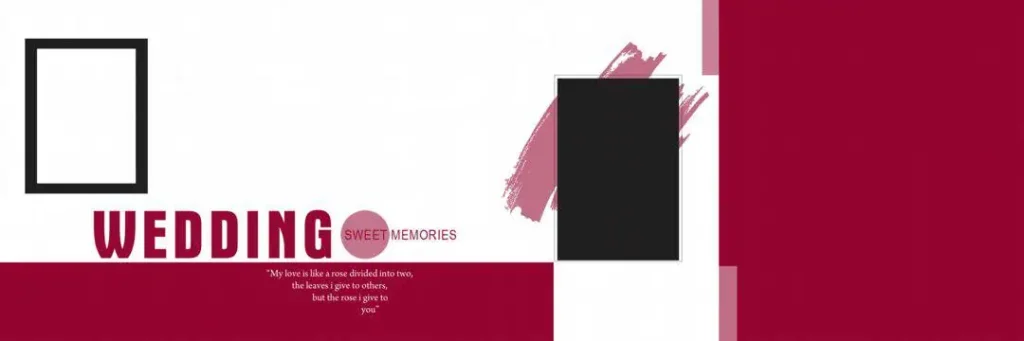
File Size: 1.37MB
A Ready-to-Customize Collection for Wedding Album Designers
Freepsd360.com is a resource destination for graphic designers and photographers looking for Wedding Album Design materials. A Wedding Album Template PSD collection can provide useful starting layouts for personal projects, studio work, and client album designs.
Before downloading, check the available file details, including the preview, dimensions, resolution, and included resources. If the selected collection is marked as free, follow its download instructions. ZIP archives may contain PSD files and supporting assets. Confirm whether the design is fully layered, supports Smart Objects, and is suitable for your intended output. File specifications and update status should be verified on the actual download page.
How to Use These Wedding Album Templates in Photoshop
Step 1: Download the template. Open the selected resource on Freepsd360.com and download the available file. Check the file format and required software before proceeding.
Step 2: Unzip the downloaded file. Extract the ZIP archive into a clearly named project folder. Keep the original download as a backup.
Step 3: Open the PSD in Photoshop. Launch the file and inspect its layers, canvas dimensions, image resolution, and existing guides before making changes.
Step 4: Replace the photographs. Use Smart Objects if the template includes them. Otherwise, place your custom photographs into the appropriate frames and adjust cropping, positioning, and scale.
Step 5: Customize text and colors. Edit names, wedding dates, headings, and decorative colors to suit the album. Maintain consistent typography and spacing throughout the spread.
Step 6: Export for printing. Confirm the printer’s specifications, resolution, color profile, and bleed requirements. Save an editable PSD backup and export the approved design in the print lab’s requested format.
Build Better Album Design Skills by Studying PSD Layouts
A professionally constructed Photoshop template can also be a practical learning resource. Instead of only replacing photographs, examine how the original designer handles spacing, visual hierarchy, contrast, and alignment.
Pay attention to the relationship between large portraits and smaller supporting images. Wedding photography often includes emotional close-ups, group photographs, and traditional ceremony moments. A good photo layout gives important images enough space without making the spread feel crowded.
New designers can also study layer naming, masks, clipping techniques, and Smart Objects. These skills help make future album projects easier to edit and maintain. Use the template as a starting point, then make design decisions that fit each client’s photographs and story.
Tips for the Best Print Results
- Check 300 DPI resolution. Use the required effective resolution at the final print size. Enlarging a small image does not automatically restore missing detail.
- Confirm CMYK color requirements. Ask the print lab which color profile it supports. Do not convert blindly, as color changes can affect skin tones and wedding clothing.
- Leave proper bleed margins. Follow the printer’s bleed specifications, often around 3–5 mm when requested. Keep faces, names, and important details safely away from trimming and binding areas.
- Save a layered PSD backup. Keep your editable working file with organized layers. Export a separate print-ready copy to protect the original design.
Frequently Asked Questions
Are these wedding album templates really free?
Freepsd360.com may provide free resources, but check the specific download page for pricing, access requirements, and any conditions before downloading.
What software is needed to edit a wedding album template PSD?
Adobe Photoshop or compatible software that supports the PSD features used in the file is required. Some effects or Smart Objects may behave differently in other applications.
Can I use a wedding album template for paid client work?
Check the individual template’s license first. Confirm whether commercial client projects, modifications, and redistribution are allowed. Never assume free downloads include unrestricted commercial rights.
Is a 12×36 wedding album template suitable for a complete wedding album?
It can help create wide album spreads, but one template may not cover every page. Use complementary layouts for portraits, ceremony highlights, family photographs, and reception memories.
How do I prepare a 12×36 album template for printing?
Confirm the finished dimensions, bleed, binding allowance, effective resolution, and color profile with your print lab. Export using its preferred file format and settings.
Conclusion
A well-organized Wedding Album Template can simplify photo placement, improve layout consistency, and help designers produce polished wedding albums. A 12×36 Photoshop layout is especially useful for wide spreads featuring portraits, ceremony highlights, and memorable family moments. Always check the file specifications and print requirements before starting your project.
Visit Freepsd360.com to explore the available Wedding Album Template Free Download resources. Choose a suitable Wedding Album Template PSD, review its license, and customize the layout with your photographs, colors, and typography to create an album that fits your client’s requirements.
You might also enjoy these free resources on Freepsd360.com: