A client has approved the wedding photos, the album deadline is close, and the studio still has to build every page from a blank Photoshop document. That is where a good Wedding Album Design PSD file earns its place in a professional workflow.
For an Indian wedding project, the album may need to cover Mehendi, Sangeet, Baraat, wedding rituals, portraits, and reception photos. Building each spread manually takes time that a busy designer could use for retouching, proofing, or preparing another client order.
Freepsd360.com provides professionally designed PSD resources for designers who need editable layouts without starting from zero. These files are built for practical studio use, with layered elements that can be adjusted to match the photographs and the client’s preferred style.
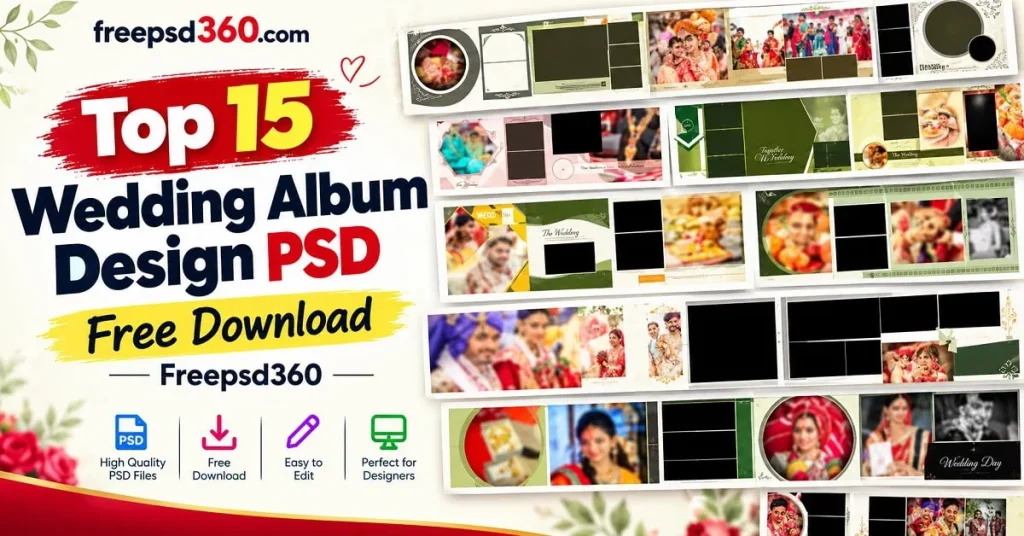
Wedding Album Design PSD — Format, Size and What Designers Need to Know
A Wedding Album Design PSD is an editable Photoshop template created for arranging wedding photographs into finished album pages. The PSD format keeps text, frames, backgrounds, and design elements on separate layers, making the layout easy to customize.
Most professional album files are prepared at high resolution, commonly 300 DPI, so the finished design can be prepared for album printing. A 12X36 layout is especially useful for panoramic wedding album spreads, where the left and right pages form one continuous composition.
For designers, the main advantage is control. You can replace photos, adjust typography, change colors, move decorative elements, and prepare the final file according to the print lab’s specifications.
#01
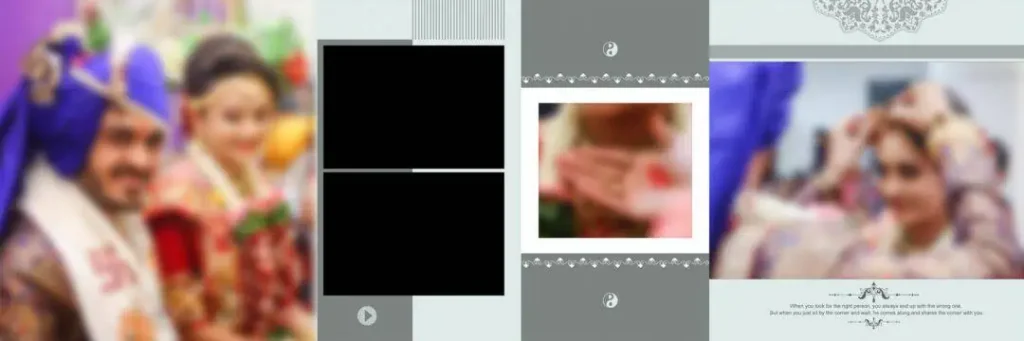
File Size: 14.9MB
#02

File Size: 15.3MB
#03
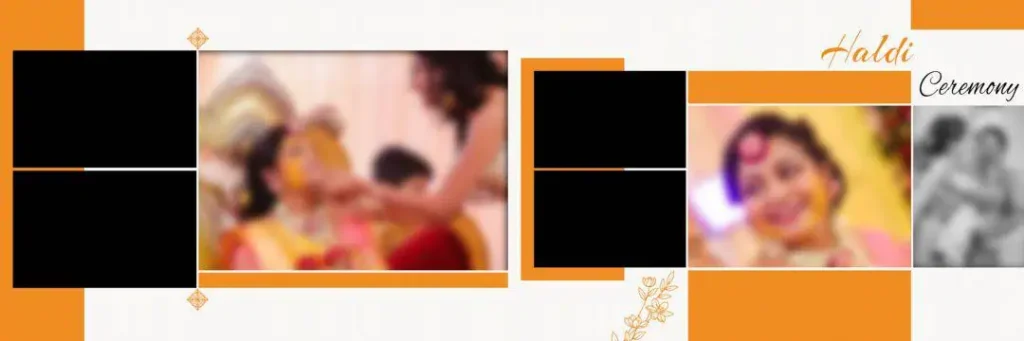
File Size: 8.70MB
#04
File Size: 4.70MB
#05
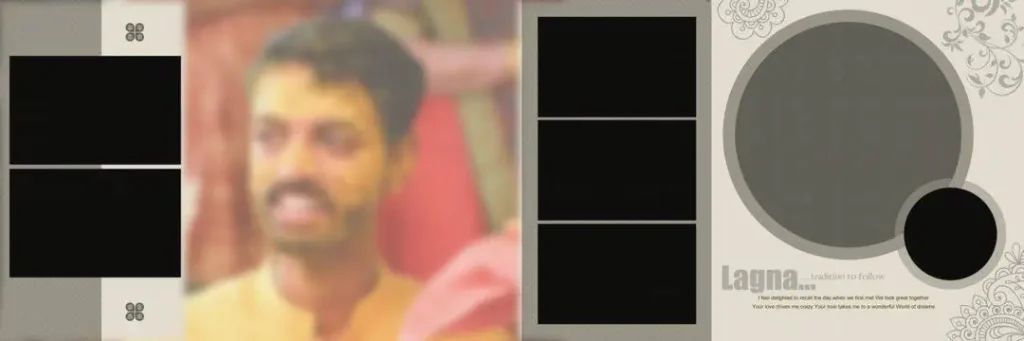
File Size: 7.45MB
#06
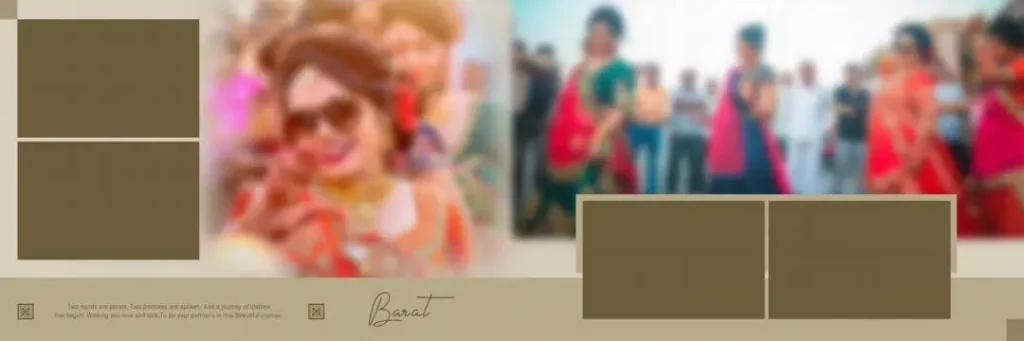
File Size: 14MB
#07
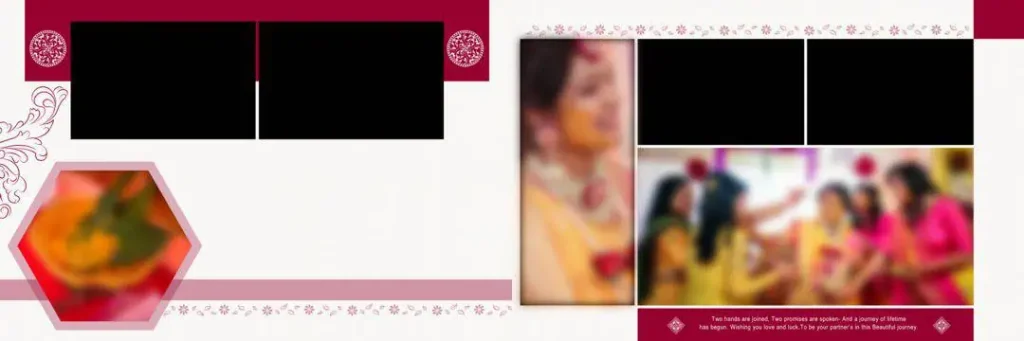
File Size: 8.47MB
Get More: 10+ Creative Wedding Album Design PSD Download – Freepsd360.
#08
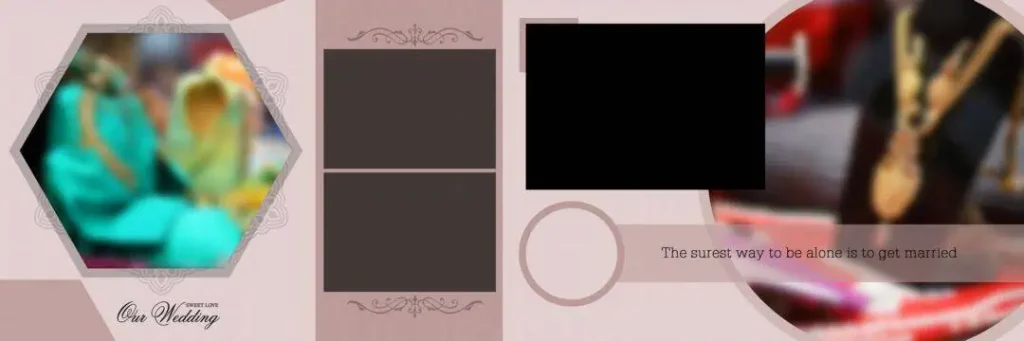
File Size: 11.2MB
#09

File Size: 85.7MB
#10
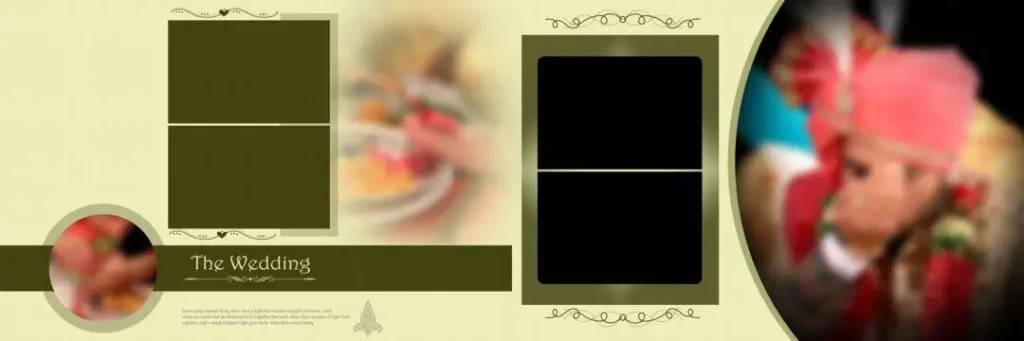
File Size: 13.4MB
#11
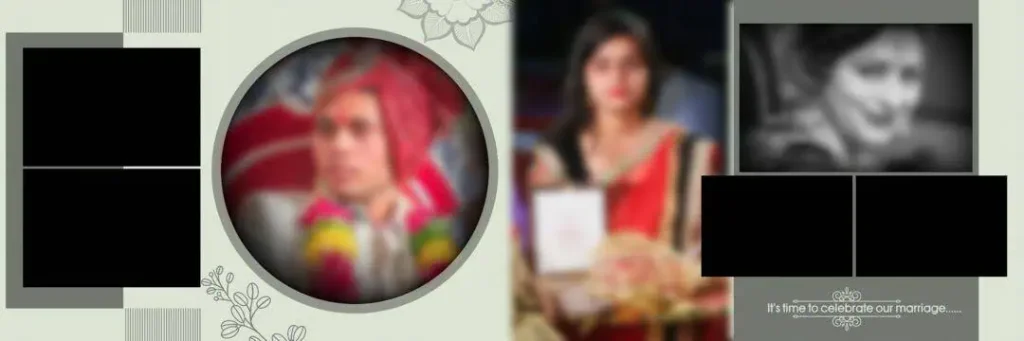
File Size: 15.3MB
#12
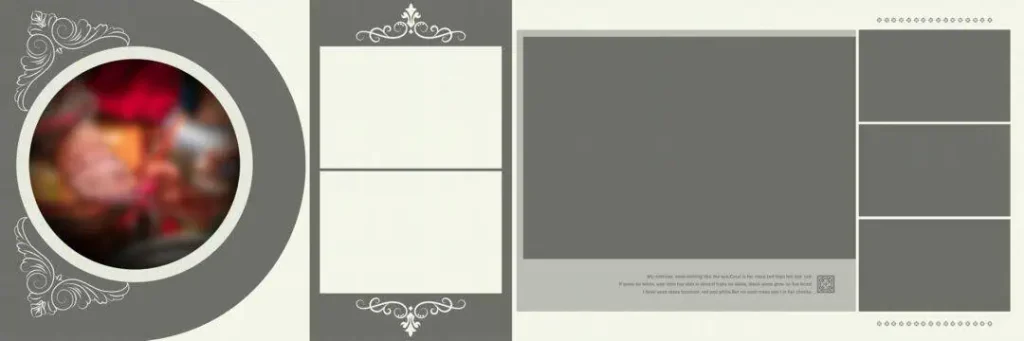
File Size: 4.65MB
#13

File Size: 14.6MB
#14

File Size: 11.6MB
#15
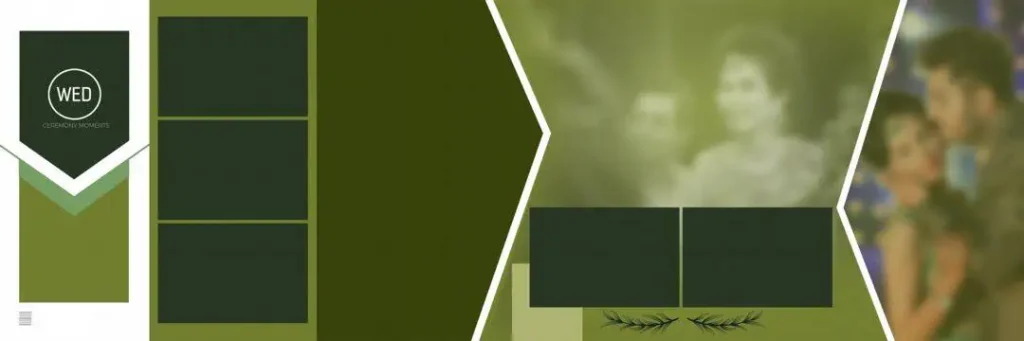
File Size: 14.4MB
A Fresh Collection Built for Busy Wedding Album Studios
Freepsd360.com offers this collection as a free resource for graphic designers and wedding photographers who need ready-made Photoshop layouts. The files are supplied in ZIP format and can include fully layered PSD documents designed for practical editing.
The collection focuses on high-resolution, print-ready work, with 300 DPI layouts and 12X36 designs where applicable. Freepsd360.com regularly updates its design resources so studios can keep their working library fresh instead of relying on the same layouts for every client.
How to Use These Wedding Album Design PSD Templates
Step 1 — Download the ZIP file. Save the selected resource from Freepsd360.com to your computer and keep the original ZIP file as a backup.
Step 2 — Unzip the folder. Extract the ZIP file before opening the design. Keep the extracted PSD and supporting assets together so Photoshop can locate linked resources correctly.
Step 3 — Open the PSD in Photoshop. Launch the layered file in Adobe Photoshop and review the layer structure before making changes. This helps you understand the intended photo layout.
Step 4 — Replace the photo areas. Use Smart Objects when they are provided, or place your photographs into the custom frames. Crop and position each image carefully so important faces are not lost.
Step 5 — Customize text and colors. Change names, dates, headings, fonts, and colors to match the client’s album. Keep enough contrast between photographs, text, and decorative elements.
Step 6 — Export for print. Check the document at 300 DPI, confirm the print lab’s required dimensions and bleed, then export the final pages in the format requested by the lab.
Less Deadline Pressure During Wedding Season
Wedding studios often receive several album orders at once. The pressure becomes higher when clients expect quick previews after selecting their photographs. Starting every spread from a blank canvas makes that production cycle unnecessarily slow.
A prepared Photoshop template gives the designer a strong starting structure. Instead of spending the first hour arranging frames and decorative elements, the designer can concentrate on photo selection, storytelling, typography, and final corrections.
This is particularly useful for wedding album design in photoshop, where repetitive production work can consume a large part of the day. A reliable PSD library also makes it easier to maintain consistent quality when several client albums are being prepared under tight deadlines.
Tips for the Best Print Results
- Keep the resolution at 300 DPI. Work at the intended print dimensions and avoid enlarging low-resolution photographs. A sharp source image is essential for clean album output.
- Use CMYK when required by the print lab. Confirm the lab’s color specification before converting the document. Different labs may have different requirements for color profiles and final exports.
- Allow 3–5mm of bleed where required. Keep important faces, text, and logos away from trimming areas. Always follow the exact bleed specification supplied by your album printer.
- Save a layered PSD backup. Keep the editable master file even after exporting the final pages. This makes later corrections much easier if a client changes a photo, name, or album page.
Frequently Asked Questions
Are these templates really free?
Yes. The resources published on Freepsd360.com are provided as free downloads. Always check the specific file’s included license or usage notes for any restrictions.
What software is needed to edit these PSD files?
Adobe Photoshop is the main software required because PSD files preserve Photoshop layers, masks, text, and Smart Objects. A compatible PSD editor may open the file, but some features may not work correctly.
Can these templates be used for paid client work?
They can support client album projects, but designers should check the usage terms supplied with the specific resource. Do not redistribute the original PSD as your own downloadable product.
Are 12X36 PSD files suitable for wedding album printing?
Yes. A 12X36 document is commonly used for panoramic album spreads. Before printing, confirm the exact finished size, bleed, color mode, and export requirements with your album printing lab.
Are these files useful for Indian wedding studio deadlines?
Yes. Ready-made layouts reduce repetitive setup work for projects involving Mehendi, Sangeet, Baraat, wedding, and reception photographs. Designers can spend more time on image selection and client revisions.
Conclusion
A strong Wedding Album Design PSD gives a studio more than a decorative starting point. A properly layered Photoshop file provides editable photo areas, organized design elements, and a practical foundation for producing consistent client albums. It also gives designers more room to develop their own wedding album design ideas without rebuilding every page from scratch.
Visit Freepsd360.com and choose the free PSD resources that fit your next project. Download the files, customize them in Photoshop, check the print specifications, and prepare the finished album with a workflow that is built for real studio deadlines.
You might also enjoy these free resources on Freepsdking.com: