A client is waiting for their wedding album, the photographs are ready, and the delivery deadline is getting closer. You still need to arrange portraits, balance colors, add names, and prepare every spread for printing. Building each page from scratch can take hours, especially during the busy Indian wedding season.
A ready-to-edit 12×36 Wedding Album Design gives you a practical starting point. Instead of creating every frame and background yourself, you can work with an existing Photoshop layout and focus on the couple’s photographs, wedding details, and overall presentation.
Freepsd360.com provides free PSD design resources for photographers and graphic designers who want to speed up their album workflow. With a suitable template, you can prepare designs for client albums, studio projects, and wedding photography orders without starting with a blank canvas.
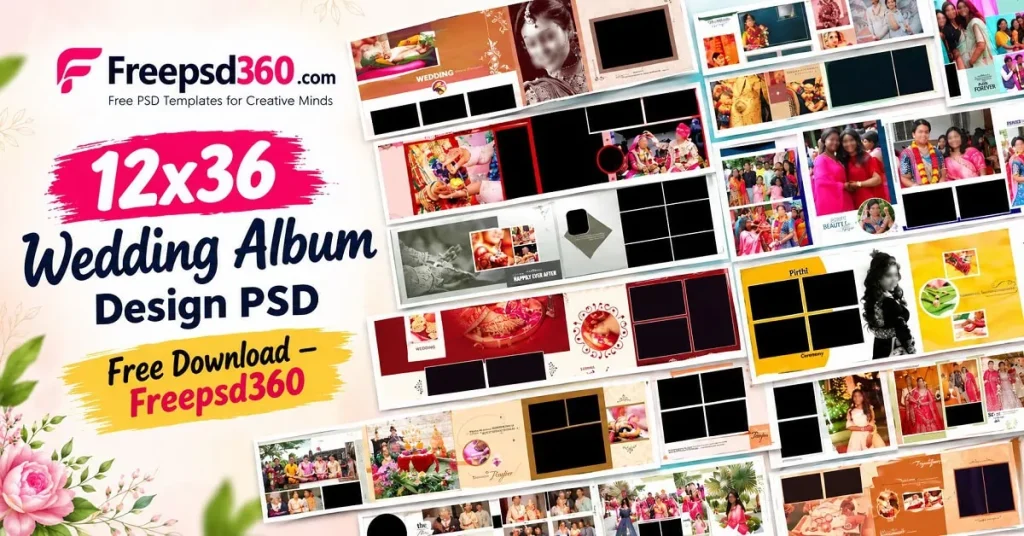
12×36 Wedding Album Design — Format, Dimensions and Practical Uses
A 12×36 Wedding Album Design is a panoramic album layout made for a 12-by-36-inch spread or a corresponding layout format specified by the printer. It is commonly used to present wedding portraits, family photographs, and ceremony highlights across a wide composition.
A PSD file is an editable Photoshop document that can contain separate layers for photographs, text, backgrounds, shapes, and decorative elements. Depending on the template, you can replace images, adjust colors, and customize the layout before exporting the finished design for printing.
The actual resolution and dimensions depend on the downloaded file. For a print project, check the document size, image resolution, color settings, and printer requirements rather than assuming every PSD is already print-ready.
#01
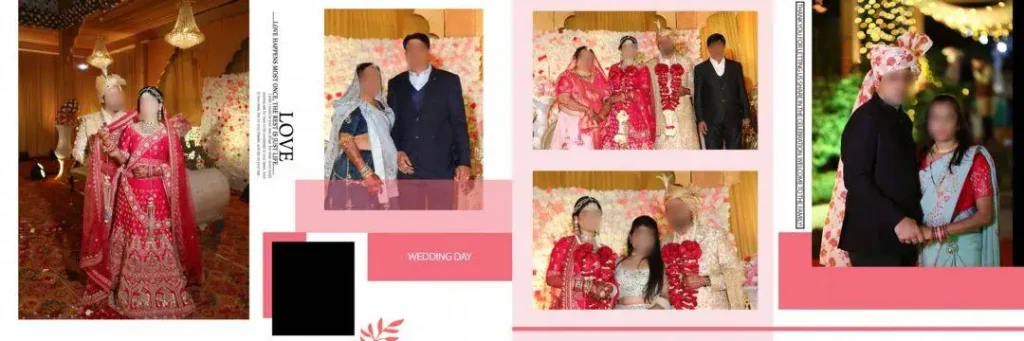
File Size: 149MB
#02
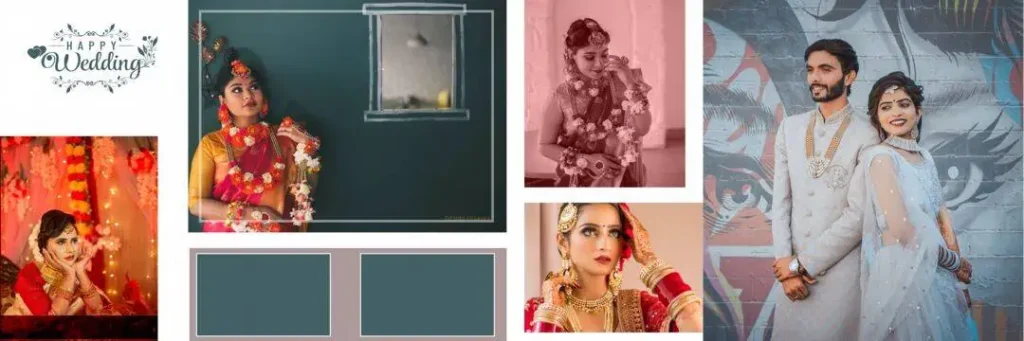
File Size: 162MB
#03
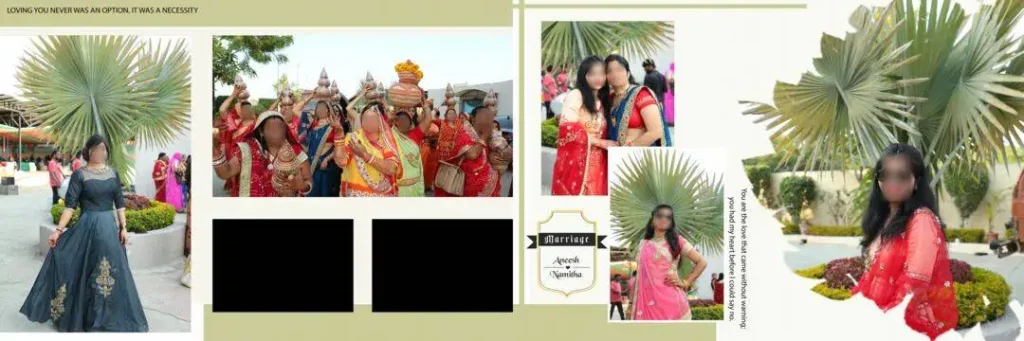
File Size: 134MB
#04
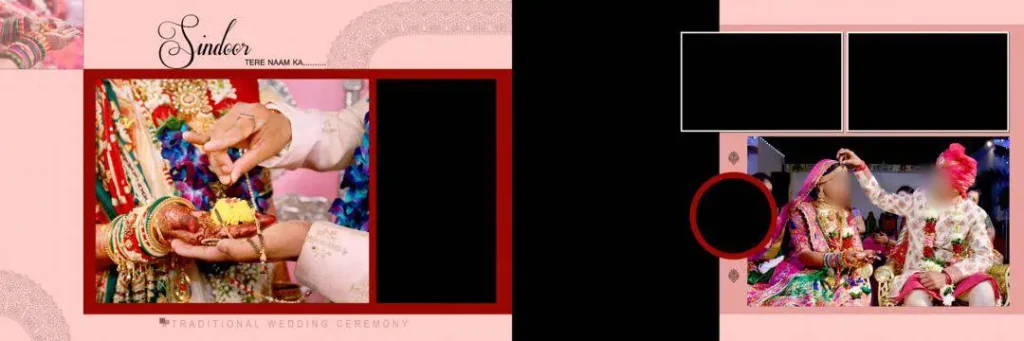
File Size: 18.5MB
#05
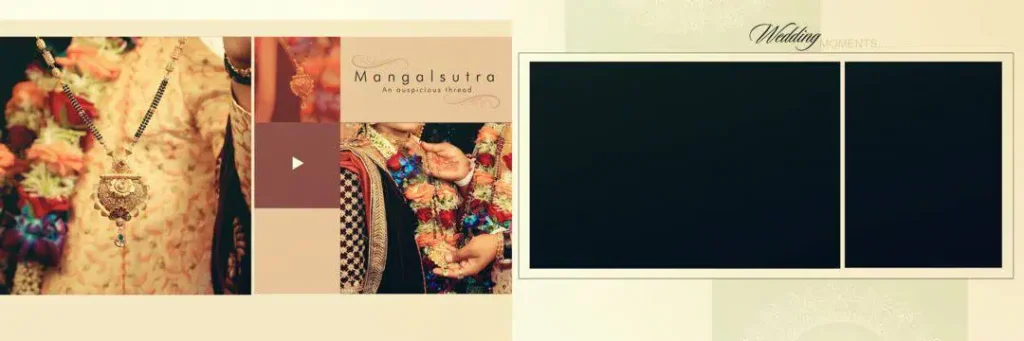
File Size: 26.1MB
#06
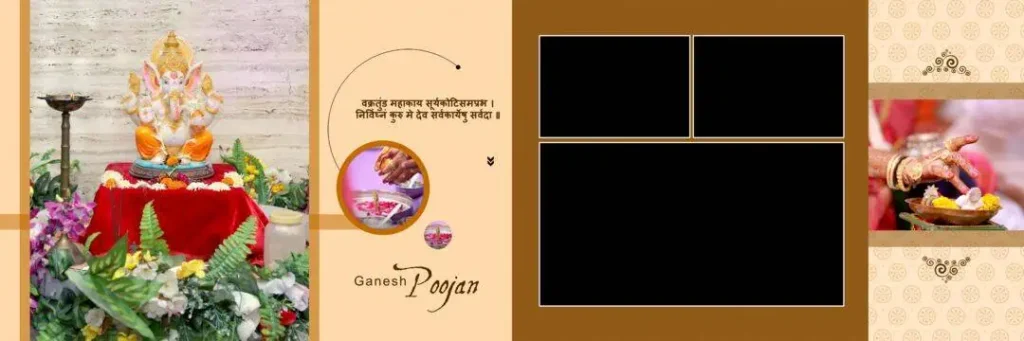
File Size: 21.9MB
#07
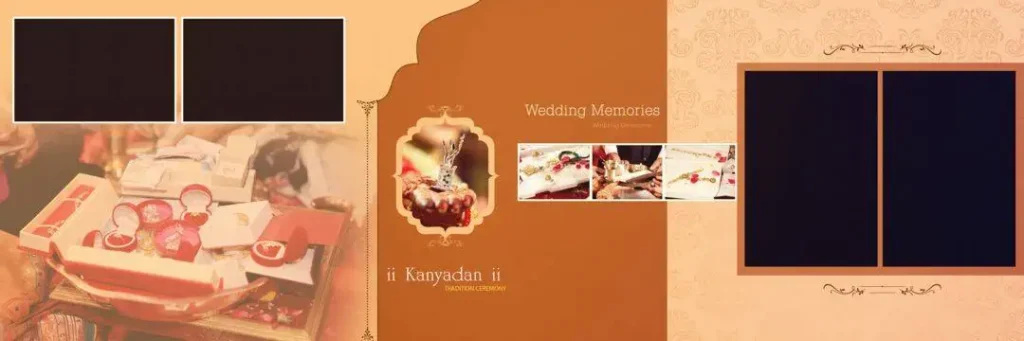
File Size: 20.1MB
#08
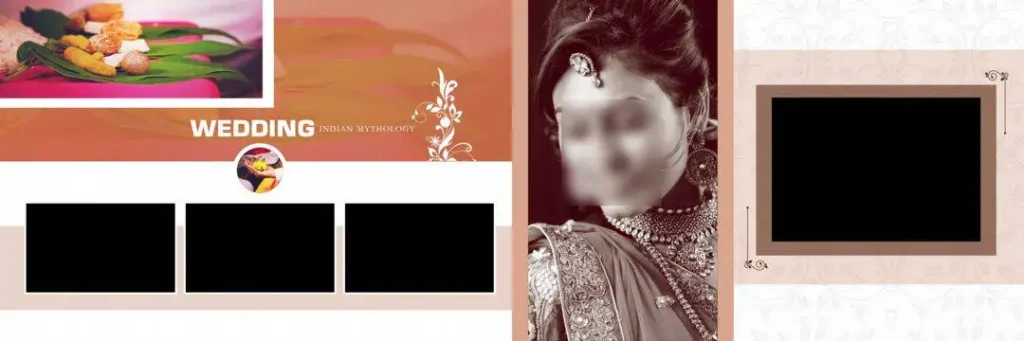
File Size: 25.4MB
#09
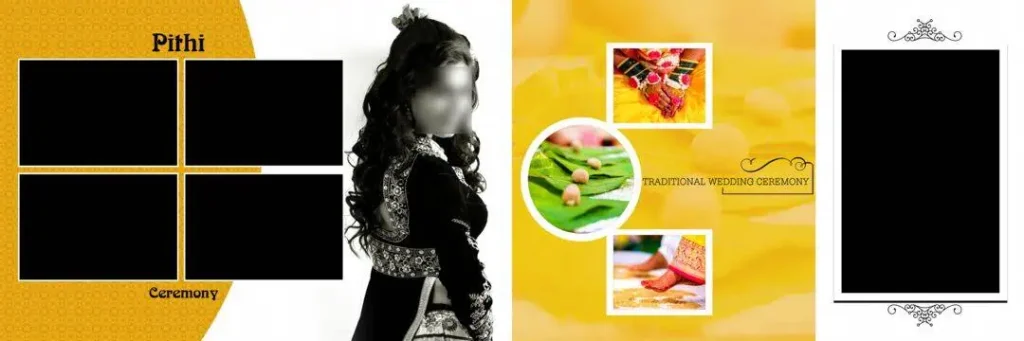
File Size: 28.9MB
#10
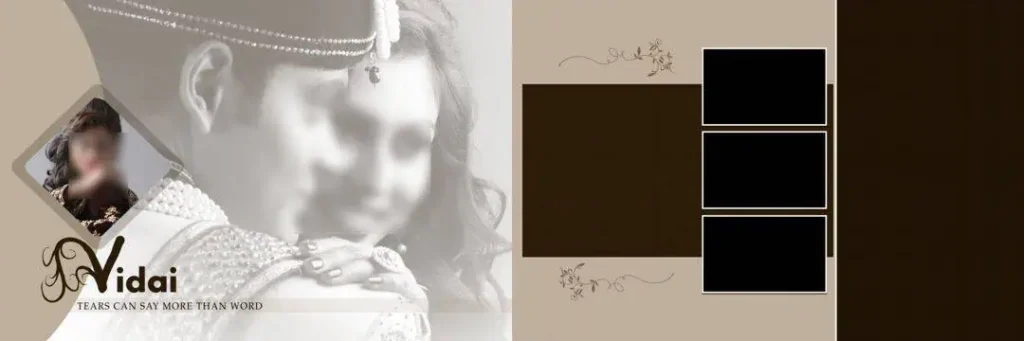
File Size: 25.1MB
Get More: 15 Traditional Haldi Wedding Album Design PSD Free Download.
#11
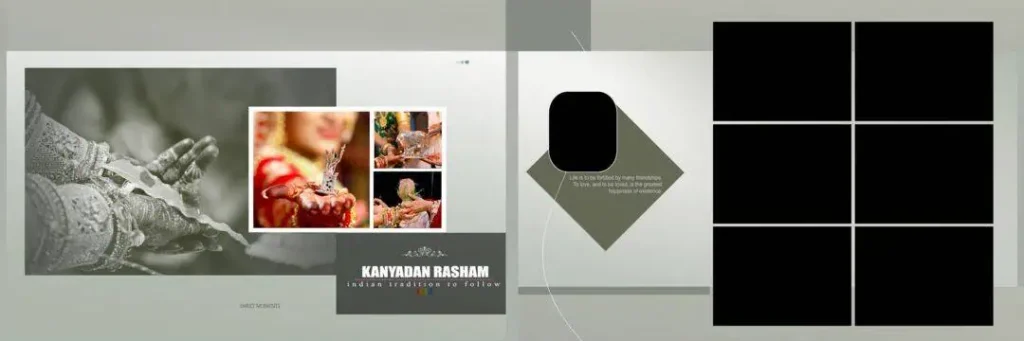
File Size: 16.6MB
#12
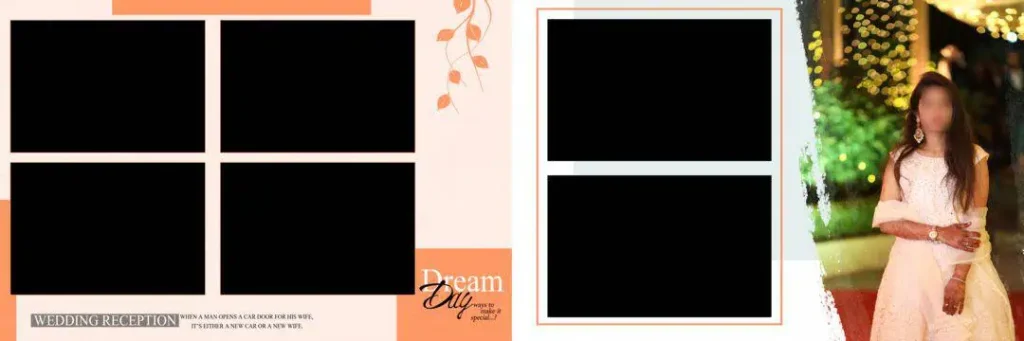
File Size: 113MB
#13
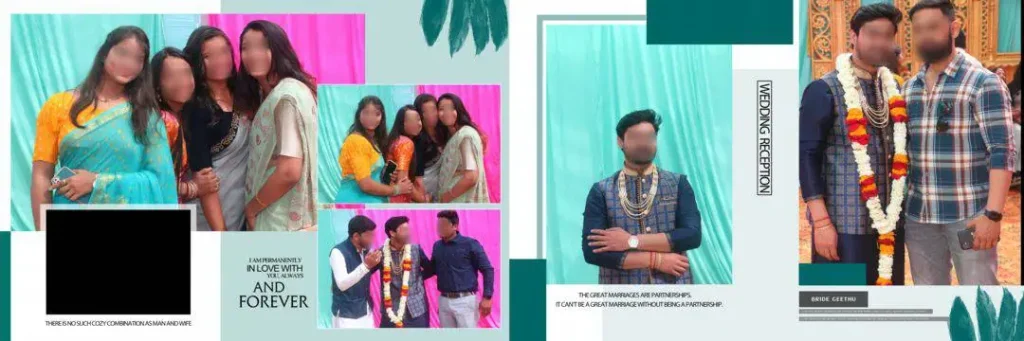
File Size: 129MB
#14
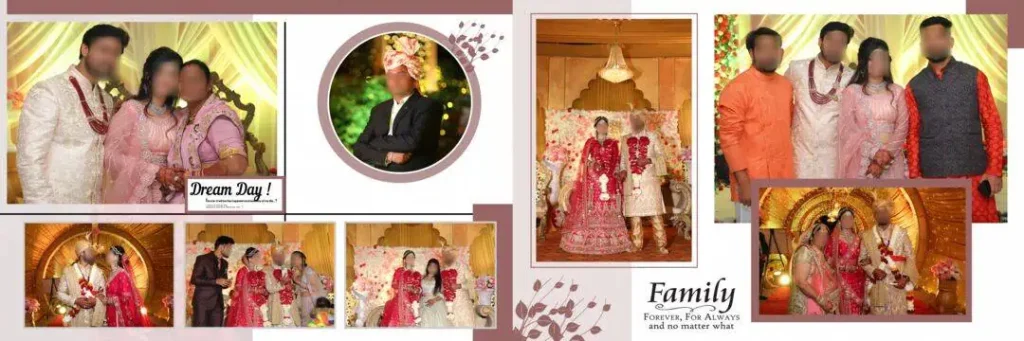
File Size: 156MB
#15
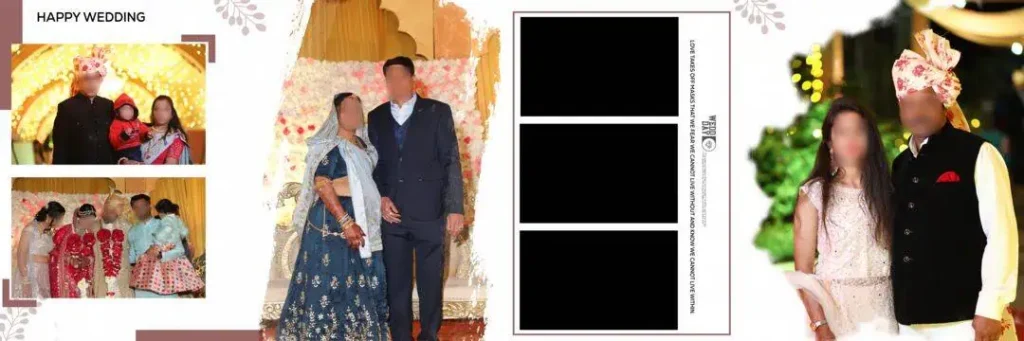
File Size: 125MB
#16
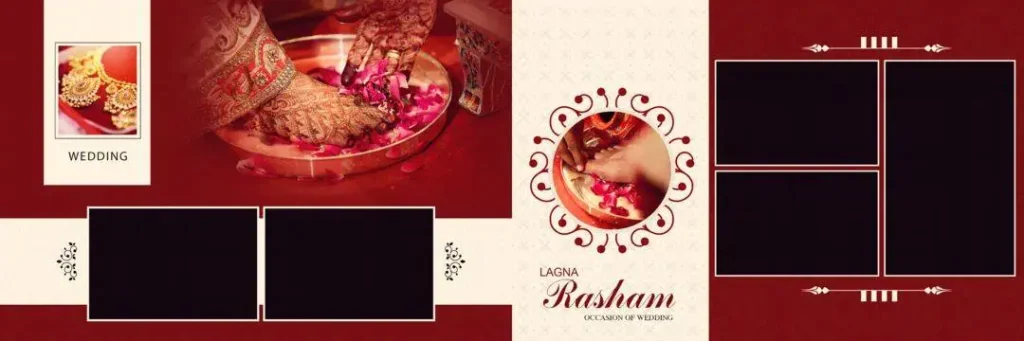
File Size: 29.4MB
#17
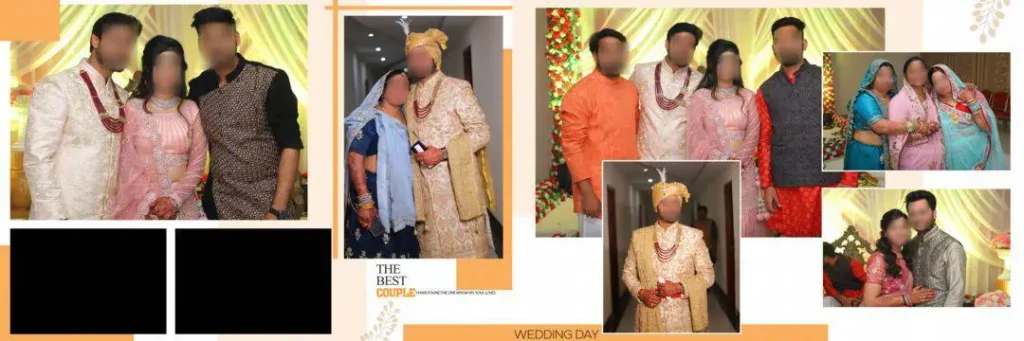
File Size: 159MB
#18
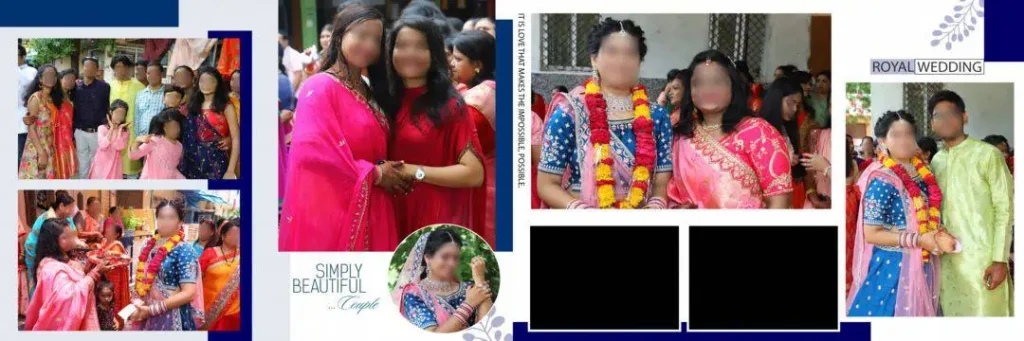
File Size: 142MB
#19
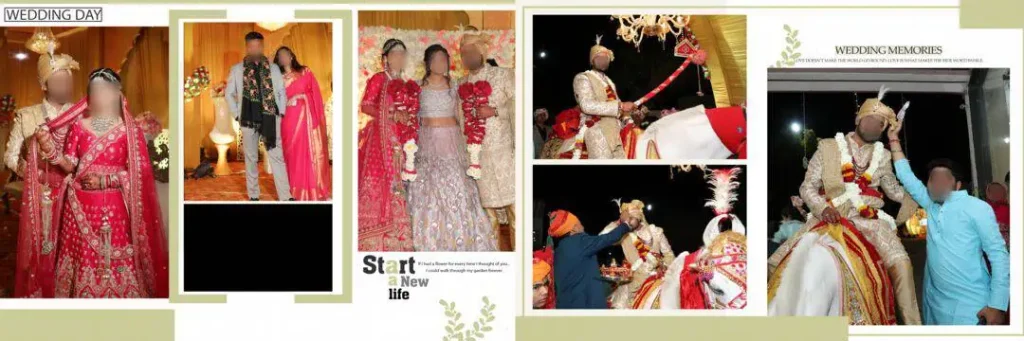
File Size: 174MB
#20
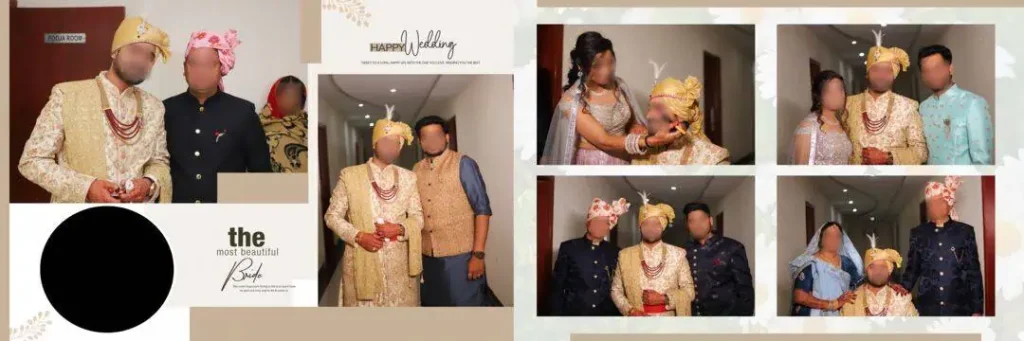
File Size: 198MB
Fresh 12×36 PSD Designs for Your Next Wedding Album
Freepsd360.com offers free design resources to help photographers and studio designers prepare wedding album layouts more efficiently. Look for a 12×36 Wedding Album Design PSD that matches your project and provides enough flexibility to accommodate different photographs and client preferences.
Before downloading, review the file preview and available details. A layered PSD can make editing easier, while a ZIP archive may contain the main design file and supporting assets. Resolution, color mode, layer structure, and update frequency can vary by resource, so verify these details on the download page.
These layouts can support albums featuring traditional Indian wedding ceremonies, including Mehendi, Sangeet, Baraat, and reception celebrations. Choose a design that suits the photographs instead of forcing every image into the same visual style.
How to Use These 12×36 Wedding Album Design Templates
Step 1: Download the PSD file. Visit Freepsd360.com and select a suitable 12×36 wedding album design. Download the available file and check its format and usage terms.
Step 2: Extract the ZIP archive. If the file comes in ZIP format, extract it to a dedicated project folder. Keep the original download as a backup.
Step 3: Open the design in Photoshop. Launch Adobe Photoshop and open the PSD file. Review the layer panel to understand how photographs, text, backgrounds, and decorative elements are arranged.
Step 4: Replace the sample photographs. If the file uses Smart Objects, open the relevant object and replace its image with the client’s photograph. Otherwise, place your photo into the appropriate frame and adjust its size and position.
Step 5: Customize text and colors. Add the couple’s names, wedding date, or other requested details. Adjust colors, contrast, and decorative elements to match the wedding theme while keeping the composition balanced.
Step 6: Export the final layout. Confirm the required dimensions, resolution, color profile, and bleed settings with your print lab. Save the editable PSD, then export a print-ready copy in the format requested by the printer.
Meeting Wedding Album Deadlines Without Rushing the Design
Wedding photography studios often handle several projects at once. One client may need a reception album, while another expects a complete collection of wedding portraits. Rebuilding every spread from scratch can leave less time for photo selection, retouching, and quality checks.
A ready-made Photoshop template gives you a starting structure for the layout. You can spend more time choosing images that tell the couple’s story and less time arranging every frame manually. This is especially useful when preparing a Kerala wedding album design 12×36 or an Indian wedding album design 12×36 with multiple ceremonies and family portraits.
Templates still need careful editing. Check that faces are not cropped awkwardly, important moments receive enough space, and decorative elements do not distract from the photographs. A consistent layout can improve production speed, but the final album should reflect the client’s event and preferences.
Tips for the Best Print Results
– Use the correct resolution. For high-quality photo album printing, 300 DPI is a common target at the final print size. Check the effective resolution of placed photographs because enlarging a small image does not restore missing detail.
– Confirm the CMYK color mode. Ask your print lab which color profile it requires before converting the file. Colors may look different between an RGB monitor and a printed CMYK output.
– Allow suitable bleed margins. Many print workflows use approximately 3–5 mm of bleed, but the exact requirement depends on the printer and binding method. Keep faces, names, and other important details away from trimming and binding areas.
– Keep a layered PSD backup. Save an editable copy before flattening or exporting the final design. This makes future corrections to names, photographs, colors, and album pages much easier.
Frequently Asked Questions
Are these 12×36 wedding album design templates really free?
Freepsd360.com provides free PSD resources. Check the individual download page for any conditions, registration requirements, or restrictions that apply to a particular file.
What software is needed to edit a 12×36 wedding album PSD?
Adobe Photoshop is the main software for PSD editing. Compatibility with other applications varies, especially when files use Smart Objects, special effects, or Photoshop-specific features.
Can I use these designs for paid client work?
Check the license attached to each download before using it in commercial projects. Free access does not automatically mean unrestricted commercial use or permission to redistribute the original PSD.
Is a 12×36 album layout suitable for Indian wedding photography?
Yes. Its wide format can accommodate couple portraits, family photographs, and ceremony highlights. Confirm the final spread size and binding requirements with your album printer before preparing the layout.
How do I prepare a 12×36 PSD for album printing?
Set the document to the printer’s required dimensions and resolution, check the color profile and bleed, inspect image quality, and keep important details away from trimming areas. Export using the print lab’s requested specifications.
Conclusion
A well-chosen 12×36 wedding album design can help photographers reduce repetitive layout work and prepare polished albums for their clients. Editable PSD files offer flexibility for replacing photographs, customizing text, and adapting compositions to different wedding themes. Always verify the file specifications and license before using a template in a commercial project.
Visit Freepsd360.com to explore free Photoshop resources and find a suitable 12×36 wedding album design PSD for your next project. Download a layout that fits your photographs, customize it to suit the couple, and prepare the final files according to your print lab’s requirements.
You might also enjoy these free resources on Freepsd360.com: