Managing several wedding album projects at once can put a photo studio under pressure. One client needs a traditional album, another wants modern photo layouts, and a third is waiting for the final print files. Building every page from scratch takes valuable time.
That is where wedding album design 2025 resources can help. Ready-made Photoshop templates give designers a practical starting point, allowing them to focus on selecting photographs, balancing layouts, and creating an album that suits each couple.
Freepsd360.com provides free PSD resources for photographers and graphic designers who want to improve their workflow. With editable designs and suitable print preparation, you can create albums for Indian weddings without spending hours building every layout from the beginning.
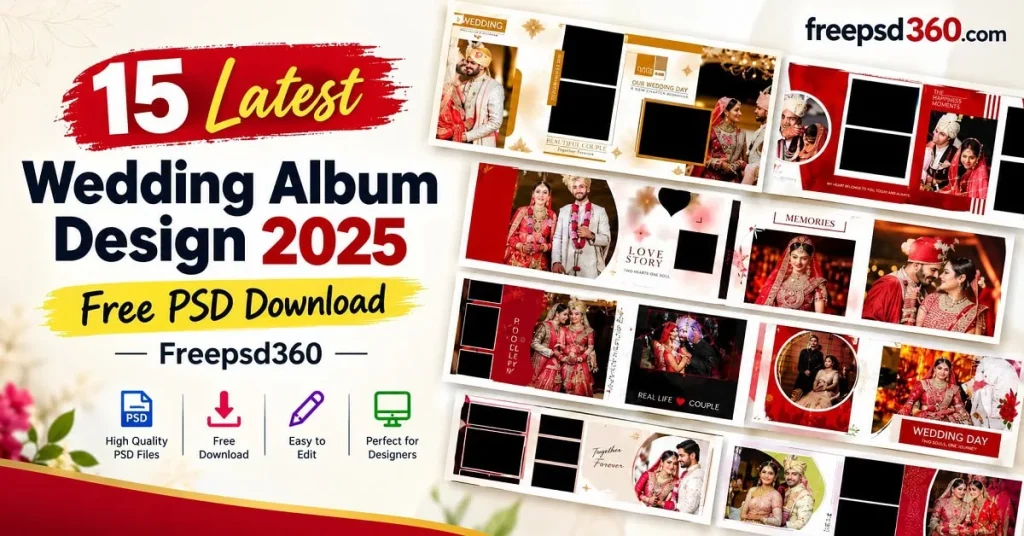
Wedding Album Design 2025 — Format, Features and Practical Uses
Wedding album design 2025 refers to editable album layouts created for wedding photographs using current design approaches and production needs. These Photoshop PSD files contain separate layers, allowing designers to change photographs, text, colors, and decorative elements. They can be adapted for client albums and professional printing.
A layered PSD is useful because it keeps the main design elements separate. Depending on the template, you may find photo placeholders, background graphics, borders, decorative details, and text elements ready for editing. Many album layouts use a 12 × 36-inch spread, a common format for panoramic wedding albums.
Before choosing a file, check its actual dimensions, resolution, layer structure, and color settings. A professionally arranged layout still needs suitable photographs and careful editing to produce a finished album that looks good in print.
#01
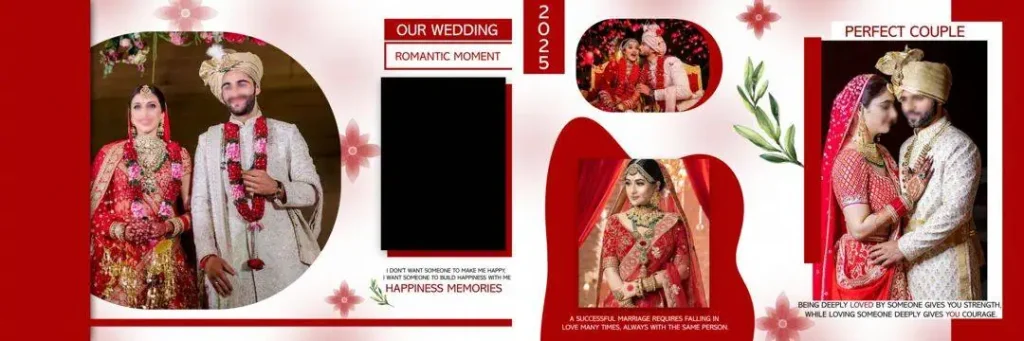
File Size: 76.9MB
#02
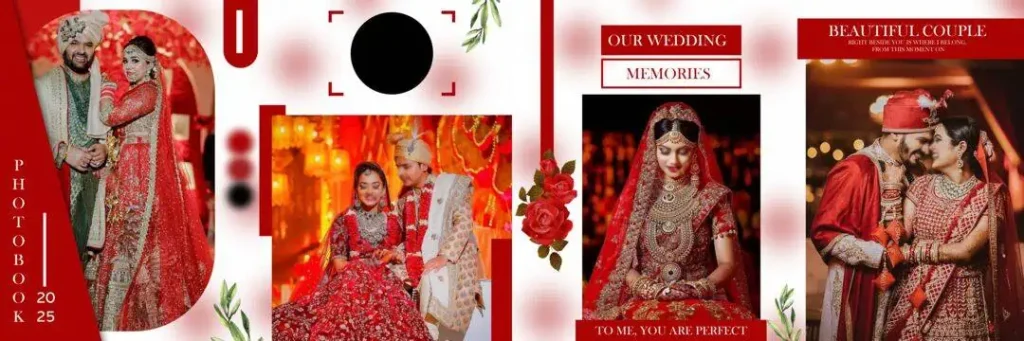
File Size: 109MB
#03
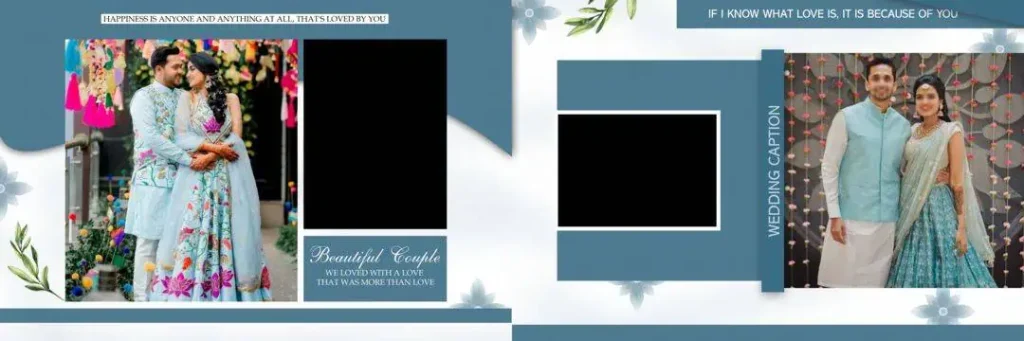
File Size: 60.9MB
#04
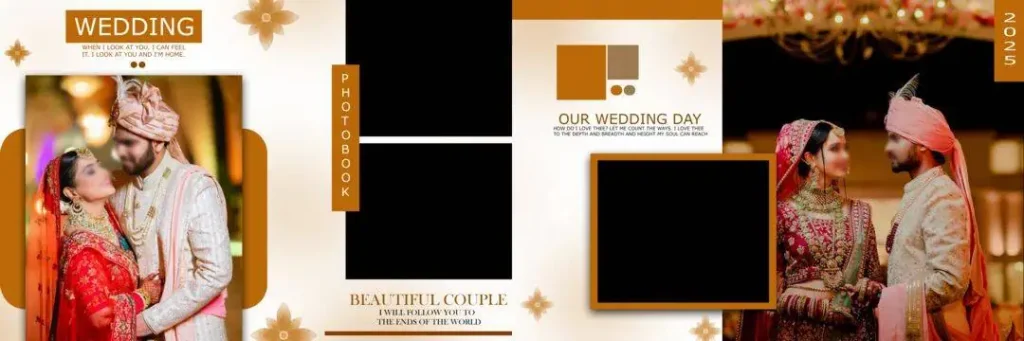
File Size: 53.4MB
#05
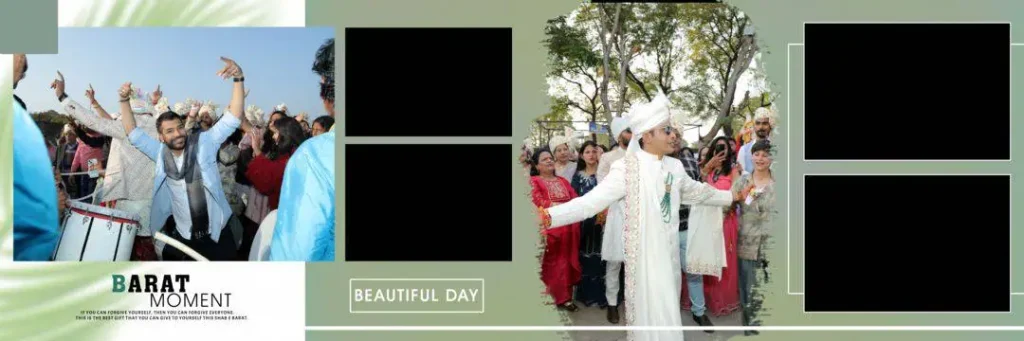
File Size: 141MB
#06
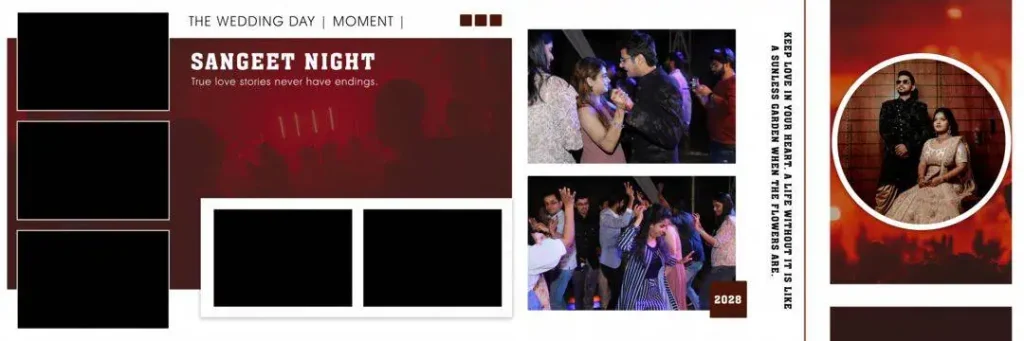
File Size: 134MB
#07
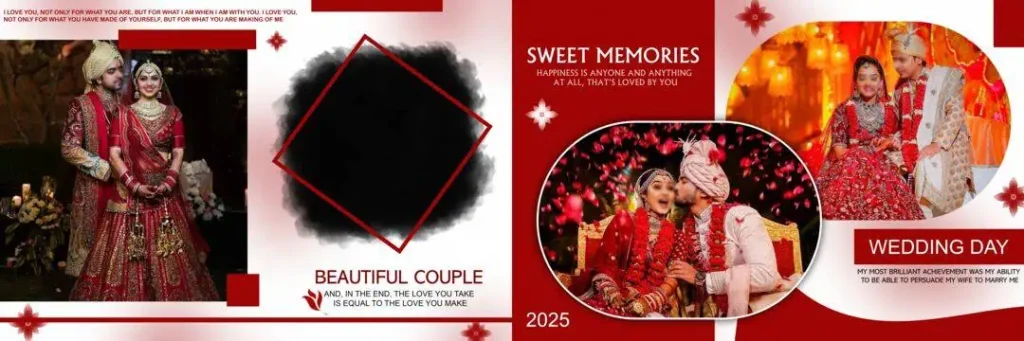
File Size: 76.1MB
Get More: 10+ Creative Wedding Album Design PSD Download – Freepsd360.
#08
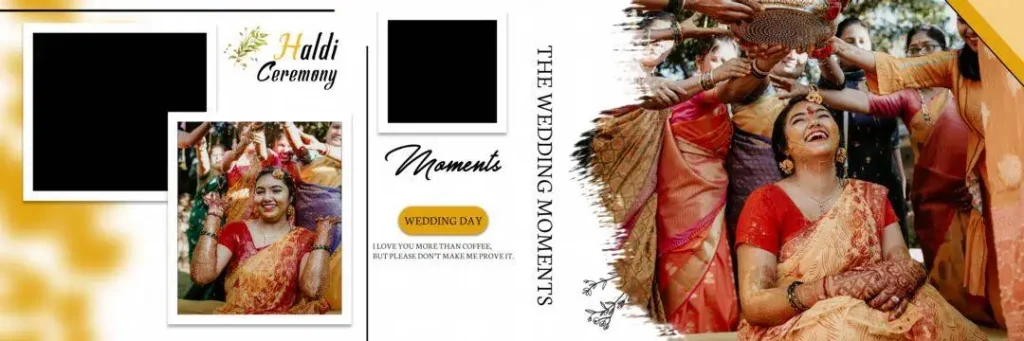
File Size: 118MB
#09
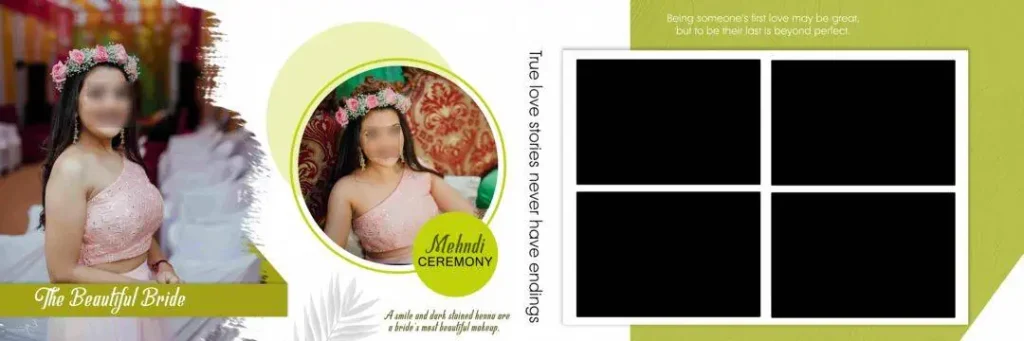
File Size: 72.5MB
#10
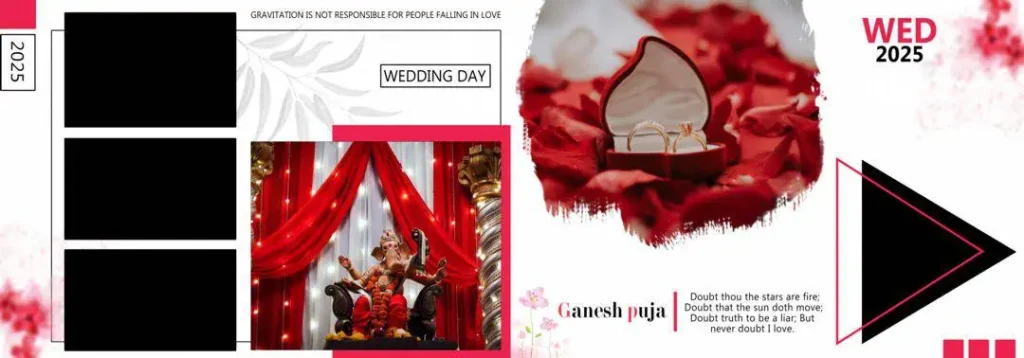
File Size: 102MB
#11
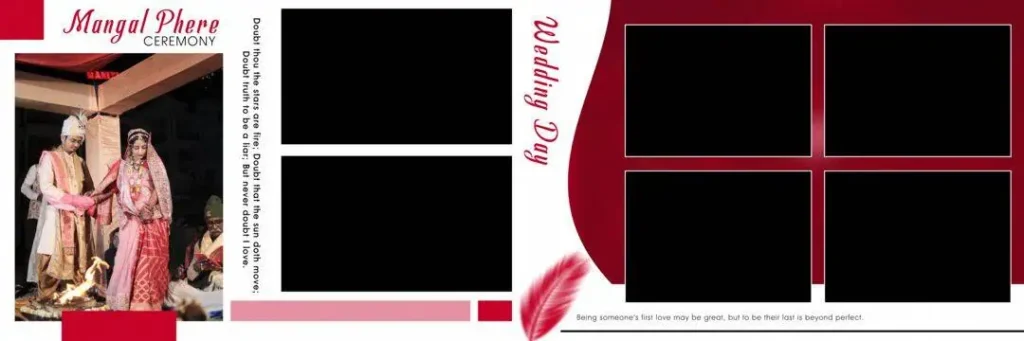
File Size: 33MB
#12
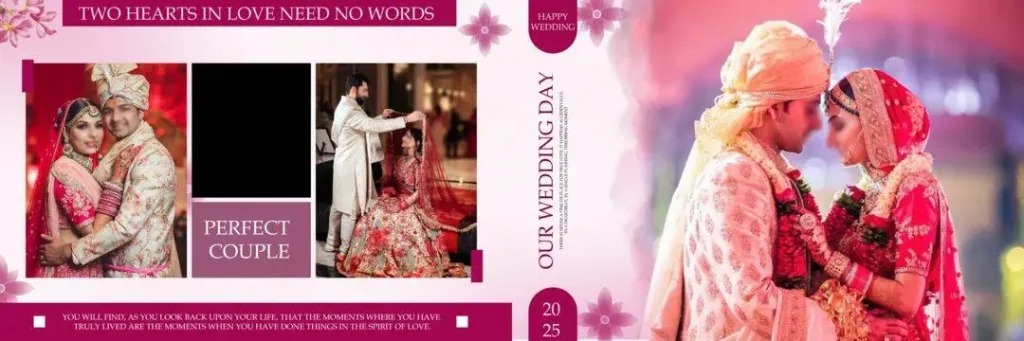
File Size: 88.9MB
#13
File Size: 66.3MB
#14
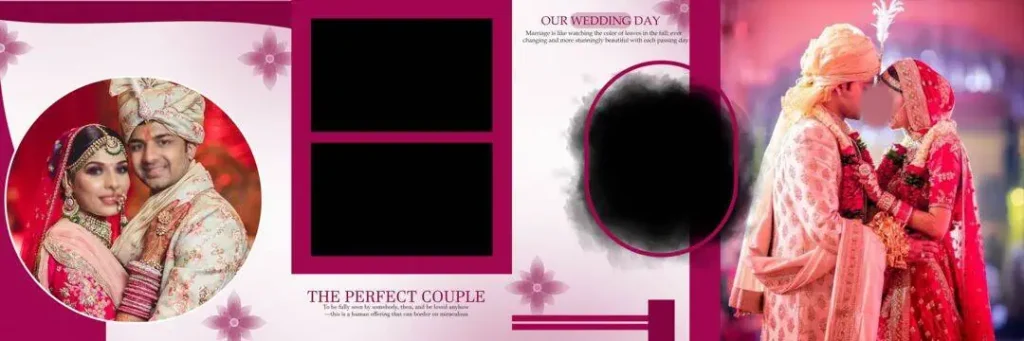
File Size: 73.4MB
#15
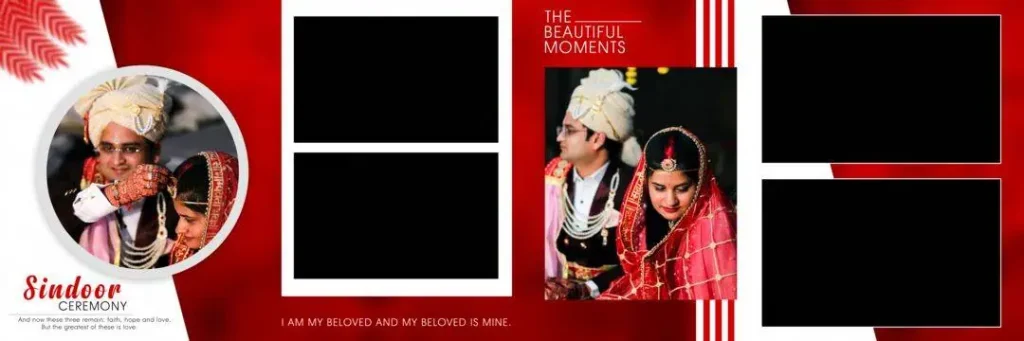
File Size: 48.8MB
Fresh Wedding Album PSD Resources for Your Next Studio Project
Freepsd360.com is a resource for designers looking for free wedding album design files to adapt to different photography projects. PSD templates can reduce repetitive layout work while leaving room for personal choices, from elegant minimal designs to colorful compositions suited to Indian wedding celebrations.
Check each download’s description for the included files and technical specifications. Where provided, 300 DPI artwork, fully layered PSD files, and ZIP packaging can make editing and file management easier. For a 12 × 36-inch album, confirm the canvas size before starting your project. Freepsd360.com resources may be updated over time, so review the individual listing rather than assuming every file has identical specifications or features.
How to Use These Wedding Album PSD Templates Step by Step
Step 1: Download the file. Choose a suitable PSD resource from Freepsd360.com and save the ZIP file to your computer. Check the listed dimensions and file details before using it for a client project.
Step 2: Extract the ZIP folder. Use your computer’s extraction tool to unpack the files. Keep the original ZIP as a backup in case you need to restore the source files later.
Step 3: Open the PSD in Photoshop. Launch Adobe Photoshop and open the extracted file. Review the Layers panel to understand the background, photo frames, text, and decorative elements.
Step 4: Replace the photographs. If the file uses Smart Objects, open the relevant object, insert your client’s photograph, save the changes, and return to the main design. Otherwise, place the image manually and adjust its size and crop.
Step 5: Customize text and colors. Add the couple’s names, wedding date, and other requested details. Adjust colors and decorative elements to suit the photographs and the client’s preferred style.
Step 6: Prepare the print file. Check image quality, document dimensions, and bleed requirements before exporting. Follow the print lab’s instructions for 300 DPI output and the required file format.
Meeting Wedding Album Deadlines Without Sacrificing Quality
Wedding season can leave Indian photography studios handling several albums at once. Mehendi, Sangeet, Baraat, and reception photographs each bring different colors, lighting conditions, and emotional moments. A ready-made layout can reduce the time spent arranging every page, giving designers more time to select meaningful images and maintain a consistent visual story.
The key is to treat a Photoshop template as a starting point, not a finished product. Adapt the photo layout to each ceremony, remove unnecessary decorations, and keep important faces away from page folds. A thoughtful design process helps studios deliver polished albums on schedule without making every client’s album look identical.
Tips for the Best Print Results
– Work at the correct resolution. Use 300 DPI at the intended print dimensions whenever the print lab requires it. Enlarging a low-resolution image will not restore missing detail, so check the source photographs before placing them.
– Confirm the color mode. Ask your printer whether CMYK or another specified color profile is required. RGB-to-CMYK conversion can change some colors, so review a proof before approving a large print run.
– Allow enough bleed. Add the printer’s required bleed, often around 3–5 mm where appropriate. Keep text, faces, and other important details safely inside the trim area.
– Save an editable backup. Keep the layered PSD file before exporting the final version. This makes later corrections easier if the client requests a photograph change, a spelling fix, or a revised album page.
Frequently Asked Questions
Are these wedding album PSD templates really free?
Freepsd360.com offers free PSD resources. Check the individual download page for any conditions, attribution requirements, or restrictions that apply to the specific file.
What software is needed to edit these designs?
Adobe Photoshop is the intended software for PSD files. Compatibility with other image editors varies, especially for Smart Objects, layer effects, and fonts.
Can I use these templates for paid client work?
That depends on the license attached to each resource. Review its commercial-use terms before delivering a finished album to a paying client or redistributing any source files.
Are these templates suitable for 12 × 36-inch wedding albums?
Some templates may use a 12 × 36-inch spread, but not every PSD has the same dimensions. Check the file specifications and adjust the canvas only when the artwork can support the intended print size.
How can I create a Kerala-style wedding album with these files?
For Kerala wedding album design 2025 projects, choose photographs and colors that complement the ceremony, clothing, and setting. Customize the layout with suitable images and traditional details rather than relying on decorative elements alone.
Conclusion
A well-organized Photoshop template can help photographers manage busy schedules, create balanced photo layouts, and prepare wedding albums with fewer repetitive tasks. Wedding album design 2025 resources are especially useful when studios need flexible designs that can be adapted to different ceremonies, photography styles, and client preferences.
Visit Freepsd360.com to explore the available PSD resources, review each file’s specifications and license, and choose a layout for your next project. If you are searching for the latest wedding album design 2025 ideas, start with an editable template, personalize it with your client’s photographs, and prepare the final artwork according to your printer’s requirements.
You might also enjoy these free resources on Freepsd360.com: