Wedding season in India brings a busy schedule for photographers and album designers. Along with the Mehendi, Sangeet, and reception, the Haldi ceremony deserves its own place in a couple’s wedding album. Its yellow decorations, flower showers, and candid moments call for layouts that capture the energy of the event.
A well-designed Haldi Wedding Album should bring these moments together without making the pages look crowded. Traditional patterns, floral borders, balanced photo frames, and warm yellow tones help tell the story of the ceremony. A suitable Photoshop template can also reduce the time spent building every page from scratch.
Freepsd360.com provides free PSD resources for designers who need practical starting points for wedding projects. Before using any template, check its dimensions, layer structure, resolution, and licensing terms to make sure it fits your client’s requirements and print lab specifications.
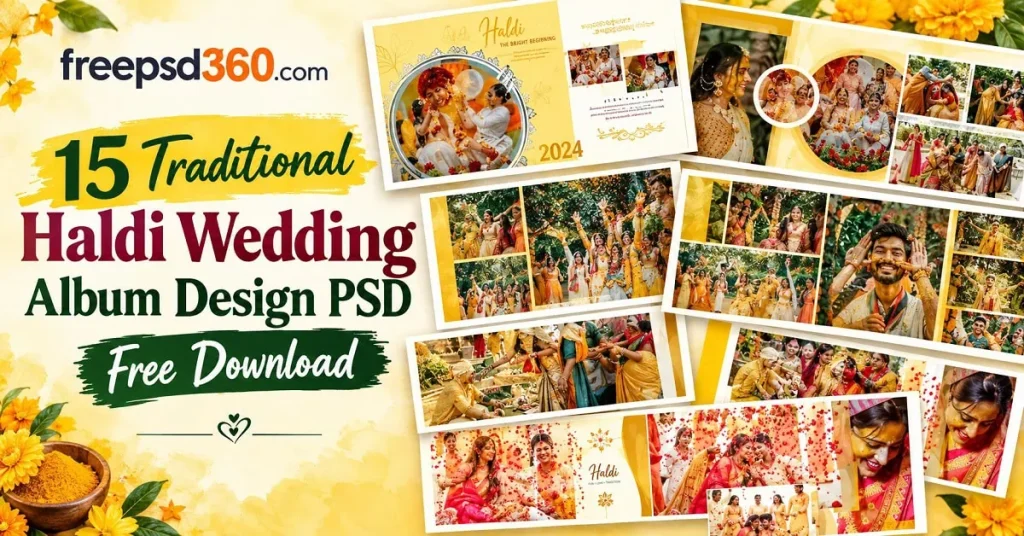
Haldi Wedding Album Design — Format, Layers and Practical Uses
A haldi wedding album design PSD is an editable Photoshop file made for arranging photographs from the Haldi ceremony. It can include photo frames, decorative elements, backgrounds, and text layers that designers can customize for a couple’s album. The file can be adapted for digital previews or professional printing, depending on its actual specifications.
PSD files are useful because their layers can be edited separately. Designers can replace sample photos, adjust colors, change names, and move decorative elements without rebuilding the entire layout. The final quality depends on the source file’s resolution, dimensions, and preparation for print.
#01
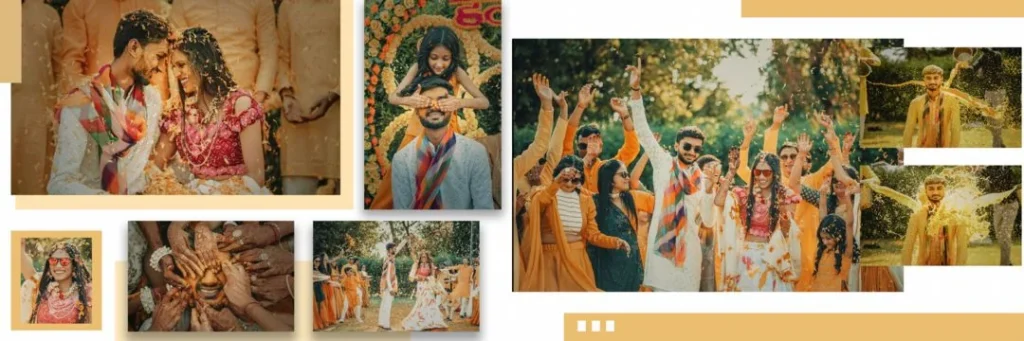
File Size: 67.6MB
#02
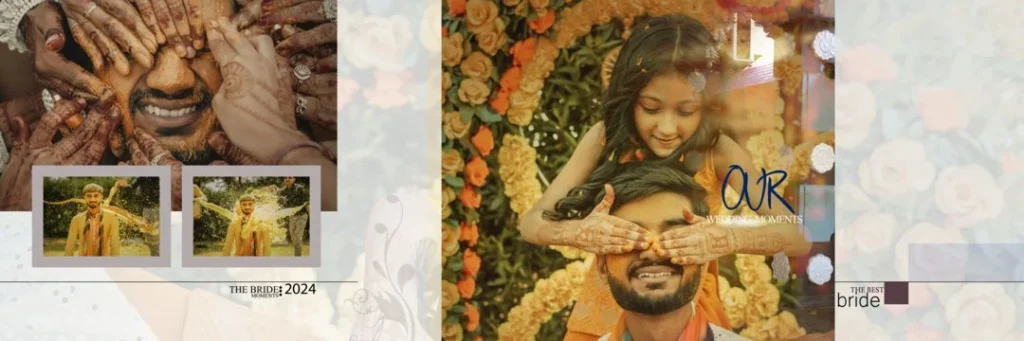
File Size: 93.4MB
#03
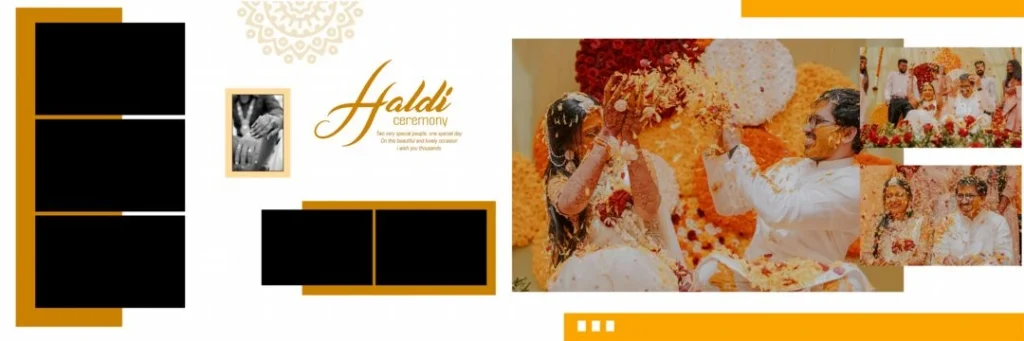
File Size: 30.3MB
#04
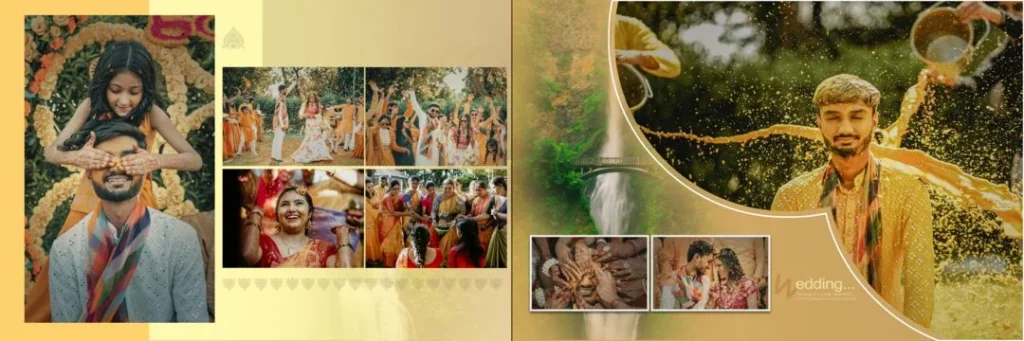
File Size: 102MB
#05
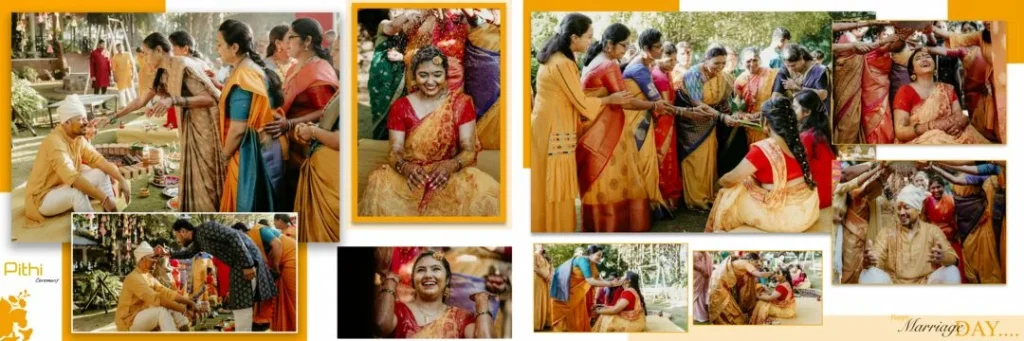
File Size: 78.3MB
#06
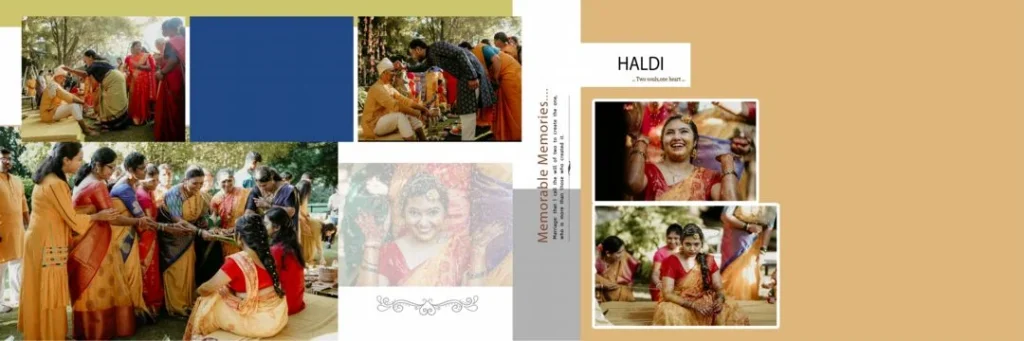
File Size: 47.7MB
Getv More: 10000+ 12X36 Wedding Album PSD Free Download.
#07
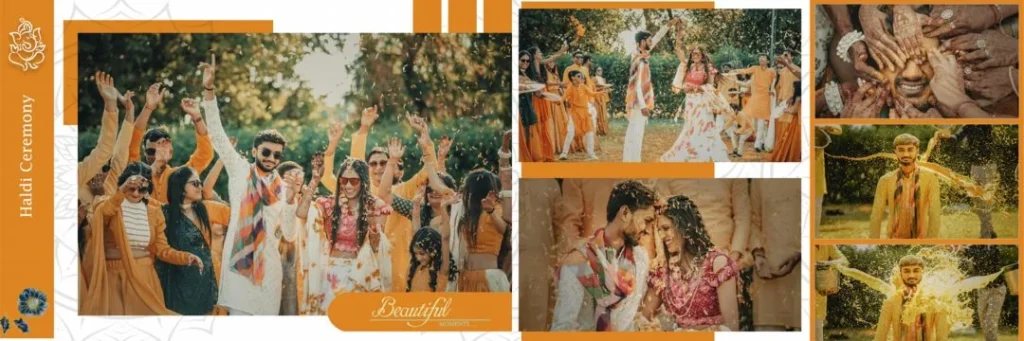
File Size: 73MB
#08
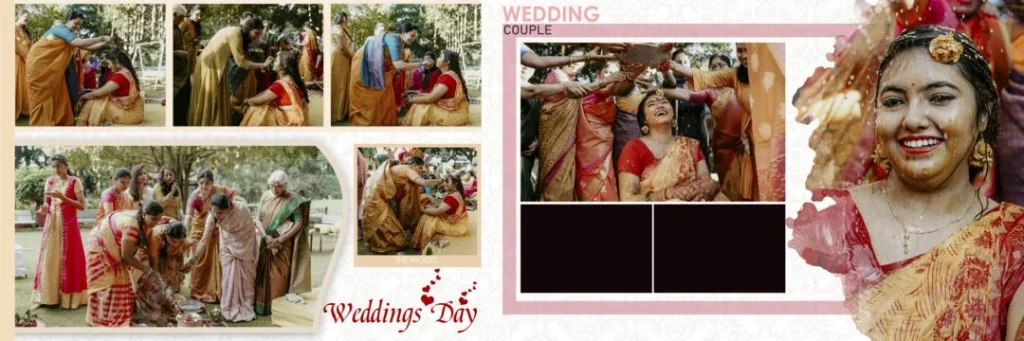
File Size: 83.6MB
#09
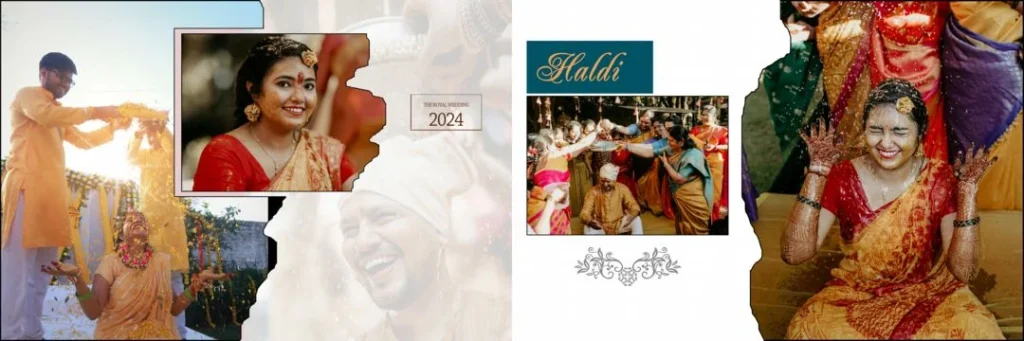
File Size: 67.9MB
#10
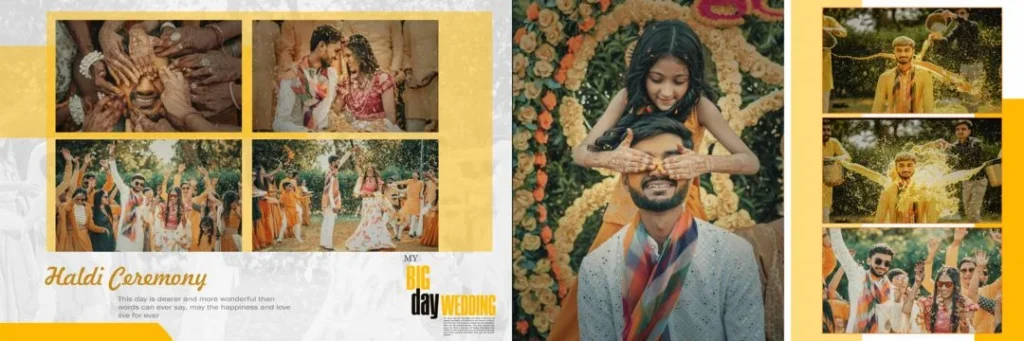
File Size: 83.2MB
#11
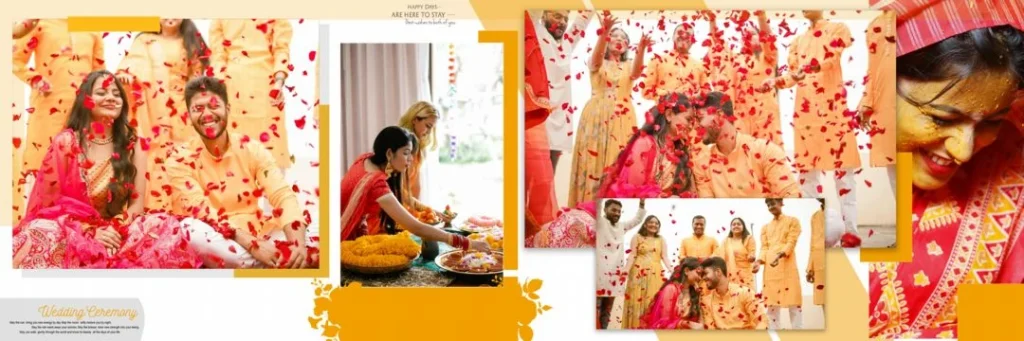
File Size: 63.1MB
#12
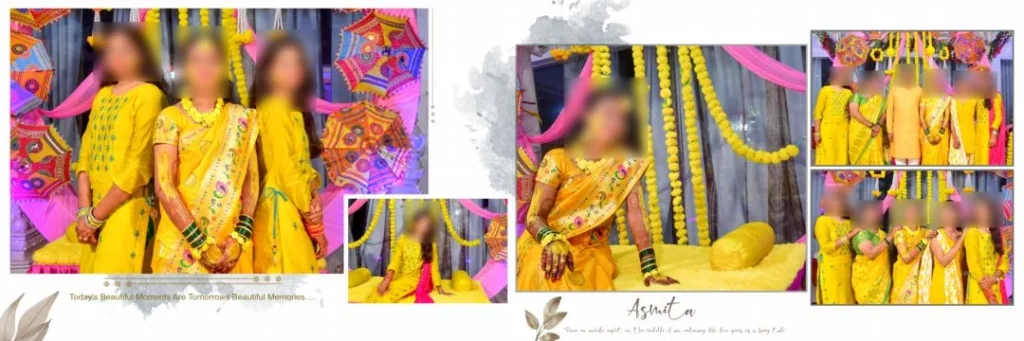
File Size: 70.7MB
Get More: 10+ Creative Wedding Album Design PSD Download – Freepsd360.
#13
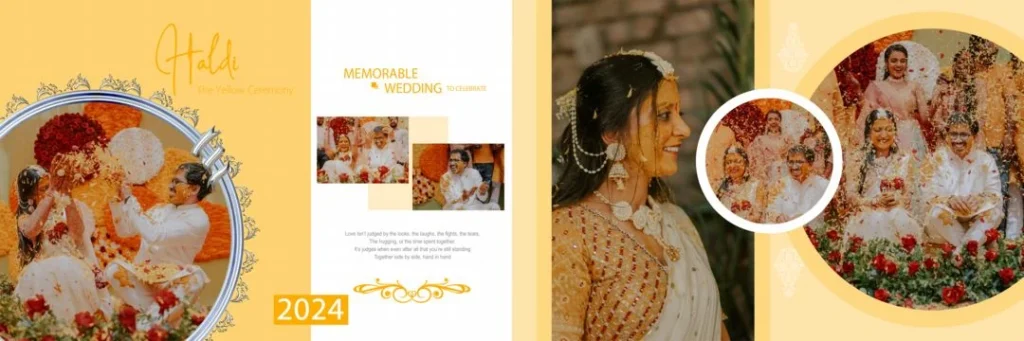
File Size: 55.7MB
#14
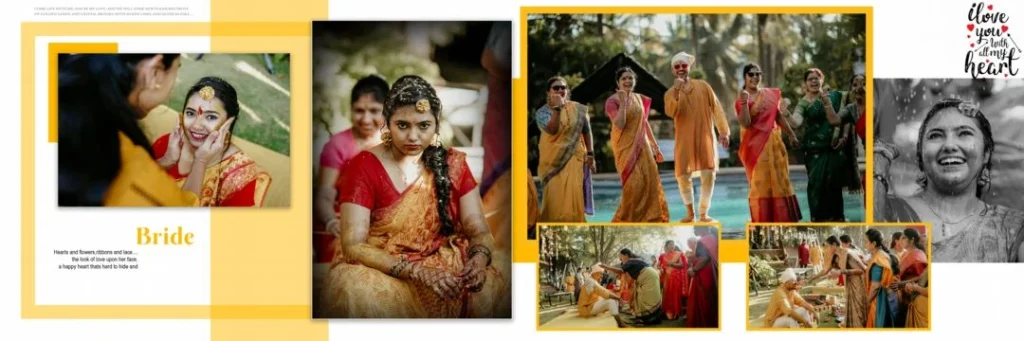
File Size: 67.7MB
#15
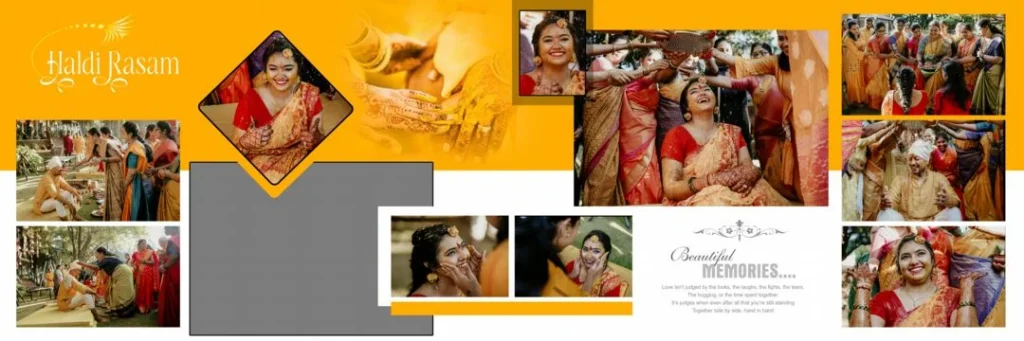
File Size: 61.4MB
Fresh Traditional Layouts for Your Next Haldi Album Project
Freepsd360.com offers a starting point for designers searching for traditional wedding album resources. Check the available files for editable layers, suitable page dimensions, and a design style that matches the couple’s preferences. Files described as free should still be checked for their specific usage terms before commercial work.
A Haldi Wedding Album Design PSD free download can help you prepare a layout more efficiently, especially when several client albums are due at the same time. If a file is supplied in ZIP format, extract it before opening the PSD in Photoshop. Do not assume every template is 12X36, 300 DPI, or print-ready; confirm these details in the downloaded file before starting.
How to Use These Haldi Wedding Album Templates Step by Step
Step 1: Download the file. Choose a suitable template from Freepsd360.com and save the ZIP file to your computer. Confirm the file dimensions and included resources before beginning.
Step 2: Extract the ZIP folder. Use your computer’s extraction tool to unpack the downloaded folder. Locate the PSD file and any included fonts or instructions.
Step 3: Open the PSD in Photoshop. Open the file and inspect its layers, canvas dimensions, and resolution. Keep an untouched copy of the original template for reference.
Step 4: Replace the photographs. Use Smart Objects if the template includes them, or place your client’s photographs into the appropriate frames. Crop each image carefully to preserve faces and important ceremony details.
Step 5: Customize text and colors. Add the couple’s names, wedding date, or a short ceremony caption. Adjust the yellow, cream, and green tones to complement the photographs while keeping text easy to read.
Step 6: Prepare the final print file. Check the page dimensions, resolution, bleed requirements, and color settings with your print lab. Save the editable PSD and export the final file in the format requested by the printer.
Print Quality Starts with Balanced Haldi Album Layouts
Haldi photographs often contain bright yellow clothing, marigold flowers, green leaves, and warm skin tones. A strong layout gives these colors room to stand out. Avoid placing too many decorative elements around every photograph, as this can make the page feel crowded.
For a professional wedding album, photo placement matters as much as decoration. Use larger frames for key moments, such as the Haldi application or a family portrait, and smaller frames for candid expressions. Keep important details away from the binding area, and review the complete spread rather than judging each page alone.
A traditional Haldi Wedding Album PSD can also serve as a learning resource for newer designers. Studying its layer structure helps you understand spacing, visual hierarchy, and photo balance. Still, always inspect the actual file before sending it to a print lab; a decorative PSD is not automatically ready for production.
Tips for the Best Print Results
- Use 300 DPI when appropriate. Check the document resolution at the intended print dimensions. Increasing a low-resolution image to 300 DPI does not restore missing detail.
- Confirm the CMYK color mode. Ask your print lab for its preferred color profile and conversion settings. Bright yellow shades may appear different in print than they do on a monitor.
- Allow 3–5 mm bleed where required. Follow the printer’s exact bleed specifications and keep faces, names, and other important details inside the safe area.
- Keep a layered PSD backup. Preserve an editable version before flattening or exporting. This makes future corrections, photo replacements, and client revisions easier.
Frequently Asked Questions
Are these Haldi album templates really free?
Templates offered as free downloads on Freepsd360.com can be downloaded without a template purchase, subject to the individual resource terms. Check the download page for any conditions or restrictions.
What software is needed to edit these files?
Adobe Photoshop is the standard choice for PSD files. Compatible image editors may open some PSDs, but Smart Objects, fonts, effects, and other features may not work exactly as intended.
Can I use these templates for paid client work?
Check the license attached to each download before using it in a paid project. Free access does not automatically grant commercial-use rights or permission to redistribute the original PSD.
Are all Haldi album PSD files available in 12X36 size?
No. Dimensions vary by template. Check the canvas size before downloading, and confirm whether the file suits your album format and printer’s specifications.
How can I make yellow Haldi photographs look natural in print?
Use well-exposed photographs, avoid excessive saturation, and check colors with your print lab’s profile. A test print can reveal differences between screen colors and the final printed result.
Conclusion
A well-planned haldi wedding album brings the ceremony’s flowers, family moments, and joyful expressions together in a polished design. Editable PSD layers, balanced photo layouts, and careful print preparation help designers create albums that reflect the couple’s memories without unnecessary editing work.
Visit Freepsd360.com to explore available wedding design resources and choose a template that fits your project. Review the file dimensions, resolution, and license before use, then customize your haldi wedding album design with your client’s photographs and personal details.
You might also enjoy these free resources on Freepsd360.com: