Tamil wedding album layouts have their own design needs. They often bring together traditional ceremonies, family portraits, candid moments, and colourful wedding decorations. A well-planned layout helps these photographs tell a clear story without making every page look crowded.
For photographers and graphic designers, choosing the right Tamil wedding album format can make album production easier. Editable PSD files offer a practical starting point when you need to arrange wedding photographs, adjust backgrounds, and customise text for different clients.
This collection topic is designed for designers searching for Tamil wedding album design resources. Before downloading, check the actual file dimensions, resolution, layer structure, and usage terms so the design fits your project and printing requirements.
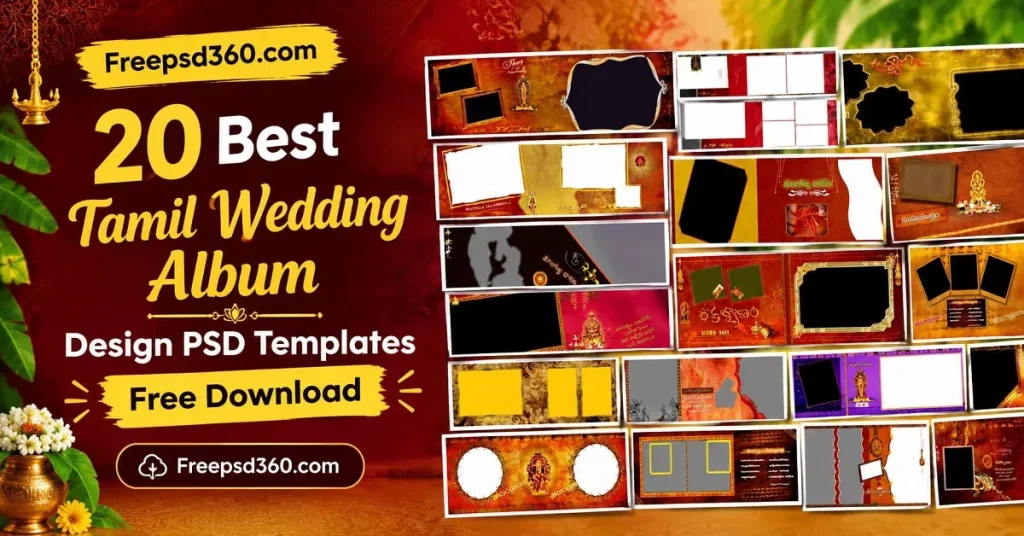
Tamil Wedding Album — Format, Editing and Design Basics
A Tamil wedding album is a printed or digital collection of wedding photographs arranged to tell the story of a couple’s special day. A Photoshop Document (PSD) template provides an editable layout where designers can place photos, adjust design elements, and customise the page.
A Tamil wedding album PSD can include photo placeholders, decorative backgrounds, text areas, and separate design layers. However, the exact structure depends on the individual file. Check whether Smart Objects, fonts, and linked assets are included before starting your work.
These templates can support albums featuring the Muhurtham, wedding rituals, family portraits, reception, and candid photography. Choose layouts that suit the client’s photographs instead of forcing every image into the same design.
#01

File Size: 67.5MB
#02
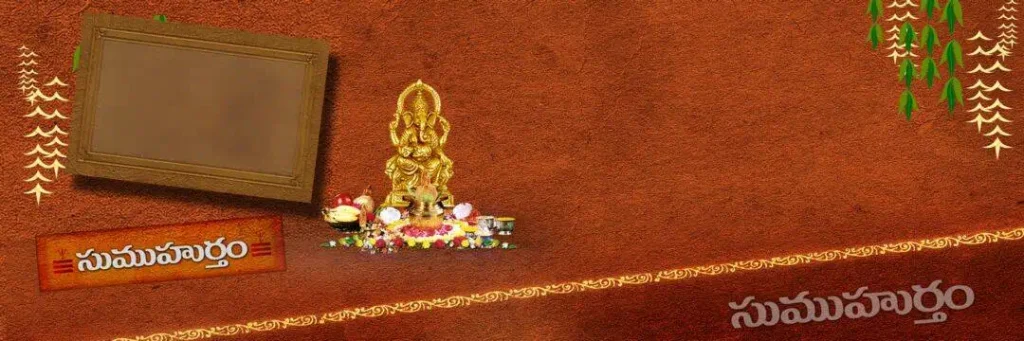
File Size: 94.2MB
#03

File Size: 72.5MB
#04
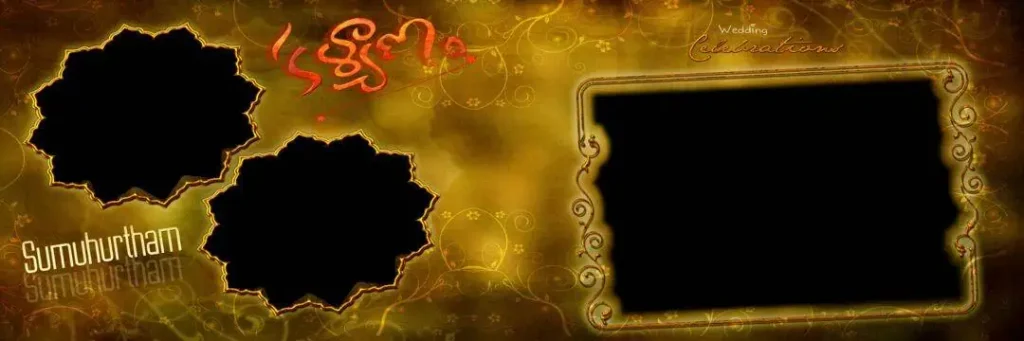
File Size: 221MB
#05
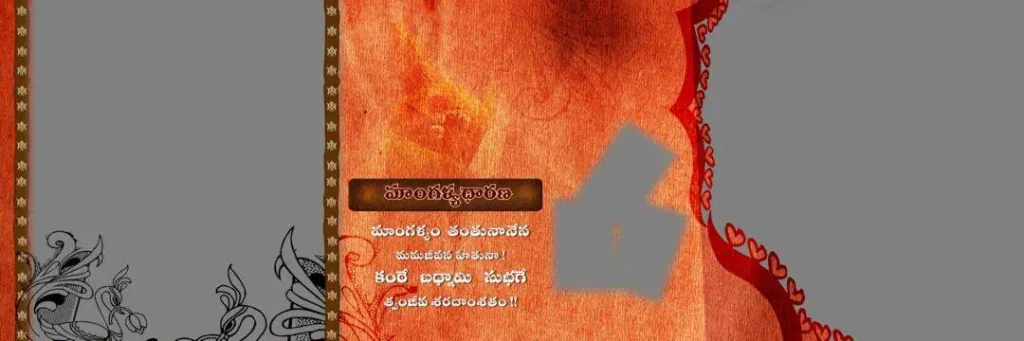
File Size: 121MB
Get More: 12×36 DM PSD Free Download for Wedding Album Design.
#06

File Size: 52.3MB
#07

File Size: 130MB
#08

File Size: 45.6MB
#09
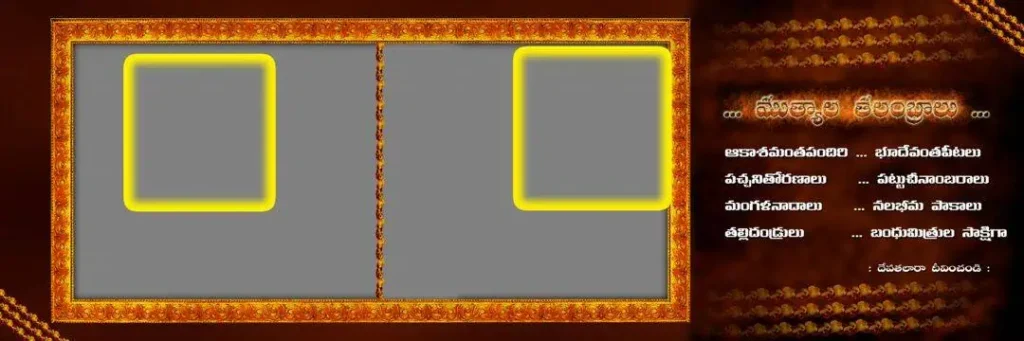
File Size: 39MB
#10
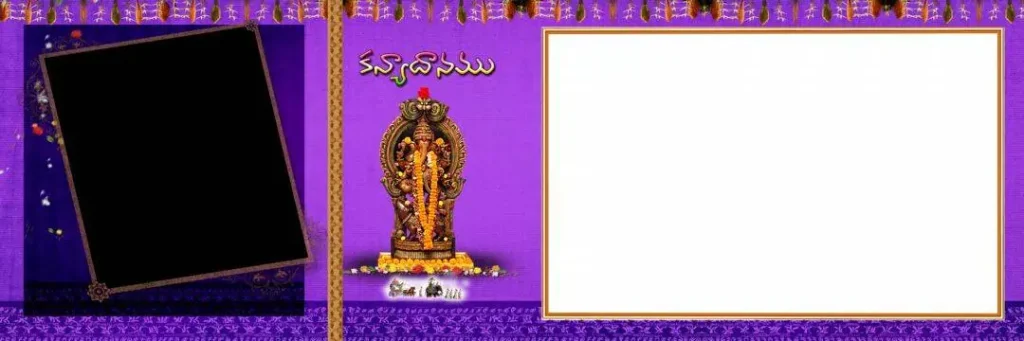
File Size: 73MB
Get More: 10+ Creative Wedding Album Design PSD Download – Freepsd360.
#11

File Size: 41.5MB
#12

File Size: 121MB
#13

File Size: 49.9MB
#14

File Size: 170MB
Get More: 15 Traditional Haldi Wedding Album Design PSD Free Download
#15
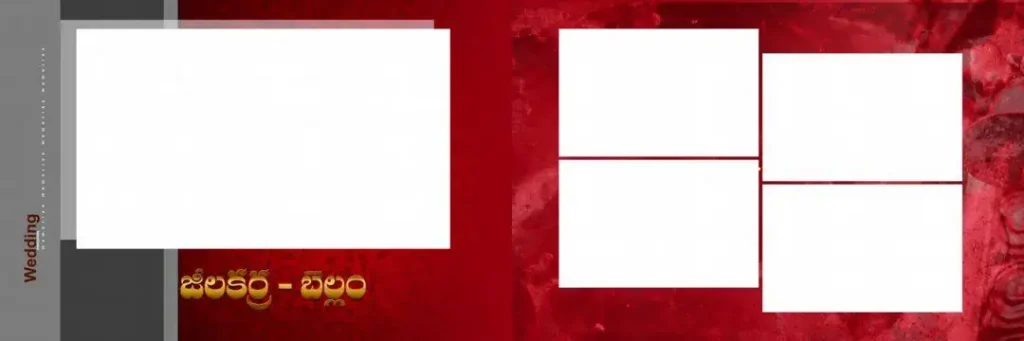
File Size: 102MB
#16
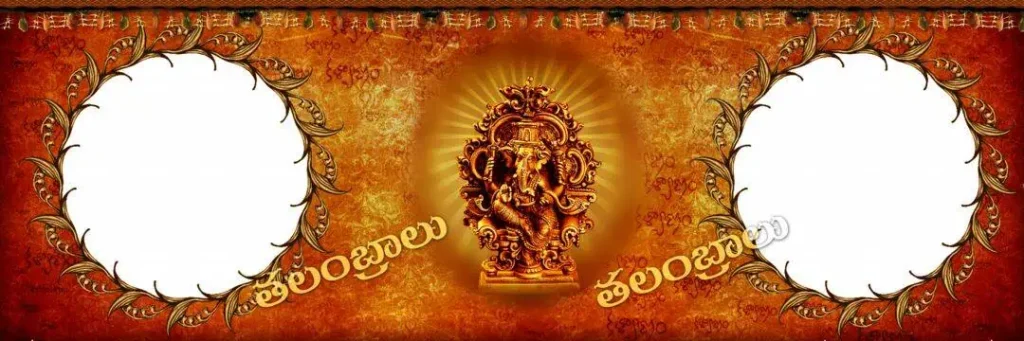
File Size: 76.7MB
#17
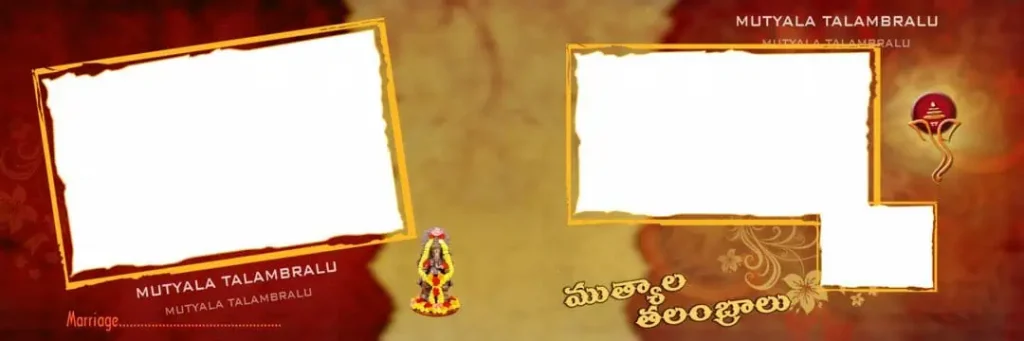
File Size: 116MB
#18

File Size: 275MB
#19
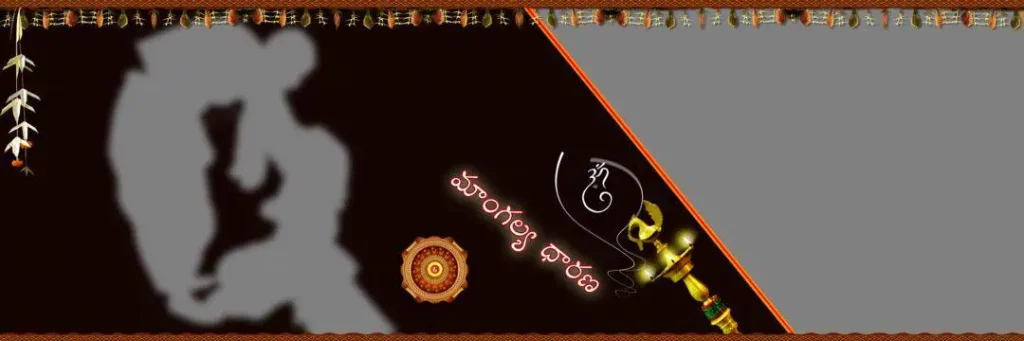
File Size: 11.8MB
#20
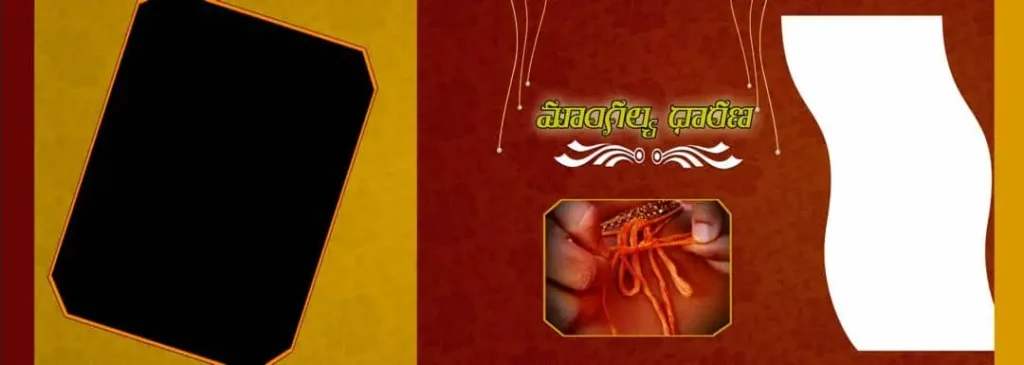
File Size: 115MB
Explore Wedding Album Designs for Your Next Studio Project
Freepsd360.com is referenced here as a resource for designers looking for wedding album design materials. Look for a clearly labelled free download and review the preview before selecting a file for your project.
A useful collection should provide clear file information, including the PSD format, page size, resolution, and ZIP archive details. Some designs may be prepared for 12X36 album spreads, but confirm the dimensions on the download page. Do not assume every file is print-ready, fully layered, or regularly updated without checking its listing.
How to Use These Tamil Wedding Album Templates
Step 1: Download the file. Visit the relevant download page on Freepsd360.com and select the Tamil Wedding Album Design that matches your project. Check the file description and usage licence first.
Step 2: Extract the ZIP folder. If the download comes in ZIP format, unzip it using your computer’s extraction tool. Keep the original archive as a backup.
Step 3: Open the PSD in Photoshop. Launch Adobe Photoshop and open the PSD file. Check the canvas dimensions, resolution, fonts, and colour mode before editing.
Step 4: Replace the photos. Use Smart Objects if the template supports them. Otherwise, place your photographs manually and fit each image inside the intended frame.
Step 5: Customise text and colours. Add the couple’s names, wedding date, and other approved details. Adjust colours and decorative elements to match the album’s overall style.
Step 6: Prepare the final artwork. Save an editable PSD backup and export a print-ready copy using your print lab’s specifications. Confirm the required resolution, colour profile, bleed, and file format.
Print Quality Begins with Balanced Tamil Wedding Album Design
A strong layout is not just about decoration. The final album must look balanced when printed, especially when a spread contains several photographs, captions, and ornamental details.
Traditional wedding photography can include bright silk sarees, floral decorations, gold jewellery, and colourful ceremony settings. Keep enough visual space around these images so important details remain visible. Avoid adding too many frames, textures, or decorative elements to one page.
For better results, review the photo layout at actual size before sending it to the album printing service. Check faces near the centre fold, small text, image sharpness, and colour consistency. A creative Tamil wedding album design should support the photographs, not compete with them.
Tips for the Best Print Results
- Check 300 DPI resolution. Confirm the effective resolution at the final print size. Enlarging a low-resolution image does not create genuine image detail.
- Confirm CMYK colour mode. Ask your print lab which colour profile it requires. Convert a working copy when needed and review the colours because some bright tones may change.
- Keep 3–5mm bleed where required. Follow the printer’s bleed instructions and add extra space near the binding if the album specification requires it. Do not place faces or important text near trimming edges.
- Save a layered PSD backup. Preserve your editable working file before exporting. This makes later changes, photo replacements, and client revisions easier.
Frequently Asked Questions
Are these Tamil wedding album templates really free?
Check the individual download page on Freepsd360.com for pricing and licence details. A free download should have clearly stated usage terms. Verify any restrictions before using the file.
What software is needed to edit a Tamil wedding album PSD?
Adobe Photoshop is the recommended software for PSD editing. Compatible applications may open some files, but Smart Objects, fonts, effects, and adjustment layers may not work exactly the same way.
Can these templates be used for paid client work?
That depends on the licence. Check whether commercial client projects, printed albums, modifications, and redistribution are permitted. Free downloading does not automatically grant every commercial right.
Are Tamil wedding album PSD files available in 12X36 size?
Some Wedding Album Designs may use 12X36 dimensions. Check the exact canvas size and whether the file represents a single page or a complete spread before downloading.
How can I keep Tamil wedding album photos clear in print?
Use high-quality original photographs, check effective resolution at final size, and avoid excessive enlargement. Preview the complete spread and confirm print settings with your album lab.
Conclusion
A thoughtfully arranged Tamil Wedding Album brings wedding photographs together in a way that feels organised, personal, and professional. Editable PSD resources can help designers manage photo placement, typography, colour choices, and album production while leaving room for creative changes.
Explore Freepsd360.com for wedding album design resources and check the available download details before starting your next project. Choose a suitable Tamil Wedding Album PSD, customise it for your client’s photographs, and prepare the final artwork according to your print lab’s requirements.
You might also enjoy these free resources on Freepsd360.com: