A 12×36 Wedding Album needs a different approach from a standard photo layout. Its wide panoramic format gives designers more room to tell a wedding story, but arranging photos across two connected pages can be difficult. Poor spacing, crowded portraits, and awkward center folds can affect the final result.
A ready-made 12×36 Wedding Album PSD can help solve these problems. Instead of creating every page from scratch, you can start with an existing layout and adjust it to match your client’s photos, colors, and design preferences.
At Freepsd360.com, wedding photographers and graphic designers can explore free PSD resources for their album projects. These templates can help you prepare attractive wedding layouts while keeping your workflow organized and your final design suitable for professional printing.
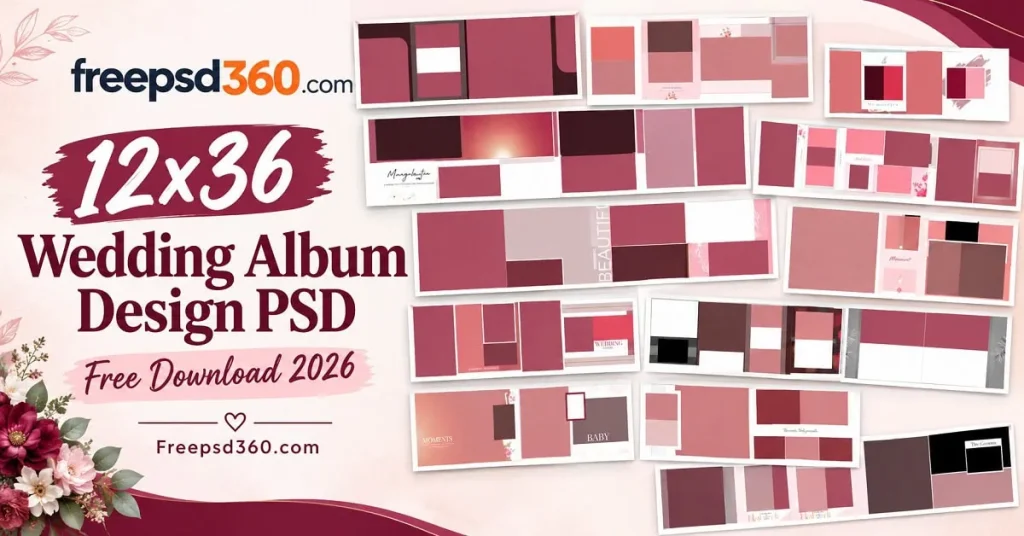
12×36 Wedding Album — Format, Dimensions and Design Basics
A 12×36 wedding album is a wide-format album layout commonly used for panoramic wedding spreads. A PSD template is an editable Photoshop file that lets designers replace photos, adjust text, change colors, and customize decorative elements for a finished album.
The 12×36-inch format provides a broad canvas for wedding photography. Designers can combine couple portraits, family photographs, ceremony details, and candid moments across a spread. The PSD format also allows individual layers to be edited without rebuilding the entire design.
Before printing, check the actual document dimensions, resolution, color mode, and page setup. Some templates use separate pages, while others may show a complete spread. The center fold needs special attention because important faces and text should not disappear into the binding.
#01
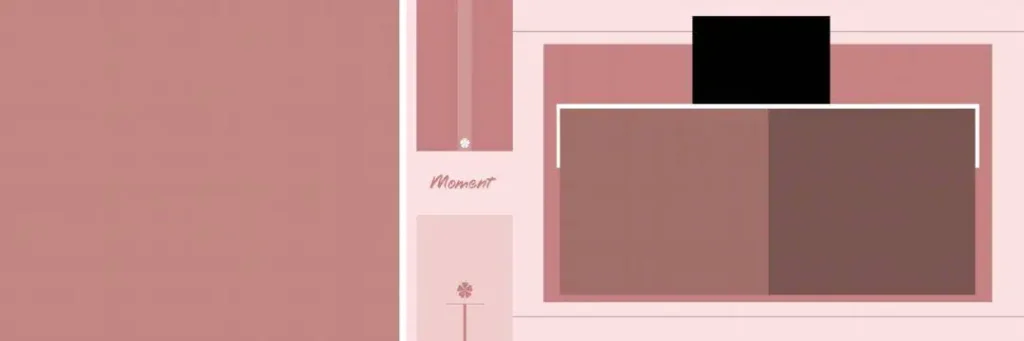
File Size: 1MB
#02
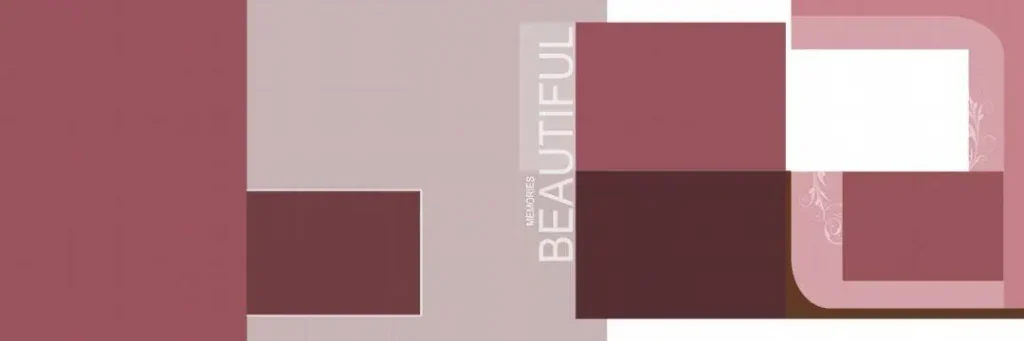
File Size: 1MB
#03
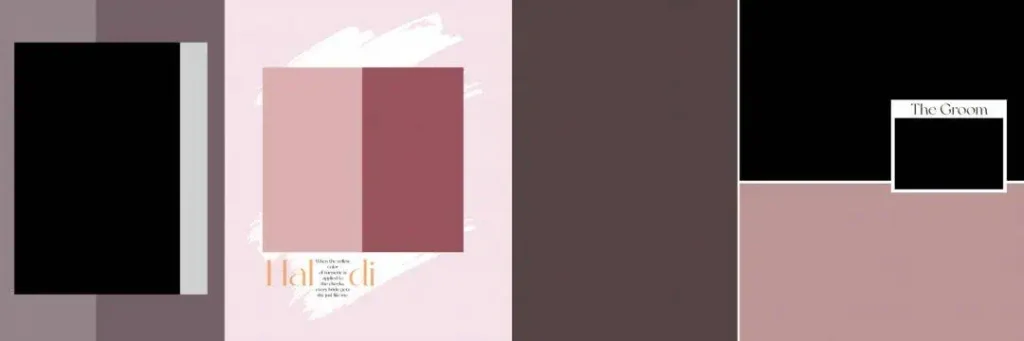
File Size: 1MB
#04
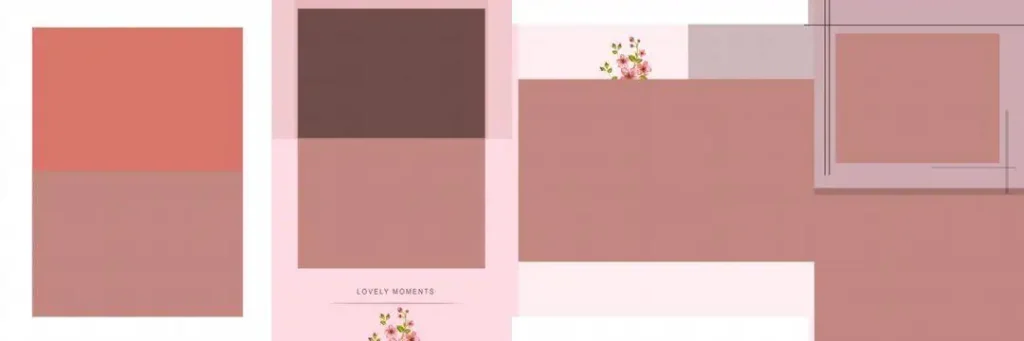
File Size: 1.35MB
#05
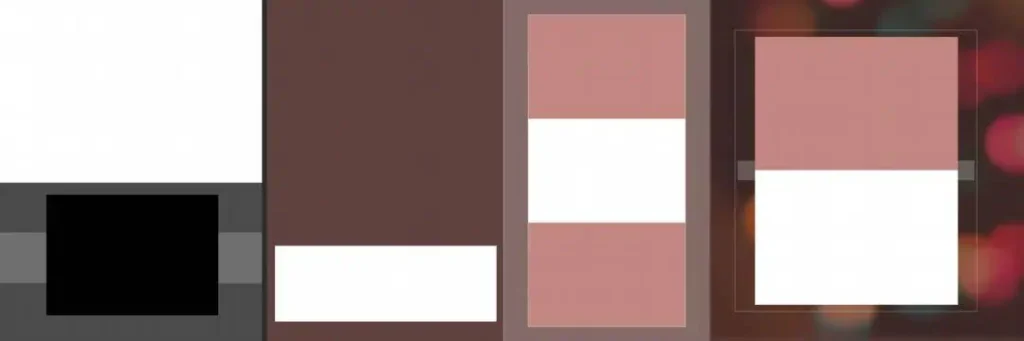
File Size: 6.94MB
#06
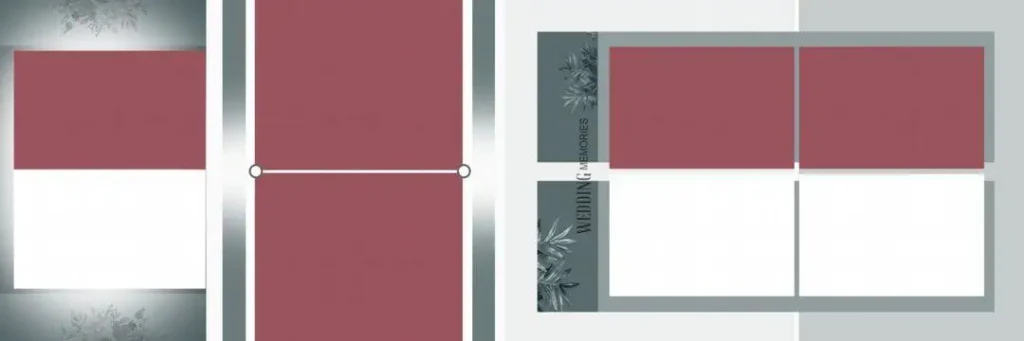
File Size: 15.2MB
#07
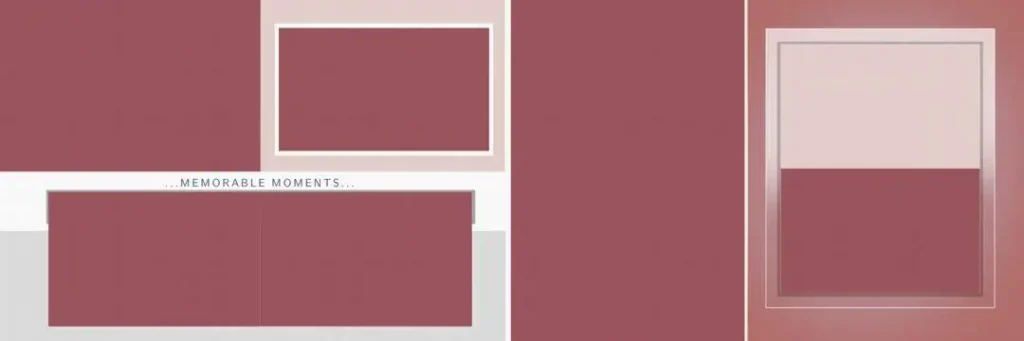
File Size: 12.1MB
Get more: 15 Latest Wedding Album Design 2025 Free PSD Download-freepsd360.
#08
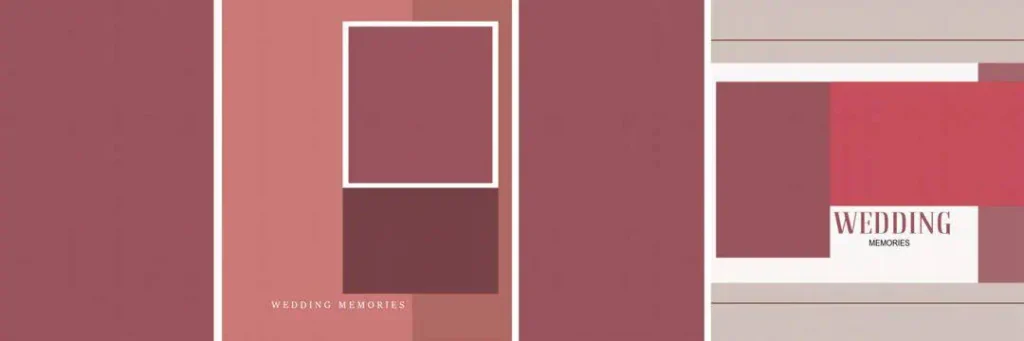
File Size: 1MB
#09
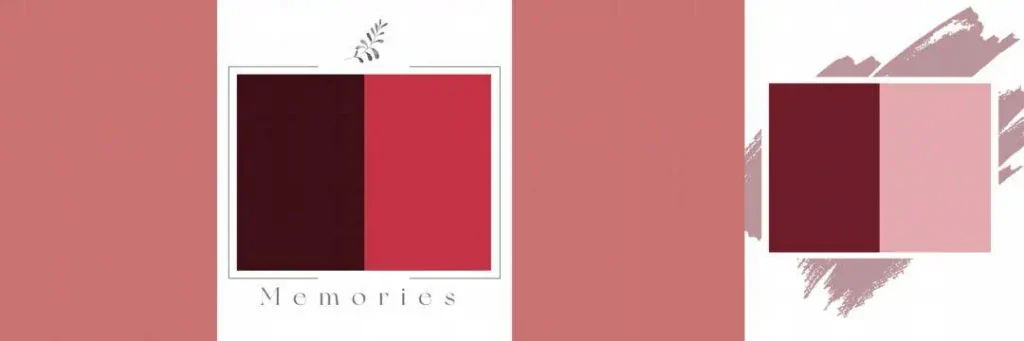
File Size: 1.64MB
#10
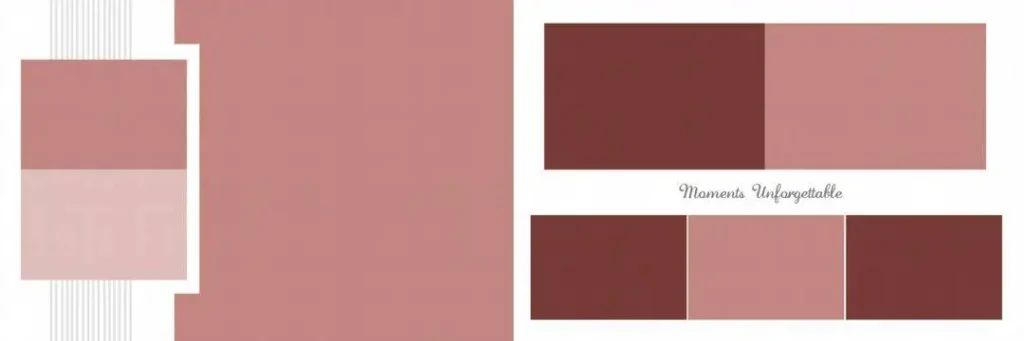
File Size: 1MB
#11
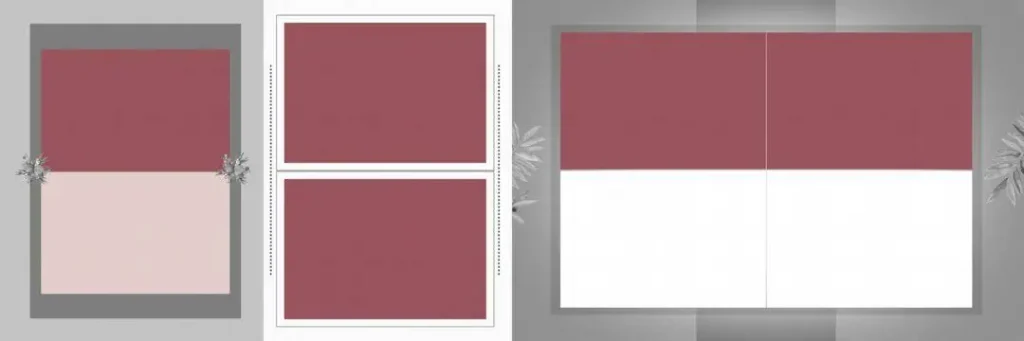
File Size: 19.7MB
#12
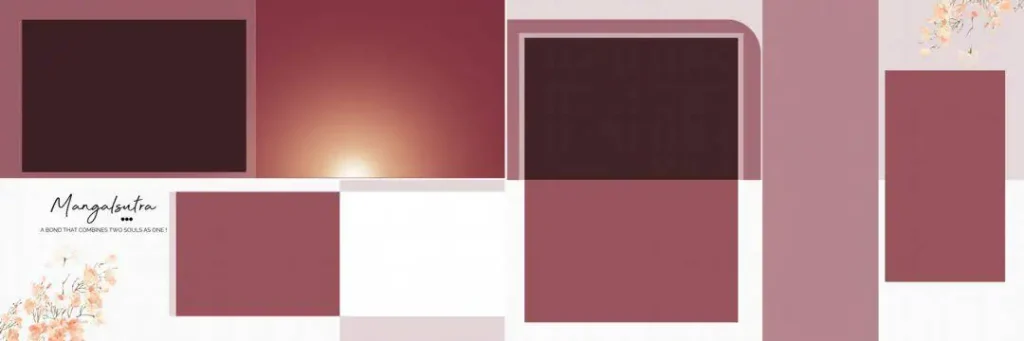
File Size: 7.25MB
#13

File Size: 3.35MB
#14
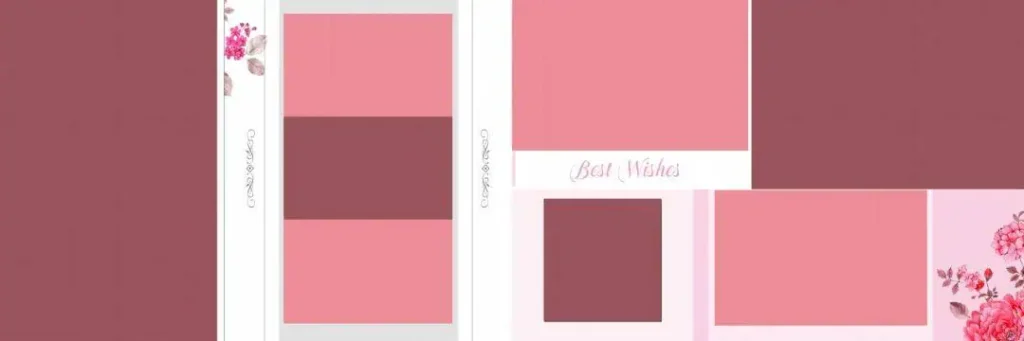
File Size: 5.48MB
#15
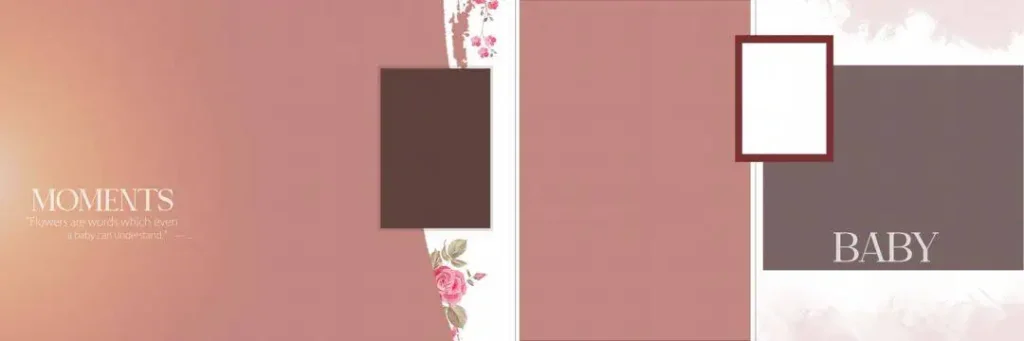
File Size: 10.4MB
Fresh 12×36 Album Layouts for Your Next Wedding Project
Freepsd360.com offers free PSD resources for designers who need flexible starting points for wedding albums. A suitable 12×36 wedding album design PSD can make it easier to arrange photographs, create visual balance, and maintain a consistent style throughout the album.
PSD files are designed for editing in Photoshop, and downloaded resources may be provided in a ZIP archive. Check the individual file details for its actual dimensions, resolution, layer structure, and included assets before starting your project. The collection can support different wedding photography styles, from traditional Indian ceremonies to modern couple portraits.
These resources are intended to help photographers and studio designers work more efficiently. Download the files free of charge where offered, and review the stated license terms before using them in commercial projects. Do not assume every template has identical print settings or usage rights.
How to Use These 12×36 Wedding Album Templates
Step 1: Download the template. Choose a suitable 12×36 wedding album PSD from Freepsd360.com. Save the ZIP file to a folder on your computer.
Step 2: Extract the ZIP file. Use your computer’s extraction tool to unpack the archive. Check for the PSD file and any included fonts, previews, or instructions.
Step 3: Open the PSD in Photoshop. Launch Adobe Photoshop and open the template. Review the layers and confirm the canvas dimensions and resolution before editing.
Step 4: Replace the sample photos. If the design uses Smart Objects, open the relevant Smart Object and insert your client’s photographs. Otherwise, place each image manually and adjust its size and crop within the frame.
Step 5: Customize the design. Change names, dates, text, background colors, and decorative elements to suit the wedding. Keep important faces away from the center fold and avoid overcrowding the spread.
Step 6: Prepare the final file. Confirm the print lab’s required dimensions, bleed, and color profile. Export a print-ready file at the required resolution, commonly 300 DPI, and save an editable PSD backup.
Print Quality Details That Make a 12×36 Album Look Professional
A wide album spread can look impressive on screen but still produce disappointing printed results if the photos are poorly cropped or the colors are inaccurate. The goal is to guide the viewer’s attention naturally across both pages without losing important details near the binding.
When using a 12×36 wedding album PSD, arrange the strongest photographs where they can be seen clearly. Use larger images for key moments, such as the wedding ceremony or couple portraits, and smaller frames for supporting details. Keep a consistent margin around the layout so the pages feel connected rather than crowded.
Color consistency matters just as much as composition. Wedding photographs often contain bright clothing, warm skin tones, flowers, and detailed decorations. Check these colors on a calibrated display when possible, and follow the print lab’s instructions for CMYK conversion or its preferred color profile. Always confirm whether the template’s stated dimensions include bleed.
Tips for the Best Print Results
– Work at the correct resolution. Use 300 DPI for high-quality album printing when supported by the original image dimensions. Increasing the DPI setting alone cannot restore detail missing from a low-resolution photograph.
– Confirm the color mode. Follow your print lab’s requirements for CMYK or its specified RGB workflow. Convert colors using the recommended profile rather than relying on an arbitrary setting.
– Allow enough bleed space. A bleed of around 3–5 mm is common, but confirm the exact amount with your printer. Keep faces, names, and other important details safely inside the trim area.
– Save a layered PSD backup. Preserve the original layers before flattening or exporting the final file. This makes later changes to photographs, text, and colors much easier.
Frequently Asked Questions
Are these 12×36 wedding album templates really free?
Freepsd360.com provides free PSD resources where offered. Check the individual download page for any conditions, included files, and license terms before using a template.
What software do I need to edit a 12×36 wedding album PSD?
Adobe Photoshop is the primary software for editing PSD files. Compatibility with other image editors can vary, especially when a template uses Smart Objects, effects, or specialized fonts.
Can I use these templates for paid client work?
That depends on the license attached to the specific file. Review its commercial-use terms before delivering a design to a paying client, and obtain separate licenses for any restricted fonts or assets.
Is a 12×36 wedding album suitable for panoramic wedding photos?
Yes. Its wide layout works well for couple portraits, group photographs, and ceremony scenes. Keep important faces and text away from the center fold to avoid losing details during binding.
What should I check before sending a 12×36 album to print?
Confirm the final dimensions, resolution, bleed, color profile, and binding requirements with your print lab. Check every spread for low-resolution images, clipped text, and faces positioned too close to the fold.
Conclusion
A well-prepared 12×36 wedding album helps present wedding photographs in a wide, connected layout. Editable PSD files give designers control over image placement, typography, colors, and decorative details while reducing the work required to build each page from scratch. Careful attention to resolution, spacing, and binding makes the design more suitable for professional album production.
Visit Freepsd360.com to explore free wedding design resources and find a suitable 12×36 wedding album PSD for your next project. Download the available files, customize the layout in Photoshop, and check the license and print specifications before delivering the finished album to your client.
You might also enjoy these free resources on Freepsd360.com: