A 12×36 album layout gives wedding designers a wide canvas for storytelling. However, not every PSD file is built for the same album format. Choosing the correct dimensions and page structure matters when preparing wedding photographs for professional printing. A well-organized design file makes the process more controlled from the first photo placement to the final export.
12×36 DM PSD files are useful for designers who work with wedding album spreads and need editable layouts in Photoshop. The format provides room for couple portraits, ceremony photographs, family moments, and creative compositions without making every page from scratch.
For Indian wedding studios, where Mehendi, Sangeet, Baraat, and reception photographs often need different visual treatments, a suitable album design workflow can make a real difference. The right template should support your design decisions, not limit them.
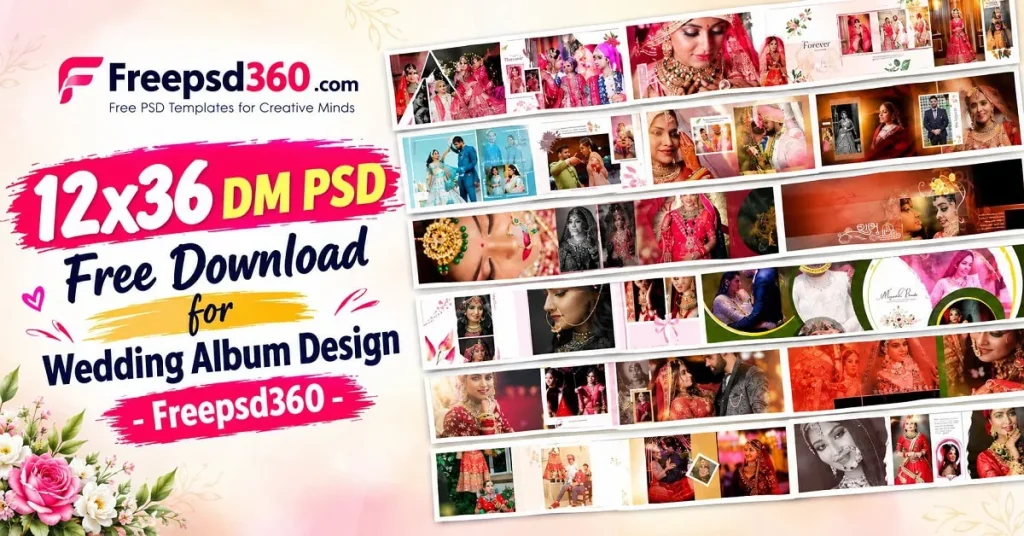
12×36 DM PSD — File Format, Dimensions and Design Structure
A 12×36 DM PSD is a Photoshop design file intended for a 12-by-36-inch wedding album layout, commonly used for wide album spreads. PSD stands for Photoshop Document, a format that can preserve editable layers, text, and design elements. Actual dimensions, resolution, and layer structure depend on the individual file.
Designers use this format to arrange wedding photography across a wide composition. It can accommodate couple portraits, decorative elements, background textures, and multiple photographs within one visual spread.
Before editing, check whether the file represents one complete spread or separate pages. Also verify the canvas dimensions, DPI, color profile, and bleed requirements. A file labelled 12×36 does not automatically guarantee print-ready quality.
#01
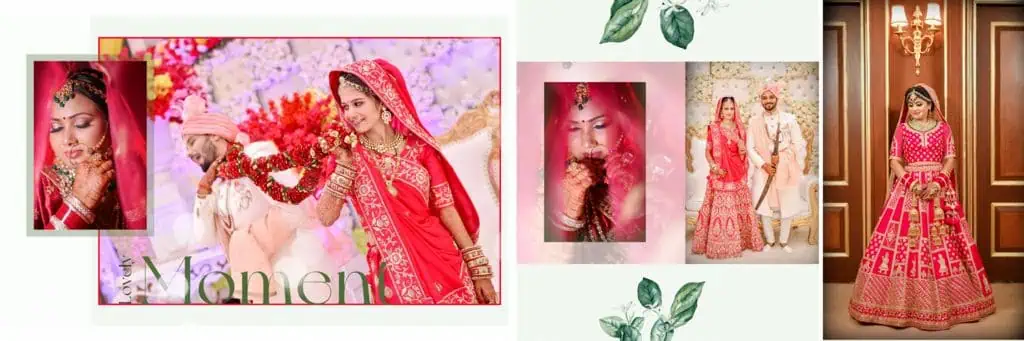
File Size: 230MB
#02

File Size: 158MB
#03
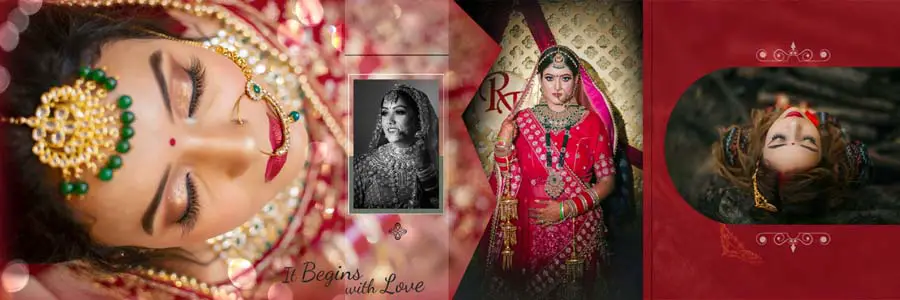
File Size: 8.05MB
#04
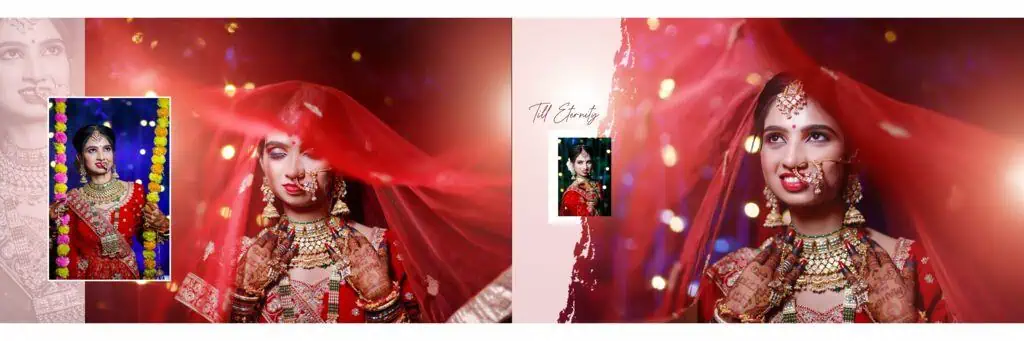
File Size: 3.27MB
#05

File Size: 159MB
#06

File Size: 94.7MB
#07
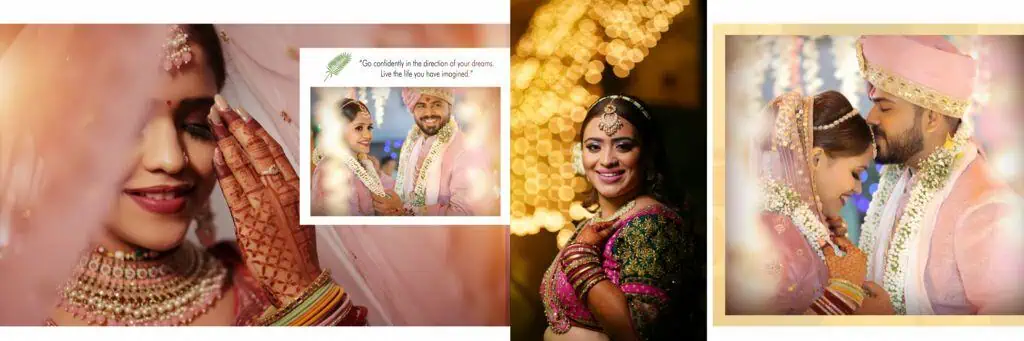
File Size: 69.4MB
#08
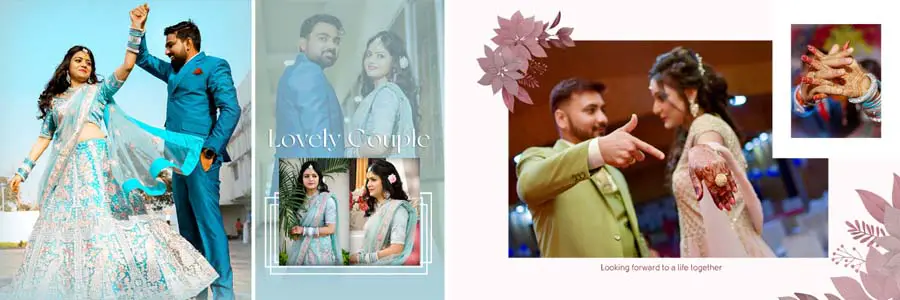
File Size: 215MB
Get More: 15 Traditional Haldi Wedding Album Design PSD Free Download.
#09
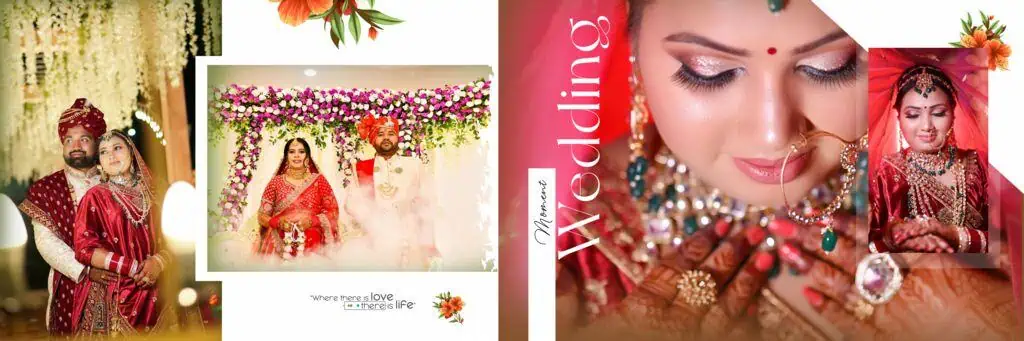
File Size: 52.5MB
#10
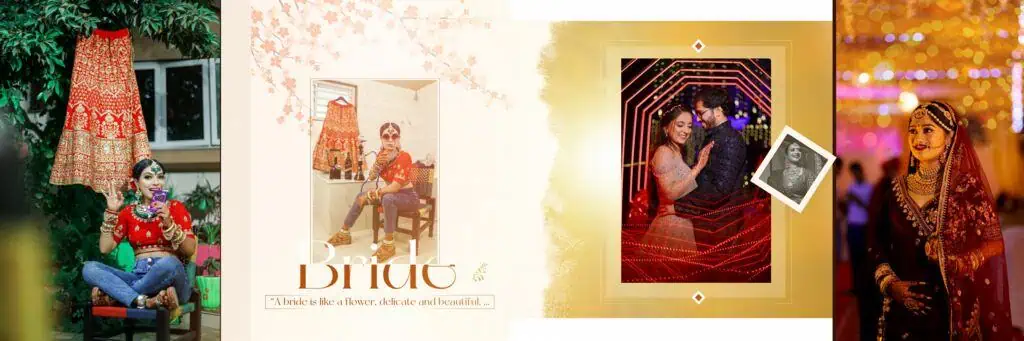
File Size: 122MB
#11
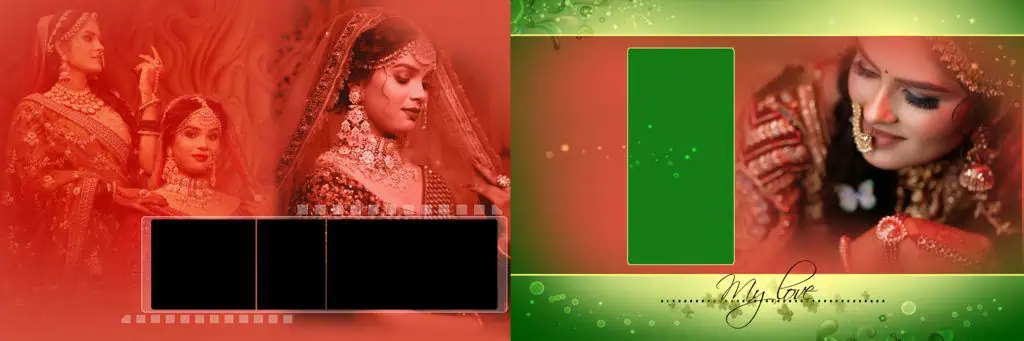
File Size: 232MB
#12
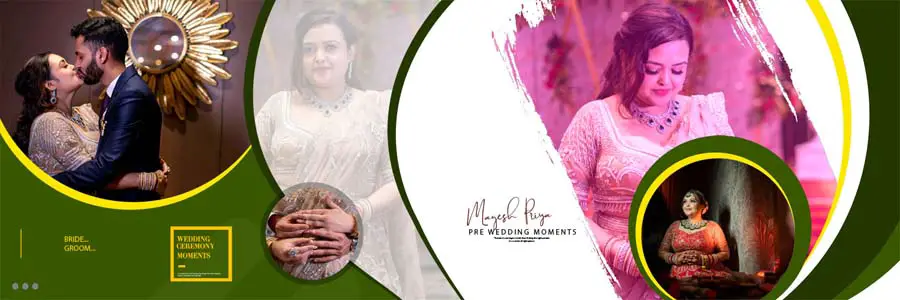
File Size: 59.4MB
#13
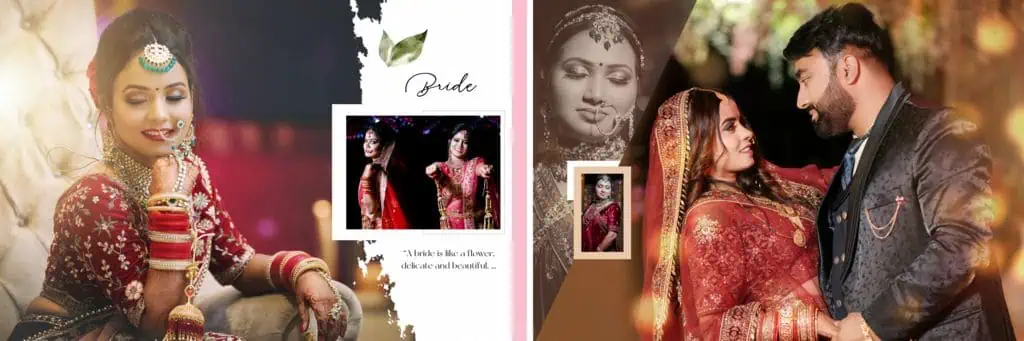
File Size: 177MB
#14
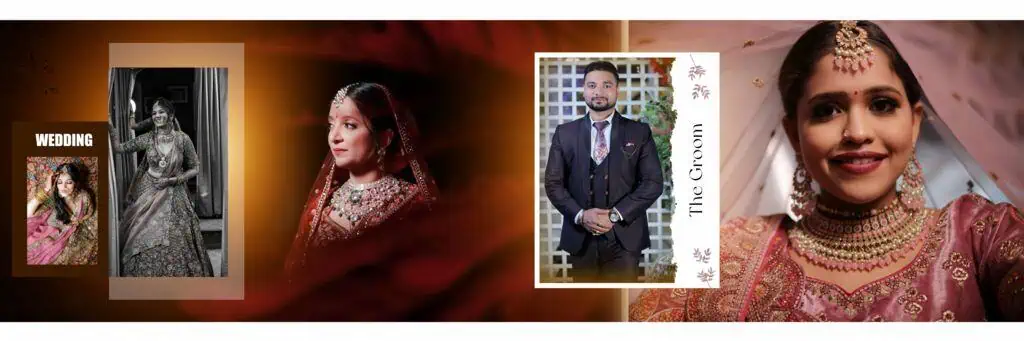
File Size: 200MB
#15
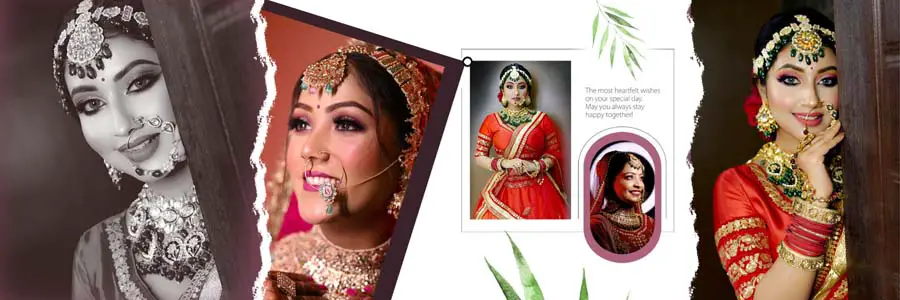
File Size: 57.5MB
#16
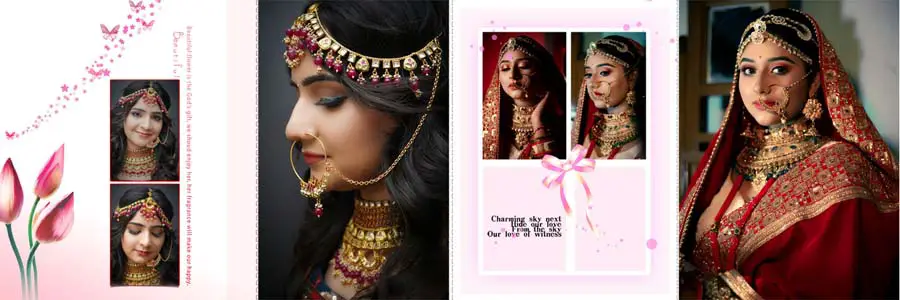
File Size: 11.8MB
A Free Collection for Your Next Wedding Album Project
Freepsd360.com is a resource name to check when looking for wedding album design materials and Photoshop templates. Before publishing or downloading a particular collection, confirm the available files, download conditions, and licensing information on the website.
When a suitable 12×36 DM PSD Free Download is available, check the included ZIP package and confirm whether it contains a layered Photoshop document. A properly organized file can help you adjust the layout, replace sample images, and customize decorative elements for a client’s album.
For production work, look for clear layer names, suitable image placeholders, readable text, and dimensions that match your printing requirements. Regularly updated collections can be useful, but always check the date and specifications of the actual file instead of assuming every design has the same features.
How to Use These 12×36 DM PSD Templates in Photoshop
Step 1: Download the file. Choose the required 12×36 DM PSD file from its source page. Check the file details, download terms, and whether the package includes a PSD document.
Step 2: Extract the ZIP package. Use a ZIP extraction tool to unpack the downloaded folder. Keep the original ZIP as a backup in case you need the source file again.
Step 3: Open the PSD in Photoshop. Launch Adobe Photoshop and open the document. Review the canvas dimensions, resolution, layers, and color profile before making changes.
Step 4: Replace the sample photographs. If the template uses Smart Objects, open the relevant placeholder and insert your photographs. Otherwise, place your images manually and adjust cropping, alignment, and framing.
Step 5: Customize text and colors. Update names, dates, and decorative details where editable. Adjust colors and backgrounds to match the wedding theme while keeping the photographs as the main focus.
Step 6: Prepare and export for print. Confirm the printer’s resolution, bleed, color mode, and file requirements. Save an editable PSD backup, then export using the print lab’s requested format and settings.
Build Better Album Design Skills Through 12×36 Layouts
Working with a well-structured Photoshop template is also a practical way to improve album design skills. New designers can study how photographs are grouped, how negative space is used, and how visual balance guides attention across a wide spread.
Pay attention to the relationship between the main portrait and supporting images. A wedding couple’s hero photograph should usually have enough visual space to stand out. Smaller images can tell the supporting story, such as the Mehendi ceremony, emotional family moments, or reception details.
Use the template as a starting point rather than a fixed design. Changing image proportions, spacing, and typography to suit the photographs helps develop stronger design judgment. This approach also builds confidence in wedding album design in Photoshop.
Tips for the Best Print Results
- Check 300 DPI at the final size. Confirm the effective resolution of your photographs at their placed dimensions. A 300 DPI document cannot make a low-resolution image sharper.
- Confirm CMYK color requirements. Ask the print lab for its preferred color profile. Convert or prepare the artwork according to the lab’s workflow, since colors can change during conversion.
- Keep 3–5 mm bleed where required. Follow the printer’s exact bleed specifications and keep important faces, text, and details away from trimming and binding areas.
- Save a layered PSD backup. Preserve the editable document before flattening or exporting. This makes future corrections and client revisions easier.
Frequently Asked Questions
Are these 12×36 DM PSD templates really free?
Check the specific download page for its pricing and conditions. Download only when the file is marked free, and review any usage restrictions before using it in your projects.
What software is needed to edit a 12×36 DM PSD file?
Adobe Photoshop is the recommended software for full PSD editing. Compatibility with other applications varies, especially for Smart Objects, effects, fonts, and adjustment layers.
Can I use these PSD designs for paid client work?
That depends on the template’s license. Review commercial-use permissions, redistribution rules, and any restrictions before delivering a finished album to a paying client.
Is a 12×36 DM PSD suitable for wedding album printing?
It can be suitable when its dimensions, resolution, bleed, and page structure match the print lab’s requirements. Confirm whether the design is a spread or separate pages before printing.
Can I use my own wedding photographs in these layouts?
Yes, if the file supports image replacement. Use Smart Objects or manual image placement, then adjust cropping and framing to suit your photographs.
Conclusion
A suitable 12×36 DM PSD can help wedding album designers manage wide layouts, organize photographs, and develop a consistent design workflow. The best results come from choosing the correct dimensions, understanding the layer structure, and checking print specifications before delivery.
Explore Freepsd360.com for relevant design resources and check the available licensing and file details before downloading. If a 12×36 DM PSD Free Download is available for your project, customize it with your wedding photographs, prepare the artwork carefully, and create an album that meets your client’s expectations.
You might also enjoy these free resources on Freepsd360.com: