A 12×36 album layout is different from a regular photo collage. Its wide panoramic format gives wedding designers more room to arrange portraits, ceremony moments, and group photographs across a double-page spread. Choosing the right layout helps maintain balance without making the design look crowded.
For photographers and graphic designers, 12×36 Album PSD files can provide a useful starting point for wedding album projects. Instead of building every frame from scratch, designers can work with an existing Photoshop layout and adjust it to suit the client’s photographs.
Whether you are designing an Indian wedding album featuring Mehendi, Sangeet, Baraat, or reception moments, the right layout can make photo selection and page planning easier. A well-organized design also helps keep the album consistent from the opening page to the final spread.
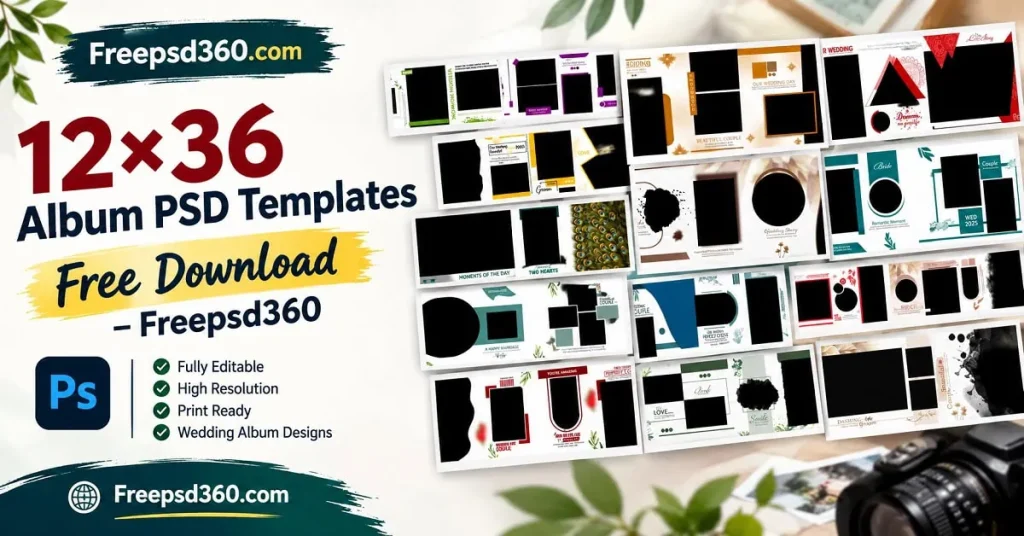
12×36 Album PSD — Format, Dimensions and Practical Uses
A 12×36 Album PSD is a Photoshop document designed for a wide album layout, commonly used for wedding photography. PSD files can contain editable layers, text, shapes, and photo frames, depending on how the original designer built the template.
The 12×36 format generally refers to a 12-by-36-inch album spread or a similar layout proportion. Always check the actual document dimensions before editing, because template measurements and printing requirements can vary.
These layouts are useful for arranging couple portraits, family photographs, wedding rituals, and creative photo compositions. Editable layers allow designers to adjust the layout, but resolution, color mode, bleed, and binding requirements should be confirmed before sending files for printing.
#01
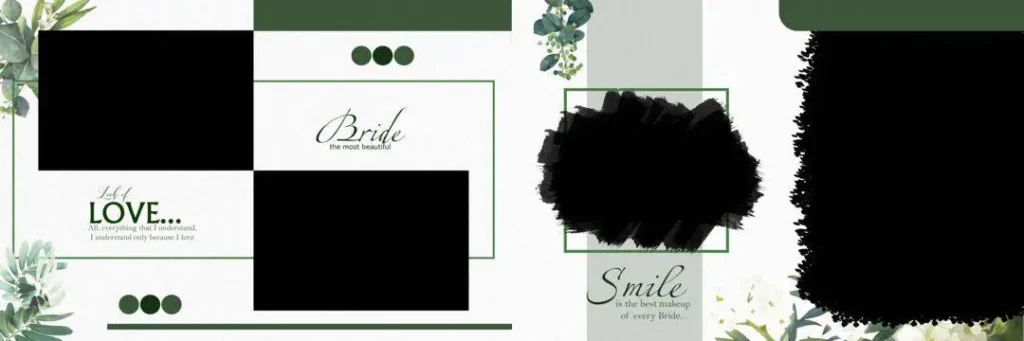
File Size: 65.4MB
#02
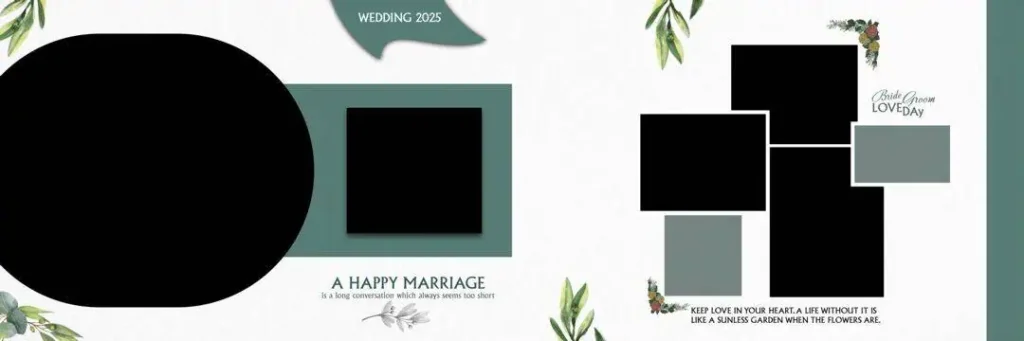
File Size: 48.9MB
#03
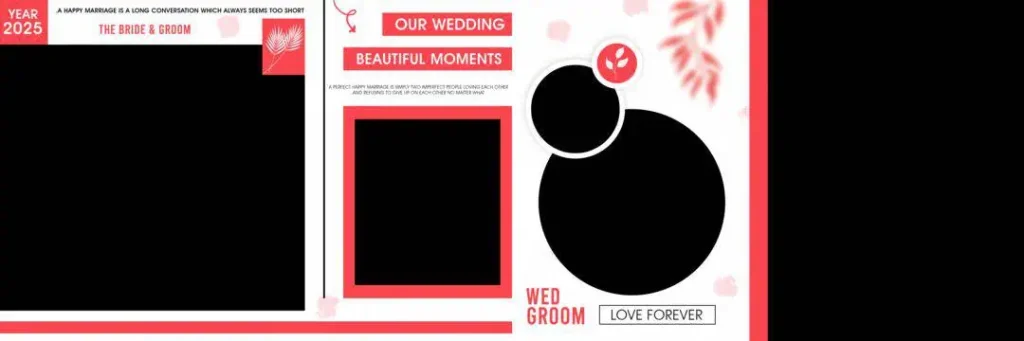
File Size: 2.33MB
#04

File Size: 66.9MB
Get More: 12×36 DM PSD Free Download for Wedding Album Design.
#05
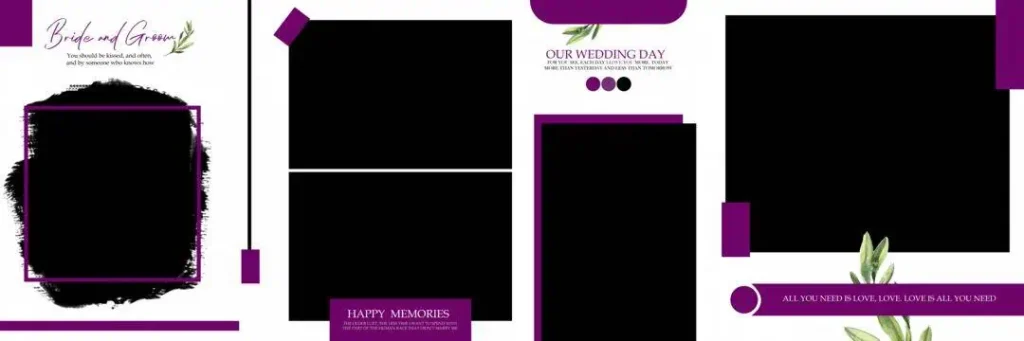
File Size: 16.2MB
#06
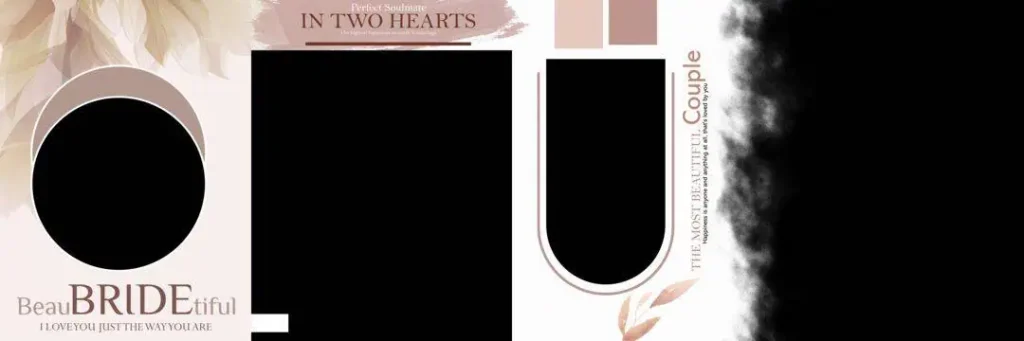
File Size: 112MB
#07

File Size: 47.8MB
#08
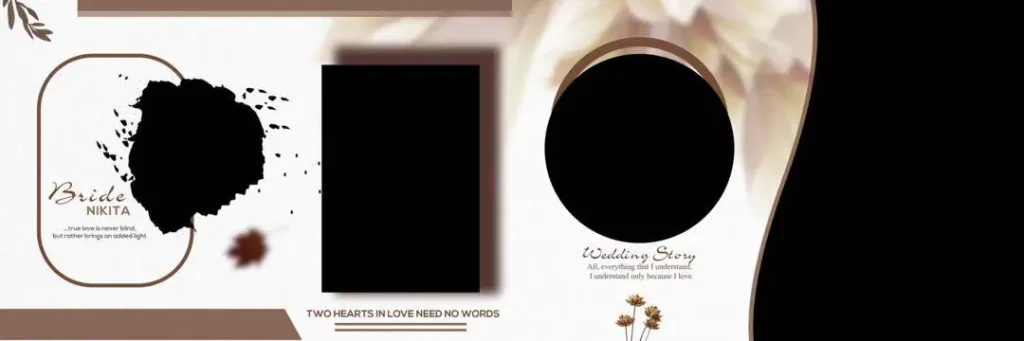
File Size: 67MB
#09
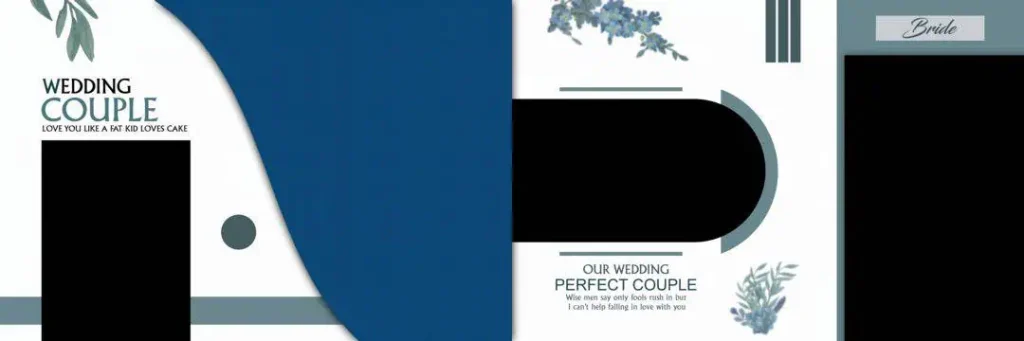
File Size: 20.9MB
Get More: 15 Traditional Haldi Wedding Album Design PSD Free Download.
#10
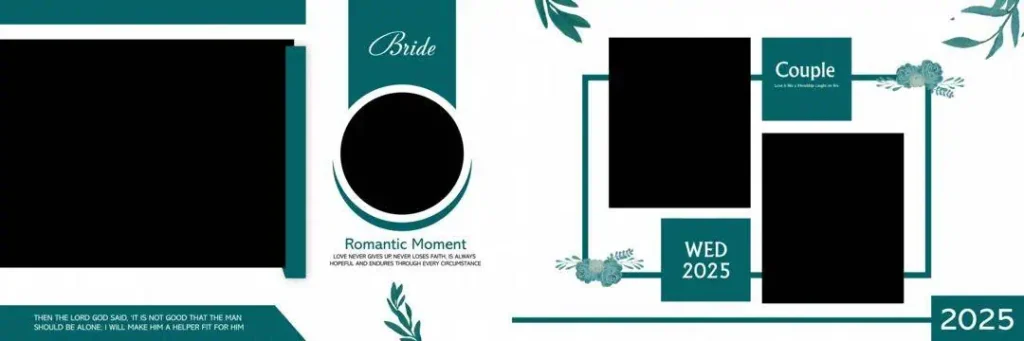
File Size: 5.90MB
#11

File Size: 5.95MB
#12

File Size: 16.7MB
#13
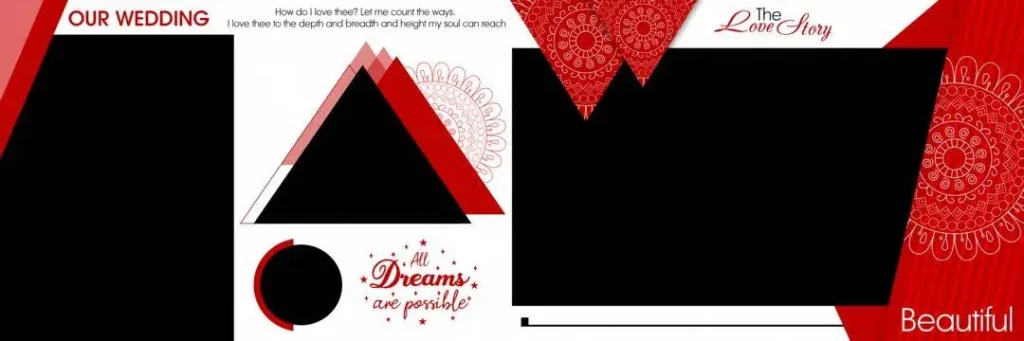
File Size: 4.67MB
#14

File Size: 2.93MB
#15
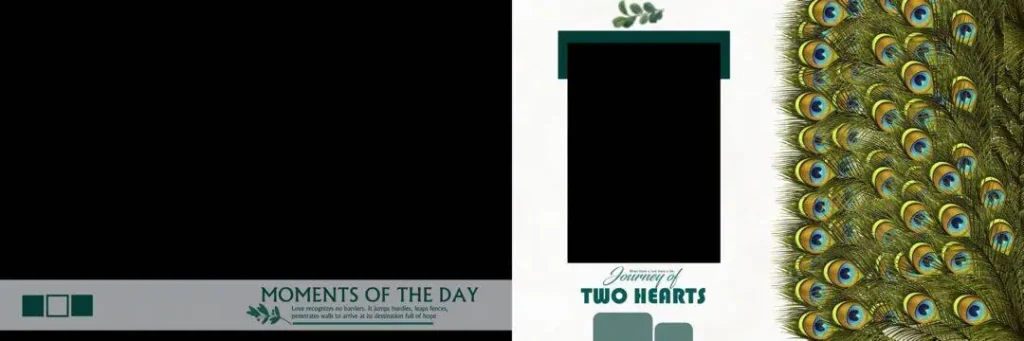
File Size: 56.7MB
Ready-to-Customize Wedding Album Layouts for Your Next Project
Freepsd360.com is a resource to explore for Wedding Album Design inspiration and PSD template downloads. Before downloading any particular collection, check its actual file details, preview images, licensing terms, and download conditions.
A useful 12×36 Album PSD Free Download should provide a layout that suits your project and works with your Photoshop version. If the resource is supplied as a ZIP archive, extract it before opening the PSD. Check whether the document includes editable layers, photo placeholders, and text elements. Resolution, color profile, and included assets may differ between files.
Choose a layout based on the photographs you need to present. A clean composition is often more effective than filling every available space with images and decorative elements.
How to Use These 12×36 Album PSD Templates
Step 1: Download the template. Choose your preferred wedding album layout from the available collection on Freepsd360.com. Review the preview and file information before downloading.
Step 2: Unzip the downloaded file. If the template comes in ZIP format, extract it using your computer’s archive utility. Locate the PSD file and any included fonts, images, or instructions.
Step 3: Open the PSD in Photoshop. Launch Adobe Photoshop and open the document. Check the canvas dimensions, resolution, color mode, and layer structure before making changes.
Step 4: Replace the sample photographs. If the template uses Smart Objects, open the relevant placeholder and replace the sample image. Otherwise, place your photographs into the layout and adjust cropping, sizing, and positioning.
Step 5: Customize text and colors. Update names, dates, headings, and decorative colors to match the wedding theme. Keep text readable and maintain enough space around important faces.
Step 6: Prepare and export for printing. Confirm the printer’s specifications, including resolution, bleed, color profile, and final dimensions. Save an editable PSD backup, then export the approved print file in the format requested by your album printer.
A Better Studio Workflow for Wedding Album Production
A consistent file organization system helps when a studio handles several wedding projects together. Keep each client’s photographs, selected layouts, edited PSD documents, and final exports in separate folders. This reduces confusion during revisions and delivery.
For 12×36 Album PSD wedding projects, plan the photographs before filling the pages. Group images by event, such as Mehendi, Sangeet, wedding rituals, and reception. This gives the album a natural visual flow and makes it easier to select photographs for each spread.
Use a simple naming system for drafts and approvals. For example, separate the first design draft from the client’s approved version. A reusable Photoshop template can improve production consistency, but every album still needs individual photo selection, cropping, and layout adjustments.
Tips for the Best Print Results
- Check the 300 DPI requirement. Use the resolution specified by your album printer. A 300 DPI document is a common print target, but changing the DPI setting alone does not add image detail.
- Confirm the CMYK color mode. Ask the print lab which color profile it requires. CMYK conversion can change colors, so review the exported proof before printing.
- Keep 3–5 mm bleed when required. Follow the printer’s bleed and safe-area instructions. Keep faces, names, and important details away from trimming and binding areas.
- Save a layered PSD backup. Preserve the editable Photoshop document separately from the final export. This makes future corrections and album revisions easier.
Frequently Asked Questions
Are these templates really free?
Check the individual download page on Freepsd360.com for its current price and download terms. Confirm whether the PSD and included assets are free before using them.
What software is needed to edit a 12×36 album PSD?
Adobe Photoshop is the usual choice. Software compatibility depends on the PSD features used, including Smart Objects, fonts, effects, and layer settings.
Can these templates be used for paid client work?
That depends on the specific license. Review commercial-use permissions, redistribution restrictions, and any separate licensing terms for fonts, images, or other assets.
Is a 12×36 album PSD suitable for a double-page wedding spread?
Yes, when the document dimensions and binding setup match your album specifications. Keep important faces and text away from the center gutter.
What should Indian wedding photographers check before sending a 12×36 album for printing?
Check the final spread size, page order, resolution, bleed, color profile, and binding safety. Review the complete album proof before approving production.
Conclusion
A good 12×36 Album PSD layout gives wedding photographers and designers a structured starting point for album production. Editable Photoshop layers, thoughtful photo placement, and careful print preparation can help create clean, consistent wedding album pages without unnecessary layout work.
Explore Freepsd360.com to find a suitable 12×36 Album PSD Free Download for your next project. Review the file specifications and license, customize the design with your client’s photographs, and prepare the final album according to your printer’s requirements.
You might also enjoy these free resources on Freepsd360.com: