A regular photo collage and a Wedding Album Design PSD file may look similar at first, but they serve different needs. A well-organized PSD gives designers more control over photo placement, text, colors and layout adjustments. That flexibility matters when preparing a wedding album for a client.
If you work in a photography studio, you already know that every couple has different expectations. Some prefer traditional wedding layouts, while others want clean backgrounds, modern typography and creative photo arrangements. Having a useful design collection makes these projects easier to manage.
This collection of New Wedding Album Design resources is intended for photographers and graphic designers who want fresh layout ideas without building every page from scratch. Freepsd360.com offers design resources for wedding album projects, helping designers plan their layouts and prepare their creative work.
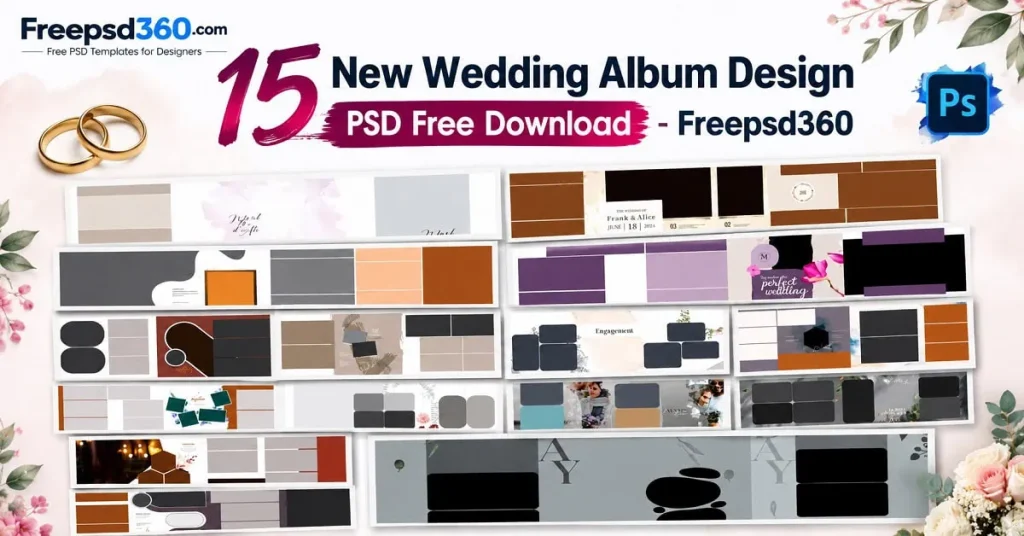
New Wedding Album Design — Format, Editing and Practical Uses
A New Wedding Album Design PSD is an editable Photoshop document used to arrange wedding photographs, decorative elements, backgrounds and text. It allows designers to adjust layouts for different album projects. Resolution, dimensions and print suitability depend on the individual file.
PSD files are useful because their layers can keep design elements organized. You can adjust photo frames, change colors, update names and dates, and personalize the composition for each couple.
For Indian wedding photography, these layouts can support different moments, including Mehendi, Sangeet, Baraat, wedding rituals and reception celebrations. Always check the document size and resolution before preparing the final album.
#01
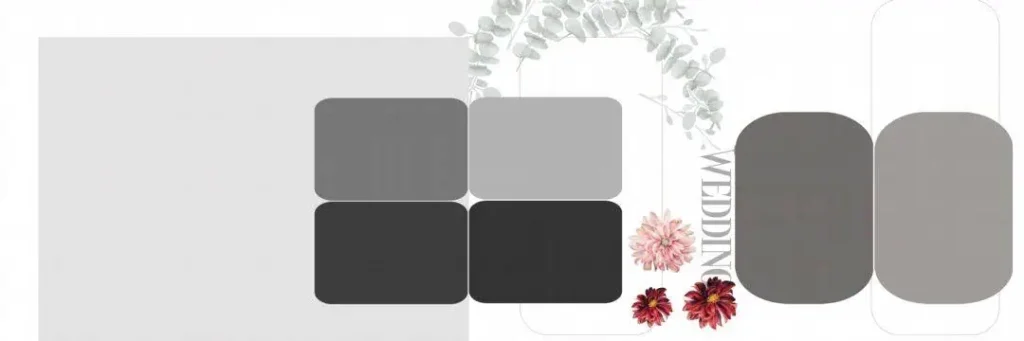
File Size: 7.74MB
#02
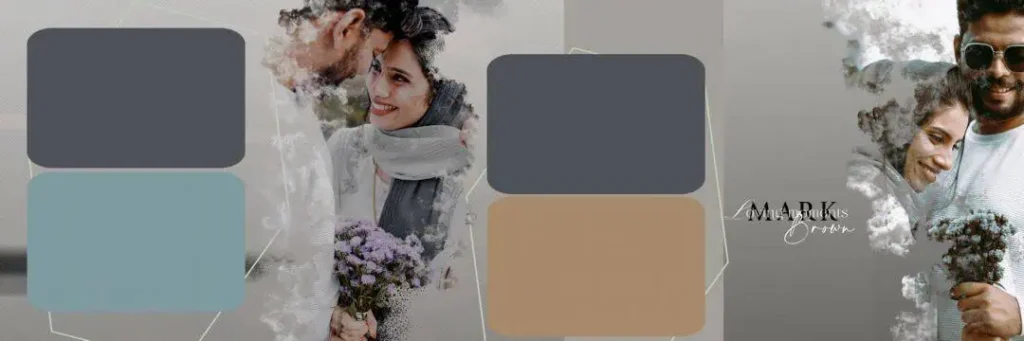
File Size: 220MB
#03
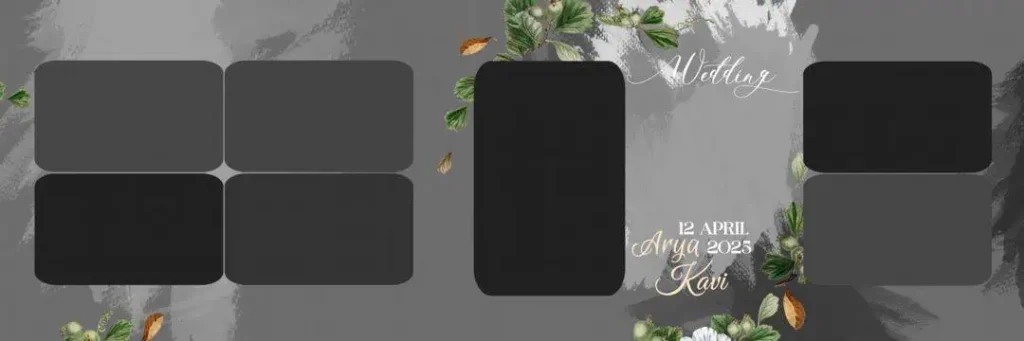
File Size: 75.5MB
#04
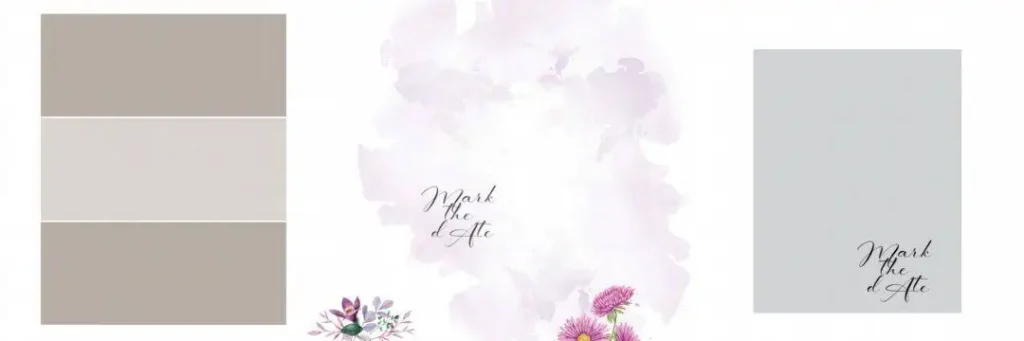
File Size: 18.8MB
Get More: 15 Traditional Haldi Wedding Album Design PSD Free Download.
#05
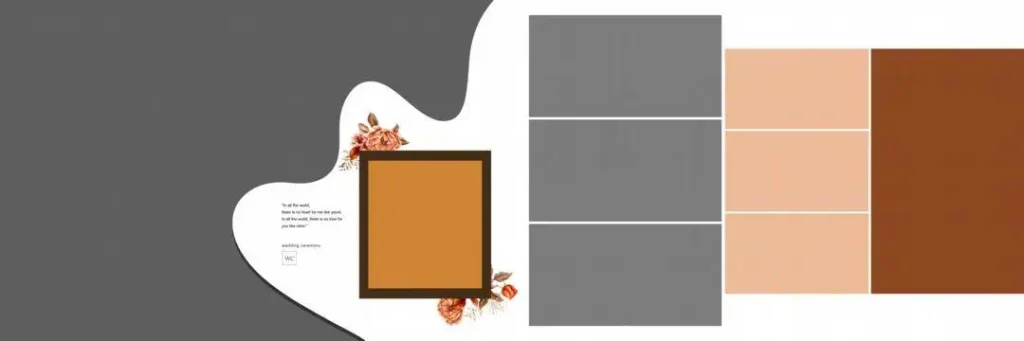
File Size: 3.17MB
#06
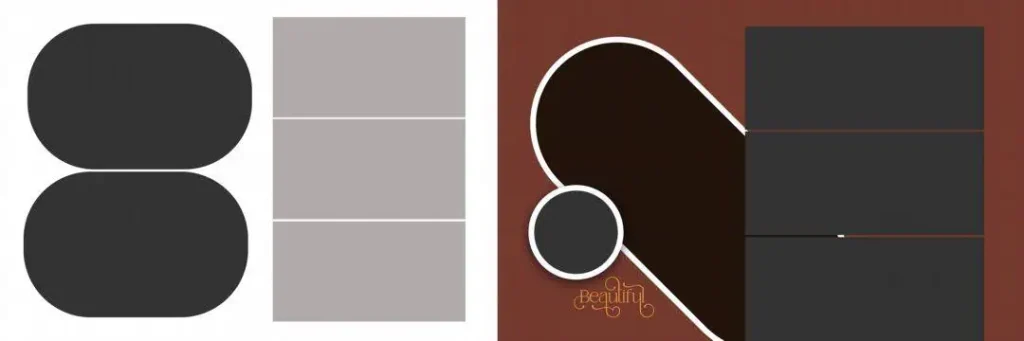
File Size: 1MB
#07
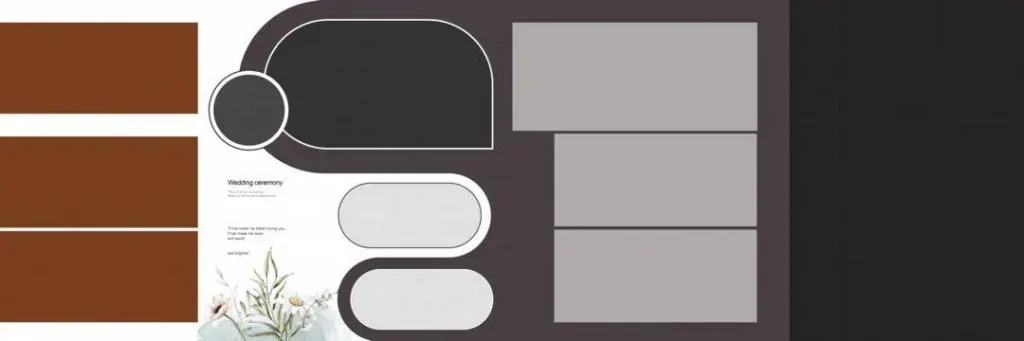
File Size: 16.2MB
#08
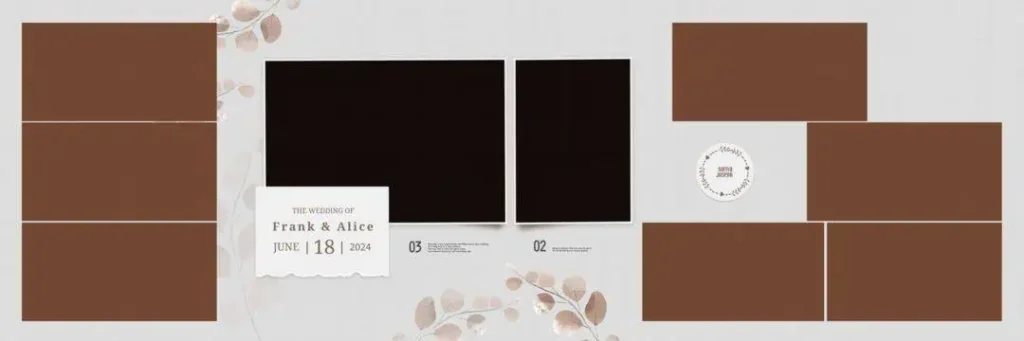
File Size: 16.17MB
#09
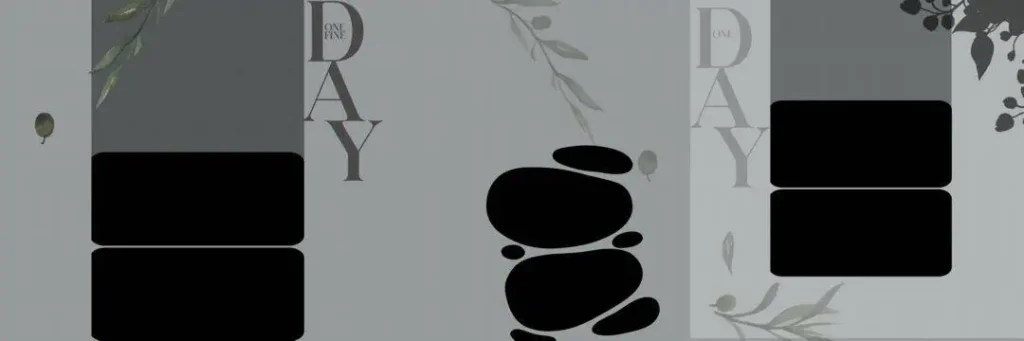
File Size: 9.97MB
#10

File Size: 22.9MB
Get More: 10+ Creative Wedding Album Design PSD Download – Freepsd360.
#11
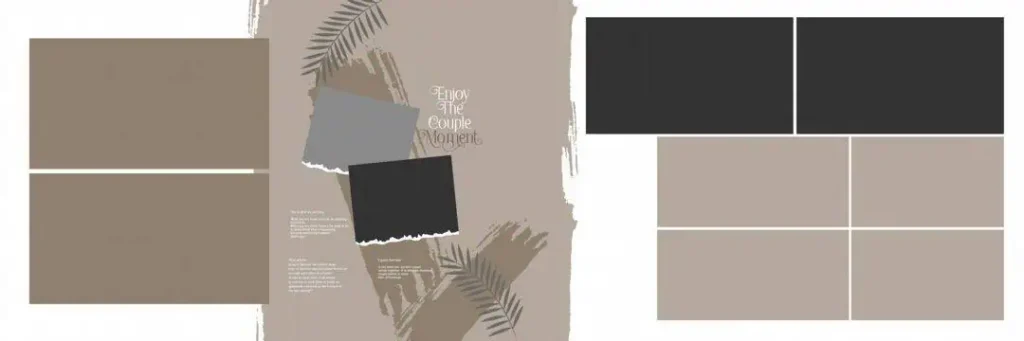
File Size: 6.80MB
#12
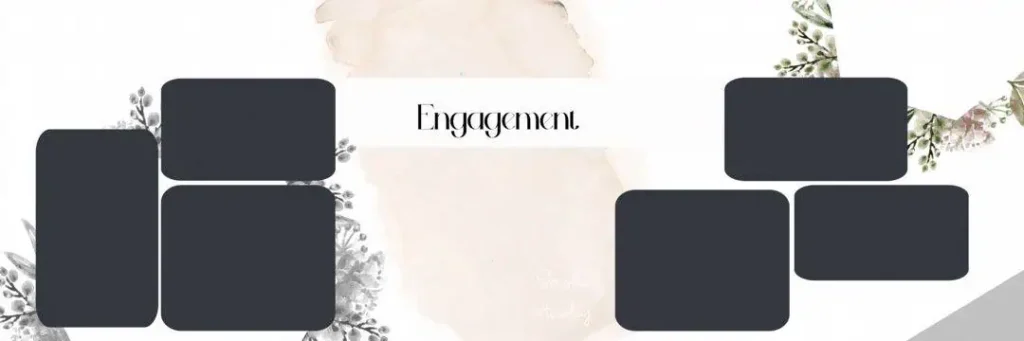
File Size: 69MB
#13
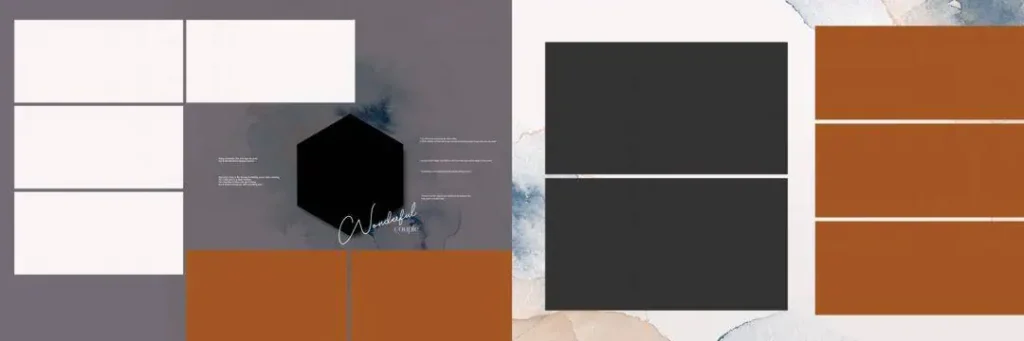
File Size: 53MB
#14
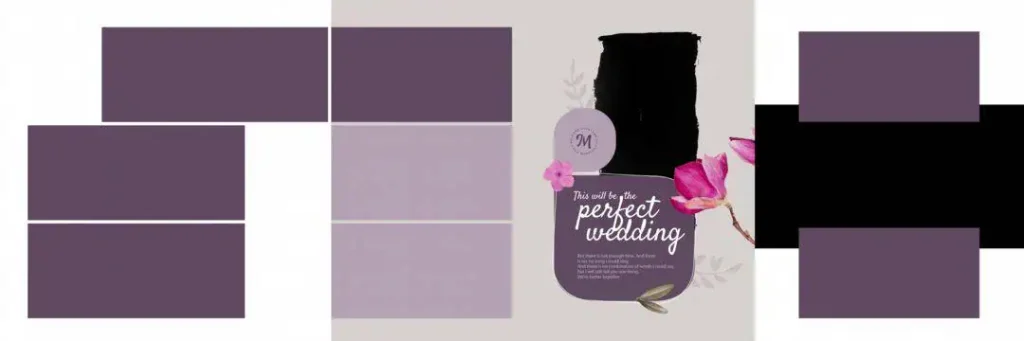
File Size: 10.6MB
#15
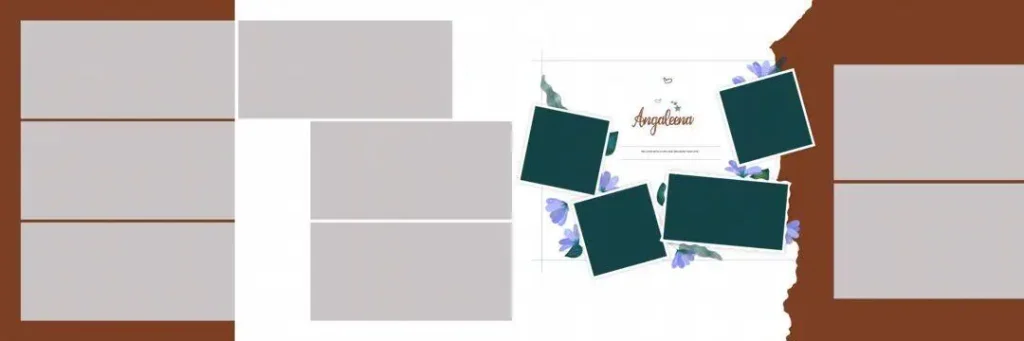
File Size: 25.8MB
Fresh Wedding Album PSD Resources for Your Next Project
Freepsd360.com provides free PSD design resources for graphic designers and photographers looking for new creative directions. The collection is intended to help with photo placement, decorative styling and album page planning.
Before downloading, check the individual resource details for dimensions, resolution, layer structure and file format. The collection may include ZIP downloads, and 12X36 layouts are relevant when the particular template is supplied in that size. Confirm whether the file is fully layered and suitable for your intended print requirements rather than assuming every PSD has identical specifications.
How to Use These New Wedding Album Design Templates
Step 1: Download the PSD file. Visit Freepsd360.com and choose your preferred wedding album resource. Download the available file to your computer.
Step 2: Extract the ZIP folder. If the download is compressed, extract it using your computer’s archive utility. Locate the PSD document and any included instructions or assets.
Step 3: Open the file in Photoshop. Launch Adobe Photoshop and open the PSD. Check the canvas dimensions, resolution, fonts and layer panel before editing.
Step 4: Replace the photographs. Use Smart Objects if the template includes them. Double-click the Smart Object thumbnail, insert your client’s photograph, save the embedded document and check the updated layout. Otherwise, place and crop photographs manually within the frames.
Step 5: Customize text and colors. Update names, wedding dates and decorative colors. Keep the typography readable and maintain a consistent visual style across the album.
Step 6: Export for printing. Confirm the printer’s size, resolution, color profile and bleed requirements. Export using the print lab’s preferred format and settings, and retain your editable PSD backup.
Ready-Made Layouts Help During Wedding Season Deadlines
Wedding season can keep a photography studio busy with new bookings, photo selection, editing and album delivery. Starting each album with a blank canvas adds more design work to an already crowded schedule.
A suitable Photoshop template gives you a starting structure for arranging photographs. Instead of spending the first hour building frames and backgrounds, you can focus on choosing meaningful images, improving composition and matching the client’s preferred style.
This is especially helpful when handling multiple album projects. Keep separate folders for original photographs, working PSD files, fonts and final exports. A clear file organization system reduces confusion when revising pages or sending artwork to an album printing lab. Templates save setup time, but every page still needs careful review.
Tips for the Best Print Results
- Check 300 DPI resolution. Use suitable image resolution at the final print size. A 300 DPI document does not automatically make low-resolution photographs sharp.
- Confirm CMYK color mode. Follow your print lab’s color profile and conversion instructions. Colors may change when converting from RGB to CMYK.
- Keep proper bleed margins. Ask your printer whether 3–5 mm bleed is required. Keep important text and faces away from trimming and binding areas.
- Save a layered PSD backup. Keep an editable version before exporting the final artwork. This makes future corrections and client revisions easier.
Frequently Asked Questions
Are these new wedding album design templates really free?
The resources are presented as free downloads. Check the individual download page for any conditions, registration requirements or usage restrictions before using a file.
What software is needed to edit a wedding album PSD?
Adobe Photoshop is the recommended option for editing PSD layers and Smart Objects. Some compatible applications may open PSD files, but certain effects or features may not transfer correctly.
Can I use these PSD templates for paid client work?
Check the specific license and usage terms for each download. Free access does not always mean unrestricted commercial use, redistribution or resale.
Are these new wedding album PSD designs suitable for 12X36 printing?
Only if the particular template has suitable dimensions and layout. Verify the canvas size, resolution, bleed and binding requirements before sending it to a print lab.
Can I customize these album layouts for traditional Indian weddings?
Yes, if the file allows the required edits. You can personalize photographs, colors, text and decorative elements to suit Mehendi, Sangeet, wedding rituals and reception albums.
Conclusion
A useful New Wedding Album Design collection gives photographers and graphic designers a practical starting point for creating personalized wedding albums. Editable layouts can help organize photographs, explore creative styles and reduce repetitive design work. Choose files that suit your printing requirements and the client’s expectations.
Visit Freepsd360.com to explore the available PSD resources and find a suitable New Wedding Album PSD for your next project. Download your preferred design, customize the layout in Photoshop and prepare the final artwork carefully before printing.
You might also enjoy these free resources on Freepsd360.com: