A 12×36 album spread has a different layout requirement from a standard photo collage. Its wide format gives designers room to combine portraits, ceremony highlights, and meaningful wedding moments across two facing pages. Choosing the right layout from the start can make the design process easier.
For photographers and graphic designers working on Indian weddings, every spread needs a clear purpose. Mehendi details, Sangeet celebrations, Baraat entries, and reception portraits all deserve thoughtful placement. A good Photoshop template helps organize these photos without making the page feel crowded.
This collection of 10+ Latest Album Design PSD 12×36 Free Download resources is intended for designers looking for a practical starting point. Before using any file for a client project, check its dimensions, included layers, resolution, and usage terms.
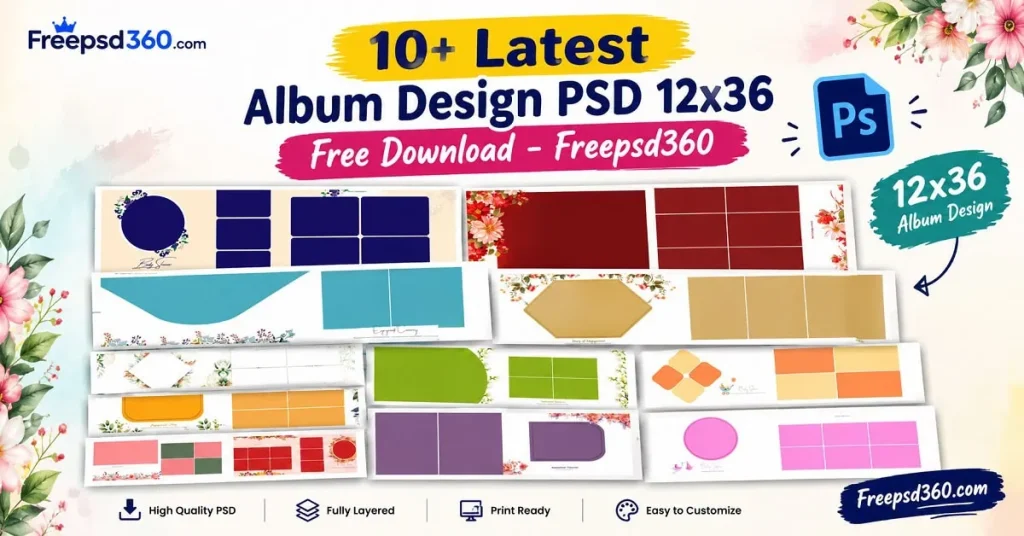
Album Design PSD 12×36 — Format, Layout and Editing Basics
An Album Design PSD 12×36 is a Photoshop document prepared for a wide wedding album spread, commonly designed around a 12×36-inch layout. PSD files can preserve editable layers, allowing designers to adjust photographs, text, backgrounds, and decorative elements.
This format works well for wedding photography projects where a designer needs space for both large portraits and smaller supporting images. However, the exact canvas setup can vary between templates, so always inspect the document before editing.
A layered Photoshop template can reduce repetitive layout work. Designers can personalize the composition for each couple, maintain visual consistency, and prepare artwork according to their album printer’s specifications.
#01
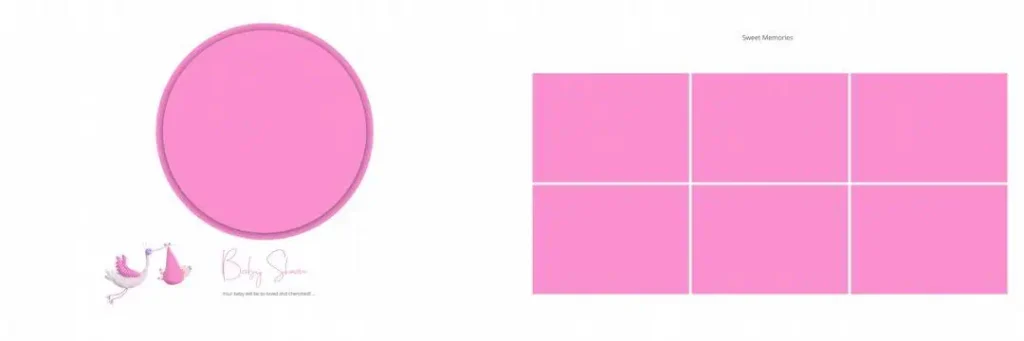
File Size: 4.33MB
#02
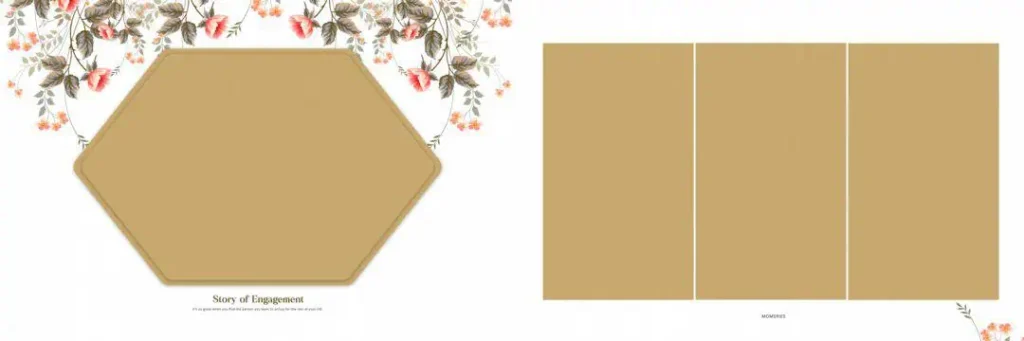
File Size: 30.9MB
#03
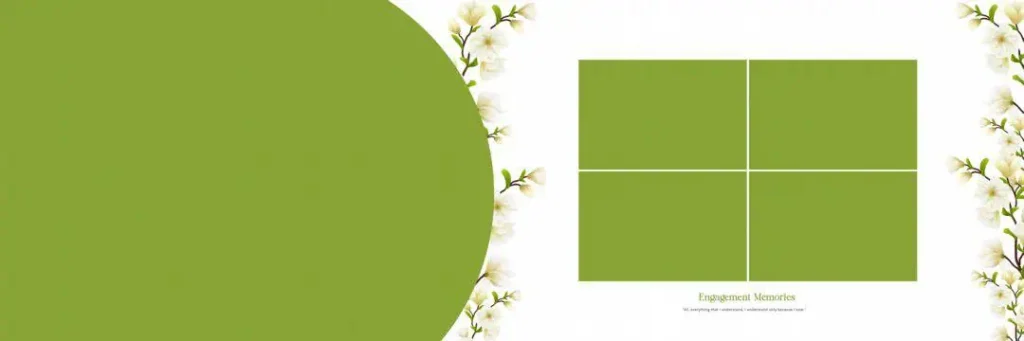
File Size: 24.4MB
#04
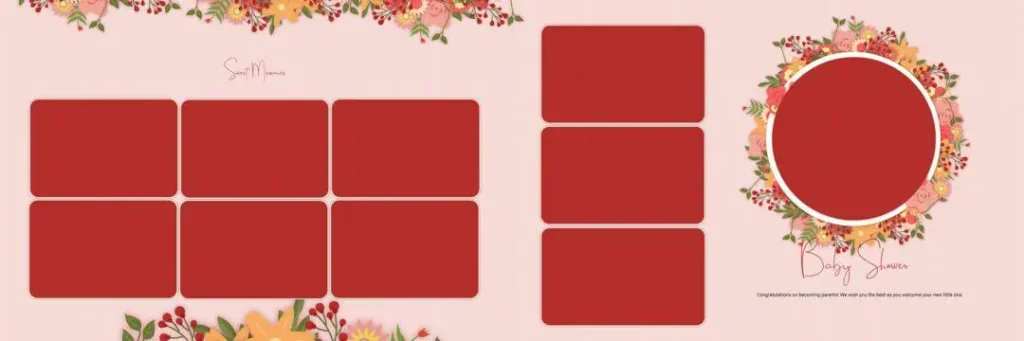
File Size: 96.4MB
#05
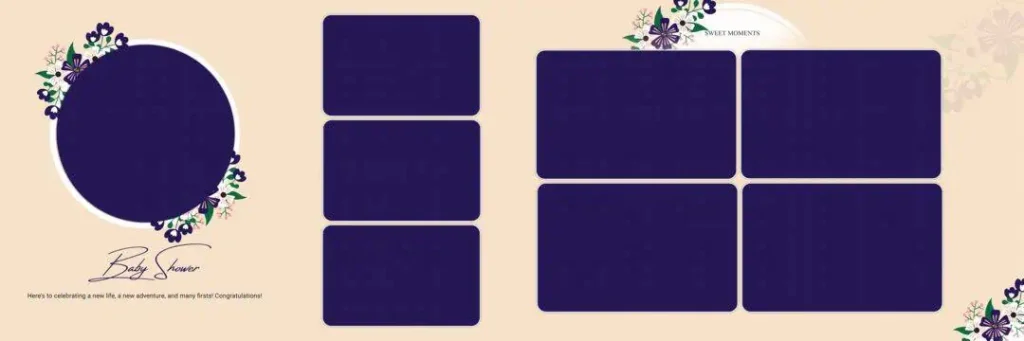
File Size: 49.7MB
#06
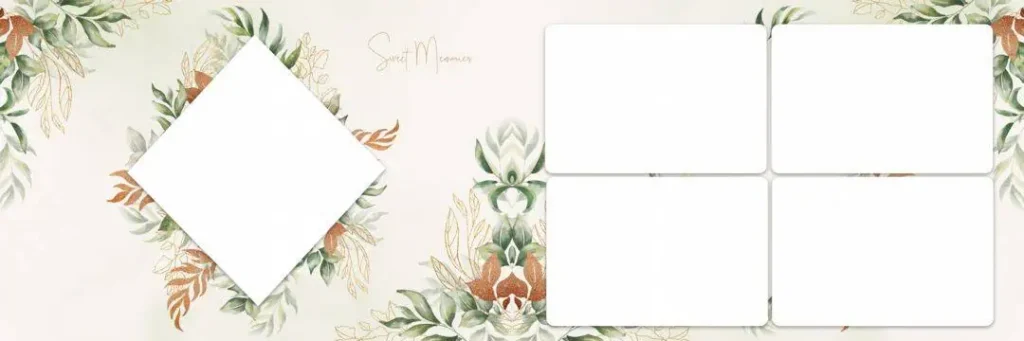
File Size: 119MB
Get More: 20 Best Tamil Wedding Album Design PSD Templates Free Download.
#07
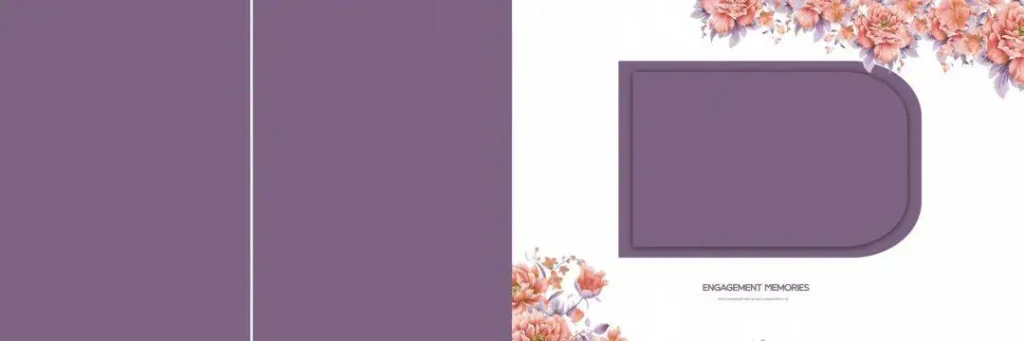
File Size: 77.1MB
#08
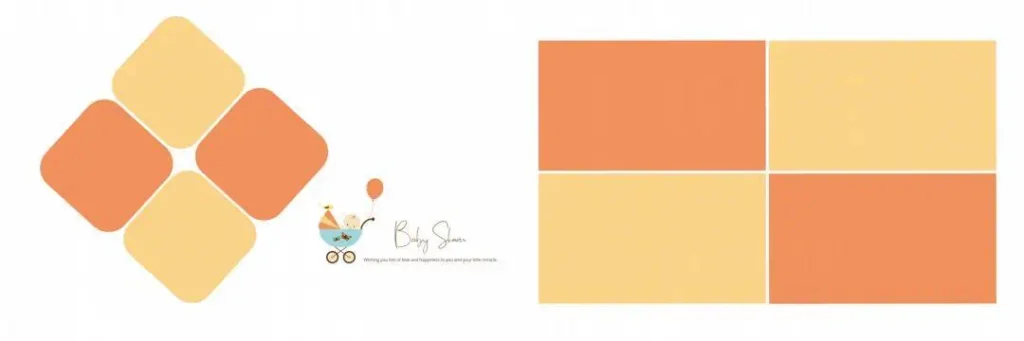
File Size: 1.32MB
#09
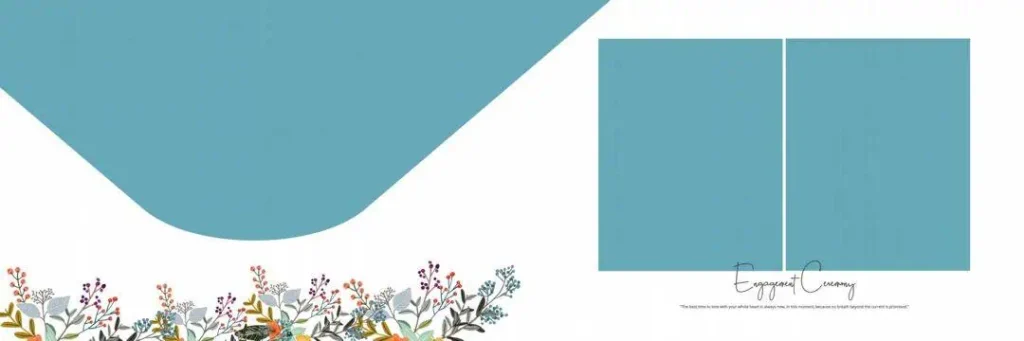
File Size: 22.6MB
#10
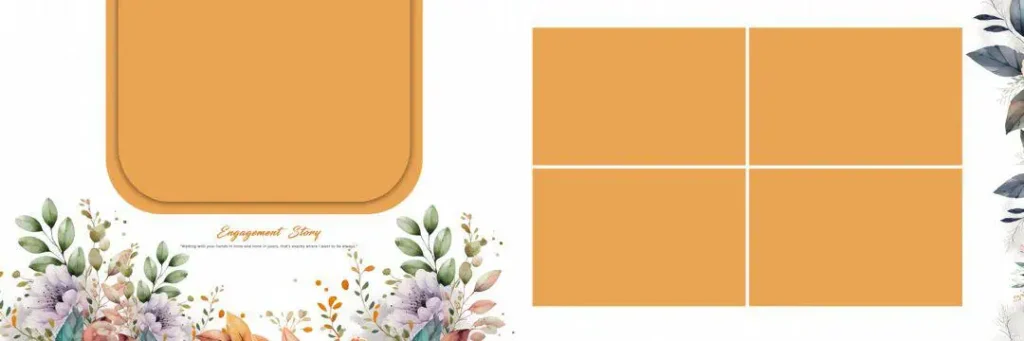
File Size: 222MB
#11
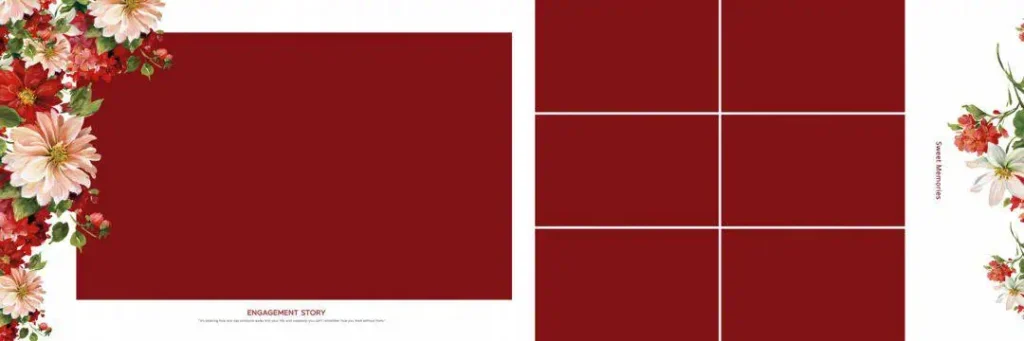
File Size: 136MB
#12
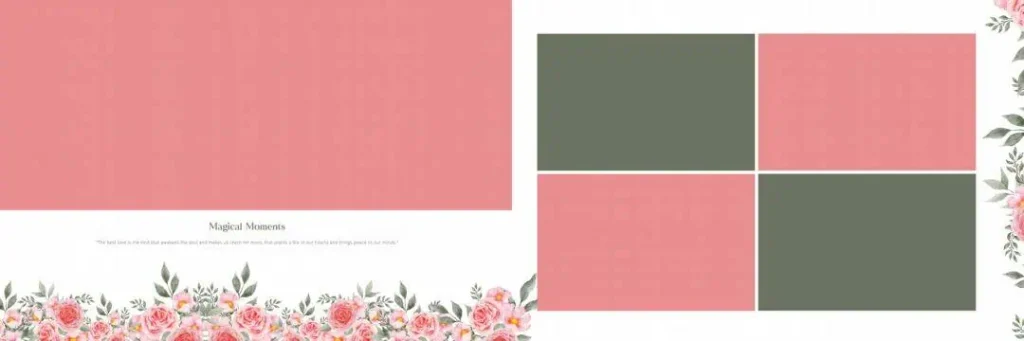
File Size: 78.9MB
Fifteen Fresh Designs for Your Next Wedding Album
At Freepsd360.com, designers can explore wedding album resources intended to support creative studio work. The collection concept focuses on free downloads, editable Photoshop layouts, and the flexibility needed for different wedding photography projects.
Before downloading, confirm the available file details. Check whether the ZIP package contains a fully layered PSD, whether the document is actually set to 12×36 inches, and whether 300 DPI is specified. Template availability and file specifications should always be verified on the download page. Check for updates and usage information as well.
How to Use These Album Design PSD 12×36 Templates
Step 1: Download the file. Visit the relevant resource page on Freepsd360.com and download the available ZIP package. Review the file information and license terms before using it.
Step 2: Unzip the package. Extract the downloaded ZIP file into a clearly named project folder. Keep the original archive as a backup in case you need the files again.
Step 3: Open it in Photoshop. Launch Photoshop and open the PSD document. Check the canvas dimensions, resolution, color mode, and layer structure before editing.
Step 4: Replace the photographs. If the template uses Smart Objects, open them and replace the sample images with your client’s photos. Otherwise, place each photograph manually and adjust its crop inside the intended frame.
Step 5: Customize the design. Edit names, dates, text, and colors where required. Keep fonts readable and make sure the couple’s important moments remain the focus of the composition.
Step 6: Prepare the print file. Confirm the printer’s size, resolution, bleed, and color requirements. Export a suitable print file at the required dimensions and resolution, while saving your editable PSD separately.
Print Quality Starts with Better Layout Decisions
A wide spread can look attractive on screen but still create problems in a printed album. The center fold, image cropping, and spacing between photographs all affect the final result.
When working with Wedding Album Design PSD 12×36 layouts, keep important faces and text away from the binding area. Avoid placing a couple’s faces directly across the center seam. Leave enough breathing room around portraits, especially when combining close-up images with full-length wedding photographs.
Color consistency matters too. A collection of photographs from different lighting conditions may include warm indoor images, daylight portraits, and colorful stage shots. Adjust exposure and white balance carefully so the final photo layout feels connected. Soft backgrounds and balanced contrast can help the photographs stand out without unnecessary decoration.
Tips for the Best Print Results
- Work at the correct 300 DPI resolution. Check the actual pixel dimensions and intended print size. Changing the DPI metadata alone does not create extra image detail.
- Confirm the CMYK color mode with your printer. Some labs request CMYK files, while others prefer RGB. Follow the print lab’s color profile and export instructions.
- Keep 3–5 mm bleed margins when required. Ask the printer for its exact bleed and safe-area measurements. Extend backgrounds into the bleed without placing important content near trimmed edges.
- Save a layered PSD backup. Keep your original editable document with organized layers. Export a separate print-ready copy to protect the working file.
Frequently Asked Questions
Are these templates really free?
The article targets free PSD resources. Check the individual download page for any conditions, registration requirements, or restrictions before downloading.
What software is needed to edit these templates?
Adobe Photoshop is the intended software for PSD editing. Compatibility may depend on the Photoshop version and any special fonts or features used.
Can I use these templates for paid client work?
That depends on the individual file’s license. Check whether commercial use, client delivery, modifications, and redistribution are allowed before using a template for paid work.
Is a 12×36 album PSD suitable for a wedding album spread?
Yes, a 12×36-inch canvas is commonly used for wide wedding album spreads. Confirm whether the dimensions refer to one spread or another layout configuration before printing.
What should Indian photo studios check before sending a 12×36 design to print?
Check the binding area, bleed, image resolution, color profile, and final dimensions. Ask the album printer for its exact production specifications before exporting the artwork.
Conclusion
A well-planned album layout helps photographers present wedding memories in a clean and meaningful way. With the right Photoshop document, designers can organize portraits, ceremony photographs, and couple highlights while keeping the composition balanced. A carefully selected collection can also provide useful starting points for different client projects.
Explore the available resources on Freepsd360.com and look for Album Design PSD 12×36 Free download options that match your workflow. Review the file specifications and license, personalize the layout with your photographs, and prepare the final artwork according to your printer’s requirements.
You might also enjoy these free resources on Freepsd360.com: