A 12×36 Wedding Album layout is different from a standard photo collage or a single-page design. It is a wide-format layout made for wedding album spreads, where two pages work together to tell a visual story. Choosing the right PSD file helps designers plan images, spacing, and typography more effectively.
For photographers and graphic designers in India, wedding albums often include several events, such as Mehendi, Sangeet, Baraat, the wedding ceremony, and reception. Each event needs a suitable photo layout. A ready-made Photoshop template can provide a useful starting point without building every spread from zero.
If you are searching for 12×36 Wedding Album PSD Free resources, Freepsd360.com can be a starting point for finding design files. Before using a template, check its dimensions, resolution, layer structure, and usage terms to make sure it fits your project.
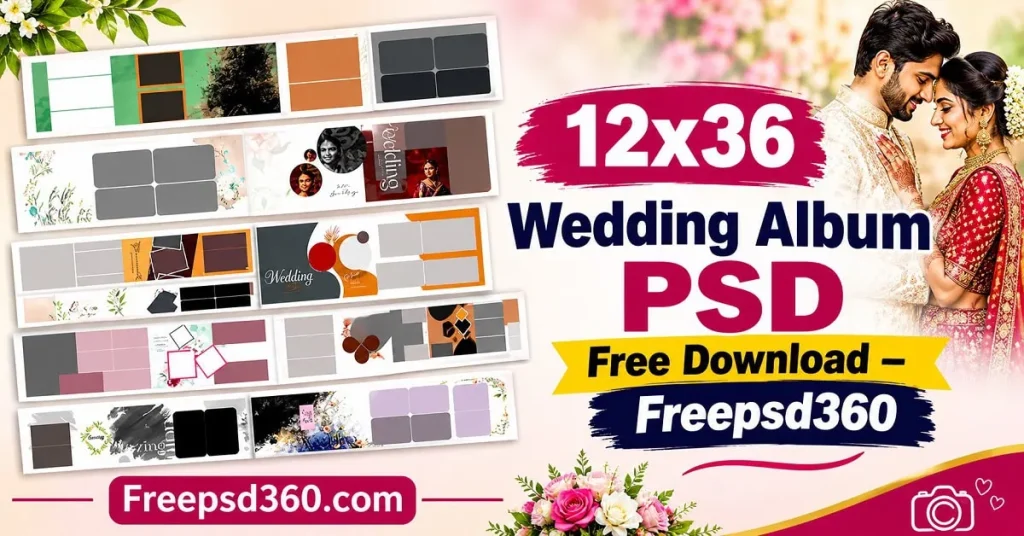
12×36 Wedding Album PSD Free — Format, Dimensions and Editing Basics
A 12×36 Wedding Album PSD is a Photoshop document designed for a wide album layout, commonly used for wedding photography spreads. PSD files support editable layers, allowing designers to adjust photographs, backgrounds, text, and decorative elements when the file is properly structured.
The 12×36 measurement generally refers to a 12-by-36-inch spread, but always confirm whether the supplied file represents the full spread or another layout convention. This matters when preparing files for album printing.
Resolution is another important detail. A file intended for professional printing should be checked for its actual pixel dimensions and effective resolution. A 300 DPI setting alone does not guarantee sharp output if the original image assets are too small.
#01
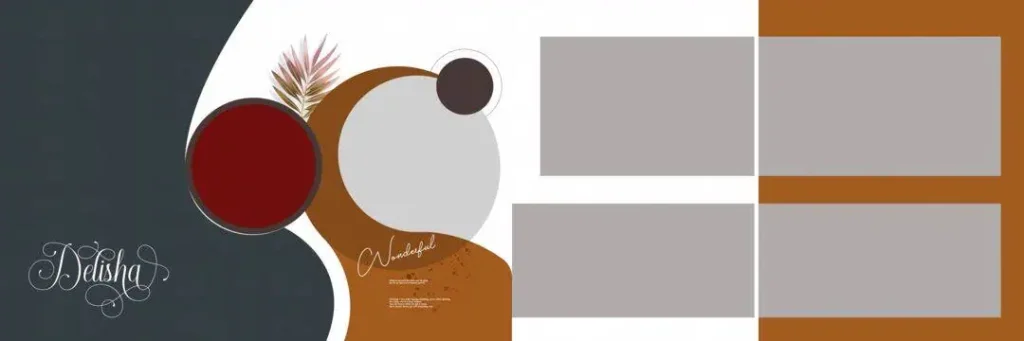
File Size: 12.4MB
#02
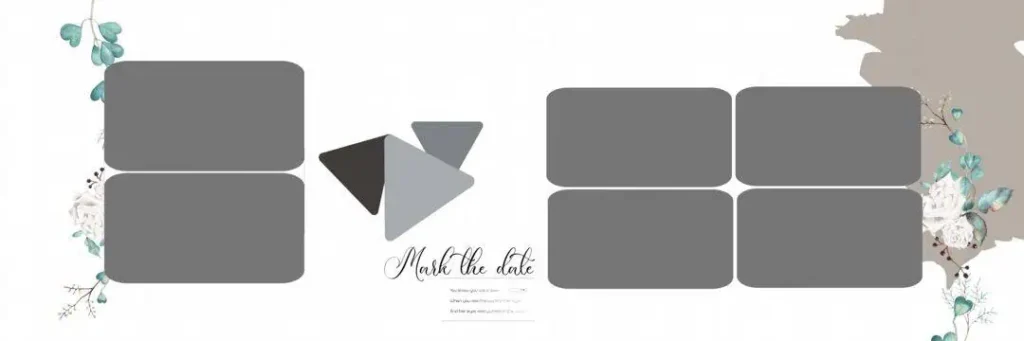
File Size: 14.8MB
#03
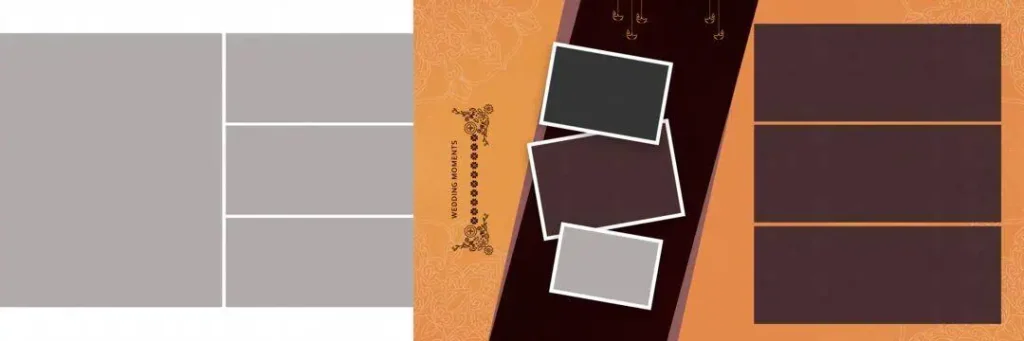
File Size: 50.1MB
#04
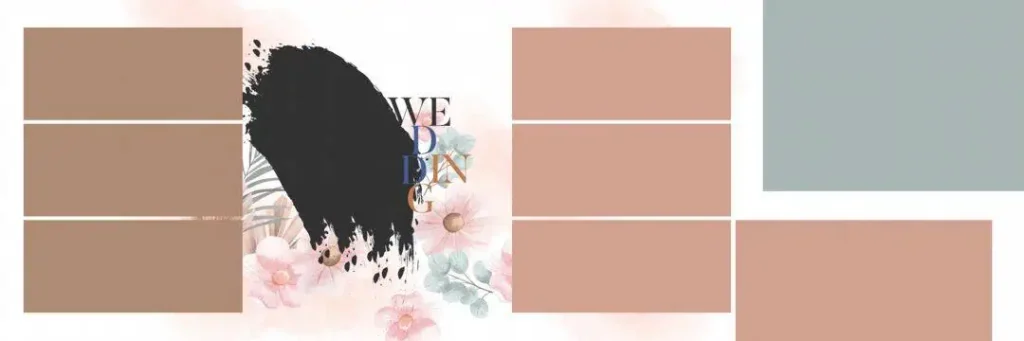
File Size: 53.4MB
#05
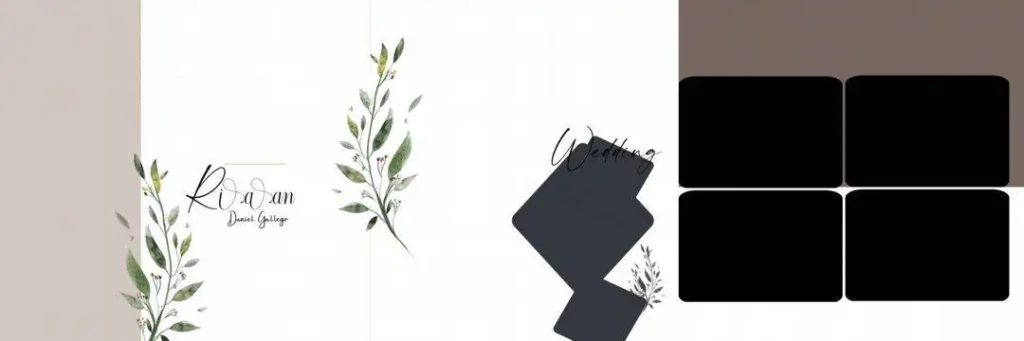
File Size: 9.91MB
#06
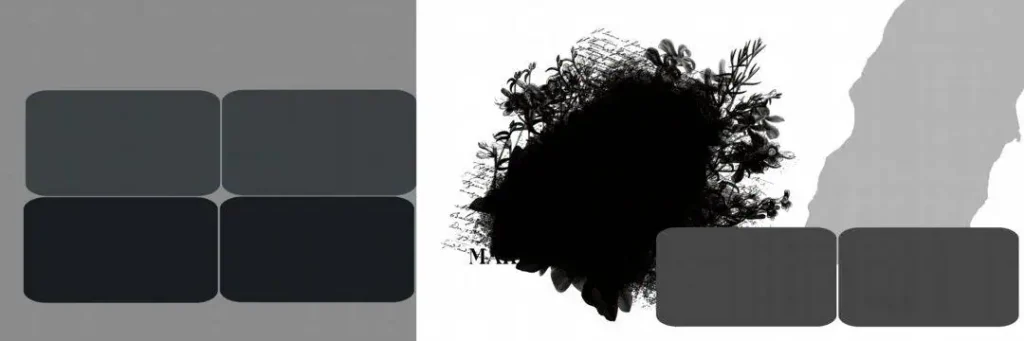
File Size: 19MB
#07
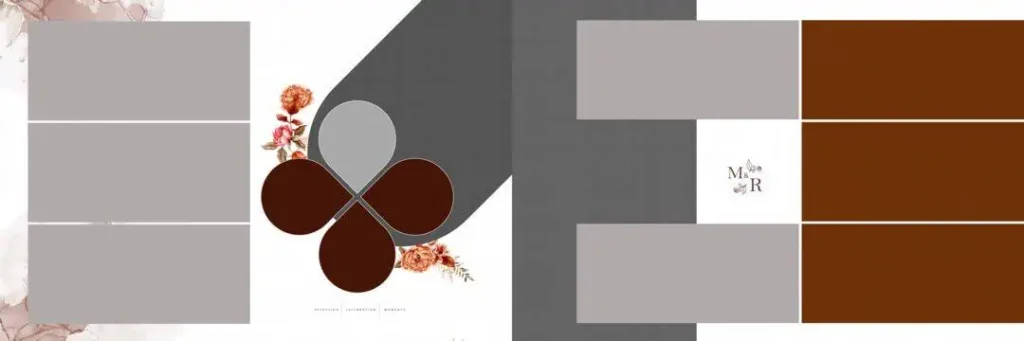
File Size: 8.58MB
Get More: 12×36 Album PSD Templates Free Download – Freepsd360.
#08
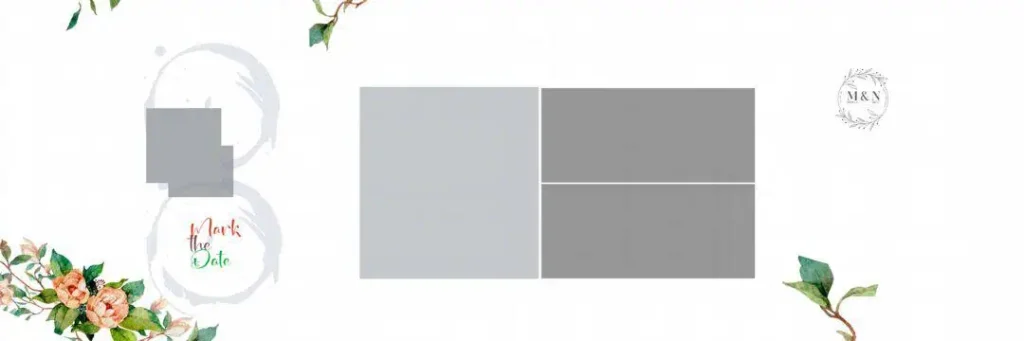
File Size: 13.4MB
#09
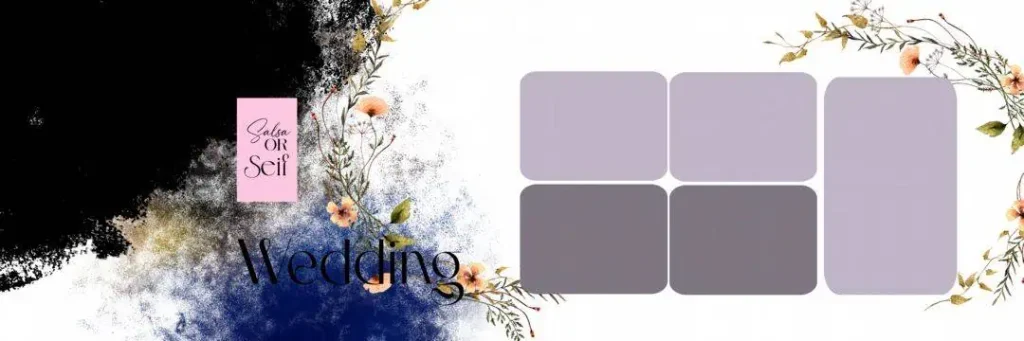
File Size: 51.7MB
#10
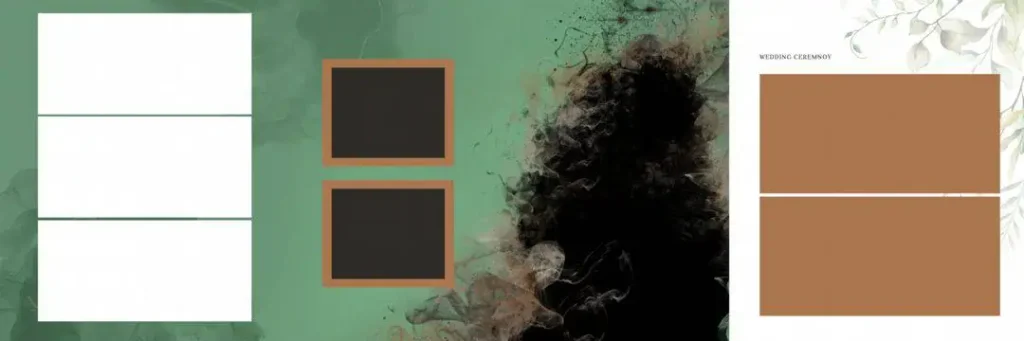
File Size: 96.7MB
#11
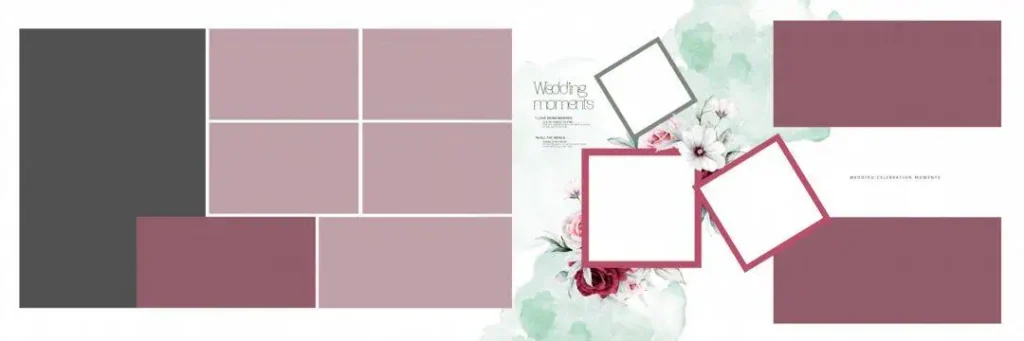
File Size: 16.8MB
#12
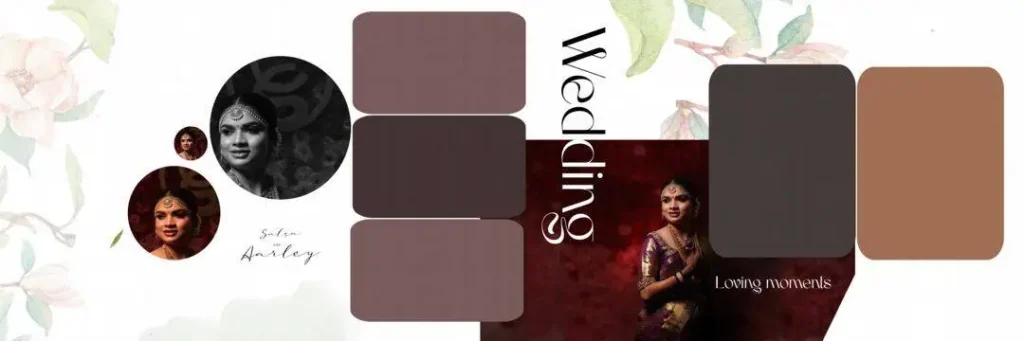
File Size: 100MB
#13
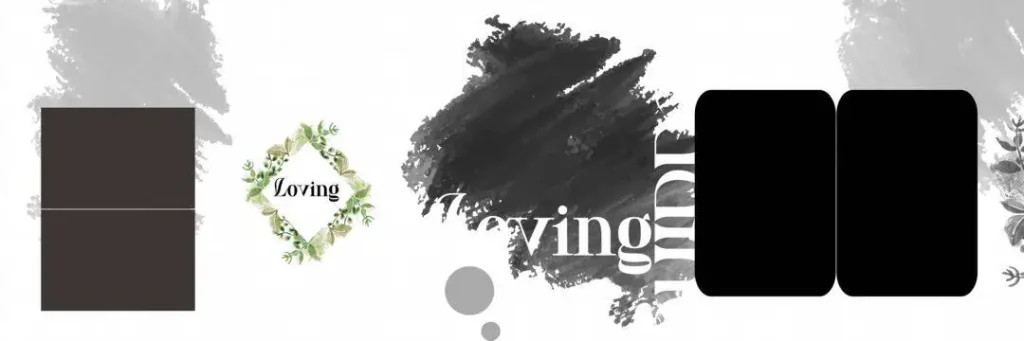
File Size: 27.9MB
#14
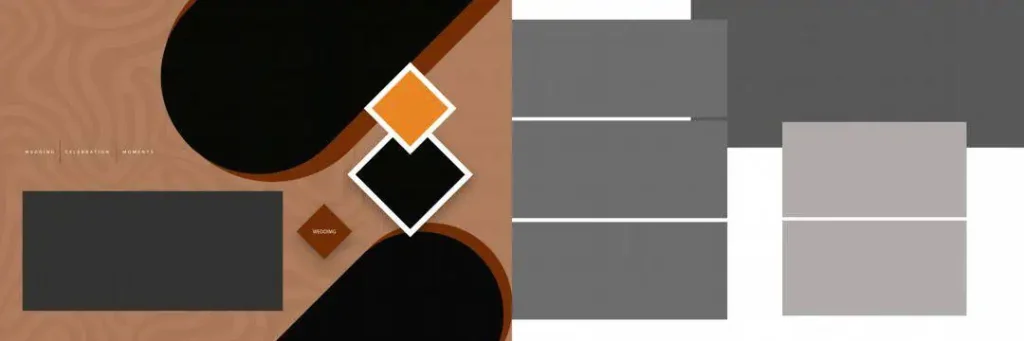
File Size: 1.83MB
#15
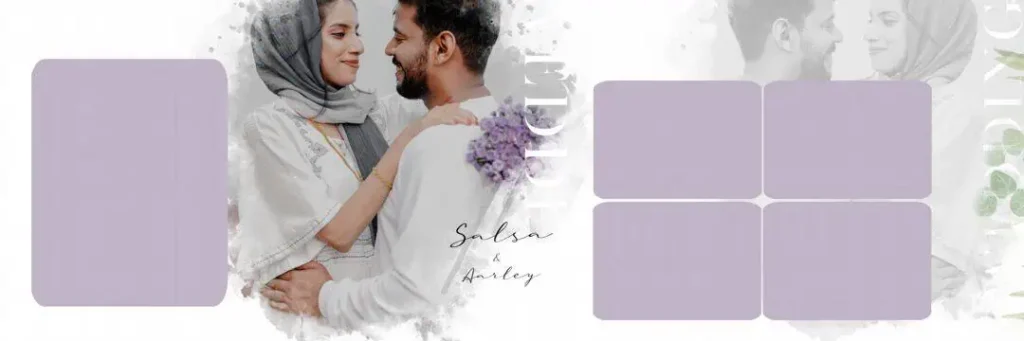
File Size: 138MB
Wedding Album PSD Designs for Your Next Album Project
A useful wedding album collection should give designers flexibility across different photography styles. Freepsd360.com readers can look for 12×36 album design resources that support clean compositions, balanced photo placement, and editable design elements.
When browsing for 12×36 Wedding Album PSD Free Download resources, review the available preview and file details before choosing a design. The collection and download availability may change, so confirm the current listing, actual dimensions, and included files before starting your project.
Look for properly organized layered PSD files and check whether they arrive in a ZIP archive. Confirm the resolution, color profile, fonts, linked assets, and license terms instead of assuming every template includes the same features. These checks help you select files that match your studio requirements.
How to Use These 12×36 Wedding Album PSD Templates
Step 1: Download the template. Choose a suitable design from the available Freepsd360.com listing. Check the file information and download the ZIP archive if provided.
Step 2: Unzip the file. Extract the downloaded archive into a project folder. Keep the original download as a backup in case you need it again.
Step 3: Open the PSD in Photoshop. Launch the document and inspect its dimensions, resolution, layers, and color settings. Check for missing fonts or linked assets.
Step 4: Replace photographs. If the template uses Smart Objects, open the relevant Smart Object and replace its image. Otherwise, place your photographs into the correct frames and adjust cropping carefully.
Step 5: Customize text and colors. Update names, wedding dates, backgrounds, and decorative elements. Keep the typography readable and match the design with the client’s preferences.
Step 6: Prepare the print file. Follow your album printer’s specifications for dimensions, bleed, color profile, and export format. Confirm image quality and save a layered PSD backup before delivering the final file.
Build Better Album Design Skills Through Editable PSD Files
Editable Photoshop templates can help newer designers understand how professional album layouts are organized. Study the relationship between large photographs, supporting images, negative space, and text placement before making changes.
For example, a wedding ceremony spread may benefit from one strong hero photograph supported by smaller candid images. A Sangeet or Mehendi spread may work better with a more energetic photo layout. These are design choices, not fixed rules, and the client’s story should guide the final arrangement.
Working with a layered PSD also provides practical experience with Smart Objects, masks, adjustment layers, and image alignment. Save a separate working copy and experiment with different compositions. Over time, this process can improve your own album design workflow instead of making you dependent on ready-made layouts.
Tips for the Best Print Results
- Check effective resolution. Aim for the print lab’s required image resolution, commonly around 300 PPI at final size. Inspect the original photographs because enlarging low-resolution images can reduce sharpness.
- Confirm CMYK requirements. Ask the album printer whether the final file should be CMYK or another specified color mode. Use the printer’s color profile when available, as conversion can change colors.
- Allow proper bleed margins. Follow the printer’s bleed and safe-area guidelines. A 3–5 mm bleed may be appropriate for some workflows, but verify the exact requirement and keep faces and important text away from trim and binding areas.
- Keep a layered PSD backup. Save an editable version before exporting. Use a separate print-ready copy so future corrections do not require rebuilding the entire layout.
Frequently Asked Questions
Are these 12×36 wedding album PSD templates really free?
Check the individual Freepsd360.com download page for current pricing and access conditions. Confirm that the particular file is marked free before downloading.
What software is needed to edit a wedding album PSD?
Adobe Photoshop is the standard choice. Compatible software may open some PSD files, but Smart Objects, effects, fonts, and masks may not work identically.
Can these templates be used for paid client work?
That depends on the license attached to each template. Check commercial-use permissions, redistribution restrictions, and any requirements before using a design for client projects.
Is a 12×36 PSD the same as a 12×36 album spread?
Not always. Check the document dimensions and intended output. Some files represent the full spread, while others may use different sizing or production conventions.
How do I prevent photographs from being cut near the album binding?
Keep faces and important details away from the center gutter. Ask your album printer for its binding-safe area and preview the spread before approving production.
Conclusion
A well-prepared 12×36 Wedding Album PSD Free resource can help photographers and designers build organized layouts, improve consistency, and reduce repetitive design work. The best results come from choosing suitable compositions, checking technical specifications, and adapting every spread to the client’s photographs.
Visit Freepsd360.com to explore the available Wedding Album Design resources and check the current download details. Find a suitable 12×36 Wedding Album PSD Free Download, review its license and print specifications, and begin customizing your next wedding album project.
You might also enjoy these free resources on Freepsd360.com: