A busy photo studio often handles several wedding album projects at once. One client needs a Traditional Wedding Album, another wants elegant ceremony photographs, and someone else is waiting for a final album before the weekend. Creating every page from an empty Photoshop document takes time that designers cannot always afford.
Traditional Kerala weddings have their own visual character. From beautiful bridal portraits and traditional outfits to temple ceremonies and family celebrations, each moment deserves a thoughtful place in the album. A well-planned Kerala album design helps photographers present these memories in an organised and attractive way.
For designers looking to improve their workflow, Freepsd360.com brings useful PSD resources for wedding album projects. These templates provide a starting point for creating traditional layouts while allowing designers to adjust photographs, colours and text to suit each client’s requirements.
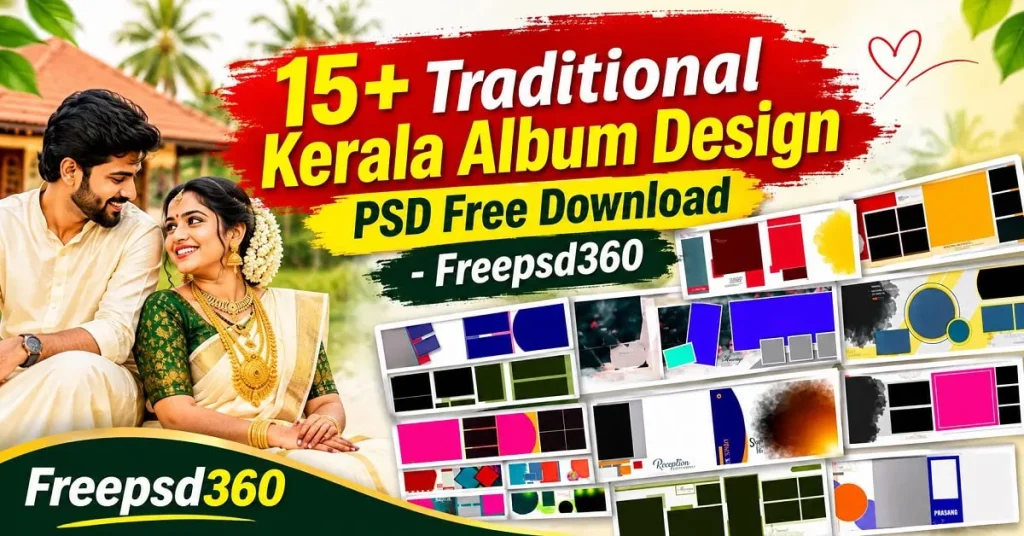
Kerala Album Design — Format, Structure and Practical Uses
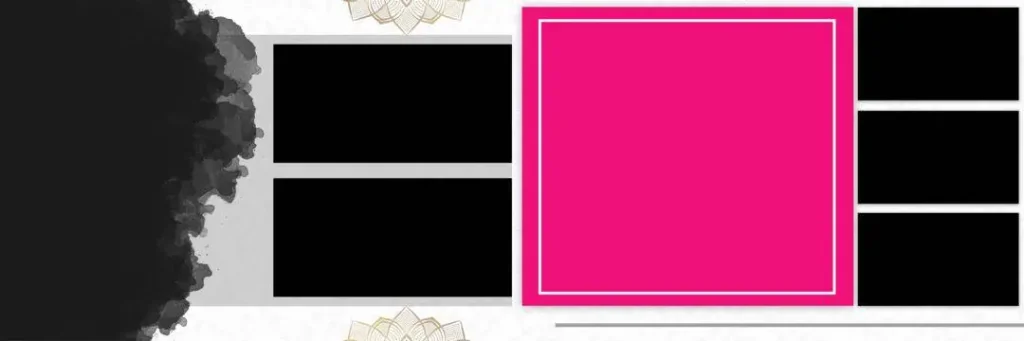
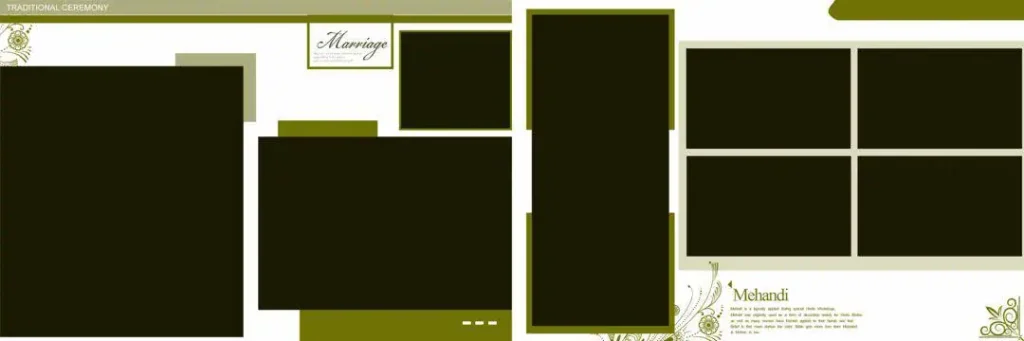
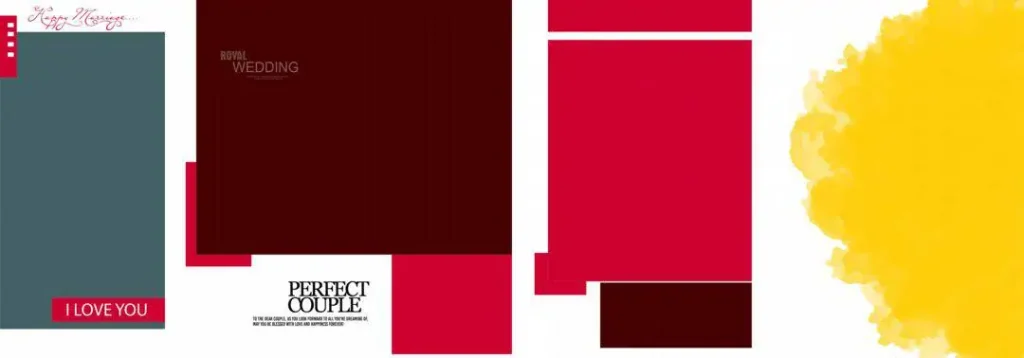
Kerala Album Design refers to the arrangement of wedding and ceremony photographs in a visually balanced album layout inspired by Kerala’s wedding traditions. These designs can include traditional decorative elements, photo frames, backgrounds and editable text. PSD files allow designers to customise the layouts in Adobe Photoshop.
A layered Photoshop template gives the designer control over individual elements. You can replace photographs, adjust backgrounds, change colours and edit decorative details without rebuilding the entire page. Resolution and document dimensions should always be checked before preparing the final file for printing.
Traditional layouts work well for wedding portraits, family photographs, ceremony highlights and reception memories. Designers can also adapt a creative Kerala album design to match the couple’s preferences while keeping the cultural character of the photographs intact.
#01

File Size: 29.8MB
#02

File Size: 79.4MB
#03

File Size: 2.48MB
#04
File Size: 3.50MB
#05
File Size: 1MB
Get More: 12×36 Album PSD Templates Free Download – Freepsd360.
#06

File Size: 2.32MB
#07

File Size: 3.33MB
#08

File Size: 16.6MB
#09

File Size: 1.72MB
#10
File Size: 6.65MB
Get More: 20 New Karizma Album Design 12×36 PSD Free Download – Freepsd360.
#11

File Size: 2.44MB
#12
File Size: 1MB
#13

File Size: 1MB
#14

File Size: 14.7MB
#15

File Size: 11.7MB
Get More: 12×36 Tamil Wedding Album Design PSD Free Download – Freepsd360.
#16

File Size: 18MB
#17

File Size: 1MB
#18

File Size: 9.97MB
#19

File Size: 1.57MB
#20

File Size: 58.9MB
A Traditional Collection for Wedding Album Designers
Freepsd360.com provides free PSD resources for graphic designers and wedding photographers who need practical starting points for their projects. The traditional collection is intended to help studios create attractive album pages without spending unnecessary time building every design element manually.
The downloadable resources are available as PSD templates, with ZIP packaging where provided on the individual download page. Check the file details for document dimensions, resolution, layer structure and included assets. Where a template is supplied at 300 DPI, it can be prepared for professional printing after checking the colour profile and page setup. The collection is regularly updated with fresh design resources, so photographers and designers can explore new options for upcoming projects.
Designers searching for kerala album design psd free download should review the individual file information before using a template. Also check the licence terms on the download page, especially when the finished album is being delivered as part of a paid client project.
How to Use These Kerala Album Design Templates Step by Step
Step 1: Download the PSD File. Visit Freepsd360.com and open the relevant album design post. Choose the required resource and download the available ZIP file to your computer.
Step 2: Extract the ZIP Folder. Right-click the downloaded ZIP file and select Extract. Keep the PSD file and any included fonts, images or supporting assets together in one project folder.
Step 3: Open the Template in Photoshop. Launch Adobe Photoshop and open the PSD document. Check the canvas dimensions, resolution, colour mode and layer panel before making changes.
Step 4: Replace the Wedding Photographs. Select the photo layers and replace the sample images with your client’s wedding photographs. If Smart Objects are included, double-click their thumbnails to insert images while keeping the original layout structure.
Step 5: Customise Text and Colours. Edit names, wedding dates and other text according to the client’s requirements. Adjust background shades and decorative elements to create a consistent appearance across the album pages.
Step 6: Export the Final Album for Printing. Check image placement, margins and page alignment. Save an editable PSD backup, then export the finished pages using the print lab’s preferred file format and specifications. Use 300 DPI when required for the final output.
How Traditional PSD Templates Help New Designers Build Their Skills
Working with an existing PSD file is a practical way to understand professional album design. Instead of focusing only on placing photographs, beginners can study how experienced designers arrange images, balance empty spaces and combine decorative elements.
Pay attention to the relationship between large portraits and smaller supporting photographs. Notice how borders, background textures and text placement guide the viewer’s attention. These details are important when creating albums that contain many photographs from a traditional Indian wedding.
Designers can also use the layered structure to experiment with different colour combinations and photo arrangements. For example, a page designed for a bride’s portrait may need a different visual balance from one showing family celebrations. Learning to make these adjustments builds useful Photoshop skills and improves the quality of future projects.
Tips for the Best Print Results
- Work with 300 DPI resolution. Check the document resolution before adding photographs. Use high-resolution original images to avoid blurry faces and soft details in printed albums.
- Check the CMYK colour mode. Confirm the required colour profile with your printing lab. Colours may look different between an RGB monitor and a printed CMYK page.
- Keep proper bleed margins. Follow the printer’s instructions for bleed, commonly around 3–5 mm where required. Keep faces, names and important design elements safely inside the trimming area.
- Save a layered PSD backup. Keep the editable Photoshop file before exporting the final version. This makes future corrections, photograph replacements and client revisions much easier.
Frequently Asked Questions
Are these Kerala album design templates really free?
Freepsd360.com shares free PSD resources. Check the individual download page for access details, included files and any conditions attached to the resource.
What software is needed to edit these PSD files?
Adobe Photoshop is recommended for editing layered PSD documents. A compatible application that supports PSD layers may also work, but some effects and Smart Objects may not transfer correctly.
Can I use these templates for paid client work?
Check the licence information provided with each download. Do not assume that free downloads automatically include unrestricted commercial usage or redistribution rights.
Are traditional Kerala album designs suitable for 12×36 wedding albums?
Yes, a traditional layout can be adapted for a 12×36 album if the PSD dimensions and composition support that format. Check the canvas size before printing.
How can I make a Kerala wedding album look more traditional?
Use balanced photo arrangements, suitable decorative borders and colours that complement the wedding photographs. Avoid excessive decoration that distracts from the couple and important family moments.
Conclusion
Traditional Kerala Album Design gives wedding photographers and graphic designers a practical way to present important wedding memories with cultural character and visual balance. Editable PSD templates make it easier to customise photographs, backgrounds and text while maintaining a consistent layout throughout the album.
Explore the traditional PSD resources available on Freepsd360.com and choose a design that matches your next wedding project. Check the file dimensions, resolution and licence details before editing, then customise your Kerala Album Design PSD to create polished pages ready for your printing workflow.
You might also enjoy these free resources on Freepsd360.com: