A standard photo collage and a professional wedding album PSD serve different purposes. A ready-made Photoshop template gives designers a structured layout, editable photo frames and organised design elements. This makes it easier to create attractive album pages without building every composition from scratch.
The Latest Wedding Album Design collection is useful for photographers and graphic designers who regularly prepare wedding albums for clients. Whether you are working on a traditional Indian wedding, a Kerala ceremony or a modern reception album, having editable PSD files can improve your daily production work.
At Freepsd360.com, you can explore free wedding album design resources created for practical Photoshop editing. These templates help you prepare personalised layouts while keeping your design workflow organised and efficient.
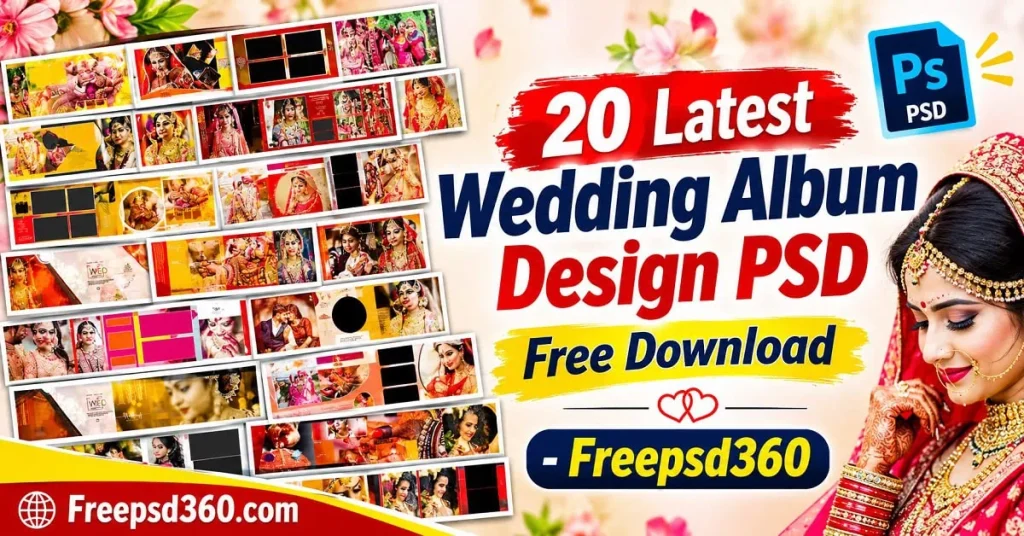
Latest Wedding Album Design — Format, Features and Practical Uses
The Latest Wedding Album Design refers to modern, professionally arranged wedding photo layouts created for digital editing and album printing. These designs are commonly supplied as layered PSD files that allow designers to replace photographs, adjust colours and customise text in Adobe Photoshop.
PSD files provide more flexibility than flat JPEG images. Designers can work with separate layers, photo frames, backgrounds and decorative elements. Many templates are prepared in 12×36-inch album formats, making them suitable for panoramic wedding album spreads.
These files are useful for wedding photography studios, freelance designers and album printing professionals. With proper resolution and colour preparation, an editable Photoshop layout can become a strong starting point for a client’s final wedding album.
#01
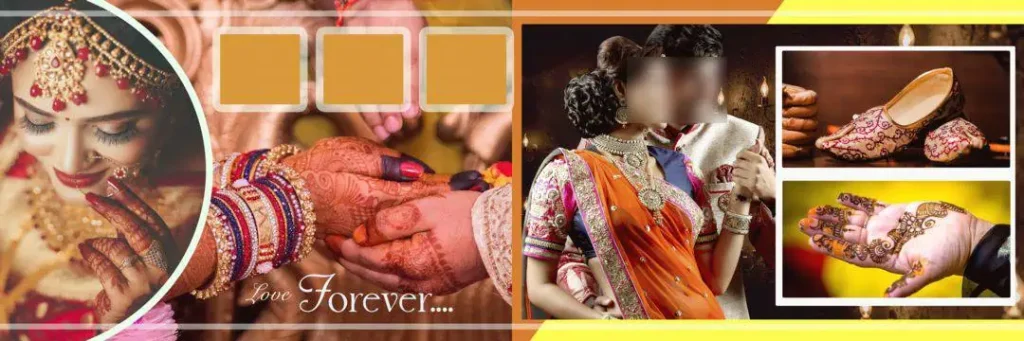
File Size: 93MB
#02

File Size: 69.5MB
#03
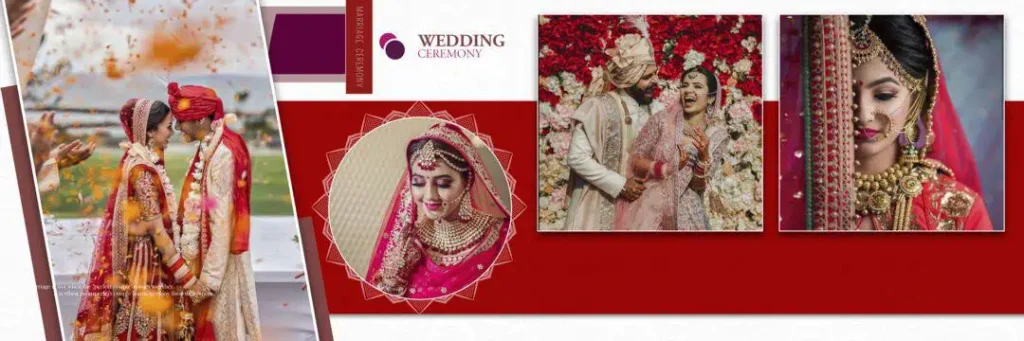
File Size: 124MB
#04
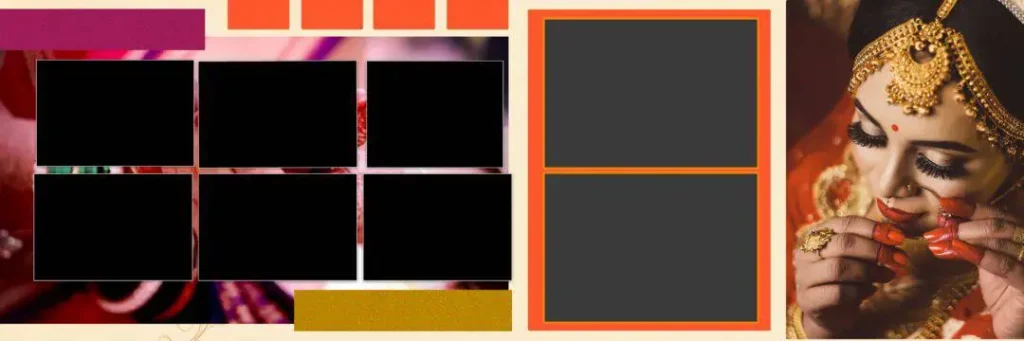
File Size: 54.4MB
#05
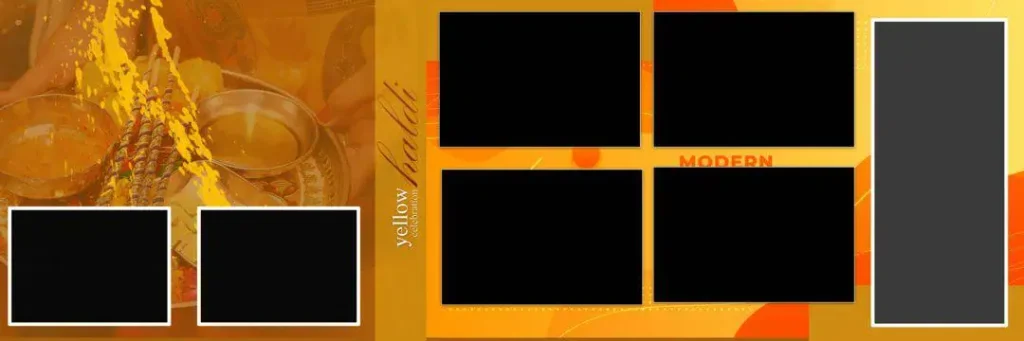
File Size: 26.1MB
#06
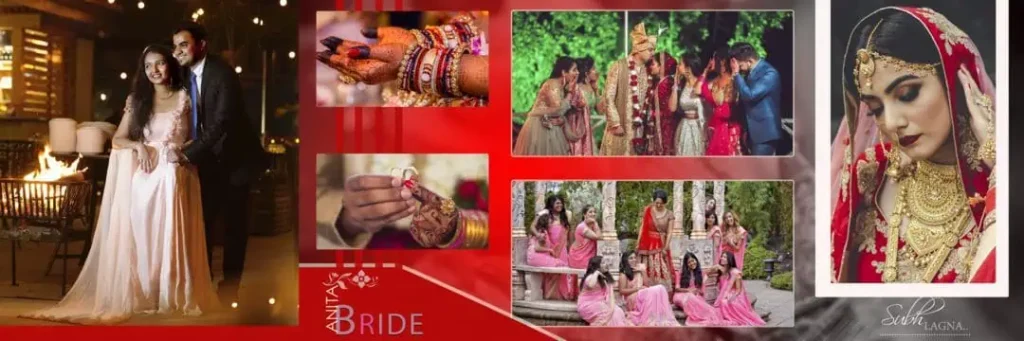
File Size: 90.3MB
#07
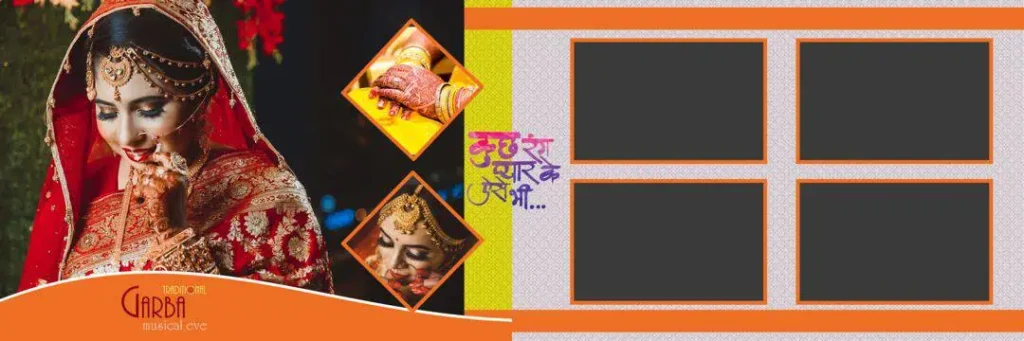
File Size: 87.9MB
#08
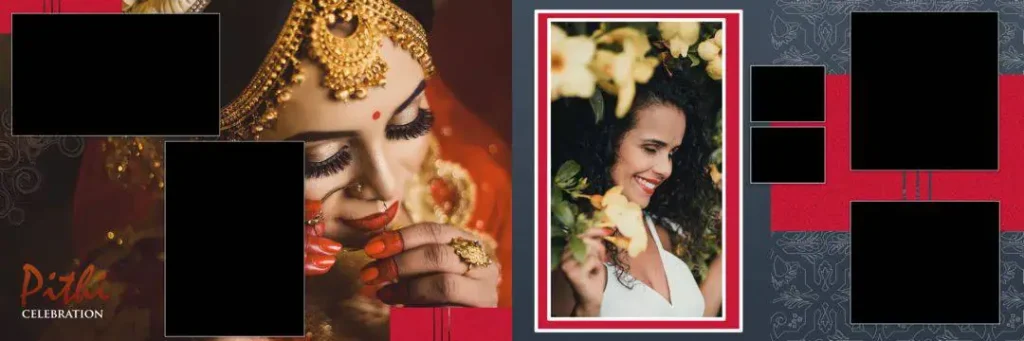
File Size: 46.9MB
#09
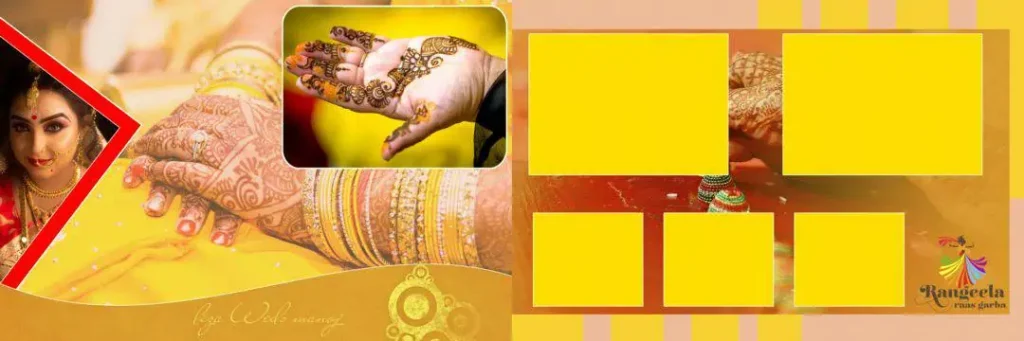
File Size: 75.1MB
#10
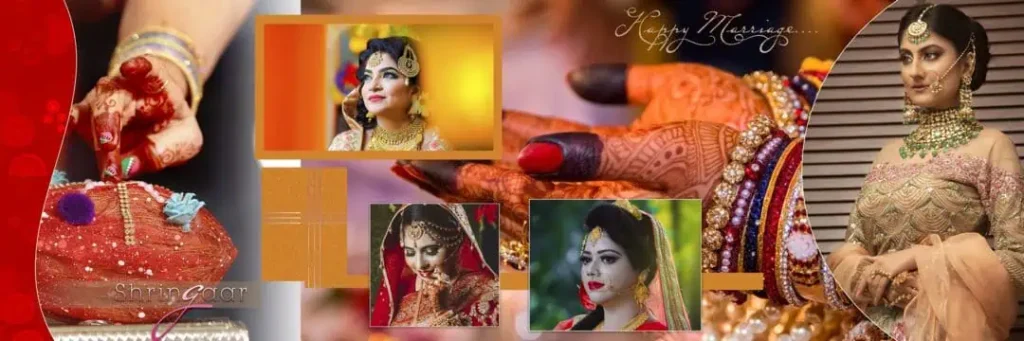
File Size: 128MB
#11
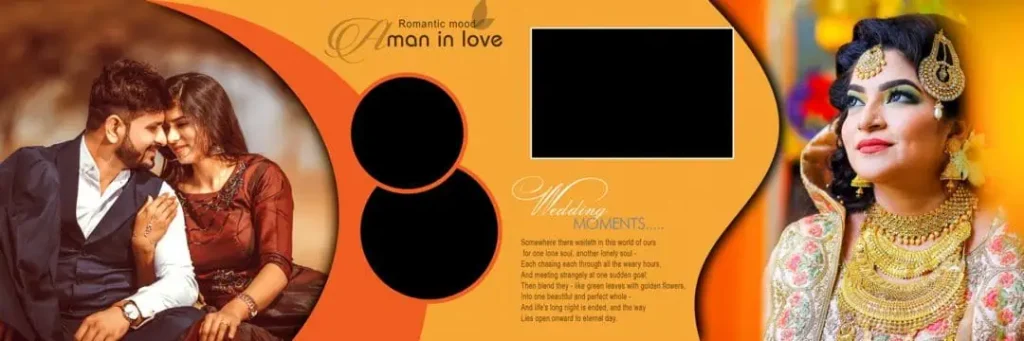
File Size: 94.8MB
#12
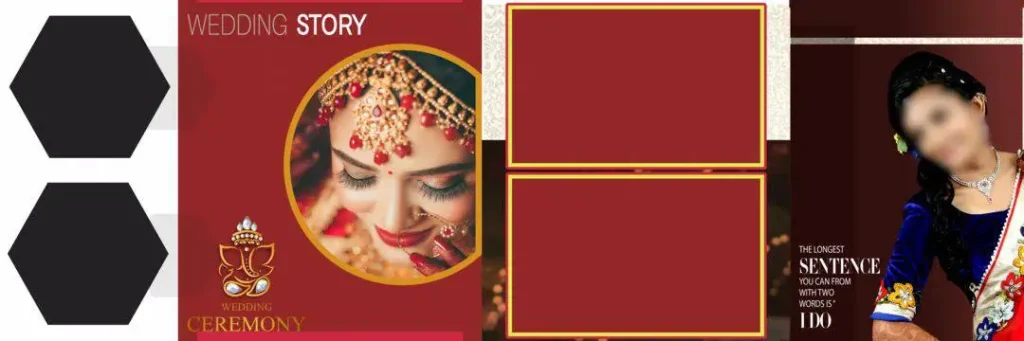
File Size: 60.1MB
#13
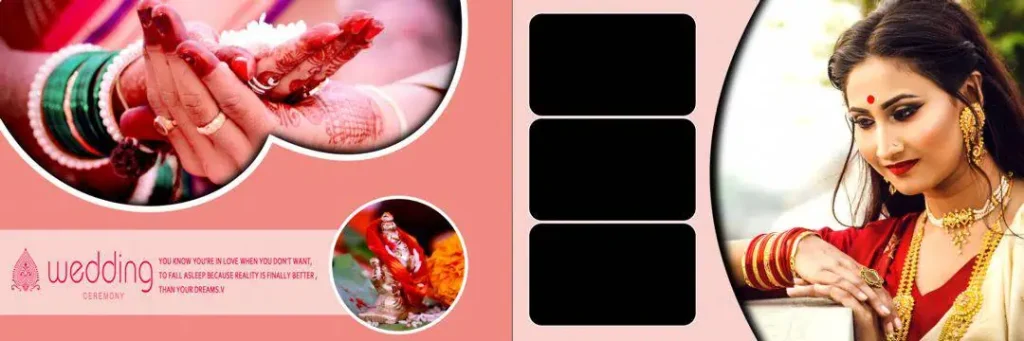
File Size: 93.3MB
#14
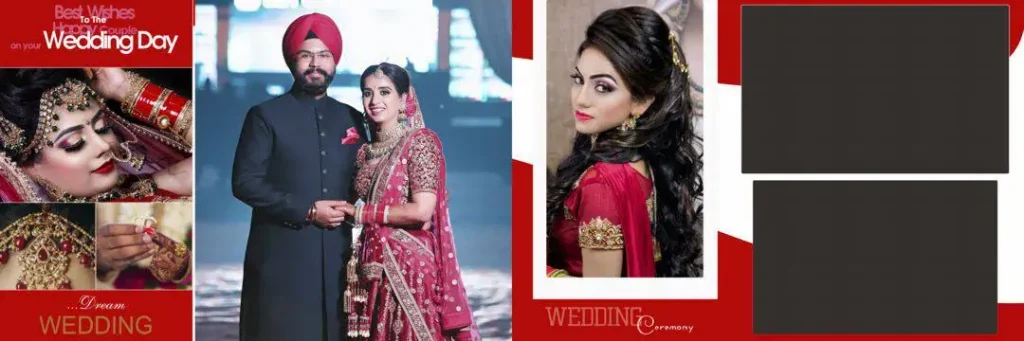
File Size: 86MB
#15
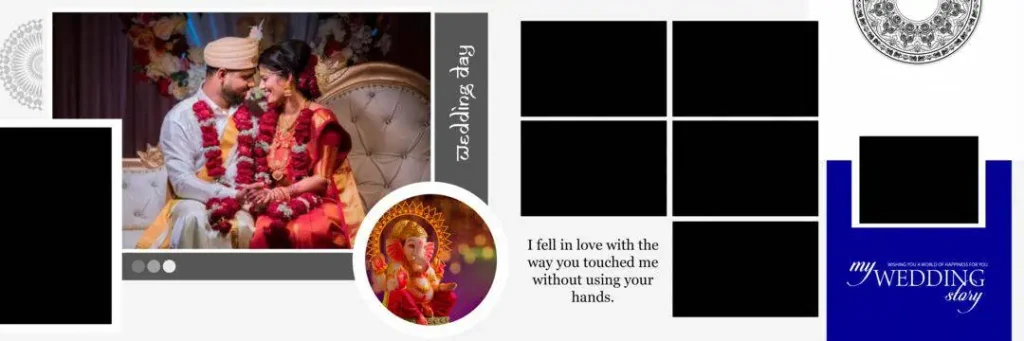
File Size: 48.2MB
#16
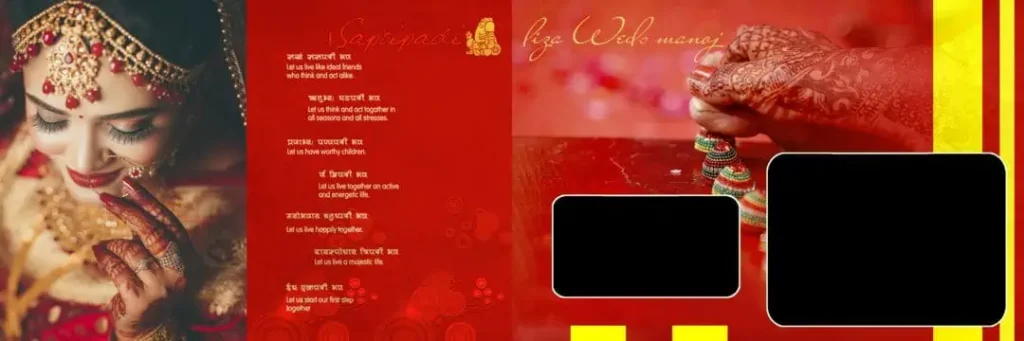
File Size: 77.5MB
#17
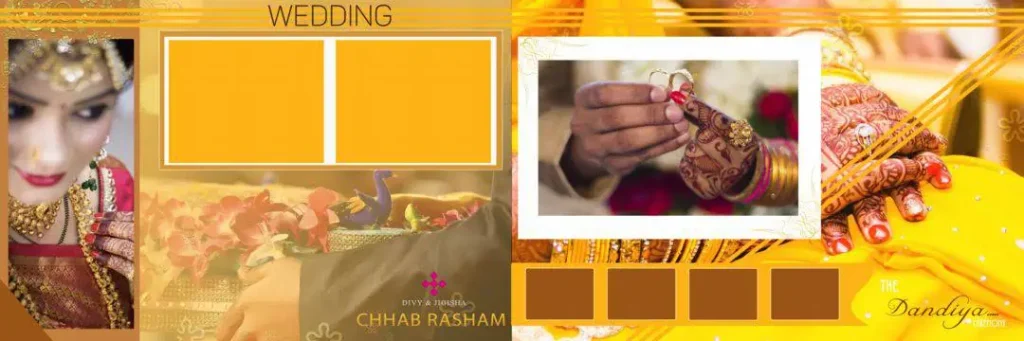
File Size: 74.2MB
#18
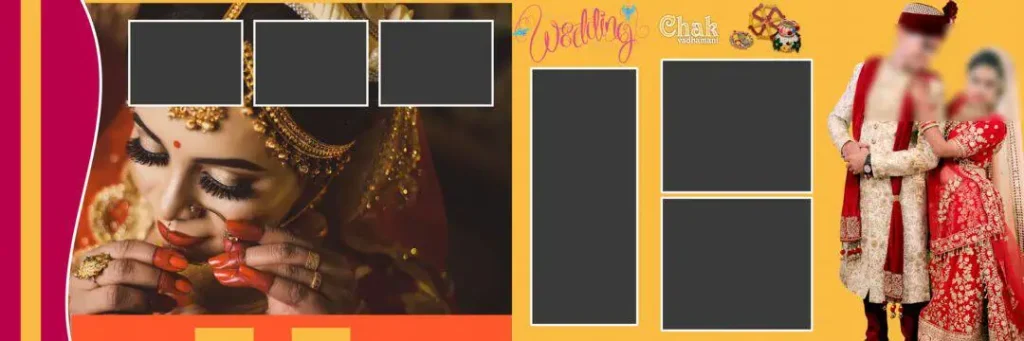
File Size: 35.5MB
#19
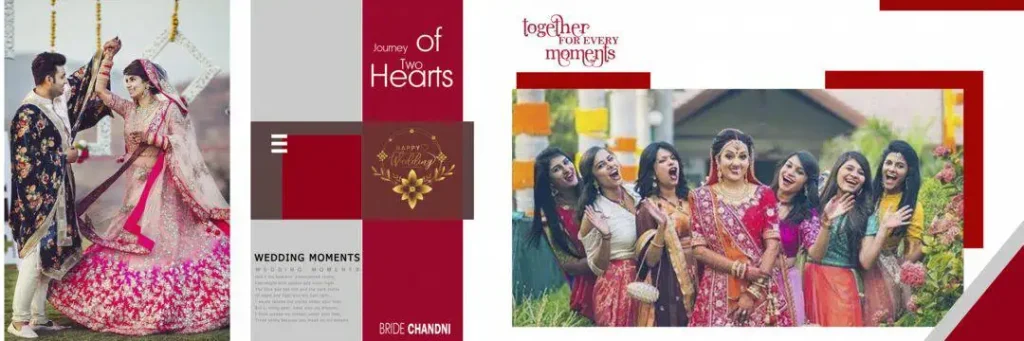
File Size: 80.7MB
#20
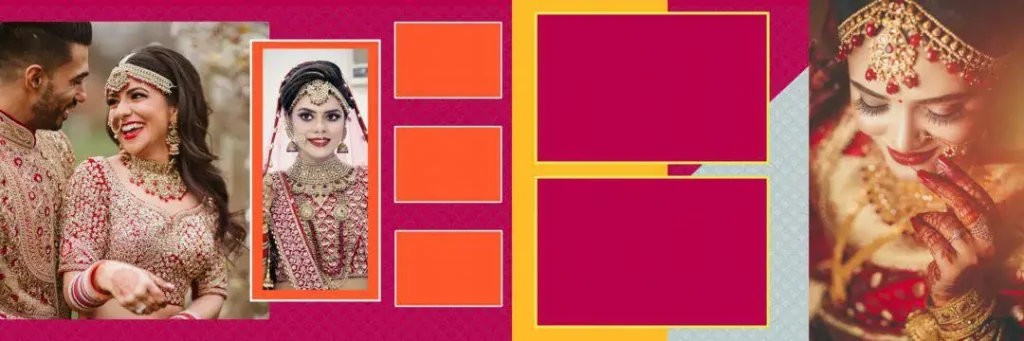
File Size: 78.2MB
A Fresh Collection of Wedding Album PSD Designs on Freepsd360.com
Freepsd360.com provides a collection of free Photoshop resources for designers who want creative wedding album layouts without spending hours creating every page manually. The collection focuses on editable designs suitable for different Indian wedding photography projects.
The downloadable resources are provided in ZIP format, making it convenient to save and organise them on your computer. Where specified, templates include 300 DPI settings, fully layered PSD files and editable design elements. Many layouts are suitable for 12×36 album production. Check each file’s specifications before starting your project, as dimensions and features may vary. New resources are regularly added to help designers find fresh ideas for upcoming assignments.
How to Use These Latest Wedding Album Design Templates
Step 1: Download the PSD File. Visit Freepsd360.com and choose the wedding album design you want to use. Download the available ZIP file and save it to your computer.
Step 2: Extract the ZIP Folder. Right-click the downloaded ZIP file and select Extract. Open the extracted folder to locate the Photoshop PSD file and any included resources.
Step 3: Open the File in Photoshop. Launch Adobe Photoshop and open the PSD template. Check the canvas dimensions, resolution and layer structure before making changes.
Step 4: Replace the Wedding Photographs. Use Smart Objects when available to replace sample images with your client’s wedding photographs. You can also place custom photos into the appropriate frames and adjust their positioning.
Step 5: Customise Text and Colours. Edit names, wedding dates and other details. Adjust background colours, decorative elements and typography to match the client’s preferences and wedding theme.
Step 6: Export for Printing . Save your editable PSD backup first. Then prepare the final design at 300 DPI, check the print dimensions and export it in the format requested by your album printing lab.
How Layout and Colour Choices Improve Final Album Print Quality
A beautiful design on a computer screen does not always produce a beautiful printed album. Photo placement, colour balance and spacing all affect how the finished pages look.
When editing wedding layouts, keep important faces away from the centre fold. This is especially important for panoramic 12×36 spreads, where the binding can hide details near the middle. Leave enough breathing room around photographs and avoid placing important text too close to the edges.
Colour consistency also matters. Indian wedding photographs often include bright clothing, floral decorations, stage lighting and colourful ceremony backgrounds. A balanced photo layout should complement these images rather than compete with them. Check skin tones, contrast and background colours before sending the design to print.
Tips for the Best Print Results
- Maintain 300 DPI resolution. Prepare the document at the required print size and resolution. Avoid enlarging small photographs too much, as this can reduce image sharpness.
- Use CMYK colour mode when required. Ask your printing lab for its preferred colour profile. Convert the design carefully because some RGB colours may look different after conversion.
- Leave 3–5mm bleed margins where required. Follow the printer’s specifications for bleed and safe areas. Keep faces, names and important details away from trimming edges.
- Save a layered PSD backup. Keep the original Photoshop file with editable layers and Smart Objects. This makes future corrections easier if the client requests changes.
Frequently Asked Questions
Are these wedding album PSD templates really free?
Yes, Freepsd360.com shares free PSD design resources. Check the individual download page for any conditions or usage restrictions before using a file.
What software is needed to edit these designs?
Adobe Photoshop is recommended because PSD files support editable layers, masks and Smart Objects. Make sure your software version supports the features used in the template.
Can I use these designs for paid client work?
Check the individual resource’s licence terms first. Free downloads do not automatically mean unrestricted commercial use. Follow the stated conditions before delivering paid client projects.
Are these latest wedding album design templates suitable for 12×36 printing?
Some templates are suitable for 12×36-inch album layouts. Always check the actual PSD canvas dimensions and confirm the printing specifications before placing your order.
Can I use these PSD files for Kerala wedding photography albums?
Yes, editable layouts can be customised with Kerala wedding photographs, traditional ceremony images and personalised text. Choose a suitable composition and adjust its colours to match the wedding theme.
Conclusion
A good wedding album design needs more than attractive photographs. It requires balanced layouts, clean typography, suitable colour combinations and proper print preparation. The Latest Wedding Album Design collection on Freepsd360.com gives photographers and Photoshop designers useful starting points for creating personalised wedding albums.
Explore Freepsd360.com and download your preferred free PSD resources to start your next project. Whether you need modern layouts or Latest Wedding Album Design India inspiration, these editable Photoshop templates can help you prepare creative album pages for your clients.
You might also enjoy these free resources on Freepsd360.com: