Wedding photography studios often handle several album projects at once. A client may be waiting for a reception album while another project needs Mehendi and Sangeet photographs arranged. Creating every page from a blank Photoshop document takes valuable time, especially during the busy Indian wedding season.
This is where Karizma Album Design 12×36 templates become useful. They provide ready-made page layouts that designers can edit according to each client’s photographs, preferred colors and wedding theme. Instead of spending hours building the basic structure, you can focus on making the album look professional.
Freepsd360.com brings together free PSD resources for photographers and graphic designers who need practical album layouts. This collection is designed to help studios manage their design work while maintaining good presentation and print quality.
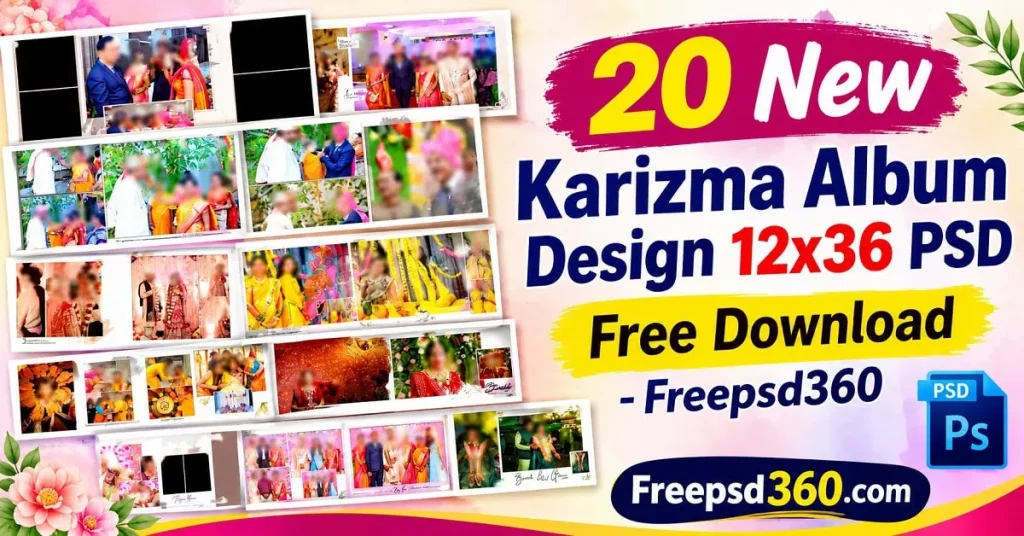
Karizma Album Design 12×36 — Understanding the Format and Its Uses
Karizma Album Design 12×36 refers to wedding album page layouts created for a wide 12-by-36-inch spread. These designs are commonly prepared as editable Photoshop PSD files, allowing designers to arrange wedding photographs, backgrounds, decorative elements and text.
The PSD format keeps design elements organized in layers, making it easier to change photographs, adjust colors and modify backgrounds. Depending on the supplied file, designers may also find smart objects and ready-made photo placeholders.
This format works well for Indian wedding photography, including traditional ceremonies, couple portraits, family photographs and reception highlights. Its wide layout gives enough space to combine large photographs with smaller supporting images without making the page feel crowded.
#01
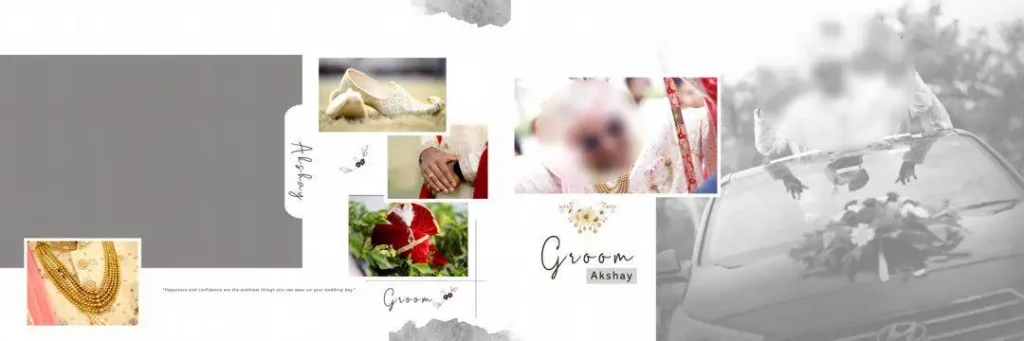
File Size: 70.4MB
#02
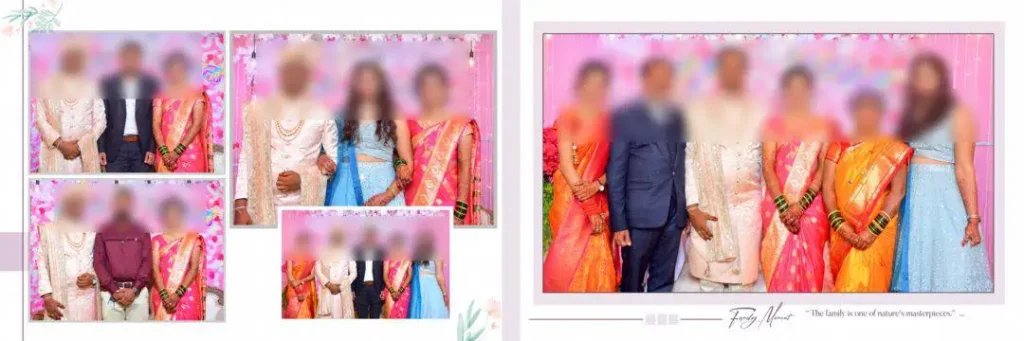
File Size: 128MB
#03

File Size: 200MB
#04
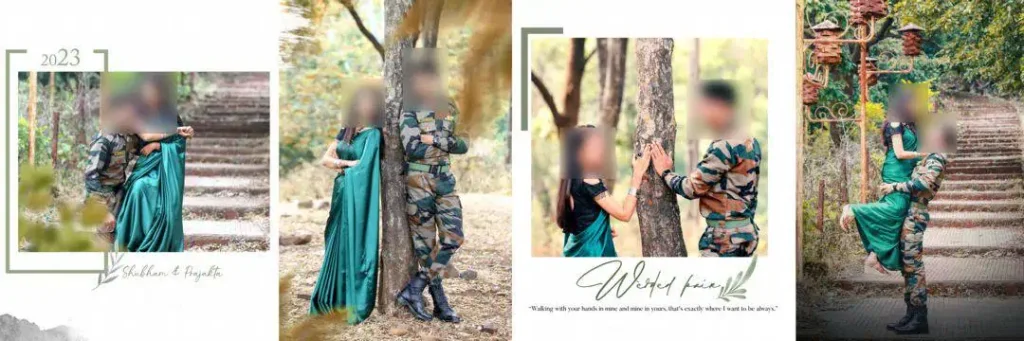
File Size: 168MB
#05
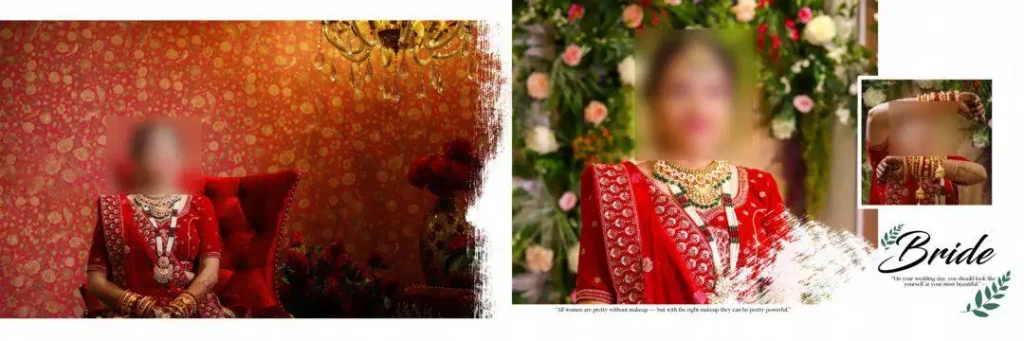
File Size: 124MB
Get More: 12×36 Album PSD Templates Free Download – Freepsd360.
#06
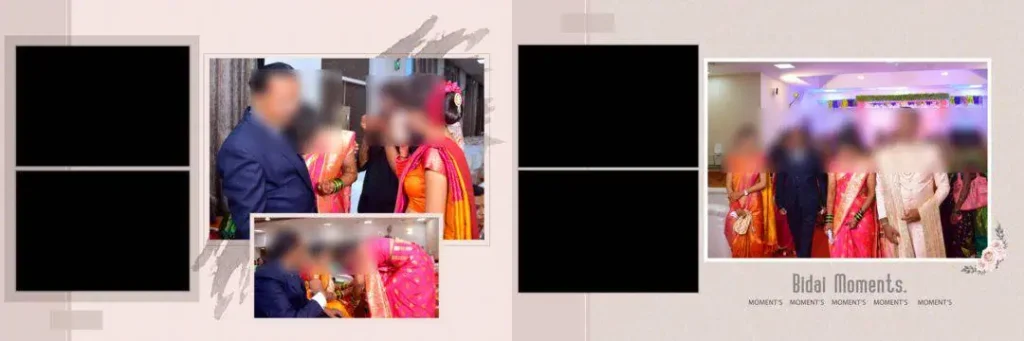
File Size: 131MB
#07
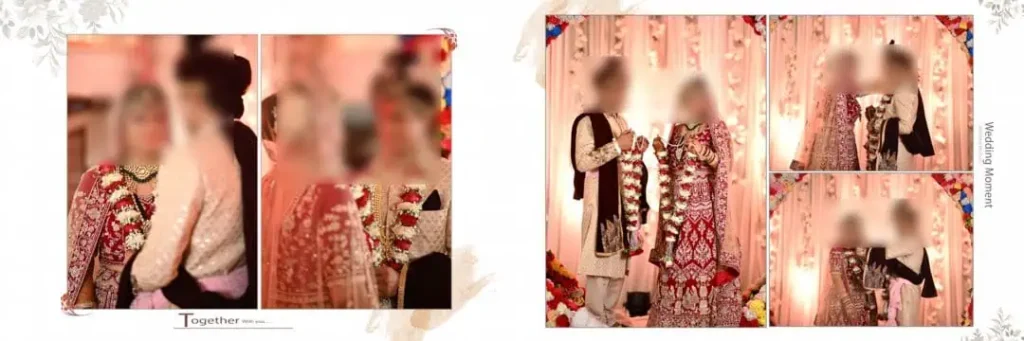
File Size: 111MB
#08
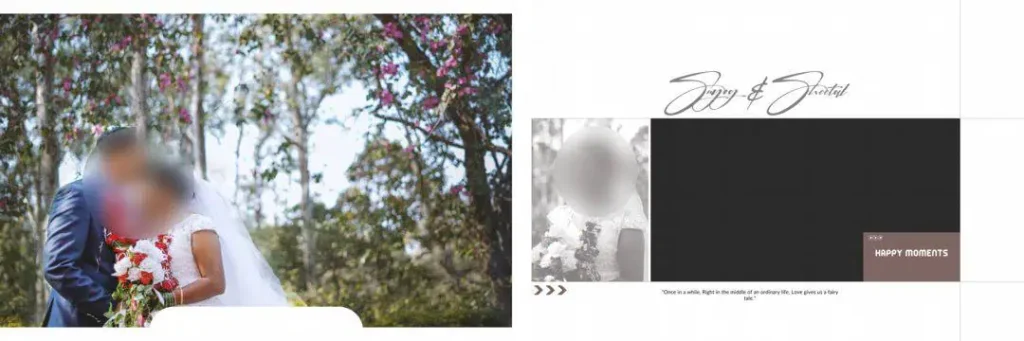
File Size: 118MB
#09

File Size: 81.6MB
#10
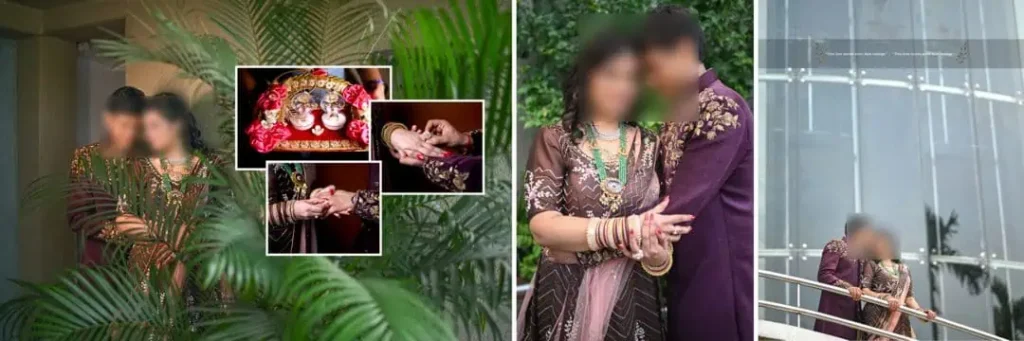
File Size: 162MB
Get More: 12×36 Tamil Wedding Album Design PSD Free Download – Freepsd360.
#11
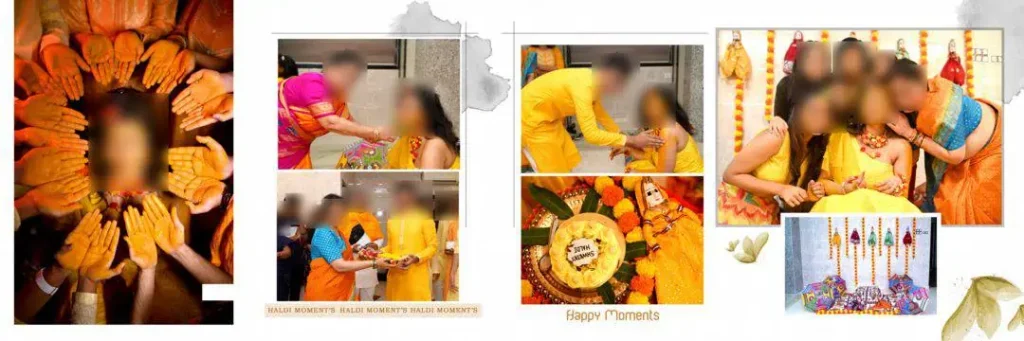
File Size: 97.5MB
#12
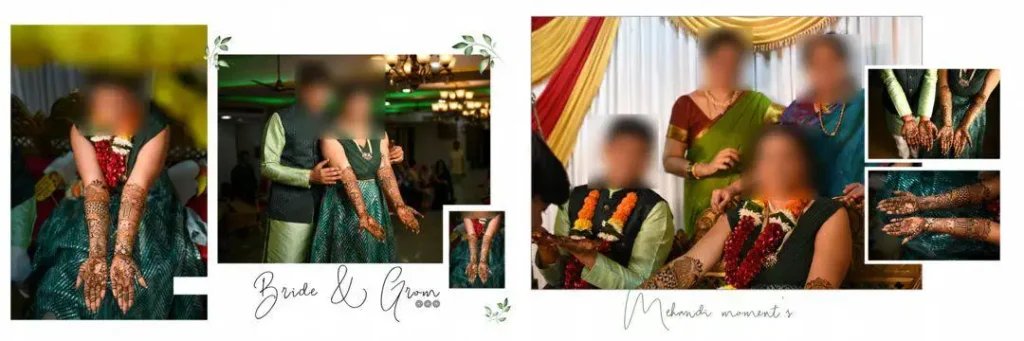
File Size: 120MB
#13
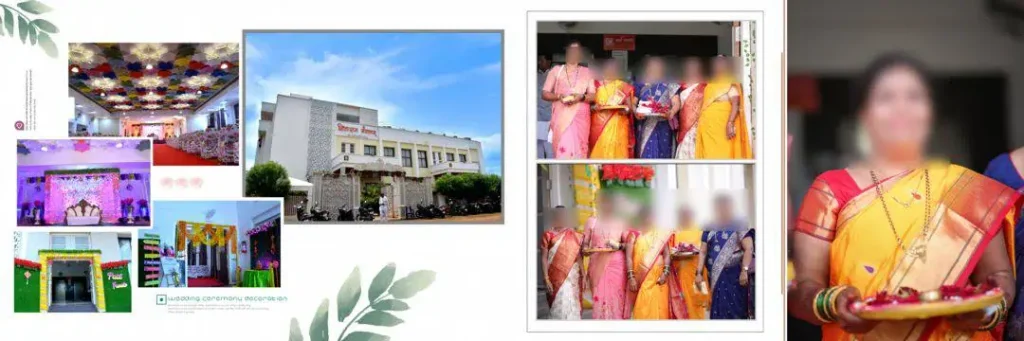
File Size: 158MB
#14
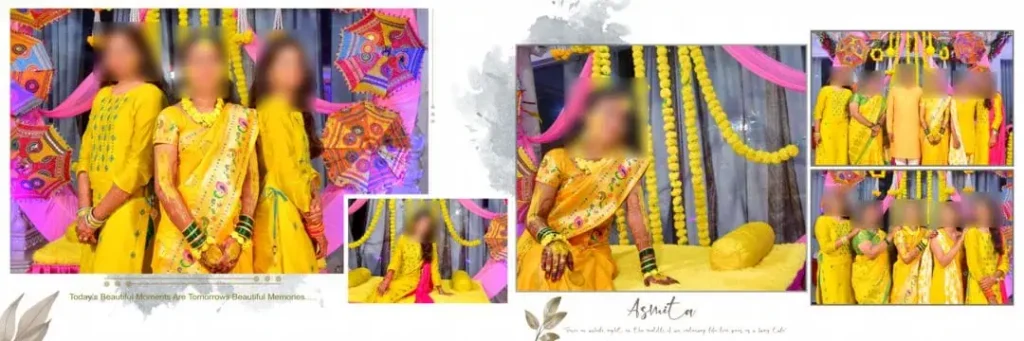
File Size: 145MB
#15
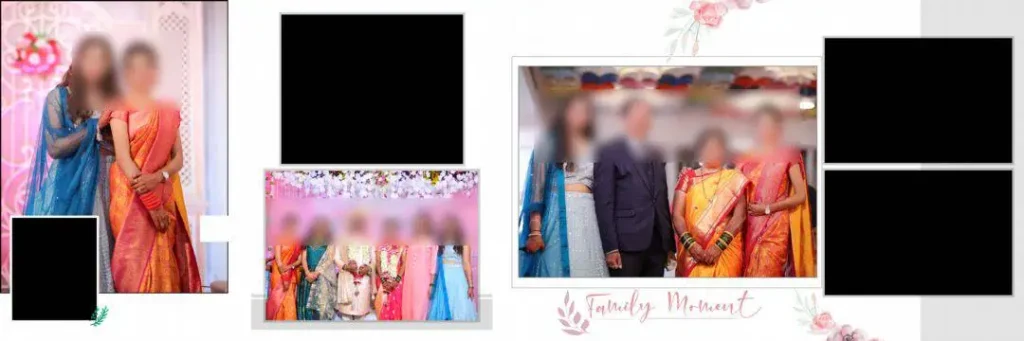
File Size: 78.1MB
Get more: 10 Best Marathi Wedding Album Design PSD Free Download.
#16
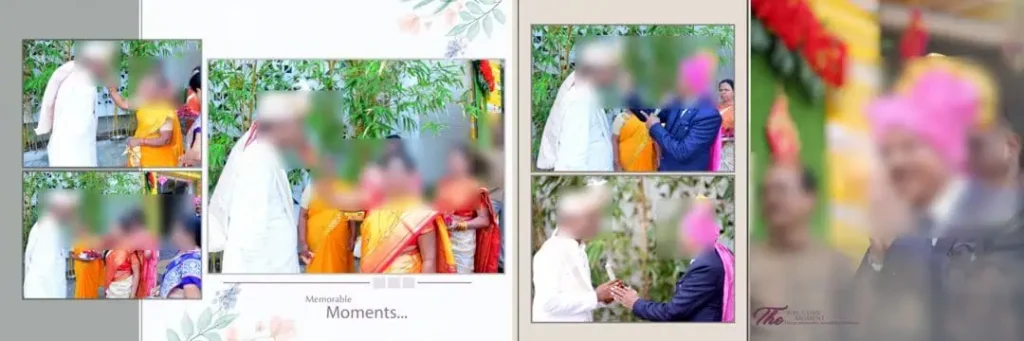
File Size: 135MB
#17
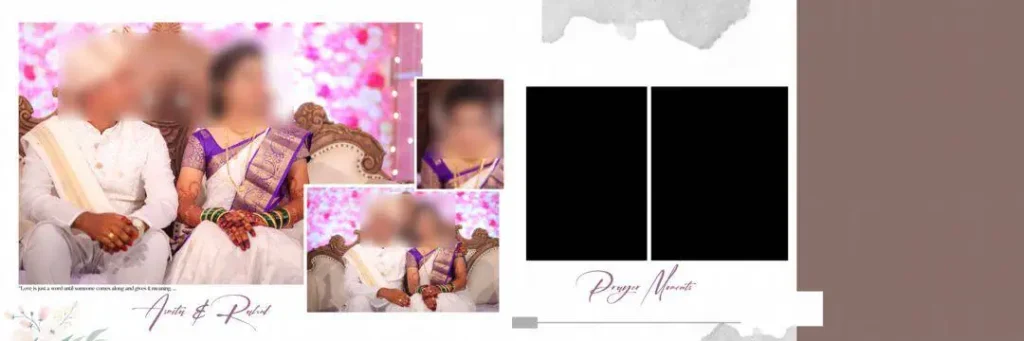
File Size: 63.6MB
#18
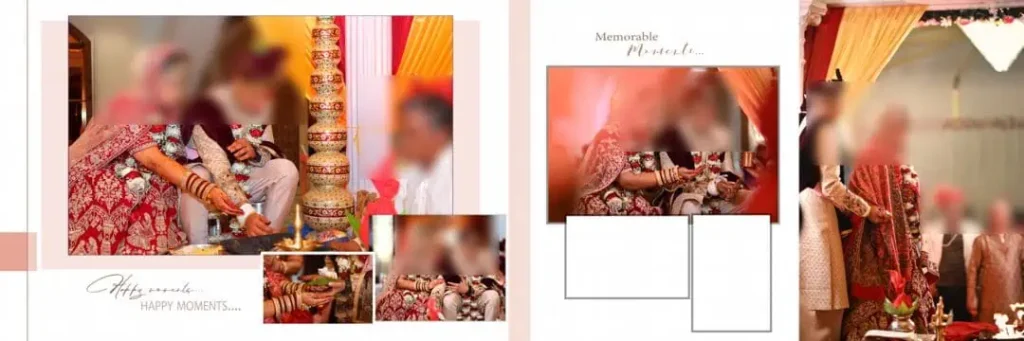
File Size: 95MB
#19
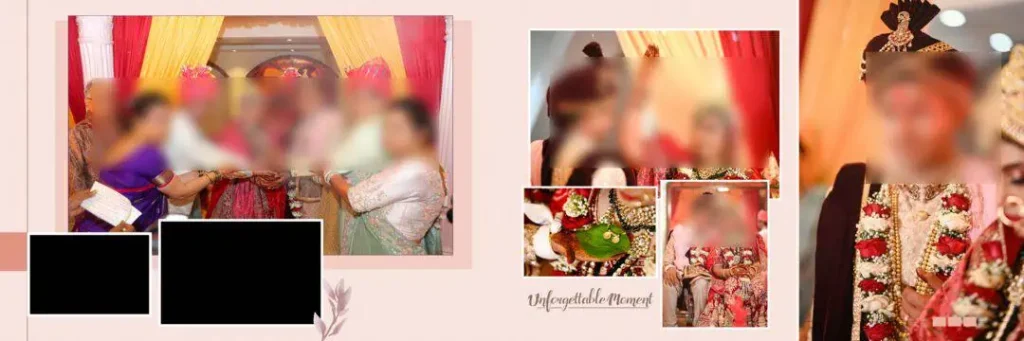
File Size: 90.2MB
#20
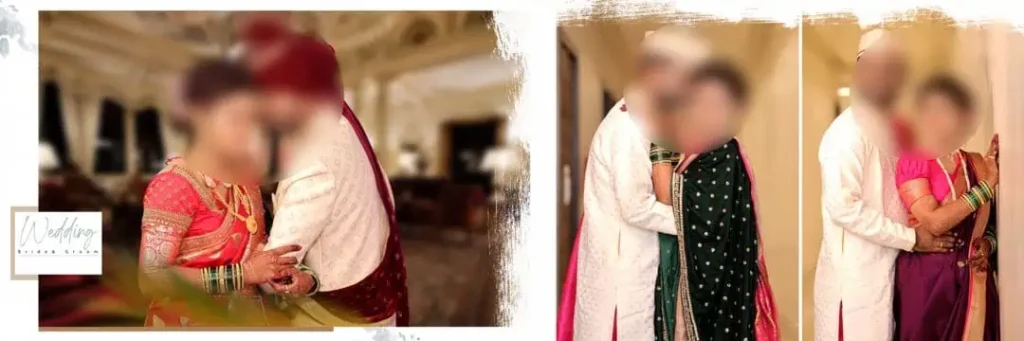
File Size: 135MB
A Fresh Collection of Editable Wedding Album Designs
Freepsd360.com provides a collection of Karizma Album Design 12×36 PSD free download resources for designers looking for practical wedding album layouts. These files are free to download and are supplied in ZIP format, making it easier to store and organize the original designs.
The collection focuses on editable PSD layouts suitable for 12×36 album projects. Where included in the individual files, layered elements, high-resolution artwork and smart objects can help speed up customization. Check each file’s properties to confirm its actual resolution, color mode and layer structure. Freepsd360.com regularly updates its design resources to give photographers and graphic designers more options for their projects.
How to Use These Karizma Album Design 12×36 Templates
Using these PSD files in Photoshop is straightforward. Follow these steps to prepare your wedding album pages.
Step 1: Download the PSD File. Visit Freepsd360.com and find the album design collection. Download your preferred ZIP file and save it in a separate project folder.
Step 2: Extract the ZIP Folder. Right-click the downloaded ZIP file and select Extract All. Keep the original compressed file as a backup in case you need it again.
Step 3: Open the Design in Photoshop. Launch Adobe Photoshop and open the extracted PSD file. Check the document dimensions, resolution and available layers before editing.
Step 4: Replace the Sample Photographs. Use the existing photo placeholders or smart objects if provided. Double-click a smart object thumbnail, insert your client’s wedding photograph, save the smart object and return to the main document.
Step 5: Customize Text and Colors. Change the names, wedding dates and other details. Adjust background colors and decorative elements to match the couple’s preferences and the wedding photography theme.
Step 6: Export the Final Album Pages. Check the entire layout, image quality and alignment. Prepare the document at 300 DPI when required by the print lab, then export using the printer’s preferred file format and color settings.
Managing Wedding Season Deadlines Without Losing Design Quality
Wedding season can put serious pressure on a photography studio. A single project may include Mehendi, Haldi, Sangeet, Baraat, wedding rituals and reception photographs. Each event needs careful selection and arrangement before the final album reaches the client.
Having ready-made 12×36 layouts reduces the time spent creating page structures. Designers can start with an existing composition, replace the photographs and make adjustments instead of repeating the same basic work for every project.
A useful approach is to maintain separate folders for each client and event. Keep original PSD files, edited photographs and final print exports organized. This makes revisions easier when clients request changes before album printing.
These templates also help maintain consistency across multiple projects. A graphic designer can adapt the same general layout approach while changing colors, photo placement and decorative details to suit different wedding styles. The result is a more organized production process without sacrificing creative control.
Tips for the Best Print Results
- Work at 300 DPI resolution. Check the actual Photoshop document settings before editing. High-resolution photographs are important because low-quality images can appear blurry when printed in a large album.
- Check the CMYK color mode. Confirm the color requirements with your album printing lab. Some labs accept RGB files and handle conversion themselves, while others request CMYK artwork.
- Leave enough bleed margins. Keep approximately 3–5 mm of extra space where the printer requires bleed. Avoid placing important faces, names or text too close to the trimming edge.
- Save a layered PSD backup. Keep an editable copy of the completed design before exporting the final print file. This makes future corrections and client revisions much easier.
Frequently Asked Questions
1. Are these Karizma album design PSD templates really free?
Yes. The collection featured on Freepsd360.com is offered as a free download resource. Check the individual download page for any specific conditions or restrictions.
2. What software is needed to edit these 12×36 PSD files?
Adobe Photoshop is recommended because PSD is its native file format. A compatible editor that supports layered PSD files may also work, although some effects and smart objects may behave differently.
3. Can I use these designs for paid client work?
Check the license or usage information provided with each download before using it commercially. Free downloads do not automatically mean unrestricted commercial rights.
4. What is the benefit of the 12×36 Karizma album size?
The wide 12×36-inch spread provides space for large couple portraits, family photographs and multiple wedding moments. It is useful for designing panoramic wedding album pages.
5. Are these PSD files suitable for Indian wedding photography studios?
Yes. Editable layouts can be customized for Mehendi, Haldi, Sangeet, Baraat and reception photographs. Designers can adjust the colors and photo arrangements to match each client’s requirements.
Conclusion
A well-organized album design process helps photography studios complete projects faster and deliver attractive wedding albums. With Karizma Album Design 12×36, designers get a practical starting point for arranging photographs, customizing page layouts and preparing professional wedding albums. Editable PSD files also provide more control over the final composition.
Visit Freepsd360.com to explore the latest collection and get your Karizma Album Design 12×36 PSD Free Download. Download the available ZIP files, customize the layouts in Photoshop and prepare your wedding album pages for printing. Keep your original PSD files safe so you can make changes whenever a client needs them.
You might also enjoy these free resources on Freepsd360.com: