A 12×36 album layout is different from a regular photo design. Its wide landscape format gives designers more room to arrange wedding photographs across a complete spread. This makes it a practical choice for professional wedding albums where photo placement, balance and presentation matter.
Many photographers and graphic designers work with this format because it allows them to combine large couple portraits, family photographs and memorable ceremony moments on the same spread. A properly prepared Photoshop file also makes editing easier when clients request changes.
At Freepsd360.com, you can explore a collection of 12×36 Wedding Album Template designs created for wedding photography projects. These free PSD resources help designers prepare attractive album layouts while keeping control over their own photographs, colors and text.
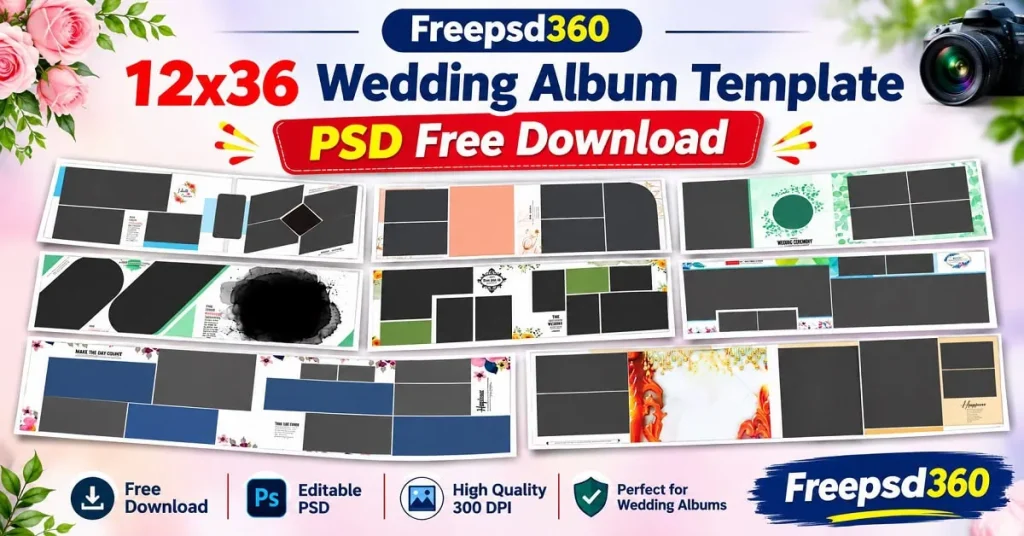
12×36 Wedding Album Template — Format, Structure and Design Purpose
A 12×36 Wedding Album Template is a wide-format Photoshop design used to create two-page wedding album spreads. It is generally built as a 12-inch by 36-inch canvas, allowing designers to arrange photographs across a panoramic layout.
These templates are commonly supplied in PSD format, which means their design elements can be edited in Adobe Photoshop. Depending on the individual file, designers can replace photographs, adjust backgrounds, customize text and modify decorative elements.
The format works well for Indian wedding photography because a single spread can display different moments from Mehendi, Sangeet, Baraat and reception ceremonies. It gives important photographs enough space without making the overall composition feel crowded.
#01
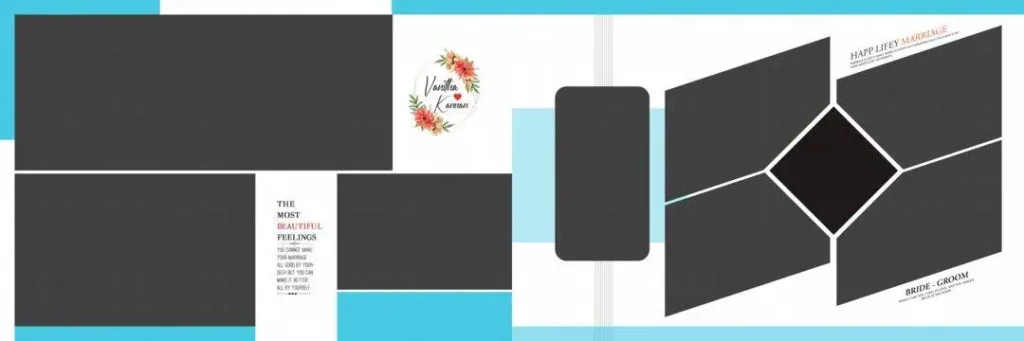
File Size: 1.75MB
#02

File Size: 6.06MB
#03
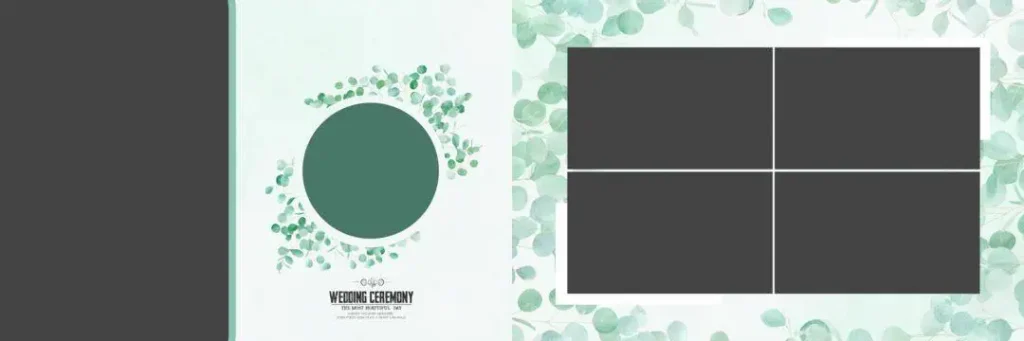
File Size: 87MB
#04

File Size: 19.9MB
#05
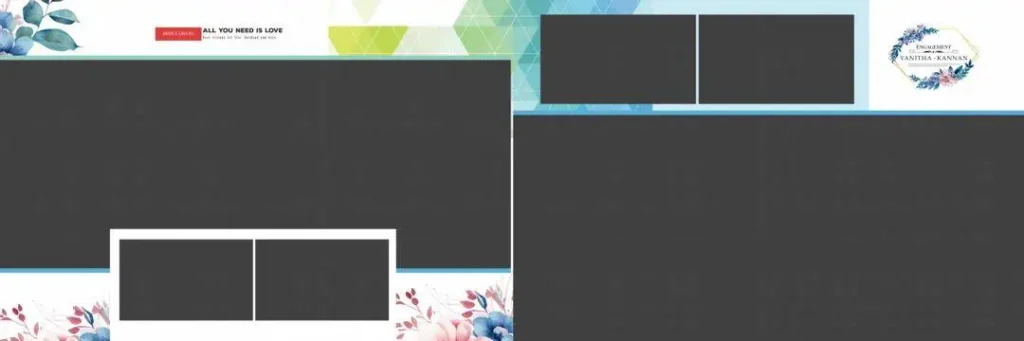
File Size: 46.6MB
Get More: 15+ Traditional Kerala Album Design PSD Free Download – Freepsd360.
#06
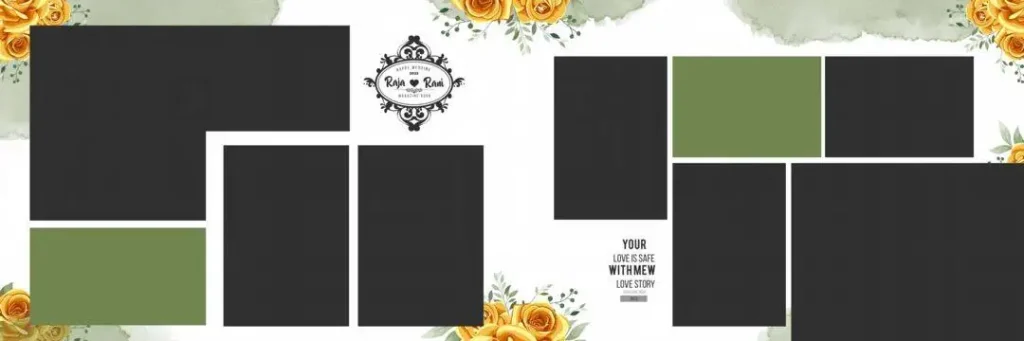
File Size: 20.5MB
#07
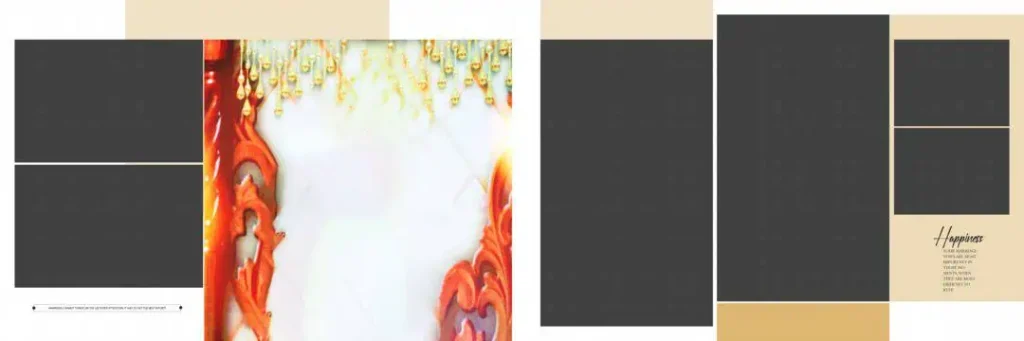
File Size: 46.3MB
#08
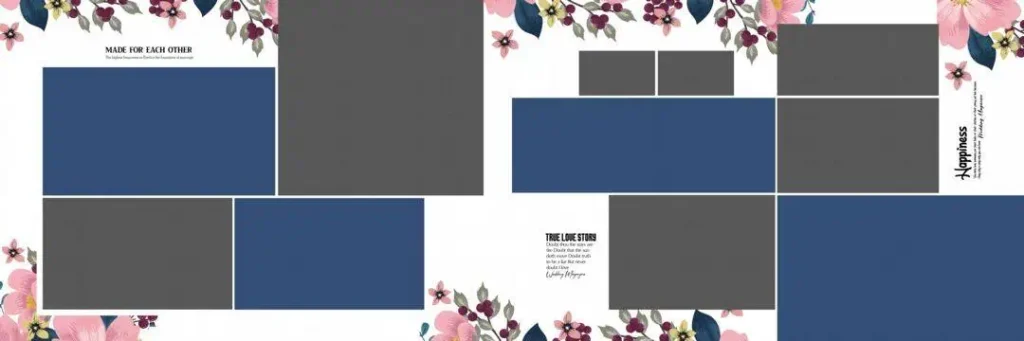
File Size: 28.1MB
#09
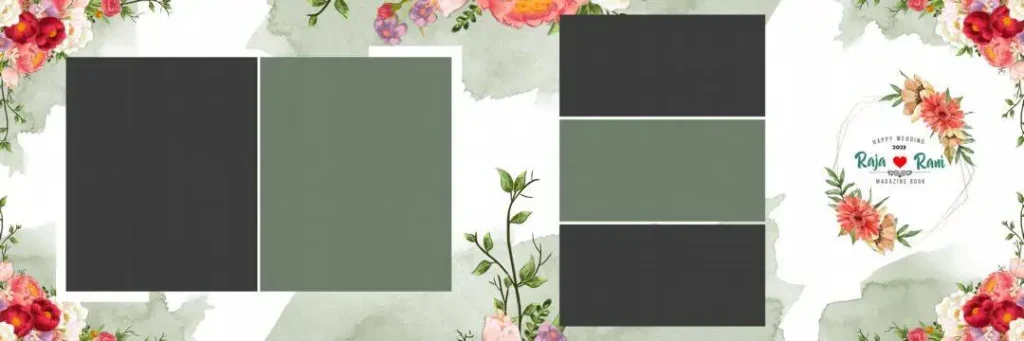
File Size: 74.1MB
#10
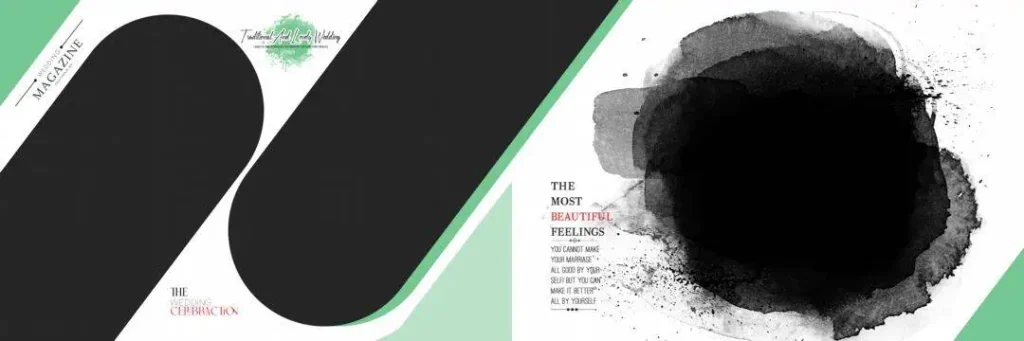
File Size: 49.5MB
Fresh Wedding Album PSD Designs for Professional Studio Projects
Freepsd360.com brings together free 12×36 Wedding Album Templates for photographers, Photoshop designers and album printing studios. The collection is intended to make creative album production easier without requiring every layout to be designed from an empty canvas.
The downloadable collection includes PSD resources in ZIP format, with editable design layers and photo placement options. Look for 300 DPI files when preparing layouts for professional printing. Individual file specifications may vary, so check the document properties before starting your project. The collection is regularly updated with professionally designed resources to give designers more creative options.
How to Use These 12×36 Wedding Album Templates in Photoshop
Using a Photoshop template is straightforward when you follow the correct editing process.
Step 1: Download the PSD File. Visit Freepsd360.com and choose the wedding album template you want. Download the available ZIP file and save it to your computer.
Step 2: Extract the ZIP Folder. Right-click the downloaded ZIP file and select Extract. Open the extracted folder and locate the PSD document and any supporting resources.
Step 3: Open the Template in Photoshop. Launch Adobe Photoshop and open the PSD file. Check the canvas dimensions, resolution and layer structure before making changes.
Step 4: Replace the Wedding Photographs. Use Smart Objects when available to replace sample photographs with your client’s images. If the template uses regular layers, place your photographs into the correct frames and adjust their position.
Step 5: Customize Text and Colors. Edit names, wedding dates and decorative text. Adjust background colors and design elements to match the wedding theme and the client’s preferences.
Step 6: Export the Final Album for Printing. Review the complete spread, check image quality and confirm bleed requirements with your print lab. Export the final file in the printer’s requested format at the appropriate 300 DPI resolution.
Print Quality Starts With Proper 12×36 Album Layout Preparation
A wide album spread needs careful photo placement. Large portraits should have enough visual space, while smaller photographs should support the main composition. Avoid placing important faces directly across the center fold because some details may disappear inside the album binding.
Color consistency is equally important. Indian wedding photography often includes bright clothing, colorful decorations and different lighting conditions. A balanced Photoshop layout helps these photographs look natural when printed.
Resolution also affects the final result. A high-quality photo layout cannot compensate for blurry source photographs. Use original camera images whenever possible and avoid enlarging small images beyond their useful resolution.
Before sending the album to a print lab, check the color mode and document settings. CMYK conversion, bleed margins and export settings should follow the printing provider’s requirements. These small checks help prevent common production problems.
Tips for the Best Print Results
- Maintain 300 DPI resolution: Start with a suitable document resolution and use high-quality original wedding photographs. Check image sharpness before exporting.
- Use the correct CMYK color mode: Confirm the required color profile with your printing lab. Colors can change during conversion from RGB to CMYK.
- Keep 3–5 mm bleed margins: Follow your printer’s exact bleed requirements and keep important text and faces away from trimming edges.
- Save a layered PSD backup: Preserve the original editable document before exporting. This makes future corrections and client revisions easier.
Frequently Asked Questions
Are these 12×36 wedding album templates really free?
Yes, the collection is presented as free PSD resources on Freepsd360.com. Check the individual download page for file availability and any specific usage conditions.
What software is needed to edit these templates?
Adobe Photoshop is the recommended software for editing PSD files. A compatible application that supports Photoshop layers may also work, but some features may not be preserved.
Can I use these wedding album templates for paid client projects?
Check the license or usage terms provided with each download. Free access does not automatically mean every file allows unrestricted commercial use.
Why is the 12×36 format useful for wedding albums?
Its wide landscape layout provides space for panoramic compositions, couple portraits and multiple ceremony photographs. It is especially useful for traditional wedding album spreads.
What document settings should I check before printing a 12×36 album?
Check the actual canvas dimensions, 300 DPI resolution, color profile, bleed margins and safe areas. Confirm the final specifications with your album printing provider.
Conclusion
A well-prepared 12×36 Wedding Album Template gives photographers and graphic designers a practical starting point for professional wedding album production. Editable PSD layers, flexible photo arrangements and proper print preparation make the design process more manageable. Choosing suitable layouts also helps maintain a consistent appearance throughout the complete wedding album.
Explore the latest 12×36 Wedding Album Templates at Freepsd360.com and find creative PSD resources for your next photography project. Download your preferred designs, customize them in Photoshop and prepare attractive wedding albums for your clients.
You might also enjoy these free resources on Freepsd360.com: