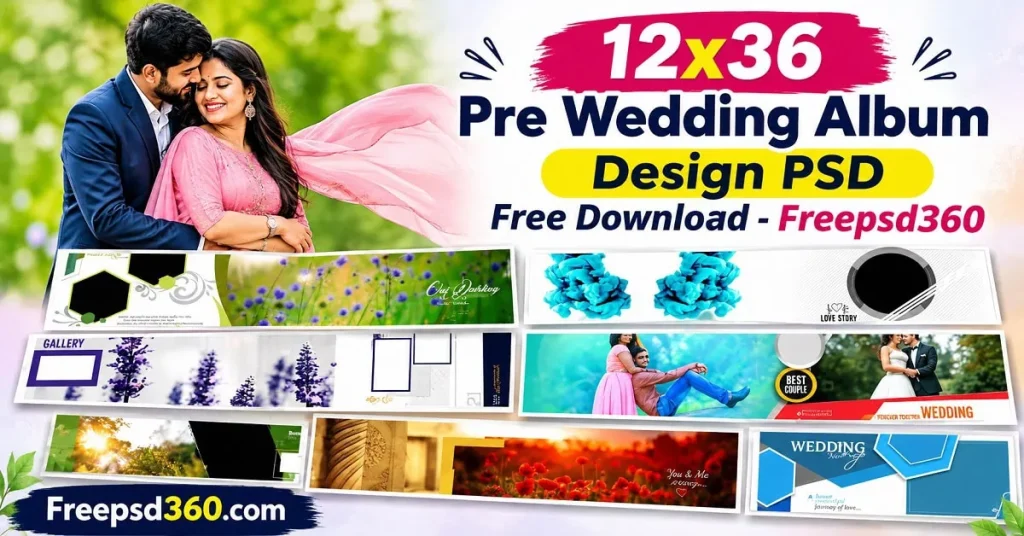
Pre Wedding Album layouts have a different purpose from traditional wedding album pages. They focus on the couple, their chemistry, outdoor photography, and creative portraits taken before the wedding ceremony. A well-planned layout needs enough space for beautiful photographs without making the page look crowded. This is where a dedicated Pre Wedding Album Design PSD becomes useful for professional photographers and graphic designers.
The 12×36 format is especially practical for studios that produce panoramic wedding albums. Its wide canvas gives designers room to combine full-width couple portraits, individual photographs, and decorative elements in one composition. Instead of building every page from scratch, designers can start with an editable Photoshop template and adjust it according to the client’s photographs.
On Freepsd360.com, you can explore free Pre Wedding Album Design resources suitable for Indian photography studios. These editable layouts help speed up album production while giving designers control over backgrounds, photo placement, typography, and colors.
Pre Wedding Album Design — Format, Structure and Creative Use
Pre Wedding Album Design refers to the arrangement of a couple’s photographs into attractive album pages captured before their wedding. These designs commonly include romantic portraits, outdoor locations, traditional outfits, candid moments, and creative couple photography.
A Pre Wedding Album Design PSD is an editable Adobe Photoshop file that allows designers to replace photographs, adjust backgrounds, change text, and customize decorative elements. The 12×36-inch panoramic format provides a wide working area for professional album layouts. For print production, the document should be prepared at the required resolution and checked for the printing lab’s specifications.
Unlike ordinary photo collages, these layouts need a clear visual flow. Each spread should connect the photographs naturally and keep attention on the couple. Proper spacing, balanced colors, and suitable typography help create a polished result.
#01
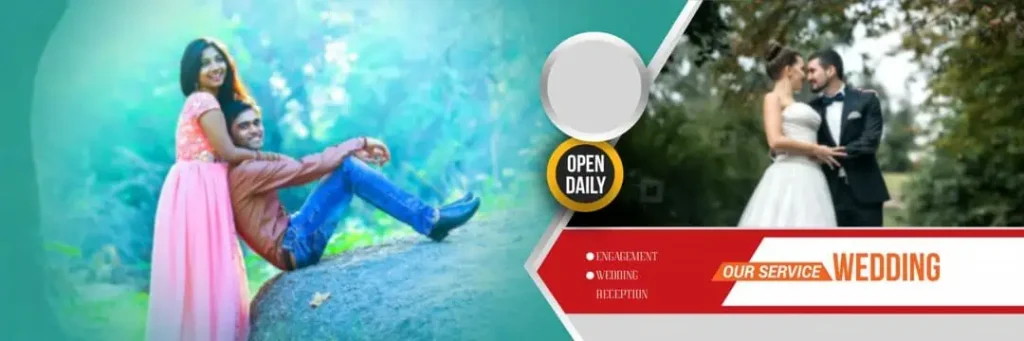
File Size: 47.5MB
#02
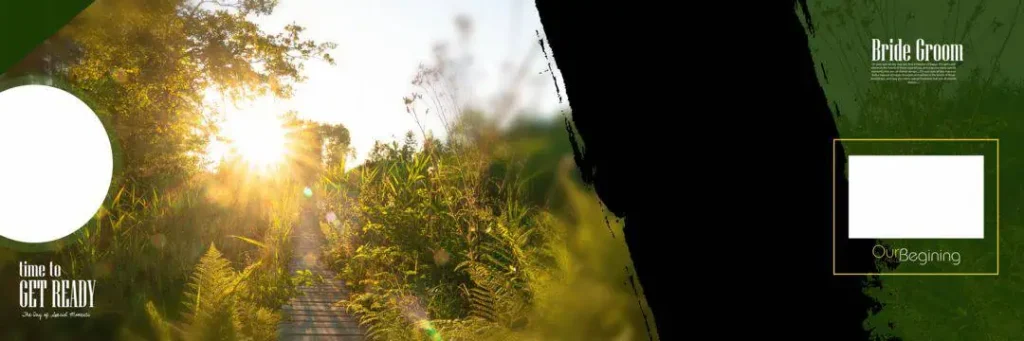
File Size: 86.1MB
#03

File Size: 16.5MB
#04
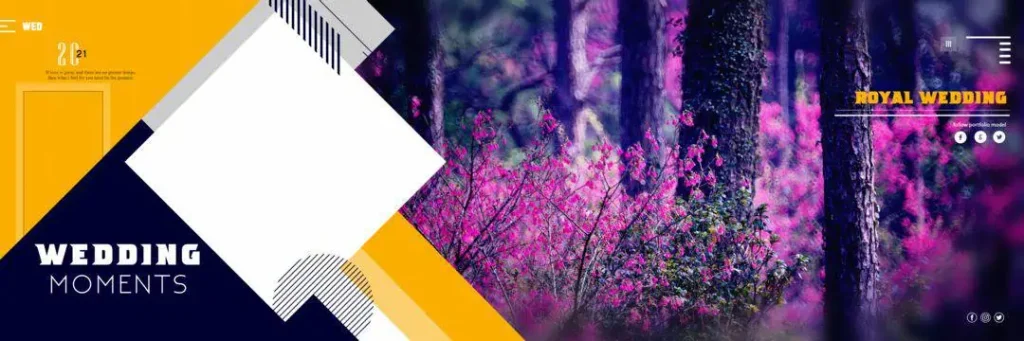
File Size: 84MB
#05
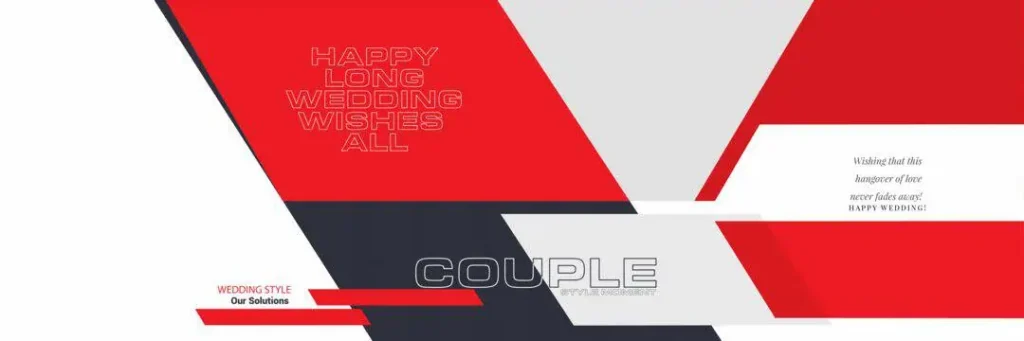
File Size: 6.03MB
#06
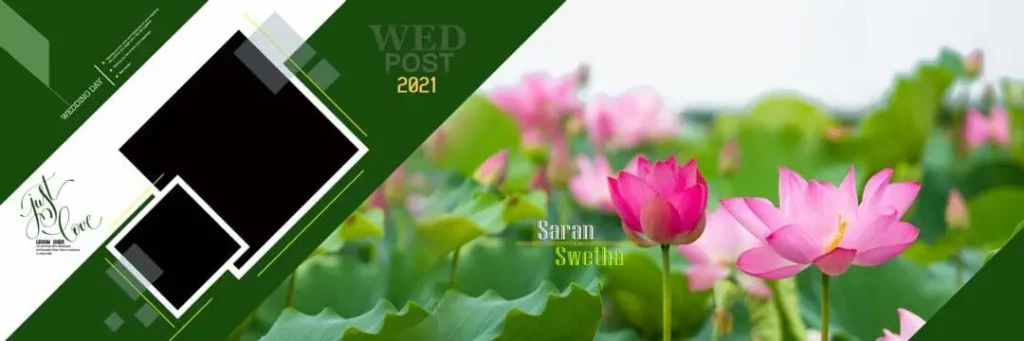
File Size: 45MB
#07
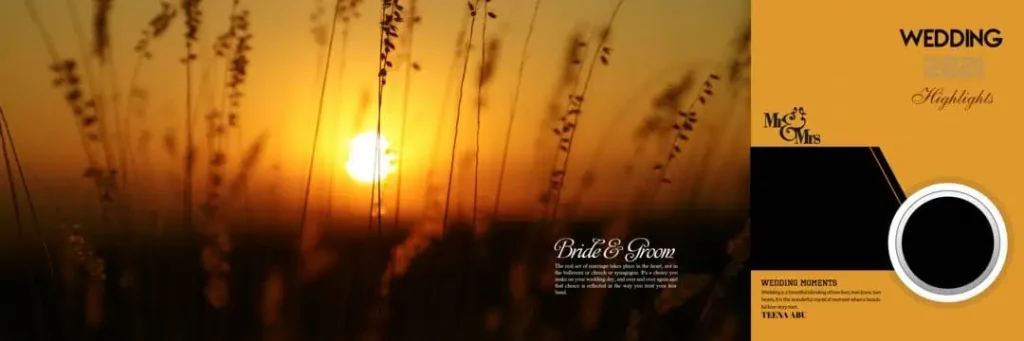
File Size: 28.9MB
#08
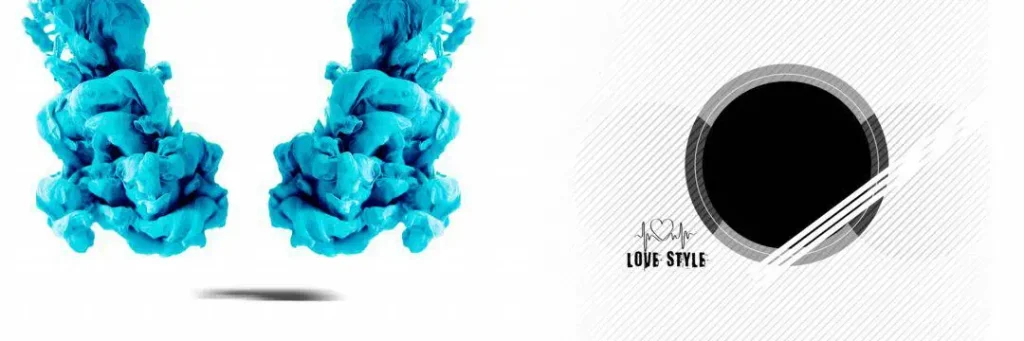
File Size: 16.8MB
#09
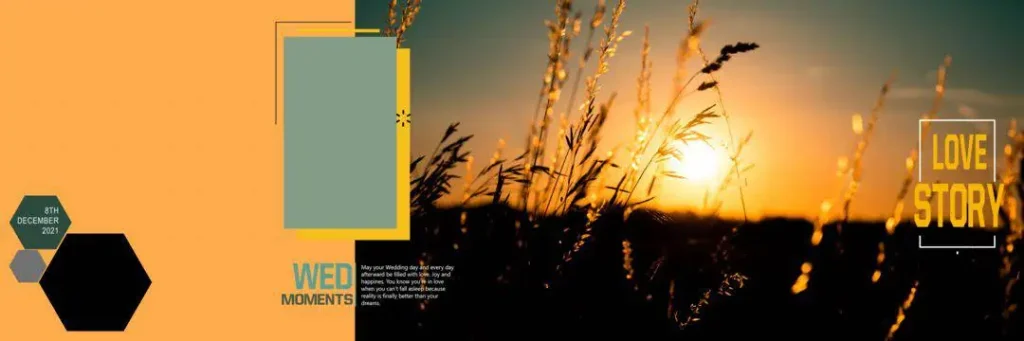
File Size: 28MB
#10
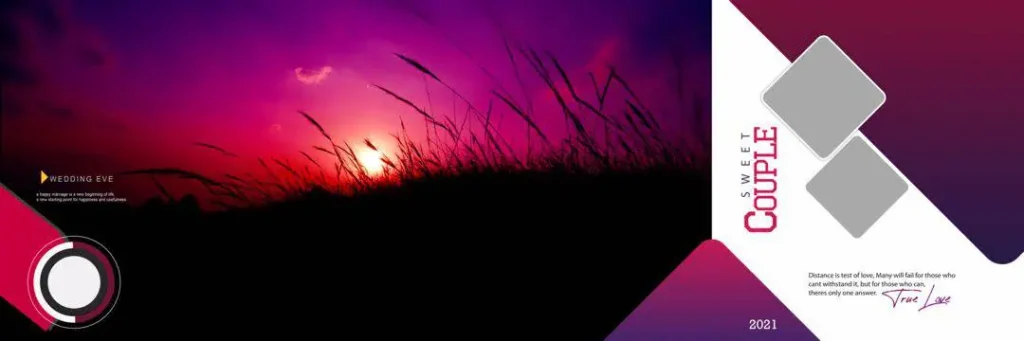
File Size: 15.2MB
#11
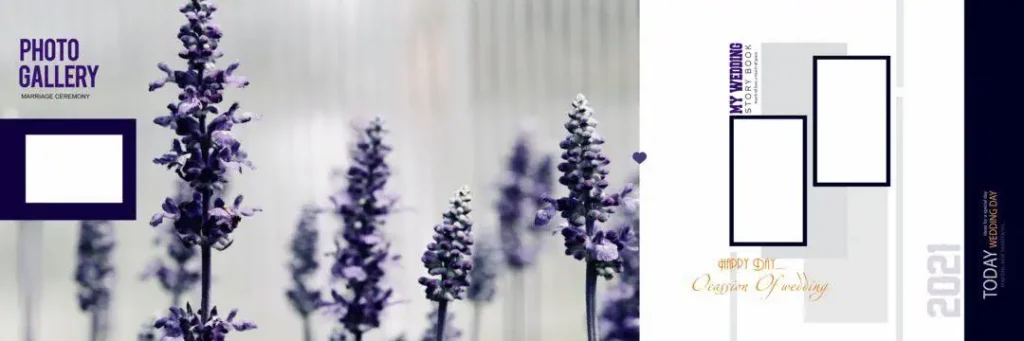
File Size: 90.9MB
#12

File Size: 54MB
#13

File Size: 38.3MB
#14
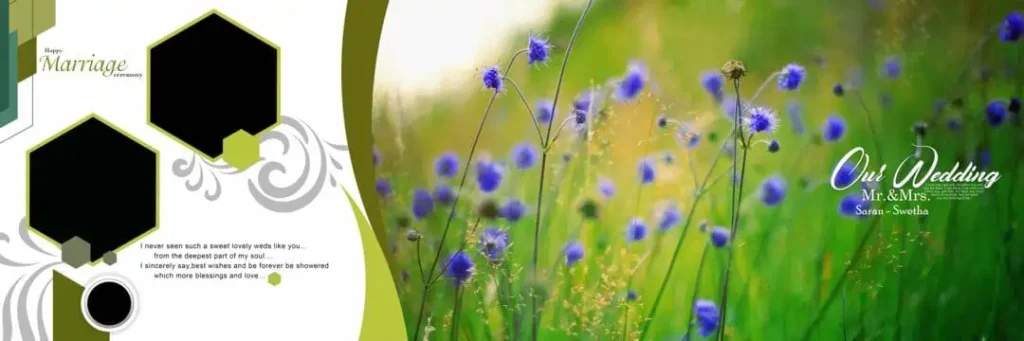
File Size: 88.8MB
#15
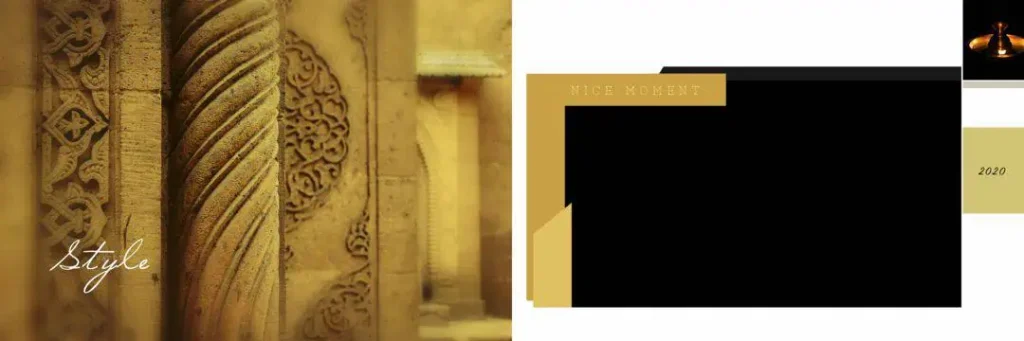
File Size: 34.8MB
A Free PSD Collection for Modern Pre Wedding Photography Projects
The pre wedding album collection on Freepsd360.com is intended for designers who need editable Photoshop resources for their regular studio work. The downloadable resources are provided free of charge in ZIP format, making it easier to store and organize the files on your computer.
The collection focuses on the 12×36 album format, with layered PSD editing options and designs prepared for high-resolution album production. Designers can customize photographs, backgrounds, colors, and text to suit different photography styles. Check the individual file details before printing to confirm its actual resolution, dimensions, and color settings.
Freepsd360.com regularly updates its design resources to help photographers and graphic designers find useful material for new projects. These files can be a practical starting point when preparing couple albums, outdoor photography collections, and romantic pre-wedding stories.
How to Use These Pre Wedding Album Design Templates
Step 1: Download the PSD Collection. Visit Freepsd360.com and download the pre wedding album design collection. Save the ZIP file to a folder where you can easily find your album resources.
Step 2: Extract the ZIP File. Right-click the downloaded ZIP file and select Extract All. Open the extracted folder and locate the Photoshop PSD documents.
Step 3: Open the PSD in Photoshop. Launch Adobe Photoshop and open the required PSD file. Check the canvas dimensions, resolution, and available layers before starting your editing work.
Step 4: Replace the Sample Photographs. Use Smart Objects when they are available to replace sample images with your client’s photographs. Otherwise, place your images in the correct layers and adjust their size and position to fit the frames.
Step 5: Customize Text and Colors. Edit names, dates, captions, backgrounds, and decorative elements. Choose colors and fonts that complement the couple’s outfits and the overall photography theme.
Step 6: Export the Final Album Pages. Check the complete layout and save an editable PSD backup. Export the finished pages using the print lab’s preferred file format and confirm the output resolution is 300 DPI before submitting.
Print Quality Decisions That Make Pre Wedding Albums Look Professional
A good layout on a computer screen does not always produce a good printed album. Designers must consider image quality, color accuracy, page alignment, and the way photographs appear across the centre fold.
For Pre Wedding Album Design 12×36 projects, photograph placement is particularly important. Avoid positioning faces, hands, or important details directly across the centre binding. Keep the main subjects comfortably inside the safe area so they remain visible after binding.
Color consistency also matters. Outdoor pre-wedding photography often includes greenery, natural sunlight, beaches, gardens, and different skin tones. Adjust photographs carefully so the colors look balanced across the entire album rather than changing dramatically from one page to another.
An Indian Pre Wedding Album Design may include traditional outfits, modern couple portraits, and location-based photography. Use backgrounds and decorative elements that support the photographs instead of competing with them. A clean layout with suitable negative space usually creates a stronger printed result than a page filled with too many effects.
Tips for the Best Print Results
- Use 300 DPI resolution: Prepare your album pages at 300 DPI when required by your print lab. Always check the actual document settings before exporting.
- Choose CMYK color mode: Confirm whether your printing service requires CMYK or another color profile. Convert and proof your images carefully because screen colors may differ from printed colors.
- Maintain bleed margins: Keep approximately 3–5 mm of bleed where required by the printer. Keep important photographs and text inside the safe margin.
- Save a layered PSD backup: Preserve the original Photoshop layers before exporting. This makes future corrections, photograph replacements, and client revisions easier.
Frequently Asked Questions
Are these pre wedding album design PSD templates really free?
Yes, the resources featured in this collection are available for free download from Freepsd360.com. Check the individual download page for any specific usage conditions.
What software is needed to edit these PSD files?
Adobe Photoshop is recommended because PSD files preserve editable layers, masks, text, and Smart Objects. Compatible image editors may also open some files, but certain features can behave differently.
Can I use these pre wedding album designs for paid client projects?
Check the license or usage terms provided with each download before using it in commercial client work. Do not assume every free PSD file includes unrestricted commercial rights.
Why is the 12×36 format suitable for pre wedding albums?
The panoramic format provides a wide canvas for couple portraits, outdoor photographs, and creative compositions. It is also commonly used for professional wedding album production.
Can I customize these templates for Indian couple photography?
Yes, editable elements can be adapted to different photography styles. Replace the sample images, update the text, and adjust colors to match traditional outfits, modern portraits, and outdoor locations.
Conclusion
A well-designed album should present a couple’s pre-wedding photographs in a clean, attractive, and meaningful way. Using a dedicated pre wedding album design PSD gives photographers and graphic designers a flexible starting point for creating professional 12×36 album pages. With careful image placement, balanced colors, and proper print preparation, you can produce an album that meets your client’s expectations.
Explore the latest pre wedding album design 12×36 resources on Freepsd360.com and choose an editable Photoshop layout for your next project. Download the available free PSD files, customize them with your photographs, and prepare your finished pages for professional album printing.
You might also enjoy these free resources on Freepsd360.com: