A wedding album cover is the first thing clients notice when they receive their printed album. It needs to look attractive, match the wedding theme, and give a professional feel. For photographers and graphic designers, creating a fresh cover for every project can take valuable time.
A 12×36 PSD cover page is different from a regular photo layout because it is designed for a wide album format. This size gives designers enough space to arrange wedding photos, names, decorative elements, and background details without making the design look crowded.
The wedding album cover page design PSD 12×36 collection on Freepsd360.com helps solve this problem. These editable Photoshop resources give designers a starting point for creating attractive covers for Indian wedding albums.
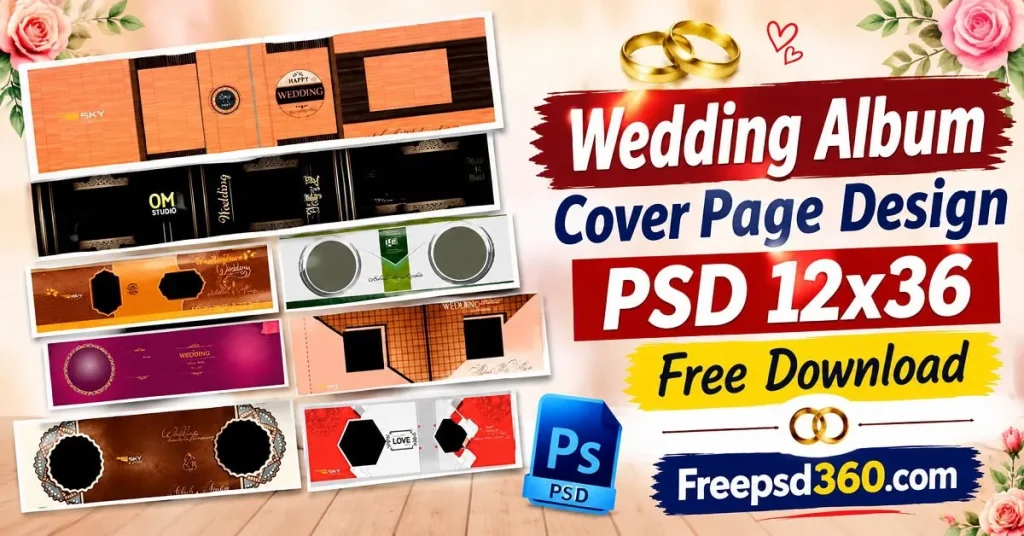
Wedding Album Cover Page Design PSD 12×36 — Format and Design Explained
A wedding album cover page design PSD 12×36 is a wide-format Photoshop design created for wedding album front covers. It uses the PSD file format, allowing designers to edit photos, text, backgrounds, and decorative elements separately. It can be prepared for high-resolution album printing.
The 12×36-inch layout provides a wide canvas for wedding photography. Designers can use it for couple portraits, wedding names, decorative frames, floral backgrounds, and other cover elements. A layered PSD makes it easier to adjust the design without rebuilding everything.
These files are useful for wedding photographers, album designers, photo studios, and graphic designers who prepare custom albums for clients.
#01
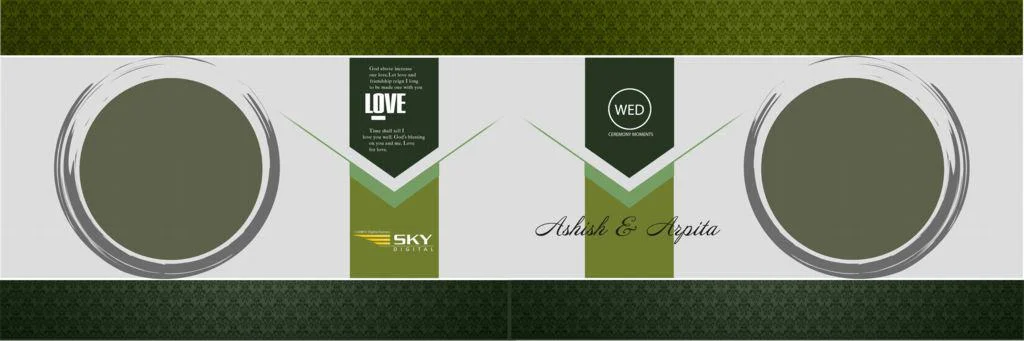
File Size: 109MB
#02
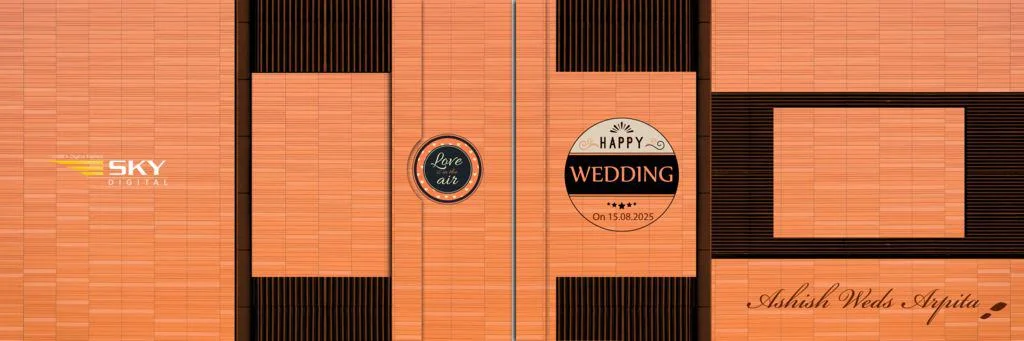
File Size: 34.4MB
#03
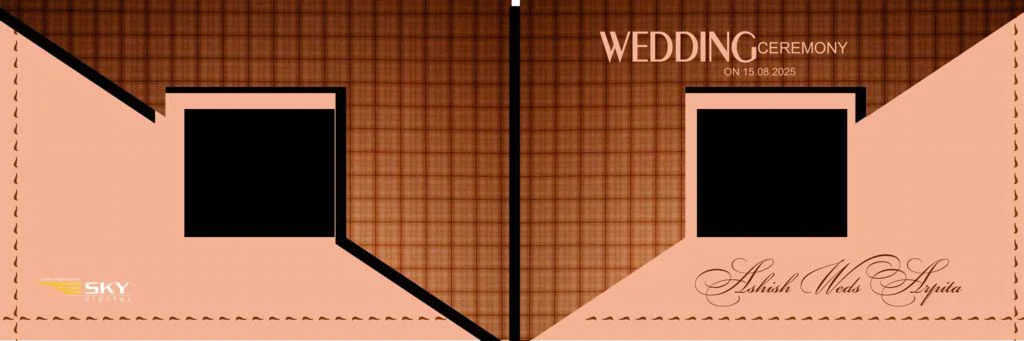
File Size: 50.3MB
#04
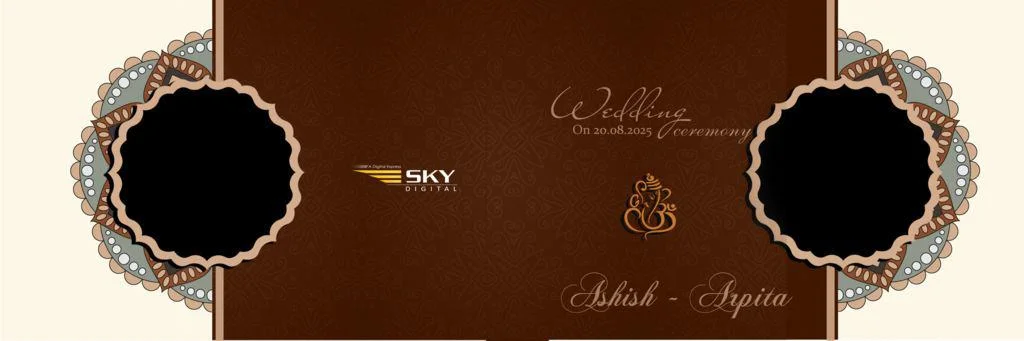
File Size: 43.4MB
#05

File Size: 67.8MB
Get More: 12×36 Karizma Album Background HD PSD Free Download.
#06

File Size: 41.8MB
#07

File Size: 17.1MB
#08

File Size: 36.6MB
#09
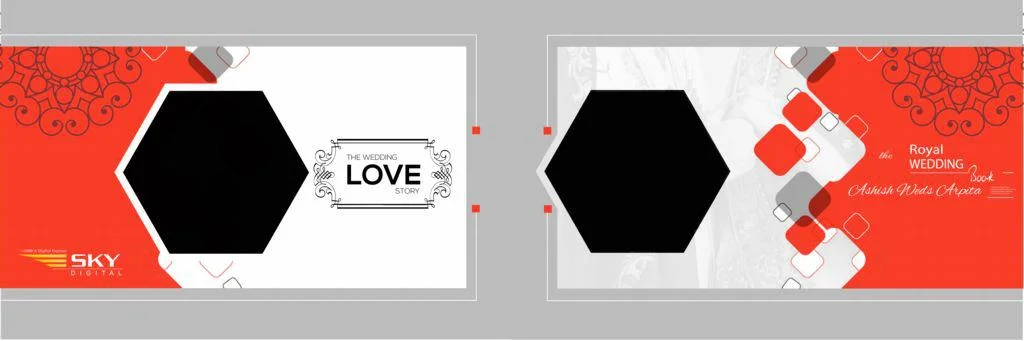
File Size: 86.6MB
#10

File Size: 17.4MB
Fresh 12×36 Cover Designs Ready for Your Next Album Project
Freepsd360.com provides free wedding album cover design resources for designers who want attractive layouts without spending hours creating everything from scratch. The collection focuses on editable Photoshop designs suitable for different wedding photography projects.
The files are available in PSD format and can be downloaded as ZIP files. Designers can work with layered elements, adjust the layout, and customize the cover according to client requirements. Where specified, the files support high-resolution 300 DPI output and a 12×36-inch working size. The collection is also updated with fresh design resources to support different creative needs.
How to Use These Wedding Album Cover Page Design PSD 12×36 Templates
Follow these steps to customize your downloaded cover design in Adobe Photoshop.
Step 1: Download the PSD File. Visit Freepsd360.com and find the wedding album cover design you want. Download the ZIP file to your computer.
Step 2: Extract the ZIP Folder. Right-click the downloaded ZIP file and select Extract. Open the extracted folder and locate the PSD file.
Step 3: Open in Photoshop. Launch Adobe Photoshop and open the downloaded PSD. Check the layer panel to understand the different design elements.
Step 4: Replace Photos. Replace sample photographs using Smart Objects if available. You can also place your own wedding photos and adjust their position inside the frames.
Step 5: Customize Text and Colors. Add the couple’s names, wedding date, and other required details. Change colors, backgrounds, and decorative elements to match the client’s wedding theme.
Step 6: Export for Printing. Check the image dimensions and resolution before exporting. Save your editable PSD backup and prepare the final print file at 300 DPI.
Print Quality Factors That Make a Wedding Album Cover Look Professional
A beautiful cover design must also look good after printing. Small mistakes in resolution, color, or spacing can affect the final album. This is why designers should check the technical details before sending files to a print lab.
For a professional wedding album cover, keep important text and design elements away from the edges. Make sure the couple’s names and main photographs are easy to see. A balanced photo layout gives the cover a clean appearance without unnecessary decoration.
Color accuracy is equally important. Wedding photography often includes skin tones, colorful outfits, and detailed backgrounds. Proper Photoshop settings help maintain a consistent appearance between the screen and printed album. Always confirm the printing requirements with your album printer before final export.
Tips for the Best Print Results
- Use 300 DPI Resolution: Prepare the design at the correct print dimensions and 300 DPI where required. This helps maintain sharp photographs and clear text.
- Choose CMYK Color Mode: Confirm whether your print lab requires CMYK. Different printing machines and profiles can produce different color results.
- Maintain 3–5mm Bleed Margins: Add bleed according to the printer’s specifications. Keep important text and photographs inside the safe area.
- Save a Layered PSD Backup: Keep the original Photoshop file with all editable layers. This makes future corrections and client changes easier.
Frequently Asked Questions
Are these wedding album cover PSD templates really free?
Yes. Freepsd360.com provides free PSD design resources for photographers and graphic designers. Check the individual download page for any specific usage or licensing conditions.
What software is needed to edit 12×36 PSD cover designs?
Adobe Photoshop is recommended because PSD files preserve editable layers, text, and Smart Objects. Compatible software may also open some PSD files, but certain effects can change.
Can I use these wedding album cover designs for paid client work?
Check the license or usage terms provided with each download before using it in commercial client projects. Do not assume every resource has identical permissions.
Can I change the couple’s names and wedding photographs?
Yes. You can edit text and replace photographs in Photoshop. The available editing options depend on how the original PSD layers are organized.
Is a 12×36 wedding album cover suitable for Indian wedding photography?
Yes. It provides a wide layout for couple portraits, traditional wedding photography, and decorative cover elements. Confirm the final dimensions with your album printer.
Conclusion
A professional wedding cover gives the printed album a strong first impression. The wedding album cover page design PSD 12×36 collection helps photographers and designers create customized covers with editable Photoshop layers, attractive photo layouts, and print-focused preparation.
Visit Freepsd360.com to explore the wedding album cover page design PSD 12×36 free collection. Choose a suitable design, customize it with your client’s photographs and details, and prepare your final album cover for printing.
You might also enjoy these free resources on Freepsd360.com: